

Free Edimax Manuals – Read, Download & Print
77 Manuals
Manuals
62 Pages
16 Pages
12 Pages

20 Pages
228 Pages
20 Pages
126 Pages
27 Pages
13 Pages
40 Pages
8 Pages
52 Pages
10 Pages
178 Pages
29 Pages
123 Pages
17 Pages
14 Pages
96 Pages
116 Pages
16 Pages
16 Pages
36 Pages
221 Pages

208 Pages
132 Pages
22 Pages
37 Pages
16 Pages
15 Pages
145 Pages
116 Pages
12 Pages
12 Pages
16 Pages
36 Pages
8 Pages
12 Pages
16 Pages
18 Pages
18 Pages
8 Pages
12 Pages
119 Pages
42 Pages
29 Pages
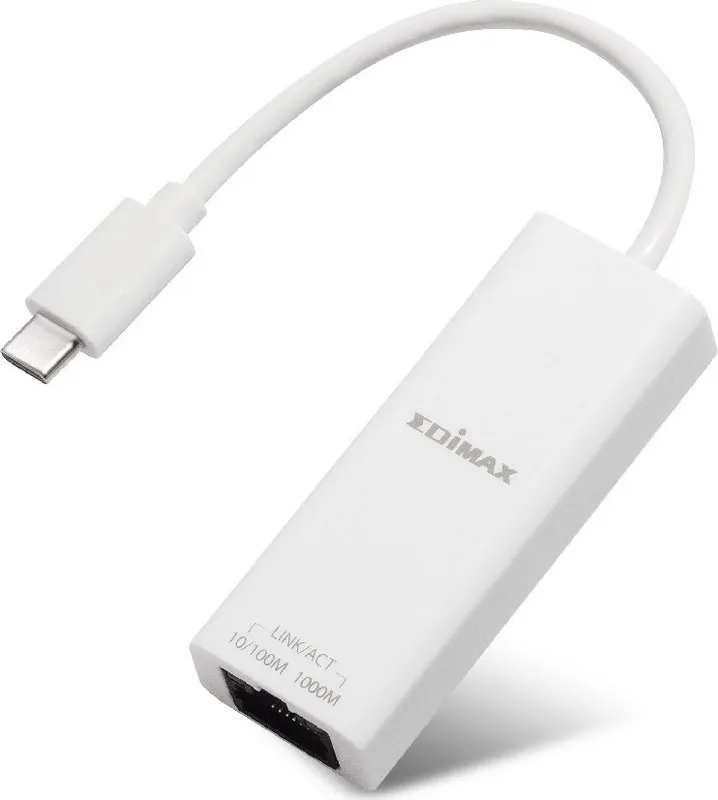
13 Pages
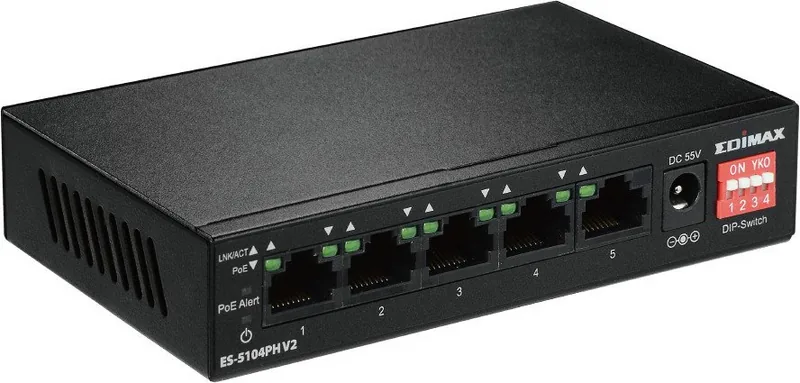
11 Pages
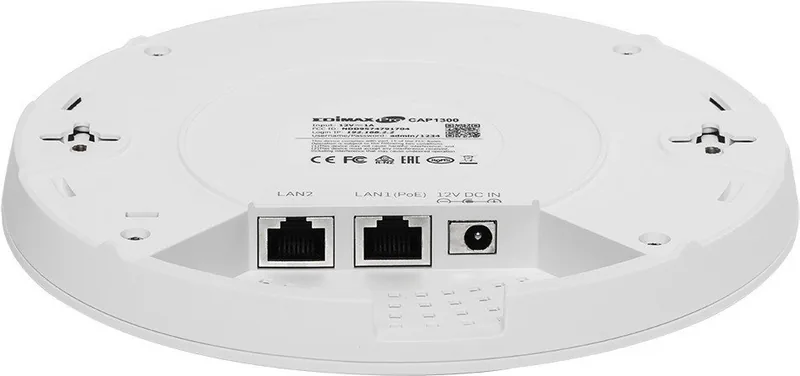
269 Pages
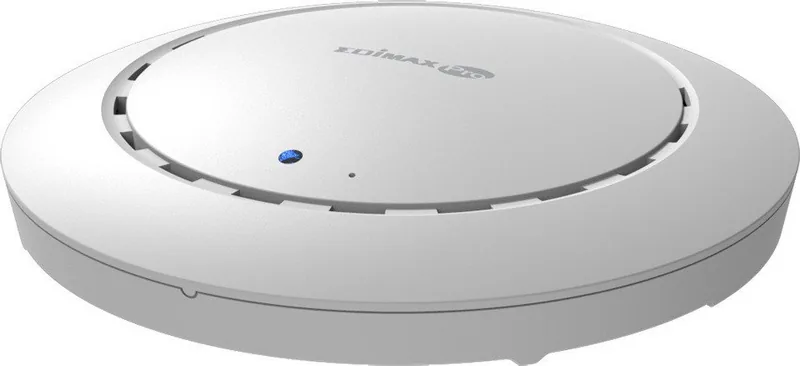
381 Pages
Categories


Free Edimax Manuals - Read, Download & Print
Find the Right Edimax Manual for Your Device
Looking for a reliable Edimax manual? Access helpful documentation for Edimax networking equipment, wireless devices, cameras, routers, switches, adapters, and related accessories. Product manuals provide practical information for setting up, operating, maintaining, and troubleshooting your equipment. Whether you need to install a new Wi-Fi router, configure a range extender, connect a wireless adapter, or adjust settings on an IP camera, the correct manual can make the process clearer and faster.
Edimax products are commonly used in homes, small offices, classrooms, retail spaces, and other connected environments. Their manuals are designed to explain product features, connection options, safety information, setup requirements, indicator lights, technical specifications, and available configuration tools. Reading the documentation before installation can help prevent common setup errors and ensure that every device is connected correctly.
Read Edimax Manuals Online
Online Edimax manuals make it easy to check instructions without installing additional software or searching through paper documents. You can read product guides directly in your browser and review the sections that matter most. This is especially useful when you need a quick answer during installation, such as which port to use, how to reset a device, what an LED pattern means, or where to locate default network settings.
Many manuals include detailed sections organized by topic. Common sections may cover:
- Product overview and package contents
- Hardware connections and port descriptions
- Initial setup and installation steps
- Wireless network configuration
- Router administration and security settings
- Firmware update instructions
- Camera installation and monitoring options
- Troubleshooting and frequently asked questions
- Technical specifications and regulatory information
Reading a manual online is a convenient way to compare instructions across different Edimax models. It can also help when replacing an older device, reconfiguring a network after a move, or checking whether a particular feature is supported by your equipment.
Download Edimax Manuals for Offline Use
Downloading an Edimax manual is useful when you want to keep a copy for later reference. An offline manual can be stored on a computer, tablet, phone, or shared drive, making it accessible even when your internet connection is unavailable. This can be particularly helpful while setting up network hardware in locations where Wi-Fi has not yet been configured.
A downloaded manual also makes it easier to save documentation for multiple devices in one place. If your home or business uses an Edimax router, access point, switch, wireless adapter, and camera, keeping the manuals together can simplify future maintenance. Label downloaded files with the exact model number so they are easy to identify later.
Before downloading documentation, confirm the complete model number shown on the product label, packaging, or device interface. Edimax products may have similar names but different hardware versions, regional editions, or feature sets. Using the manual for the exact model helps ensure that the instructions, ports, menus, and specifications match your device.
Print Instructions When You Need a Paper Copy
Printing an Edimax manual can be useful for technicians, installers, office administrators, and users who prefer to follow instructions on paper. A printed guide can be kept near the device, stored with equipment records, or used during installation when a computer or mobile screen is inconvenient.
You may not need to print the entire manual. Consider printing only the pages most relevant to your task, such as the quick installation guide, reset procedure, wiring diagram, wireless setup instructions, or troubleshooting table. This saves paper while ensuring that important information is available when it is needed.
For long manuals, use the print preview feature to select a page range and check the layout before printing. Landscape pages may contain network diagrams, camera views, or detailed tables that are easier to read when printed at full size. If you maintain several Edimax devices, organize printed documents by model number and location.
Manuals for Edimax Routers and Wireless Networking
Edimax router manuals often explain how to connect a modem, configure internet access, create wireless network names, set passwords, and manage connected devices. They may also cover advanced options such as guest networks, parental controls, port forwarding, DHCP settings, firewall rules, VPN features, and quality of service controls.
When configuring a router, begin with the basic connection steps in the manual. Connect the correct cables, power on the device, and use the recommended setup method. The guide may direct you to a web-based management page, a mobile application, or a quick setup utility. Follow the recommended security steps, including changing default administrator credentials and selecting a strong Wi-Fi password.
Wireless access point, extender, and adapter manuals are also valuable for improving coverage and connecting devices to a network. They can explain placement recommendations, WPS setup, operating modes, antenna positioning, frequency bands, and signal indicators. If a device cannot connect, the troubleshooting section may help identify whether the issue involves the password, wireless channel, distance, interference, driver installation, or network settings.
Edimax Camera and Smart Device Documentation
Edimax camera manuals can help users install and manage indoor, outdoor, wired, and wireless monitoring devices. Documentation may include mounting guidance, power requirements, network connection methods, mobile app setup, video recording options, motion detection settings, user account controls, and privacy recommendations.
Before installing a camera, review the manual for environmental limits and placement guidance. Outdoor products may have specific requirements related to weather exposure, power adapters, cable routing, and mounting surfaces. Indoor cameras may require a stable wireless signal and an appropriate viewing angle. The manual can also explain how to reset the device, update firmware, and restore settings if configuration issues occur.
For smart plugs, sensors, power-related equipment, or other connected accessories, the manual can clarify pairing procedures, supported network types, app compatibility, safety precautions, and reset methods. Always follow electrical safety instructions and use only compatible power supplies and accessories.
Troubleshooting with an Edimax Manual
A manual is often the best starting point when an Edimax product does not work as expected. Troubleshooting pages usually provide step-by-step checks for common problems. These may include no power, no internet connection, weak wireless signal, inability to access the setup page, forgotten settings, camera connection failures, or unexpected indicator lights.
Start by checking the model number and verifying all physical connections. Confirm that power adapters are securely connected, Ethernet cables are fully inserted, and status lights show normal activity. Then review the manual's reset and recovery instructions if needed. A reset can remove saved configuration settings, so read the procedure carefully before proceeding.
Firmware information may also appear in the manual or support documentation. Updating firmware can improve stability, security, compatibility, and feature performance. Follow the model-specific update instructions exactly, and avoid disconnecting power while an update is in progress.
Use the Correct Model Number
The most important step in finding an Edimax manual is identifying the exact model. Look for a label on the bottom, back, side, or underside of the product. The label may include the model name, serial number, hardware version, MAC address, power rating, and regulatory details. The model number is the key detail needed to locate the correct guide.
Do not assume that two similar-looking devices use the same documentation. Differences in hardware version, wireless standard, port layout, firmware interface, or included features can change the setup process. Matching the manual to the exact device improves accuracy and reduces the risk of incorrect configuration.
Keep Your Network Documentation Organized
Saving and printing Edimax manuals is a practical part of managing connected equipment. Keep a record of each device model, installation date, location, administrator details, and current configuration. Store sensitive passwords securely and do not write them in a publicly accessible manual.
With the right Edimax manual, you can confidently read setup instructions, download documentation for offline reference, print important pages, understand device features, and solve common problems. Clear product documentation helps make installation, maintenance, and everyday use more straightforward for home users and network administrators alike.
Search for 67,732 Manuals online


Type-in Brand or Model