
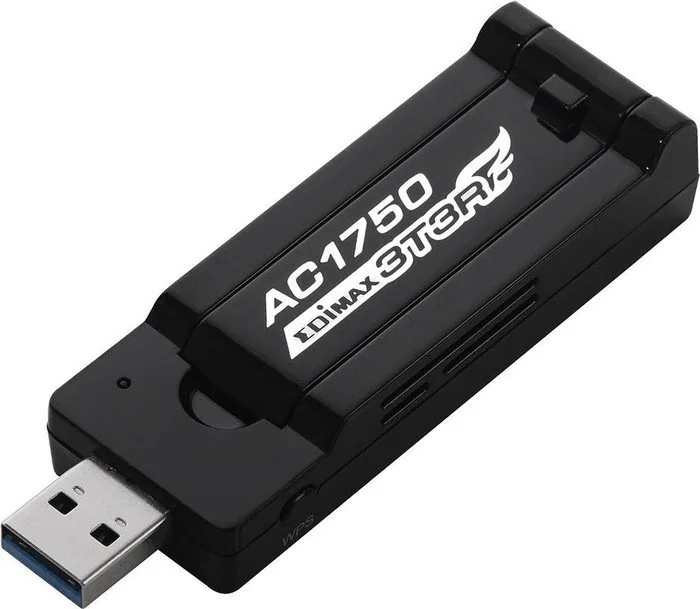
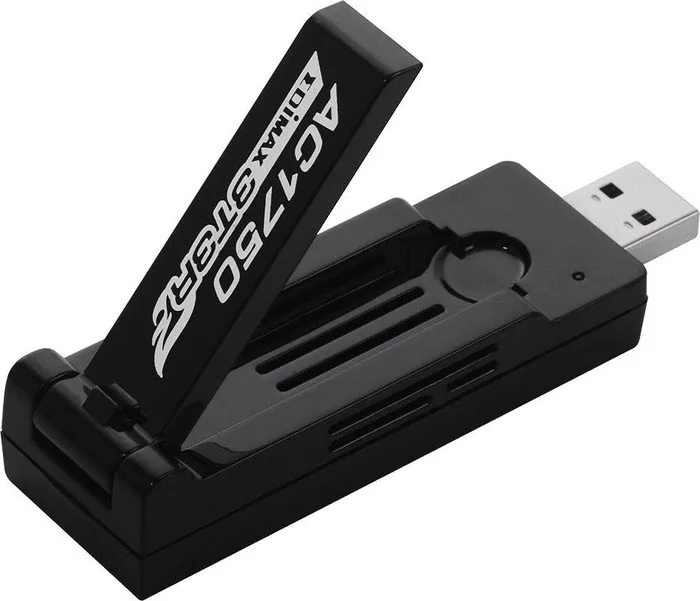
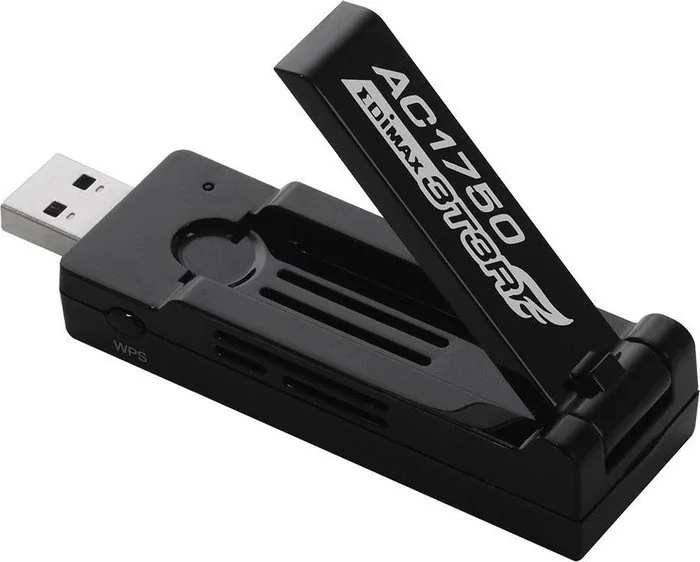
Edimax EW-7833UAC Manual
PDF manual · 29 Pages
English



Quick check
Incorrect answer, please try again.
Chat with your Edimax EW-7833UAC manual using AI
Get instant AI answers from your Edimax EW-7833UAC manual
Ask anything about the Edimax EW-7833UAC. Answers come from this manual, with the pages they are based on.
Ask a Question
Do you recommend EW-7833UAC?
Yes No
ut_dolor
7 months ago
I get very low speeds with the EDIMAX AC1750 USB 3.0 adapter (2.4 GHz ~2.2 MB/s, 5 GHz ~355 KB/s) and the PC sometimes seems to freeze. What could cause this and how can I fix it?

Manual.ly
7 months ago
Low throughput and freezes are usually caused by a link or driver mismatch. First, make sure you plug the adapter into a real USB 3.0 port (not USB 2.0) and avoid hubs/extenders. Install the latest driver/software for the adapter and reboot. Then test with the router close by to rule out signal loss and interference, and verify you are on 2.4 GHz or 5 GHz as expected. For best results with features like mesh/beamforming, your router and WiFi settings must also support modern dual-band operation. Also disable USB power saving on the Windows device manager and ensure you use stable security settings (typically WPA2-AES).
Frequently Asked Questions
It is a USB Wi-Fi adapter that adds or improves wireless connectivity on computers. It is useful for upgrading an older device, replacing weak built-in Wi-Fi, or adding dual-band support for faster and more stable networking.
Is this answer helpful?
Yes. The adapter works on both bands, which lets you choose between wider coverage on 2.4GHz and better speed or less interference on 5GHz depending on your network environment.
Is this answer helpful?
Yes. USB 3.0 is recommended because it helps the adapter perform better and reduces the chance of slowing down wireless speeds. It will still fit into standard USB ports, but performance is best on USB 3.0.
Is this answer helpful?
The guide mentions support for Windows, Mac OS X, and Linux. Setup steps differ by system, so users should follow the instructions that match their operating system.
Is this answer helpful?
Yes, if your router or access point supports WPS. You press the router’s WPS button first, then press the WPS button on the adapter within two minutes to establish the connection.
Is this answer helpful?
Disabling other active wireless adapters helps prevent connection conflicts and ensures the Edimax adapter works correctly. This is especially useful when a computer has built-in Wi-Fi plus an external USB adapter.
Is this answer helpful?
Advantages and Disadvantages
Advantages

- Dual-band support helps balance range on 2.4GHz and speed on 5GHz.
- USB-A 3.0 connection supports better throughput than older USB standards.
- Works with Windows, Mac, and Linux for broad device compatibility.
- WPS support can make router pairing faster and easier.
Disadvantages

- Requires driver installation before first use on supported systems.
- Other wireless adapters may need to be disabled to avoid conflicts.
- Best results depend on using a USB 3.0 port, not just any USB port.
- Designed for indoor use only, so it is not suited for outdoor setups.
Product Specification
Type
WLAN Adapter
Form factor
1x USB Stick
Interface
1x USB-A 3.0 (Plug, 5Gb/s)
Connectivity
1x WLAN 802.11a/b/g/n/ac (1x 2.4GHz or 1x 5GHz, WPS button), 1x Transmission amplifier (16dBm), 1x Antenna (integrated, 3x electrical)
Transfer rate
1x 2.4GHz WLAN (450Mb/s, 3x3), 1x 5GHz WLAN (1.3Gb/s, 3x3)
Power supply
Power supply only via interface
Chipset
Realtek RTL8814AU (WLAN Adapter)
Dimensions
1.06x0.71x3.43in (WxHxD)
Weight
0.05 lb
Compatibility
universal
Manufacturer warranty
two years
USB notation
Link
Product Description
Edimax EW-7833UAC: Fast, Flexible Dual-Band Wi-Fi
The Edimax EW-7833UAC is a compact USB-A 3.0 Wi-Fi adapter built for users who want a quick way to upgrade wireless performance on a desktop or laptop. With support for both 2.4GHz and 5GHz bands, it gives you more flexibility when balancing range, speed, and network congestion. That makes it a smart choice for home offices, everyday browsing, streaming, and online work.
One of its biggest strengths is convenience. The adapter plugs directly into a USB port, and the included setup support helps users get started on Windows or Mac with minimal hassle. The design is straightforward: insert the adapter, install the driver, and connect to a wireless network. For users who prefer a fast setup path, WPS support can also simplify joining a compatible router without typing a password.
Performance-wise, the dual-band design is where this adapter stands out. The 2.4GHz band is useful for better wall penetration and wider coverage, while 5GHz offers a cleaner connection for faster data transfers and reduced interference. Combined with USB 3.0, the adapter is designed to avoid the bottlenecks often seen with older USB wireless dongles, especially when handling heavier network activity.
Compatibility is another practical advantage. The EW-7833UAC supports Windows, Mac, and Linux environments, which makes it appealing for mixed-device households or small teams. The setup guidance also reminds users to disable other active wireless adapters when needed, helping the device work as intended and reducing connection conflicts.
Beyond speed and compatibility, the adapter is designed for simple everyday use. A WLAN activity LED provides a quick visual indicator when data is being transmitted or received, and the overall form factor keeps it easy to carry or move between systems. It is a useful upgrade for older computers that need better wireless access without replacing internal components.
Notes
- Best suited for indoor use and standard Wi-Fi networking tasks.
- USB 3.0 is recommended to make the most of the adapter’s speed potential.
- For the smoothest setup, follow the driver instructions for your operating system.
- If connection issues appear, check whether another network adapter is already active.
Search for 67,732 Manuals online


Type-in Brand or Model
Markus Röder
10 months ago
What kind of real transfer speeds can I expect with this AC1750 USB 3.0 WiFi adapter, especially on 2.4GHz vs 5GHz, and what might cause very low speeds?
Manual.ly
10 months ago
Performance depends heavily on your setup. For best results, use a true USB 3.0 port (USB 2.0 can significantly limit throughput). Also connect to a modern dual-band router that supports 802.11ac/WiFi features like Mesh or beamforming; pairing with older equipment can reduce speeds. 5GHz usually delivers higher rates but has shorter range, so walls and distance can drop it dramatically (or make it feel unstable). Make sure you install the included drivers/software, keep them up to date, and test with the adapter fairly close to the router first. With the right router and USB 3.0, users typically see solid speeds; with older routers or USB 2.0, very low speeds are common.