
Edimax EU-4306C Manual
PDF manual · 13 Pages
English



Quick check
Incorrect answer, please try again.
Chat with your Edimax EU-4306C manual using AI
Get instant AI answers from your Edimax EU-4306C manual
Ask anything about the Edimax EU-4306C. Answers come from this manual, with the pages they are based on.
Ask a Question
Do you recommend EU-4306C?
Yes NoFrequently Asked Questions
It supports Windows 8.x, 10, 11, macOS version 10.11 through Big Sur, Google Chrome 88, Linux kernels 2.6.x to 5.x, and Nintendo Switch. Check the website for specific version compatibility lists before purchase to ensure proper operation.
Is this answer helpful?
Look at the LED status lights on the side of the adapter. An amber light means a 10 or 100Mbps link, while green indicates a 1000Mbps connection. Flashing lights mean data is actively being sent or received to the network.
Is this answer helpful?
No, Plug-And-Play is supported on Windows, Mac, and Chrome OS. However, some Linux systems or older Windows versions may not have native drivers and require manual download from the official Edimax website.
Is this answer helpful?
Yes, the device is explicitly listed as compatible with the Nintendo Switch console. This allows you to use a wired connection for gaming, which helps reduce lag and improve stability during online matches.
Is this answer helpful?
Use the product indoors only and avoid water or high humidity. Do not disassemble the device or spill liquids on it. Keep it away from heat sources and ensure proper static electricity discharge before handling the components to prevent damage.
Is this answer helpful?
The amber light displays a link at 10 or 100Mbps, while the green light shows a link at 1000Mbps. If the light is off, the port is disconnected. Flashing signals on either color mean data is sending or receiving currently.
Is this answer helpful?
At the end of its serviceable life, do not treat it as general household waste. Hand it over to an applicable collection point for recycling of electrical and electronic equipment or return it to the supplier for disposal.
Is this answer helpful?
Advantages and Disadvantages
Advantages

- Supports multiple OS including Windows, Mac, and Linux for wide device compatibility
- Gigabit Ethernet speed enables fast data transfers and reduces lag
- Plug-And-Play function makes setup quick and easy for supported systems
- LED indicators provide clear network status feedback at all times
- Compact USB-C design fits easily on modern portable devices without bulk
Disadvantages

- Requires driver download for some specific operating systems like older Linux
- Indoor use only limits networking capabilities in outdoor environments
- No Ethernet cable is included in the package contents for connection
- Cannot be used with older USB 2.0 ports for full advertised speed
- Does not support Windows XP or older legacy Mac versions effectively
Product Specification
Type
LAN Adapter
Form Factor
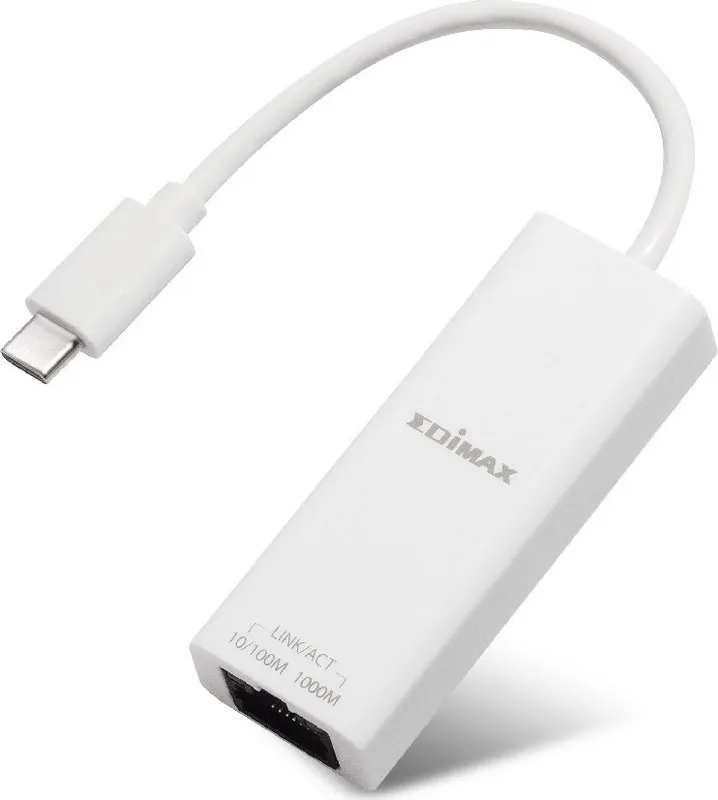
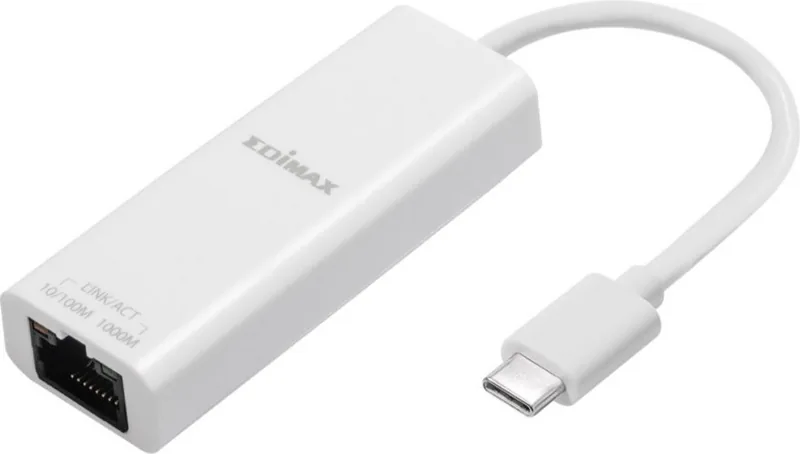
1x external wired (connection cable not detachable)
Connection
1x USB-C 3.0 (Connector via cable, 5Gb/s)
Port
1x RJ-45
Speed
1x RJ-45 (10/100/1000Base-T)
Power
Power only via connection (max. 5V/1A)
Chipset
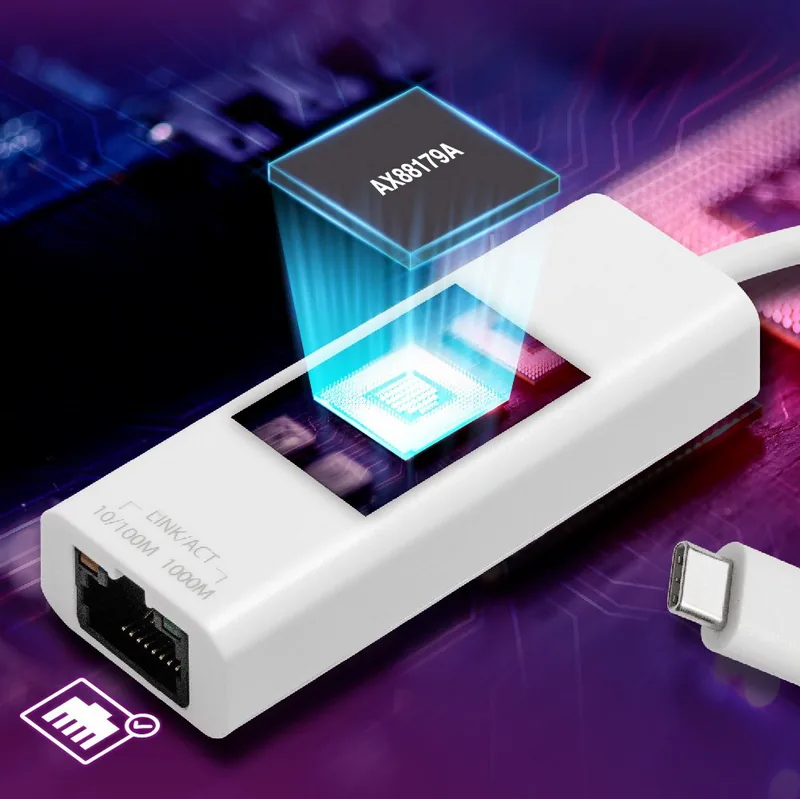
Asix AX88179A (LAN Adapter, RJ-45)
Dimensions
1.00x0.55x2.64 in (WxHxD, without cable)
Weight
0.74 oz
Housing Color
white
Compatibility
universal
Features
VLAN, 16KB Jumboframes
USB Label
Link
Product Description
Upgrade Your Network Connectivity Today
In the modern era of remote work, a stable internet connection is absolutely vital for productivity. Many laptops lack built-in Ethernet ports to save space. The solution lies in the Edimax Gigabit LAN-Adapter, RJ-45, USB-C 3.0 [Plug] Manual compatible hardware expansion. This device bridges the critical gap between your computer interface and a reliable wired network infrastructure. It offers extremely fast and secure file transfers across local area networks. You will experience smooth streaming downloads without buffering interruptions during video calls or large data syncs.
Hardware and System Compatibility
The adapter connects securely via a USB Type-C port on your laptop or desktop. It officially supports Windows 8.x, 10, and 11 operating systems. Mac users can run macOS versions from El Capitan all the way to Big Sur. It even works with the Nintendo Switch gaming console. Google Chrome OS 88 is also fully supported alongside Linux kernels 5.x and higher. This broad support ensures most devices stay connected efficiently without complex configurations. Plug-and-play functionality simplifies the onboarding process significantly for general users.
Connecting and Performance Details
Once inserted into the port, plug the standard RJ-45 Ethernet cable into the adapter slot. A network connected icon will appear on the Windows taskbar to confirm status. The device features clear LED status indicators on the body. Amber light signals link at 10/100Mbps speeds effectively. A Green light indicates a gigabit connection at 1000Mbps for faster data transfer. Flashing lights mean active data is sending or receiving at any moment. This visual feedback helps troubleshoot connection issues quickly. The gigabit speed ensures high throughput for heavy tasks.
Installation and Safety Guidelines
Some specific systems require manual driver installation steps to function properly. Visit the official download site and enter the specific model number. Download the correct OS version and extract the compressed file. Run setup.exe to begin installation and restart your computer afterward. For safety, use this device indoor only in dry conditions. Avoid water and high humidity environments entirely. Do not disassemble the device as it contains no user serviceable parts. Keep away from radiators and other heat sources. Ensure human proximity to antenna is within safety limits during operation.
Conclusion and Final Thoughts
Reliability matters immensely when choosing third party peripherals for work. This adapter delivers consistent performance for various home and office environments. Always follow the guide regarding the Edimax Gigabit LAN-Adapter, RJ-45, USB-C 3.0 [Plug] Manual for detailed compliance and regulatory info. Safety guidelines protect both you and the electronic equipment from damage. Upgrade your connectivity today with a certified standard that meets FCC and EU regulations.
Notes: Recycle electronics at end of life using applicable collection points. Ensure USB 3.2 port is used for best performance available. Check compatibility list on website before buying.
Search for 67,732 Manuals online


Type-in Brand or Model