
Edimax IAP1200 Manual
PDF manual · 116 Pages
English



Quick check
Incorrect answer, please try again.
Chat with your Edimax IAP1200 manual using AI
Get instant AI answers from your Edimax IAP1200 manual
Ask anything about the Edimax IAP1200. Answers come from this manual, with the pages they are based on.
Ask a Question
Do you recommend IAP1200?
Yes NoFrequently Asked Questions
It is used as a dual-band in-wall access point for reliable wireless coverage in homes, offices, hotels, and business spaces. It works well where clean installation and centralized control matter.
Is this answer helpful?
Yes. The IAP1200 is designed to be powered through PoE, which simplifies installation and avoids the need for a nearby power adapter. This is especially useful for wall-mounted deployments.
Is this answer helpful?
Yes. Its default operation is AP mode, which lets it function as a normal wireless access point. It can also be switched to Managed AP mode for centralized control in an AP array.
Is this answer helpful?
The device supports several security methods, including WEP, WPA, WPA2, RADIUS-based authentication, MAC filtering, and client isolation. It also allows hidden SSIDs for added privacy.
Is this answer helpful?
You can create guest networks on both 2.4GHz and 5GHz bands. These guest networks can use traffic shaping and IP filtering, helping limit access and control bandwidth usage.
Is this answer helpful?
Use the reset button to return the device to factory defaults. After that, the default login credentials can be used again, and the access point will be ready for reconfiguration.
Is this answer helpful?
Advantages and Disadvantages
Advantages

- Dual-band wireless support helps balance speed, compatibility, and coverage across busy networks.
- PoE-powered in-wall design keeps installation tidy and reduces the need for extra power outlets.
- Strong admin tools include VLANs, guest access, WDS, scheduling, RADIUS, and traffic shaping.
- Managed AP mode works with Edimax Pro NMS for centralized monitoring and configuration.
Disadvantages

- Advanced wireless settings can be overwhelming for users who only need a simple access point.
- Managed AP mode disables some local interface functions, so not all settings are adjustable on the device.
- Initial setup depends on correct IP planning and subnet matching, which can slow deployment.
- It is intended for indoor use and wall-box installation, so placement options are limited.
Product Specification
LAN
1x RJ-11, 1x 1000Base-T (PoE)
Wireless
WLAN 802.11a/b/g/n/ac (Wi-Fi 5), simultaneous
Data rate
300Mbps (2.4GHz), 867Mbps (5GHz)
Security
64/128bit WEP, WPA, WPA2
Antennas
2x internal
Ports
N/A
Power consumption
8W (consumption, operation), not specified (max. power supply unit output)
Dimensions
7.20x7.20x1.42in
Special features
VLAN, IPv6, VPN passthrough (IPSec/PPTP/L2TP)
Band capability
Dual Band (simultaneous)
Product Description
Edimax IAP1200: A Smart In-Wall Access Point for Flexible Coverage
The Edimax IAP1200 is a dual-band in-wall access point designed for environments that need reliable Wi-Fi without bulky hardware on display. If you’re searching for the Edimax IAP1200 Manual, the key takeaway is that this model is built for simple deployment, strong wireless control, and practical network management in offices, hotels, and other structured spaces.
What makes the IAP1200 appealing is its balance of convenience and control. It supports both standalone AP mode and Managed AP mode, so it can work as an independent wireless node or as part of a larger AP array managed through Edimax Pro NMS. That flexibility is especially useful for businesses that want centralized administration without installing a separate controller for every deployment.
The device is also packed with networking features that go beyond basic connectivity. It offers 2.4GHz and 5GHz wireless bands, multiple SSIDs, guest networks, VLAN support, WDS bridging, WPS, MAC filtering, RADIUS authentication, traffic shaping, and WMM for prioritizing traffic. For admins, the browser-based interface provides clear control over IP settings, security, scheduling, logs, firmware updates, and system monitoring.
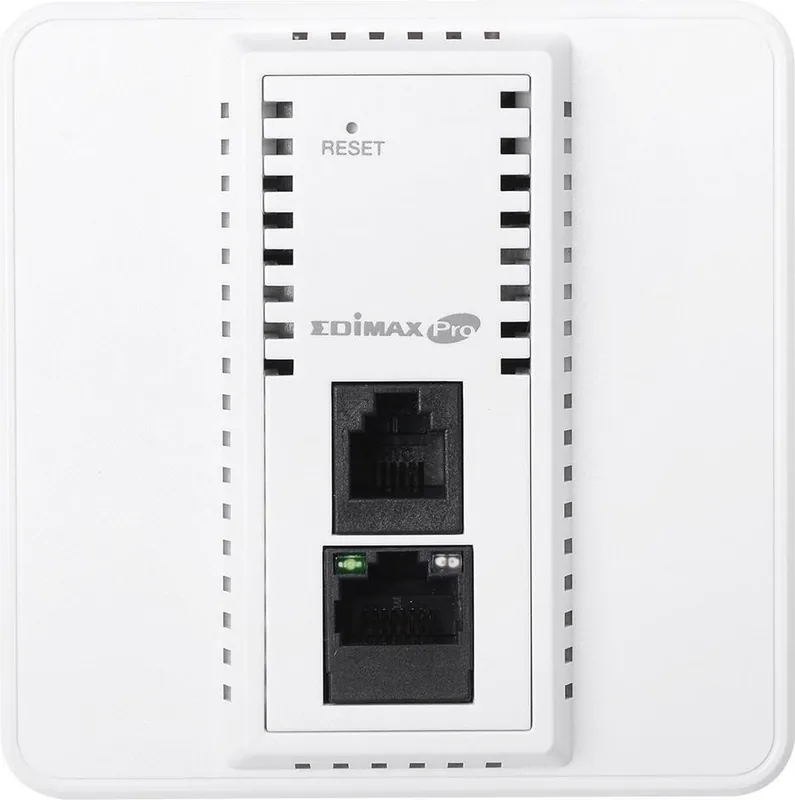
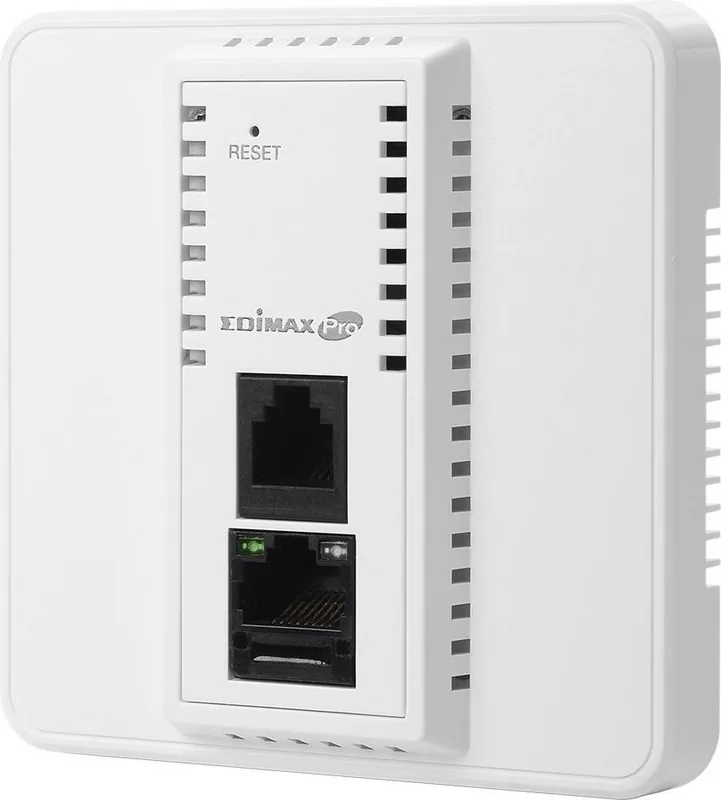
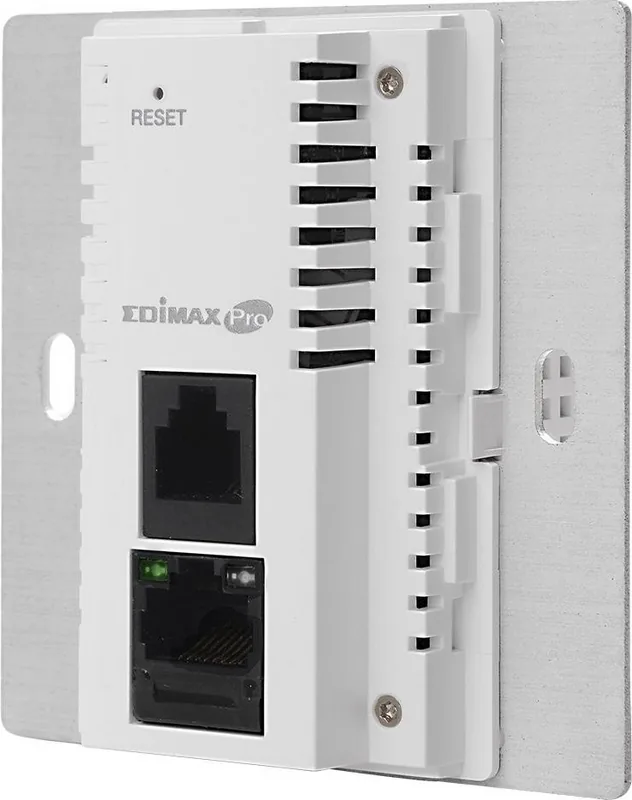
Installation is another strong point. The IAP1200 is designed to fit standard wall boxes and uses PoE, which helps reduce cable clutter and simplifies installation in rooms where a clean appearance matters. Its wall-mounted form factor makes it a natural fit for locations where ceiling devices are not ideal. The reset button, LED indicators, and hardware overview also make day-to-day maintenance straightforward.
Security and performance are central themes throughout the setup options. Users can configure WPA, WPA2, WEP, or RADIUS-based authentication, create isolated guest access, and limit client connections or bandwidth when needed. For larger networks, the ability to assign VLANs and manage wireless behavior by SSID helps keep traffic organized and secure.
In short, the Edimax IAP1200 is a versatile access point aimed at administrators who want a compact device with serious configuration depth. It combines modern wireless features with practical installation and management tools, making it a strong choice for controlled business networks.
Notes
- Best suited for indoor wall installations with PoE.
- Managed AP mode is ideal for centralized network control.
- Advanced settings offer power and flexibility, but careful setup is important.
- Resetting restores factory defaults if access is lost.
Search for 67,732 Manuals online


Type-in Brand or Model