
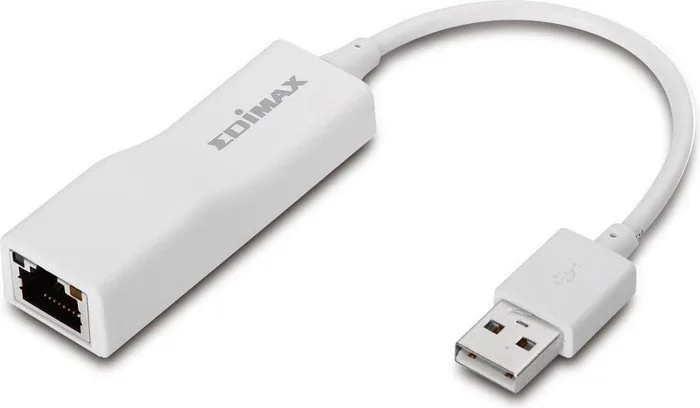
Edimax EU-4208 Manual
PDF manual · 8 Pages
English



Quick check
Incorrect answer, please try again.
Chat with your Edimax EU-4208 manual using AI
Get instant AI answers from your Edimax EU-4208 manual
Ask anything about the Edimax EU-4208. Answers come from this manual, with the pages they are based on.
Ask a Question
Do you recommend EU-4208?
Yes No
Lukas Schmid
8 months ago
Will this Ethernet USB adapter work with Windows 10 (plug-and-play), and is it compatible with MacBook Air or newer macOS versions?

Manual.ly
8 months ago
Based on user reports, it generally works well on Windows 10: plug-and-play after connecting the USB adapter and it often installs automatically (Windows finds the driver; the CD is usually not needed). Some buyers also report working on Windows 7 and Windows 8.1. For macOS, several reviews say it is not detected on MacBook Air and that current Apple versions are not supported (the adapter was reportedly removed from the company listing). If you need reliable Ethernet on a Mac, check the supported operating systems carefully before buying and be prepared that you may need a Windows/Linux device or an alternative model.
Frequently Asked Questions
It adds a wired RJ-45 Ethernet connection to a device through USB-A. It is useful when you want a stable network link without built-in Ethernet hardware.
Is this answer helpful?
No. The adapter is powered through the USB connection, so it does not require a separate power supply or wall adapter.
Is this answer helpful?
The text lists Windows 2000, XP, Vista, and 7, plus Mac OS X 10.x. Support for newer systems is not mentioned in the source.
Is this answer helpful?
It supports 10/100 Mbps auto-negotiation, which is suitable for Fast Ethernet connections and basic wired networking tasks.
Is this answer helpful?
On Windows, insert the adapter, cancel the automatic prompt, and use the setup wizard from the installation CD. On Mac, open the CD driver folder and run the installer file.
Is this answer helpful?
On Windows, look in Device Manager under Network adapters for the ASIX Ethernet adapter. On Mac, check System Profiler or Network settings for the AX88772 entry.
Is this answer helpful?
Advantages and Disadvantages
Advantages

- Easy USB-A connection with no external power adapter needed.
- Supports 10/100 Mbps auto-negotiation for dependable wired access.
- Works with several Windows versions and Mac OS X 10.x.
- Low power consumption helps make it efficient for everyday use.
Disadvantages

- Limited to Fast Ethernet speeds, so it is not a Gigabit solution.
- Installation relies on drivers and may take a few manual steps.
- Compatibility is centered on older operating systems.
- The included CD-based setup may feel outdated for modern users.
Product Specification
Type
LAN Adapter
Design
1x external wired (connection cable not detachable)
Interface
1x USB-A 2.0 (connector via cable, 480Mb/s)
Port
1x RJ-45
Data Transfer
1x RJ-45 (10/100Base-T)
Power supply
Power supply only via interface
Chipset
Asix (LAN Adapter, RJ-45)
Dimensions
0.87x0.59x2.60in (WxHxD)
Weight
0.85oz
Compatibility
universal
Special Features
Wake on LAN
USB Designation
Link
Product Description
Edimax LAN adapter, RJ-45, USB-A 2.0 [plug] Manual
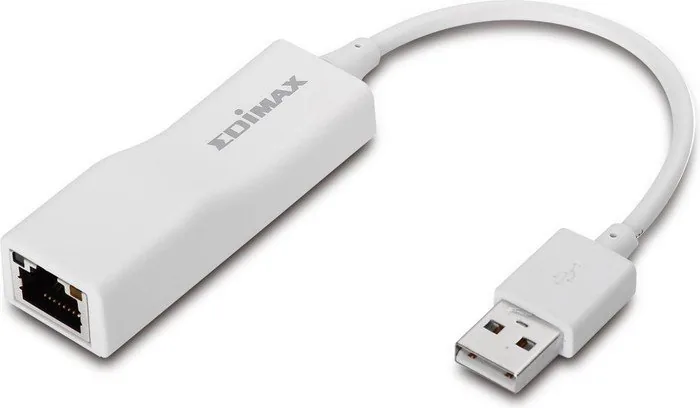
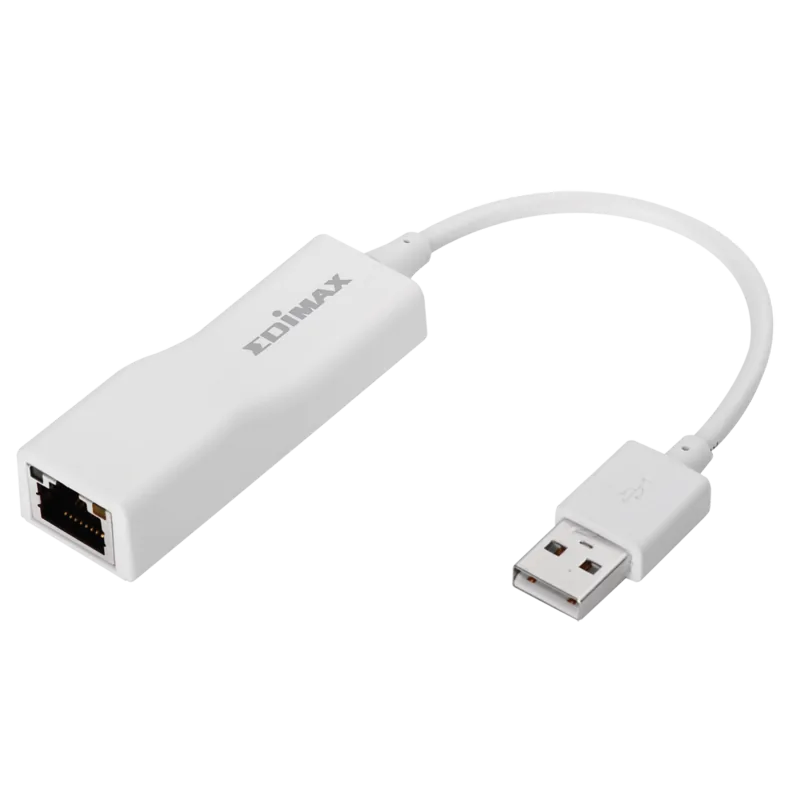
If you need a simple way to bring wired networking to a laptop or desktop, the Edimax LAN adapter, RJ-45, USB-A 2.0 [plug] Manual points to a compact and practical solution. The Edimax EU-4208 is a USB 2.0 Fast Ethernet adapter designed for users who want a reliable Ethernet connection without opening their computer or installing bulky hardware. It connects through a standard USB-A port and adds an RJ-45 port for everyday network access.
Compact design, everyday usefulness
This adapter is built for convenience. It supports 10/100 Mbps auto-negotiation, which makes it a sensible choice for browsing, file transfers, office tasks, and older network environments. The low-power design helps it run efficiently in idle and light-traffic situations, and the fact that it does not require an external power adapter makes it especially travel-friendly.
For users who move between workspaces or need a backup network option, the EU-4208 can be a helpful accessory. It is small enough to keep in a laptop bag, yet functional enough to provide a stable wired connection when Wi-Fi is unreliable or unavailable. That balance of portability and utility is one of its strongest points.
Straightforward setup across common systems
The package includes the adapter, a quick installation guide, and a CD with the setup wizard, user manual, and multilingual instructions. On supported Windows systems, installation is guided through the driver wizard, while Mac users can follow the driver path on the installation media. The process is intended to be simple, though it does require careful attention to the correct driver version.
Compatibility is another notable advantage. The adapter supports Windows 2000, XP, Vista, and 7, along with Mac OS X 10.x. That makes it suitable for legacy systems and mixed-device environments where basic wired networking is still needed. After installation, users can verify the adapter in Device Manager on Windows or through System Profiler and Network settings on Mac.
A practical Ethernet upgrade
The EU-4208 is not aimed at high-end performance, but it delivers exactly what many users need: a dependable Ethernet bridge through USB. It is a good fit for offices, home setups, classrooms, and service environments where simplicity matters more than advanced throughput. With standards compliance, low power use, and no external adapter requirement, it remains a straightforward network add-on.
Notes
- Best suited for Fast Ethernet needs rather than modern Gigabit networking.
- Driver installation may be required before first use.
- Check OS compatibility before purchase, especially on newer systems.
Search for 67,732 Manuals online


Type-in Brand or Model
Jose Schröter
9 months ago
Is this USB to Ethernet adapter compatible with Windows 10 and macOS? Do I need to install drivers from the CD?
Manual.ly
9 months ago
For Windows 10, the adapter is generally plug-and-play: it should be recognized automatically and the needed driver is typically found/installed without using the CD. Many users report immediate Ethernet access after plugging it in. For macOS, compatibility can be limited. Some users with older Macs have success, but reports indicate that newer macOS versions may not recognize the adapter at all. If you have a newer Mac, check the adapter's current compatibility list on the manufacturer site and download the correct driver (a CD may not help if your Mac has no supported driver).