
Edimax HP-5101K Manual
PDF manual · 12 Pages
English



Quick check
Incorrect answer, please try again.
Chat with your Edimax HP-5101K manual using AI
Get instant AI answers from your Edimax HP-5101K manual
Ask anything about the Edimax HP-5101K. Answers come from this manual, with the pages they are based on.
Ask a Question
Do you recommend HP-5101K?
Yes NoFrequently Asked Questions
Plug one into wall near router, connect via Ethernet. Plug second near device.
Is this answer helpful?
Supports up to 500Mbps over powerline network.
Is this answer helpful?
Yes, use Group button to encrypt network with random password.
Is this answer helpful?
No, plug directly into wall socket for best performance.
Is this answer helpful?
Different colors indicate power, LAN connection, and PLC data transfer status.
Is this answer helpful?
Computers, printers, TVs, and consoles with network ports.
Is this answer helpful?
200/500Mbps models work together but not direct comms with 14Mbps series.
Is this answer helpful?
Advantages and Disadvantages
Advantages

- Easy setup using household electrical wiring without extra cabling
- Supports up to 500Mbps data transfer rates for high performance
- Compatible with various devices including printers and gaming consoles
- Offers encrypted security via Group button for network protection
- Includes two adapters in the 2-Pack for multi-room coverage
Disadvantages

- Must plug device directly into wall socket not power strips
- Speed performance depends heavily on quality of electrical wiring
- Cannot communicate directly with older 14Mbps speed adapters
- Single Ethernet port per adapter limits device connection count
Product Specification
Type
Powerline Adapter (Standalone), Bundle
Form Factor
2x Outlet Adapters
Connectivity
1x RJ-45 (10/100Base-T, 2 Devices)
Connection
1x HomePlug AV (2-68MHz, IEEE 1901, 2 Devices)
Transmission
1x HomePlug AV (200/500 Mbps, OFDM 1024/265/64/16/8 QAM, QPSK, BPSK, ROBO, 128-bit AES, 2 Devices)
Dimensions
2.05 x 2.83 x 0.94 in (WxHxD)
Compatibility
HomePlug AV
Features
Bundle (2x Powerline Adapters)
Product Description
Enhancing Your Home Network with Powerline Technology
Reliable Connectivity Through Electrical Outlets
Many homeowners struggle with weak Wi-Fi signals in distant rooms or behind thick walls. The Edimax HP-5101K HomePlugAV RJ-45 2-Pack offers a robust solution by utilizing existing electrical wiring to extend your internet connection effectively. This device transforms standard power outlets into high-speed network ports, bypassing the need for long Ethernet cables running across floors. Users appreciate the seamless integration into their daily lives, providing consistent speeds without the hassle of drilling walls or running complex cabling. It simplifies the infrastructure required for a comprehensive home network setup.
Speed and Performance Specifications
This adapter series supports up to 500Mbps data transfer rates over the powerline network reliably. It ensures that high-definition streaming and online gaming remain smooth even in areas previously considered dead zones. The unit is designed to communicate directly with other 200Mbps and 500Mbps powerline adapters seamlessly. While older models like the 14Mbps series might coexist on the same circuit, direct communication is reserved for compatible generations only. This ensures maximum throughput for modern devices while maintaining stability across the household electrical grid.
Installation and Encryption
Setup remains straightforward without requiring advanced technical expertise from the user. First, plug the adapter directly into a wall socket rather than a surge protector or power strip. Connect it to your router via Ethernet. Repeat this process for the second unit near your computer or other network devices. Ensure the LAN and PLC lights illuminate to confirm connectivity. For added security, press the Group button on each adapter to create an encrypted network group. This generates a random password that protects your data from unauthorized access on the powerline link, ensuring safety for all connected endpoints.
Versatile Device Compatibility
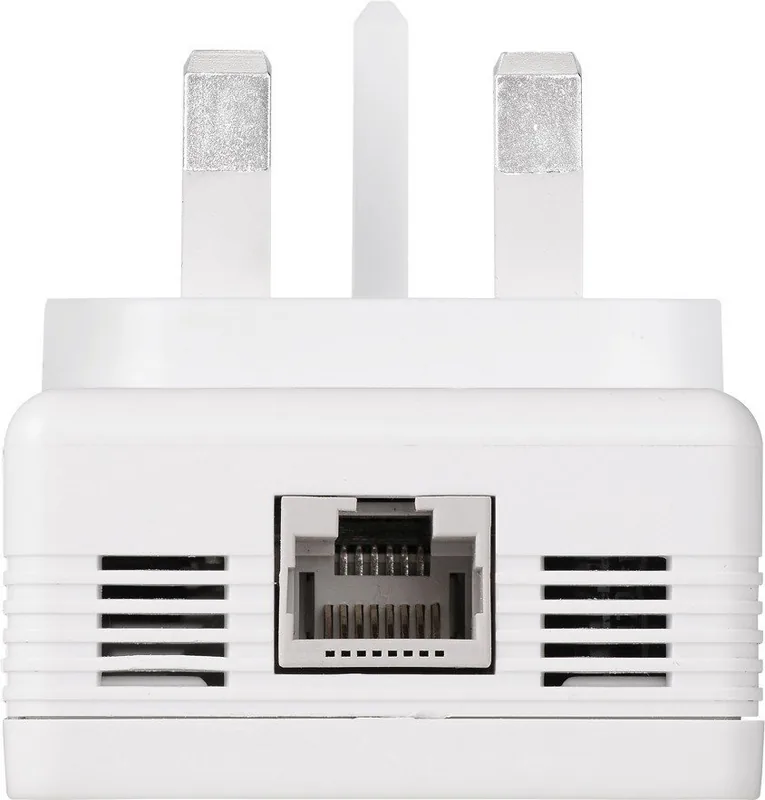
Beyond computers, these adapters support printers, set-top boxes, gaming consoles, and smart TVs easily. Each unit features a Fast Ethernet port for reliable physical connections. Status LEDs indicate connection states clearly and help identify issues quickly. If data is transferring, the PLC light blinks quickly. If no link exists, the indicator behaves differently, guiding troubleshooting efforts easily. This flexibility makes the network expansion project simple and effective for modern households seeking stability and security in their digital infrastructure.
Power and Status Indicators
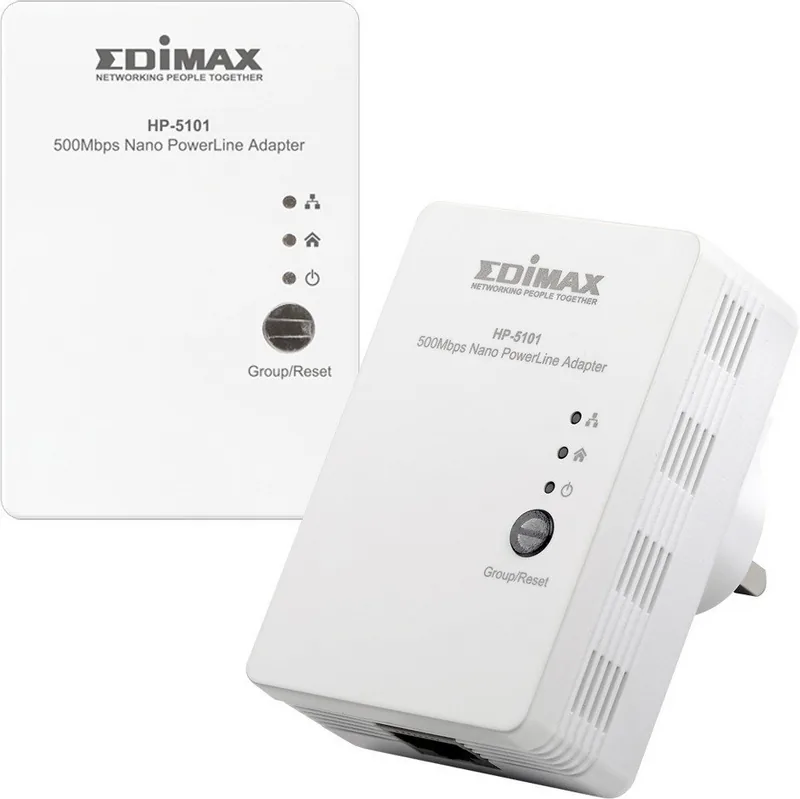
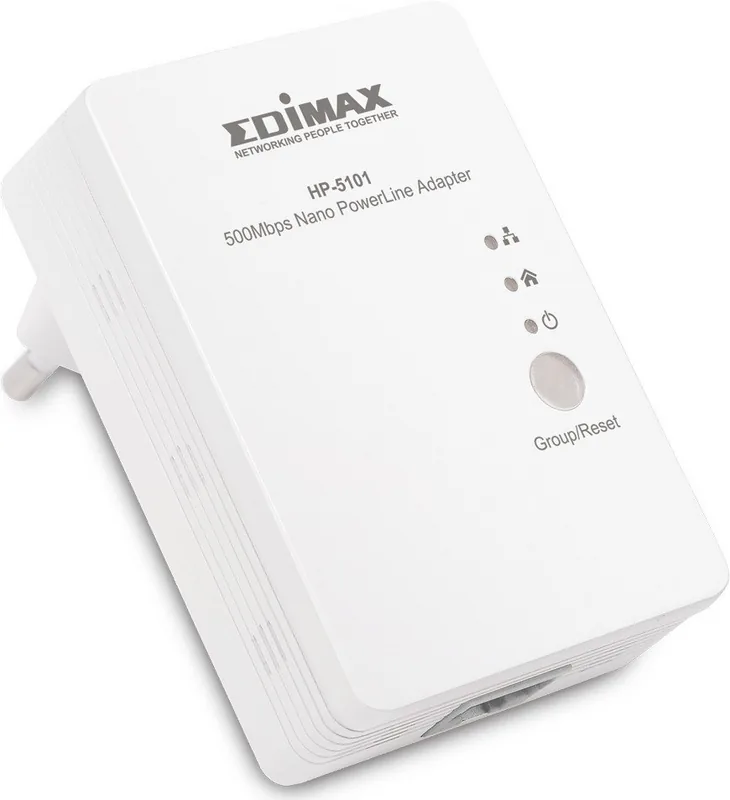
Understanding the status lights is vital for maintenance. The Power light confirms the unit is powered on, while the LAN light shows connection to the device. The PLC light indicates data flow over the powerline. During standby mode without transfer, all LEDs extinguish after five seconds, flashing only occasionally. This low-power design helps conserve energy while keeping the network ready for instant use when traffic resumes. It is an efficient way to maintain a live network connection without unnecessary power consumption during idle times.
Search for 67,732 Manuals online


Type-in Brand or Model