
Edimax BR-6476AC Manual
PDF manual · 119 Pages
English



Quick check
Incorrect answer, please try again.
Chat with your Edimax BR-6476AC manual using AI
Get instant AI answers from your Edimax BR-6476AC manual
Ask anything about the Edimax BR-6476AC. Answers come from this manual, with the pages they are based on.
Ask a Question
Do you recommend BR-6476AC?
Yes NoFrequently Asked Questions
Open a web browser and enter http://192.168.2.1 into the address bar. Ensure your computer is on the same network. You will need the username and password to log in.
Is this answer helpful?
The default password is usually 1234 or admin. This information is also displayed on the product label on the back of the device if it has not been changed.
Is this answer helpful?
The device supports four modes: Wi-Fi Router Mode, WISP Mode, Universal Repeater Mode, and Access Point Mode. Each can be selected during initial setup or via the software.
Is this answer helpful?
Press and hold the WPS/Reset button on the back panel for at least 10 seconds until the LED begins to light out. Release the button and wait for the device to restart.
Is this answer helpful?
It operates on Dual-band 2.4GHz and 5GHz frequencies. This allows for better performance with less interference compared to single-band routers.
Is this answer helpful?
Yes, you can clone your PC's MAC address or enter a manual MAC address in the Network menu. This is required by some ISPs for authentication.
Is this answer helpful?
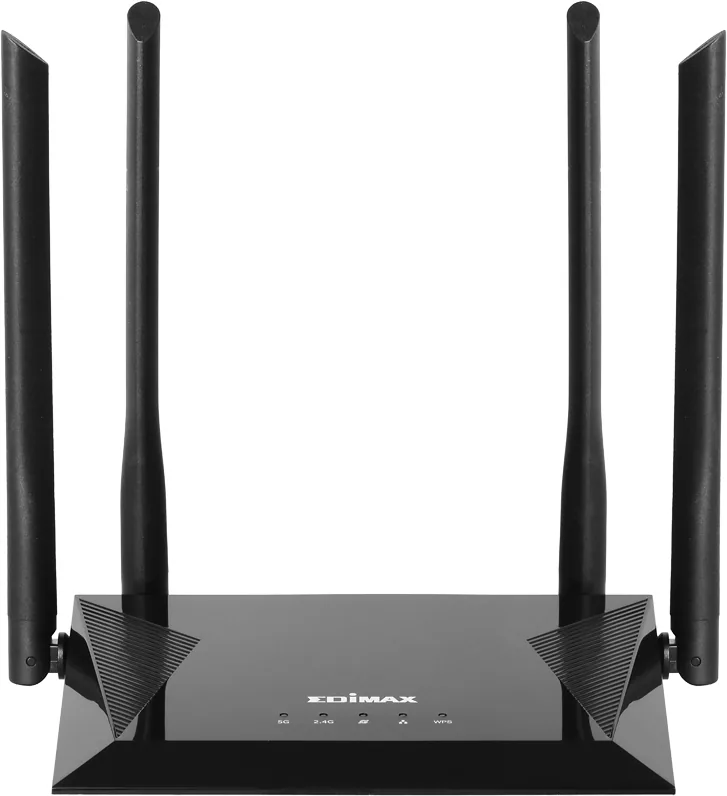
Use the LED indicators on the device. The 2.4G and 5G lights indicate if the connection is activated, while the WAN light shows Internet connectivity status.
Is this answer helpful?
Advantages and Disadvantages
Advantages

- Dual-band 1200Mbps wireless speed for high bandwidth needs
- Four versatile modes including Router, WISP, Repeater, and AP
- WPS button for quick and secure wireless device pairing
- Comprehensive browser configuration interface for advanced settings
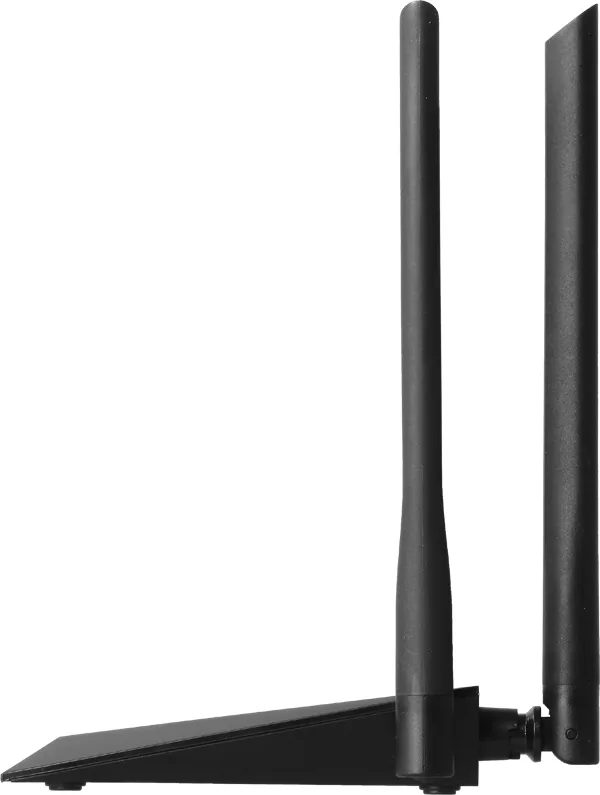
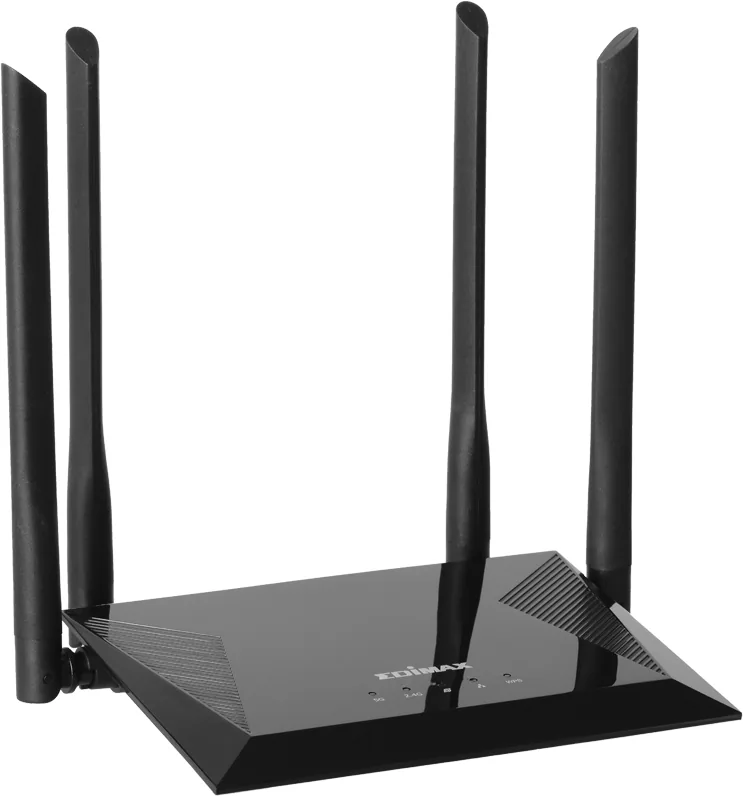
- Includes two 5GHz and two 2.4GHz antennas with 5dBi gain
Disadvantages

- Only 10/100Mbps Ethernet ports not Gigabit speeds
- Default LAN IP 192.168.2.1 requires specific setup
- Reset requires holding button for 10 seconds to activate
- Indoor use only limits outdoor installation options
- No mention of USB ports for storage sharing
Product Specification
Modem
N/A
WAN
1x 100Base-TX
LAN
4x 100Base-TX
Wireless
WLAN 802.11a/b/g/n/ac (Wi-Fi 5), simultaneous
Transfer Rate
300Mbps (2.4GHz), 867Mbps (5GHz)
Security
64/128bit WEP, WPA, WPA2, WPS
Antennas
4x External
Ports
N/A
Power Consumption
Not specified (consumption, operation), Not specified (max. adapter power)
Dimensions
6.02 x 4.17 x 0.94 inches
Band Capability
Dual Band (simultaneous)
Manufacturer Warranty
2 years
Product Description
Empowering Your Network with the Edimax BR-6476AC
The Edimax BR-6476AC stands out as a versatile networking solution designed for modern home and office environments. This dual-band wireless router delivers robust performance, ensuring seamless connectivity for all your devices. With a total data rate of up to 1200Mbps, it supports both 2.4GHz and 5GHz frequency bands to minimize interference and maximize speed. Setting up your network has never been more intuitive, guided by comprehensive instructions found in the Edimax BR-6476AC Manual.
Versatile Operating Modes
One of the key strengths of this device is its adaptability. Users can switch between multiple operating modes to suit specific needs. The Wi-Fi Router Mode allows the device to connect to a modem and enable Internet access for wireless and Ethernet devices. For those without direct modem access, WISP Mode connects wirelessly to an Internet Service Provider. The Universal Repeater Mode extends the range of an existing network, acting as both client and access point simultaneously to ensure full coverage. Additionally, the Access Point Mode connects via Ethernet to an existing router, expanding wireless coverage effectively. This multi-functionality makes it an excellent choice for complex setups.
User-Friendly Configuration
Managing the device is straightforward through a browser-based configuration interface accessible at 192.168.2.1. The Setup Wizard guides users through initial configurations, allowing for quick changes to connection types such as Dynamic IP, Static IP, or PPPOE. Security is paramount, with support for WPA2-Personal and WPA/WPA2-Mixed modes to protect your data from unauthorized access. Advanced features like MAC Cloning, DDNS, and Virtual Server configurations provide control for power users. Quality of Service settings ensure smooth gaming and streaming experiences by prioritizing bandwidth for critical applications.
Installation and Maintenance
Physical installation involves connecting the power adapter and Ethernet cables to the appropriate ports located on the back panel. The LED indicators provide clear status updates regarding Wi-Fi and WAN connections, simplifying troubleshooting. Users can also adjust IP settings manually if required on Windows or Mac operating systems. Regular firmware upgrades through the Tools menu ensure the device remains secure and efficient against new threats. Safety precautions advise against outdoor use and placement near heat sources.
Features and Specifications
The device includes two 5GHz antennas and two 2.4GHz antennas, each with 5dBi gain for strong signal retention. The back panel features a 10/100Mbps WAN port and four LAN ports for wired connections. WPS functionality allows for quick wireless pairing without typing passwords. Network security is further enhanced by URL filtering and client filtering options within the management interface.
Final Thoughts
This router offers a complete package for reliable internet access. Whether you are extending coverage or setting up a new network, the flexibility ensures it fits various scenarios. Remember to consult the guides for optimal performance and safety. It remains a solid choice for users seeking stability and speed in their home network infrastructure. Keeping the firmware updated is highly recommended to maintain peak operation standards.
Search for 67,732 Manuals online


Type-in Brand or Model
Lukas Hartmann
5 months ago
Can this router be set up as an access point to extend signal coverage effectively?
Manual.ly
5 months ago
Yes, this device supports access point mode natively. Reviewers confirm the antennas provide excellent range, making it simple to deploy multiple units for broader coverage. It is affordable and reliable for this purpose.