
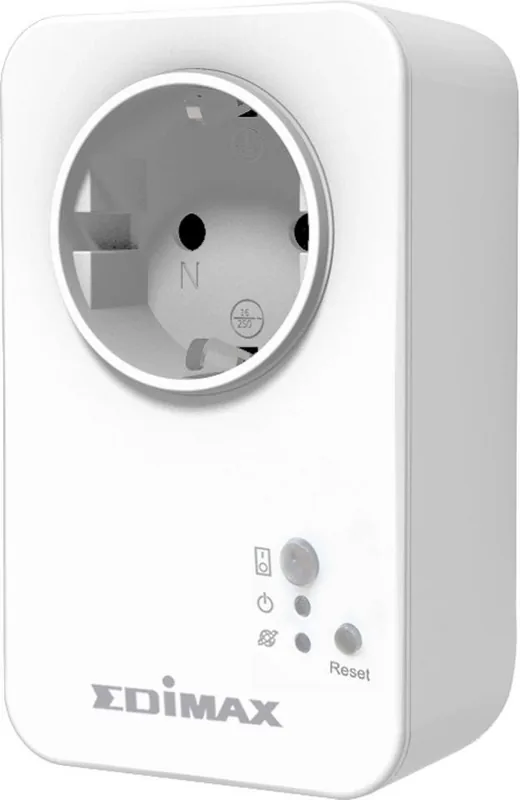
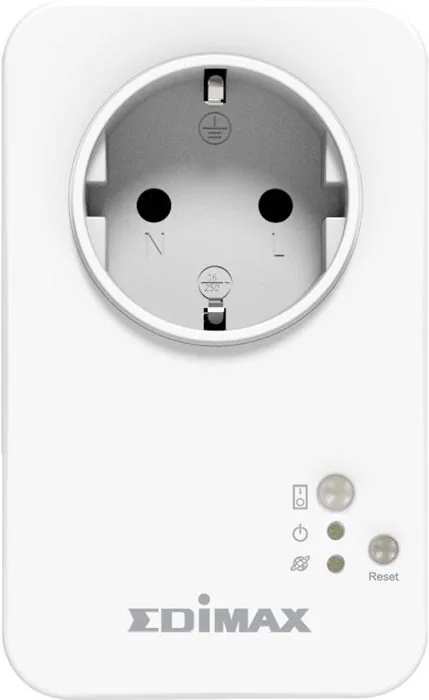
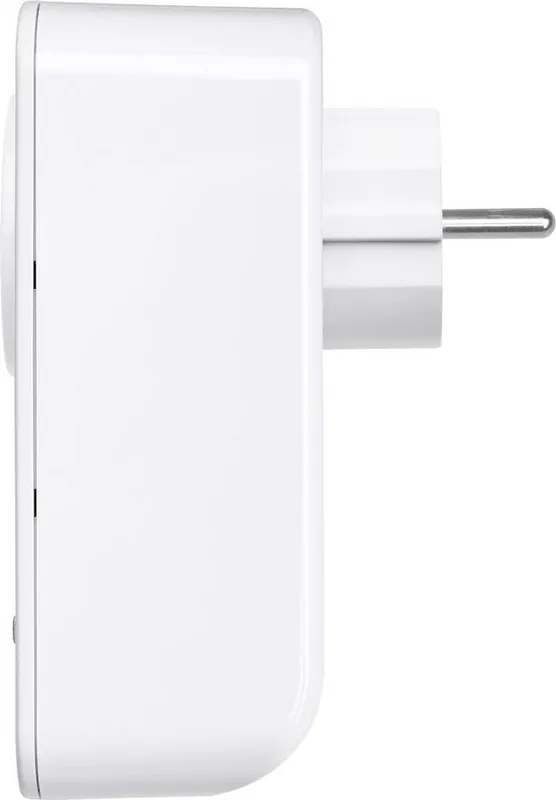
Edimax SP-1101W Manual
PDF manual · 62 Pages
English



Quick check
Incorrect answer, please try again.
Chat with your Edimax SP-1101W manual using AI
Get instant AI answers from your Edimax SP-1101W manual
Ask anything about the Edimax SP-1101W. Answers come from this manual, with the pages they are based on.
Ask a Question
Do you recommend SP-1101W?
Yes No
Sophie Keller
10 months ago
My Edimax WiFi power plug is not found in the EdiPlug app. Which app should I use, and how can I fix setup issues?

Manual.ly
10 months ago
If your plug has newer firmware, it may not work with the older EdiPlug app. Many users report that you must use the matching app version: install EdiLife and configure the plug again. In practice, delete the old device entry from your phone (if present), restart the setup in the correct app, and retry until the plug appears. If you previously tried the wrong app, an update of the app or switching to EdiLife usually resolves discovery immediately. Make sure your phone and plug are on the same WiFi network (typically 2.4 GHz).
Frequently Asked Questions
It lets you control power to connected devices remotely through the EdiSmart app. You can switch appliances on or off, create schedules, and receive alerts. The SP-2101W V2 also adds power usage monitoring and budget controls.
Is this answer helpful?
First, plug it in and reset it into installation mode by holding the reset button until the LED flashes red. Then use the EdiSmart app to connect the plug to your Wi-Fi network and finish naming the device.
Is this answer helpful?
A green network LED means the plug is connected to Wi-Fi and the cloud. Red flashing usually means startup or installation mode. An orange flashing light on SP-2101W V2 signals a budget or power quota alert.
Is this answer helpful?
Yes. The EdiSmart app is available for both iOS and Android. The setup steps are very similar on each platform, with only minor interface differences.
Is this answer helpful?
Both models are smart Wi-Fi plugs with app control and scheduling. The SP-2101W V2 adds a power meter, live usage information, and budget control features for tracking watts, amps, and energy cost.
Is this answer helpful?
Yes. The product can be linked with Amazon Alexa for voice-based control. This makes it easier to manage connected devices without opening the app.
Is this answer helpful?
You can enable push notifications or email alerts for switch actions, reconnect events, and usage limits. The SP-2101W V2 can also send daily, weekly, or monthly usage reports and overuse warnings.
Is this answer helpful?
Advantages and Disadvantages
Advantages

- Remote control makes it easy to manage appliances from anywhere with internet access.
- Scheduling helps automate lights, fans, and other devices around your daily routine.
- SP-2101W V2 adds live power monitoring plus usage and cost tracking.
- Alerts and reports keep you informed about switching, reconnects, and overuse.
Disadvantages

- Setup requires resetting the device and pairing it carefully with Wi-Fi.
- Some advanced features are available only on the SP-2101W V2 model.
- The plug is intended for indoor, dry locations only.
- It should not be used unattended with heat-emitting devices.
Product Specification
Type
Actuator, Sensor
Standard
WLAN (802.11b/g/n)
Function
Smart plug (on/off)
Topology
mesh/star
Dimensions
4.13x2.52x2.36in
Features
Controllable via app (iOS, Android, Amazon Echo), Voice assistant (Amazon Alexa)
Note
V2 Amazon Alexa compatible. V1 Amazon Alexa compatible via update.
Product Description
Edimax Smart Plug Switch, Smart Socket: Simple Control with Smarter Energy Awareness
The Edimax Smart Plug Switch, Smart Socket is a practical upgrade for anyone who wants easier control over everyday appliances. Designed for Wi-Fi connectivity and app-based management, it lets you turn devices on or off remotely, set schedules, and keep an eye on usage from your phone. It is a small product with a big impact, especially in homes or offices where convenience and energy awareness matter.
What makes this smart socket especially useful is the flexibility built into the EdiSmart app. After a one-time setup, the plug can be managed from iOS or Android, with the same core features on both platforms. You can assign a clear device name, create timed routines, and receive push or email alerts when activity changes. That means a lamp, fan, or other connected device can follow your daily rhythm without constant manual switching.
For users who want deeper insight, the SP-2101W V2 version adds power monitoring and budget control. It can display live amperage and wattage, show usage history, and even convert electricity consumption into cost. This makes it easier to spot energy-heavy appliances and set practical limits for daily, weekly, or monthly use. If a threshold is reached, the plug can shut itself off automatically, helping reduce waste and avoid surprise bills.
The setup process is straightforward, but it does require careful attention. The smart plug must be reset into installation mode, connected to a Wi-Fi network with internet access, and paired through the app. Once installed, the network LED should glow green to show that the device is online and cloud-ready. The manual also highlights support for Amazon Alexa, making voice control another appealing layer of convenience.
Beyond features, the product is built with safety in mind. It is intended for indoor use in dry environments, away from heat, steam, and moisture. Like most connected power devices, it should be used responsibly and never left to control risky heat-producing appliances unattended.
Highlights
- Remote on/off control from the EdiSmart app
- Scheduling for daily routines and automation
- Usage tracking and cost awareness on SP-2101W V2
- Push and email alerts for key events
- Alexa compatibility for voice commands
Notes
- Best suited for indoor use only
- Resetting restores factory settings
- One plug should be set up at a time
- Green network LED indicates a successful connection
Search for 67,732 Manuals online


Type-in Brand or Model
Mirco Mayer
10 months ago
Which app should I use (EdiPlug vs EdiLife), and why might scheduling or device finding not work after setup?
Manual.ly
10 months ago
For these Wi-Fi plugs, app and firmware need to match. Some units must be controlled with the newer EdiLife app, while older firmware may only work with the older EdiPlug app. If your plug was already flashed with newer firmware, EdiPlug can fail to find it; install EdiLife and run the pairing again. If time schedules act unreliable, confirm your phone/tablet timezone settings, fully reconfigure the schedules, and try a power reset of the plug if it gets stuck in a wrong timezone. A stable Wi-Fi connection is also important during setup. Once the correct app is used and the schedules are re-entered, most users report reliable switching and reminders.