
Edimax EW-7811ULC Manual
PDF manual · 20 Pages
English



Quick check
Incorrect answer, please try again.
Chat with your Edimax EW-7811ULC manual using AI
Get instant AI answers from your Edimax EW-7811ULC manual
Ask anything about the Edimax EW-7811ULC. Answers come from this manual, with the pages they are based on.
Ask a Question
Do you recommend EW-7811ULC?
Yes NoFrequently Asked Questions
If the network symbol does not appear, your computer likely does not support plug-and-play for this device. You must download and install the specific driver from the Edimax website to enable the adapter.
Is this answer helpful?
Ensure your router broadcasts a 5GHz SSID. Once the adapter is installed, select the 5GHz network name from the list of available networks and enter the security key to connect.
Is this answer helpful?
Yes, the Edimax EW-7811ULC supports Linux. However, macOS support is limited; check the official website for the latest version information as specifications may change.
Is this answer helpful?
A fast blink indicates the device is successfully connected to a network. A slow blink means it is not connected but active. If the light is off, there is no radio activity.
Is this answer helpful?
Yes, using Software WPS allows you to connect without typing a password, provided both your router and the adapter have the WPS feature enabled and are in pairing mode.
Is this answer helpful?
You can download the complete manual and drivers by visiting the Edimax website and searching for the model number EW-7811ULC under the support section.
Is this answer helpful?
Advantages and Disadvantages
Advantages

- Supports both 2.4GHz and 5GHz dual-band frequencies for reduced interference
- Compact nano design fits discreetly into laptops without obstruction
- Features Software WPS for easy password-free network setup
- Compatible with Windows 10, Windows 11, and Linux operating systems
- LED status indicators provide clear visual feedback on connection state
Disadvantages

- Requires manual driver installation if plug-and-play fails to detect the device
- Limited to USB-A 2.0 interface which may not offer maximum theoretical speeds
- Restricted to indoor use when operating on specific 5GHz channels
- Does not include an external antenna for extended range capabilities
- WPS feature requires compatibility with the specific router being used
Product Specification
Type
WLAN Adapter
Form Factor
1x USB Stick
Connection
1x USB-A 2.0 (Plug)
Connectivity
1x WLAN 802.11a/b/g/n/ac (1x 2.4GHz or 1x 5GHz), 1x Signal Booster (3.48dBm), 1x Antenna (Integrated, 1x Electrical)
Transmission
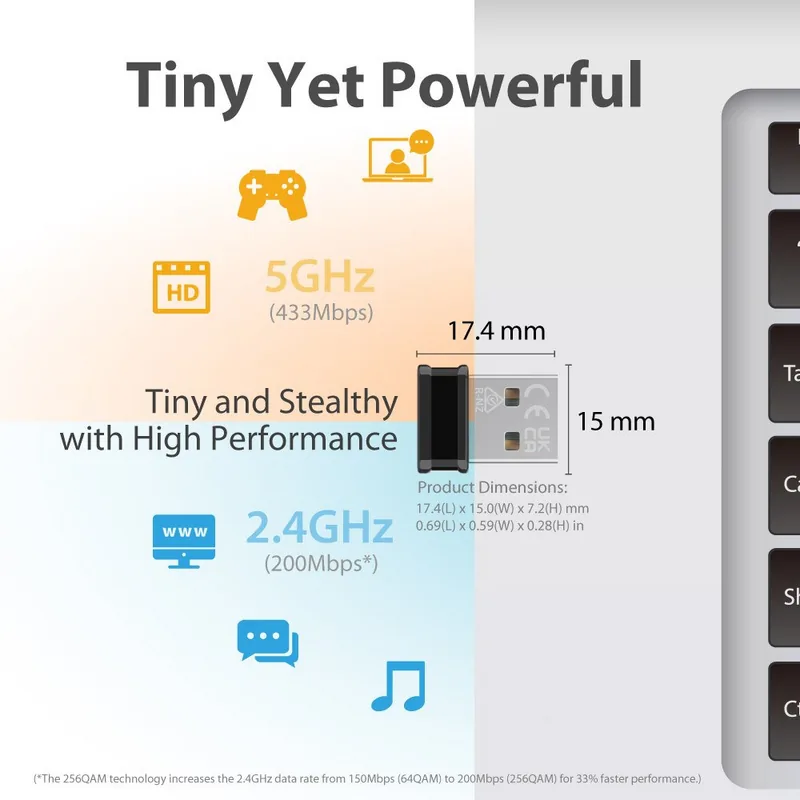
1x 2.4GHz WLAN (124.27Mb/s), 1x 5GHz WLAN (269.66Mb/s)
Power Supply
Power supply only via Connection
Dimensions
0.59x0.28x0.69in (WxDxH)
Weight
0.07oz
Compatibility
Universal
Manufacturer Warranty
Two Years
USB Spelling
Link
Product Description
Unlocking High-Speed Connectivity with the Edimax EW-7811ULC
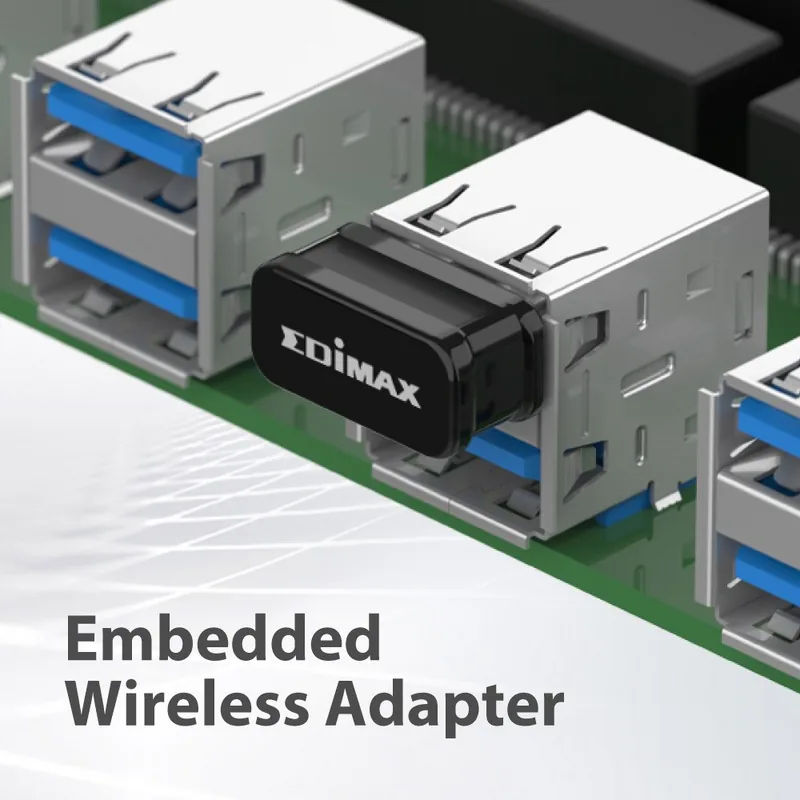
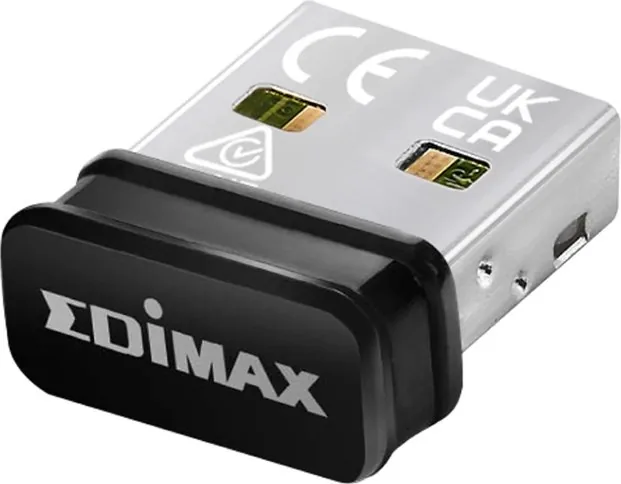
The Edimax EW-7811ULC stands out as a compact and efficient solution for users seeking reliable wireless internet access without the need for internal hardware installation. This USB-A 2.0 adapter brings the power of dual-band Wi-Fi directly to your computer, supporting both 2.4GHz and 5GHz frequencies to ensure optimal performance in congested network environments. Its small form factor makes it nearly invisible when plugged into a laptop, offering portability that does not compromise on speed or stability.
Setting up this device is designed to be seamless for most modern operating systems. For Windows 10 and 11 users, the plug-and-play feature allows for immediate connectivity upon insertion, provided the system automatically recognizes the hardware. In cases where automatic detection does not occur, the driver installation process is straightforward. Users can easily download the necessary software from the official Edimax website by entering the model number. The installation wizard guides you through the steps, ensuring the adapter functions correctly before you connect to your preferred wireless network.
One of the standout features of this adapter is its support for Software WPS (Wi-Fi Protected Setup). This functionality simplifies the connection process significantly by allowing devices to pair securely without manually entering complex passwords. By pressing the WPS button on your router and waiting for the adapter to synchronize, you establish a secure link quickly. The LED status indicators provide real-time feedback on your connection state, blinking rapidly when connected and slowly when idle, helping you monitor your network health at a glance.
While primarily intended for indoor use, the EW-7811ULC adheres to strict safety standards regarding electromagnetic fields and RF exposure. It complies with EU RED directives and FCC regulations, ensuring that it operates safely within designated frequency bands. Whether you are streaming high-definition video, gaming online, or working from home, this adapter delivers the consistent bandwidth required for demanding tasks.
Important Notes
- Always keep the device at least 0.5cm away from your body during transmission to comply with RF exposure limits.
- Ensure your router supports WPS if you wish to utilize the password-free connection feature.
- The 5GHz band is restricted to indoor use only in certain regions to prevent interference with radar systems.
Search for 67,732 Manuals online


Type-in Brand or Model