
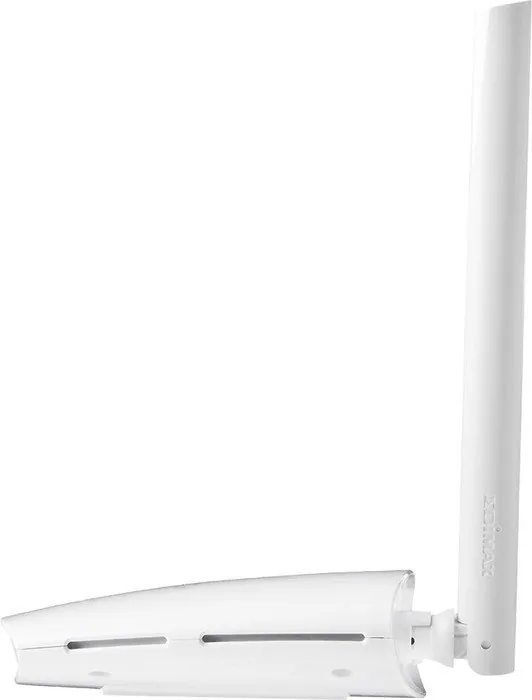
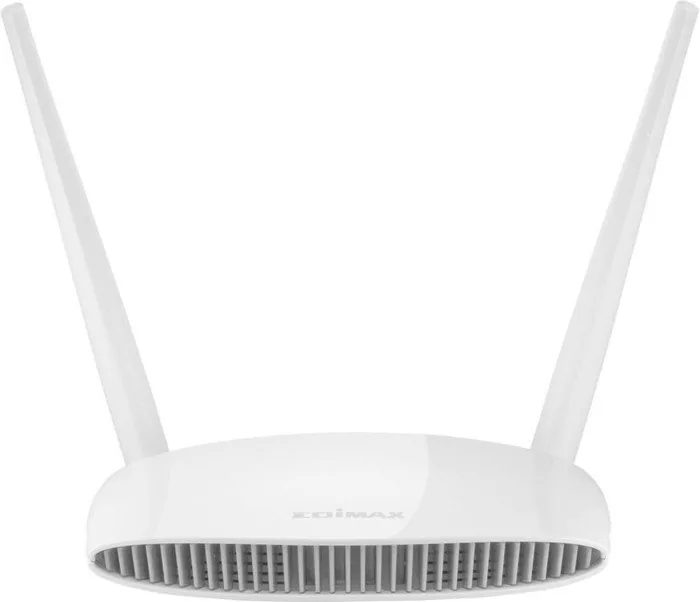
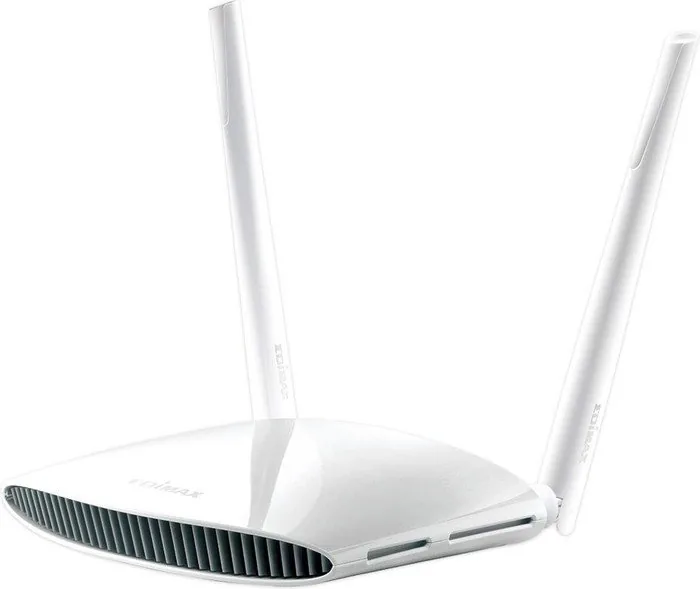
Edimax BR-6478AC V2 Manual
PDF manual · 178 Pages
English



Quick check
Incorrect answer, please try again.
Chat with your Edimax BR-6478AC V2 manual using AI
Get instant AI answers from your Edimax BR-6478AC V2 manual
Ask anything about the Edimax BR-6478AC V2. Answers come from this manual, with the pages they are based on.
Ask a Question
Do you recommend BR-6478AC V2?
Yes NoFrequently Asked Questions
Its biggest advantage is flexibility. It can work as a router, access point, extender, bridge, or WISP device, so it fits many home and small-office networking needs without extra hardware.
Is this answer helpful?
Connect it to power, join the default Edimax setup Wi‑Fi, and open the setup portal in a browser. A guided wizard helps you choose the operating mode and configure network details.
Is this answer helpful?
Yes. The device supports both bands, which helps with coverage and speed. You can enable one band or both depending on your network layout and connected devices.
Is this answer helpful?
Yes. It can create a separate guest network, and in access point mode it supports multiple SSIDs per band. This is useful for separating visitors from the main network.
Is this answer helpful?
Yes. The rear USB port supports storage sharing and printer sharing. USB storage should be formatted as FAT32 or NTFS, and network access can be managed through the web interface.
Is this answer helpful?
Press and hold the WPS/Reset button for at least 10 seconds until the LED flashes blue. The device will restart and return to factory default settings.
Is this answer helpful?
Advantages and Disadvantages
Advantages

- Supports several modes: router, access point, extender, bridge, and WISP for flexible network setups.
- Dual-band 2.4GHz and 5GHz Wi‑Fi helps balance range, speed, and device compatibility.
- USB sharing enables storage or printer access across the network, adding practical home-office value.
- Advanced tools like QoS, VPN server, firewall controls, and port forwarding offer strong customization.
Disadvantages

- The feature set is broad, so first-time users may find advanced configuration overwhelming.
- Some setup steps and network settings are clearly aimed at users who already understand IP and ISP terms.
- Wireless bridge and extender modes have limitations, such as connecting to only one band in some cases.
- Older operating-system setup examples suggest the interface and guidance may feel dated for modern users.
Product Specification
Modem
N/A
WAN
1x 1000Base-T
LAN
4x 1000Base-T
Wireless
WLAN 802.11a/b/g/n/ac (Wi-Fi 5), simultaneous
Transfer rate
300Mbps (2.4GHz), 867Mbps (5GHz)
Security
64/128bit WEP, WPA, WPA2, WPS
Antennas
2x external
Ports
1x USB 2.0
Power consumption
3.1W (consumption, operation), no information (max. power supply output)
Dimensions
7.72x4.49x1.42in
Special features
WLAN on/off switch, VPN passthrough (IPSec/PPTP/L2TP), OpenWRT
Band capability
Dual Band (simultaneous)
Manufacturer warranty
two years
Note
Open-/DD-WRT may only be available for specific revisions, please refer to further links!
Product Description
Edimax BR-6478AC V2: A Flexible Dual-Band Router for Everyday Networks
The Edimax BR-6478AC V2 is built for users who want more than a basic home router. It combines dual-band Wi‑Fi, multiple operating modes, and a wide set of tuning options in one compact device. Whether you need a primary internet gateway, a wireless extender, an access point, or a bridge for a TV or game console, this model is designed to adapt to different network setups with minimal hardware changes.
One of its biggest strengths is versatility. The BR-6478AC V2 supports Wi‑Fi router mode, access point mode, range extender mode, wireless bridge mode, and WISP mode. That makes it a practical choice for homes, small offices, or shared spaces where network needs can change over time. The setup flow is centered around the Edimax setup portal, where users can quickly choose a mode, apply wireless names and passwords, and save settings with a guided wizard.
The router also offers a rich browser-based control panel for users who want deeper control. From internet connection types and DDNS to VPN server setup, QoS, firewall tools, port forwarding, and static routing, it covers many advanced networking tasks. Dual-band wireless management for 2.4GHz and 5GHz helps balance speed and coverage, while guest networks and multiple SSID options make it easier to separate visitors from the main network.
Hardware features add even more value. The USB port can be used for storage sharing or printer sharing, giving the router a small home-server feel. Security tools like WPA2 encryption, access control, client isolation, DoS protection, and optional hidden SSIDs help users build a safer network. For performance-minded users, QoS and iQoS provide ways to prioritize gaming, streaming, and other bandwidth-heavy activities.
Notes
- Best suited for users who want flexible networking modes
- Setup is straightforward for basic use, but advanced features may take time to learn
- Strong fit for homes needing USB sharing, guest access, or extended wireless coverage
Search for 67,732 Manuals online


Type-in Brand or Model
Karl Schmitt
10 months ago
In Access Point mode, my Wi-Fi schedule timer does not work and the USB port seems unusable. Is this a firmware limitation, and what can I do?
Manual.ly
10 months ago
Yes, in some firmware versions the Wi-Fi scheduler (time-based on/off) is not supported or has issues specifically in Access Point mode, and the USB port features can be disabled in that mode. First, check your current firmware version and update to the latest release. Then verify you have enabled the schedule after switching to Access Point mode (some settings require re-applying). If USB is still unavailable in AP mode, that is expected behavior for your firmware profile. As a workaround, use USB only in a supported operating mode (for example, router mode) or run the needed function externally until a firmware update enables it in AP mode. If you share your model and firmware version, support can advise the best configuration.