
Edimax Gemini RE11S Manual
PDF manual · 96 Pages
English



Quick check
Incorrect answer, please try again.
Chat with your Edimax Gemini RE11S manual using AI
Get instant AI answers from your Edimax Gemini RE11S manual
Ask anything about the Edimax Gemini RE11S. Answers come from this manual, with the pages they are based on.
Ask a Question
Do you recommend Gemini RE11S?
Yes NoFrequently Asked Questions
It is used to expand Wi-Fi coverage, reduce dead zones, and support devices that need a stronger or more reliable wireless connection. It can also act as an access point or bridge.
Is this answer helpful?
Yes. It can work with 2.4GHz, 5GHz, or both depending on the selected mode and your network needs. Dual-band support helps improve flexibility and performance.
Is this answer helpful?
No. The device offers guided setup through iQ Setup and also supports zero-setup access point mode. Most users can get started by following the on-screen steps and connecting to the setup SSID.
Is this answer helpful?
Yes. In Wi-Fi bridge mode, the RE11S can connect a wired device like a smart TV or console to your wireless network using an Ethernet cable.
Is this answer helpful?
Green mode lowers the wireless output power to save energy and reduce signal range when full strength is not needed. It is useful for smaller spaces or lower coverage needs.
Is this answer helpful?
When a master extender is set up, additional extenders can be added through WPS and follow the same Wi-Fi settings. This helps devices move between signals more smoothly.
Is this answer helpful?
Advantages and Disadvantages
Advantages

- Supports extender, access point, and bridge modes for flexible home networking.
- Dual-band compatibility helps improve coverage on both 2.4GHz and 5GHz networks.
- Simple setup options make installation accessible for first-time users.
- Guest network, WPS, and access control add useful security and convenience features.
Disadvantages

- Performance depends heavily on placement and signal quality from the main router.
- Some advanced wireless settings may be confusing for casual users.
- Best roaming benefits appear when multiple compatible extenders are used.
- Firmware and IP setup tasks may require extra care during configuration.
Product Specification
LAN
1x 1000Base-T
Wireless
WLAN 802.11a/b/g/n/ac (Wi-Fi 5), simultaneous
Data Rate
300Mbps (2.4GHz), 867Mbps (5GHz)
Security
64/128bit WEP, WPA, WPA2, WPS
Antennas
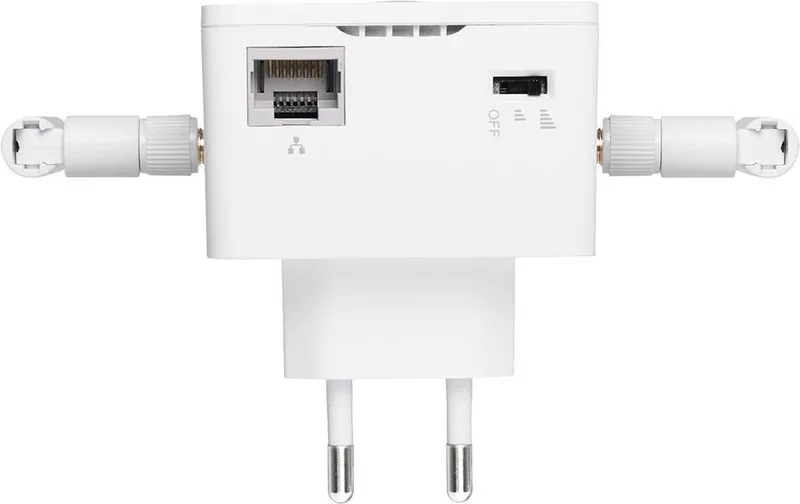
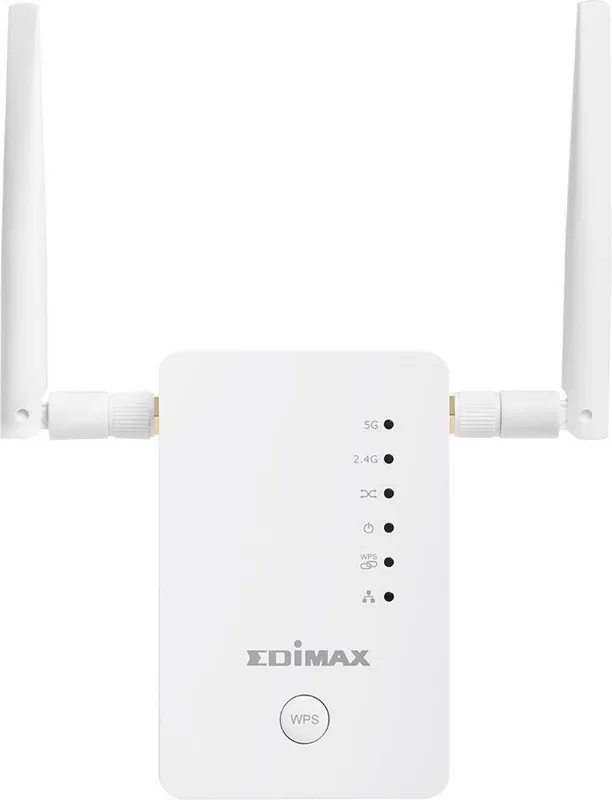
2x external (removable)
Ports
N/A
Power Consumption
not specified (consumption, operation), not specified (max. power supply output)
Dimensions
3.58x2.32x1.57in
Special Features
WLAN on/off switch
Band Capability
Dual Band (simultaneous)
Product Description
Edimax Gemini RE11S Extender: Smarter Wi-Fi Coverage for Busy Homes
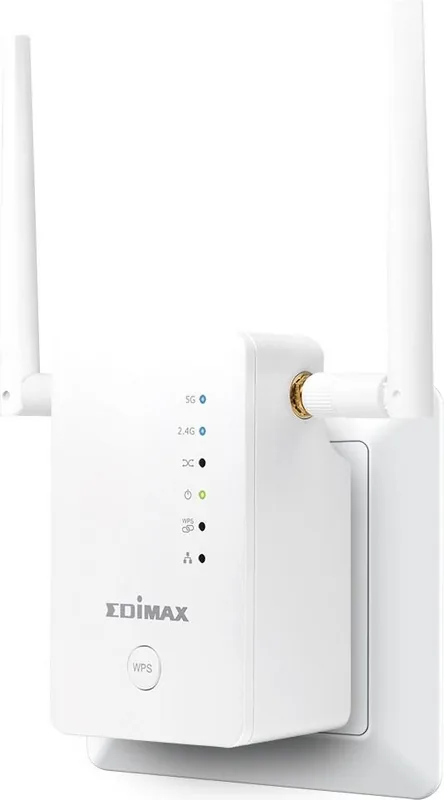
The Edimax Gemini RE11S Extender is built for people who want stronger, more flexible Wi-Fi without making home networking complicated. It is designed to extend coverage, reduce dead zones, and keep your devices connected as you move from room to room. Whether you are streaming, gaming, working remotely, or simply trying to improve weak signal areas, this compact device offers a practical way to upgrade everyday wireless performance.
One of its biggest strengths is versatility. The RE11S can work as a Wi-Fi extender, access point, or Wi-Fi bridge, so it adapts to different setups instead of forcing a single path. In extender mode, it repeats your existing wireless signal and helps push coverage farther into harder-to-reach spaces. In access point mode, it can create a new wireless network from a wired router connection. In bridge mode, it can give Ethernet-only devices a wireless link, which is useful for smart TVs, consoles, and other media gear.
Setup is also a major highlight. The iQ Setup process is designed to guide users through configuration step by step, while zero-setup access point mode is ideal for quick installation. Once configured, the device supports roaming, allowing connected devices to move more smoothly between extenders when multiple units are used. That makes it a strong fit for larger homes or shared spaces where signal consistency matters.
The RE11S also includes useful control features for more advanced users. Dual-band support, guest network options, WPS pairing, access control, firmware upgrades, and adjustable transmit power make it a capable networking tool rather than a basic signal booster. The hardware switch adds another layer of convenience, letting users choose between normal mode, green mode, and sleep mode depending on their needs.
For readers searching for the Edimax Gemini RE11S Extender Manual, the device stands out because it combines straightforward setup with deeper customization. It is the kind of product that can serve beginners well on day one, while still offering enough settings to satisfy users who want tighter control over performance, security, and placement.
Notes
- Best results usually come from placing the extender between the router and the weak-signal area.
- A strong setup depends on proper IP settings and matching your network mode.
- Green mode can help save energy when full output is not necessary.
Search for 67,732 Manuals online


Type-in Brand or Model
Darren Carter
9 months ago
Does this repeater let me connect larger external antennas to increase the range? How many external antenna connections does it have?
Manual.ly
9 months ago
Yes. The repeater supports external antennas via two external antenna connections. By attaching larger antennas to these ports, you can typically improve signal strength and extend coverage compared to using the built-in antenna alone.