

Free AOC Manuals – Read, Download & Print
87 Manuals
Manuals
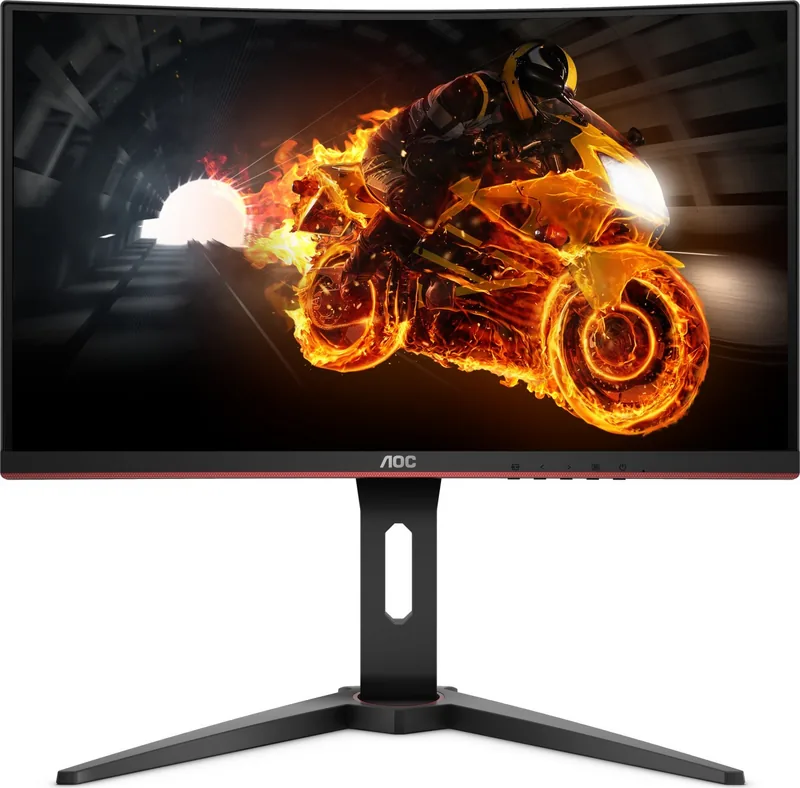
66 Pages
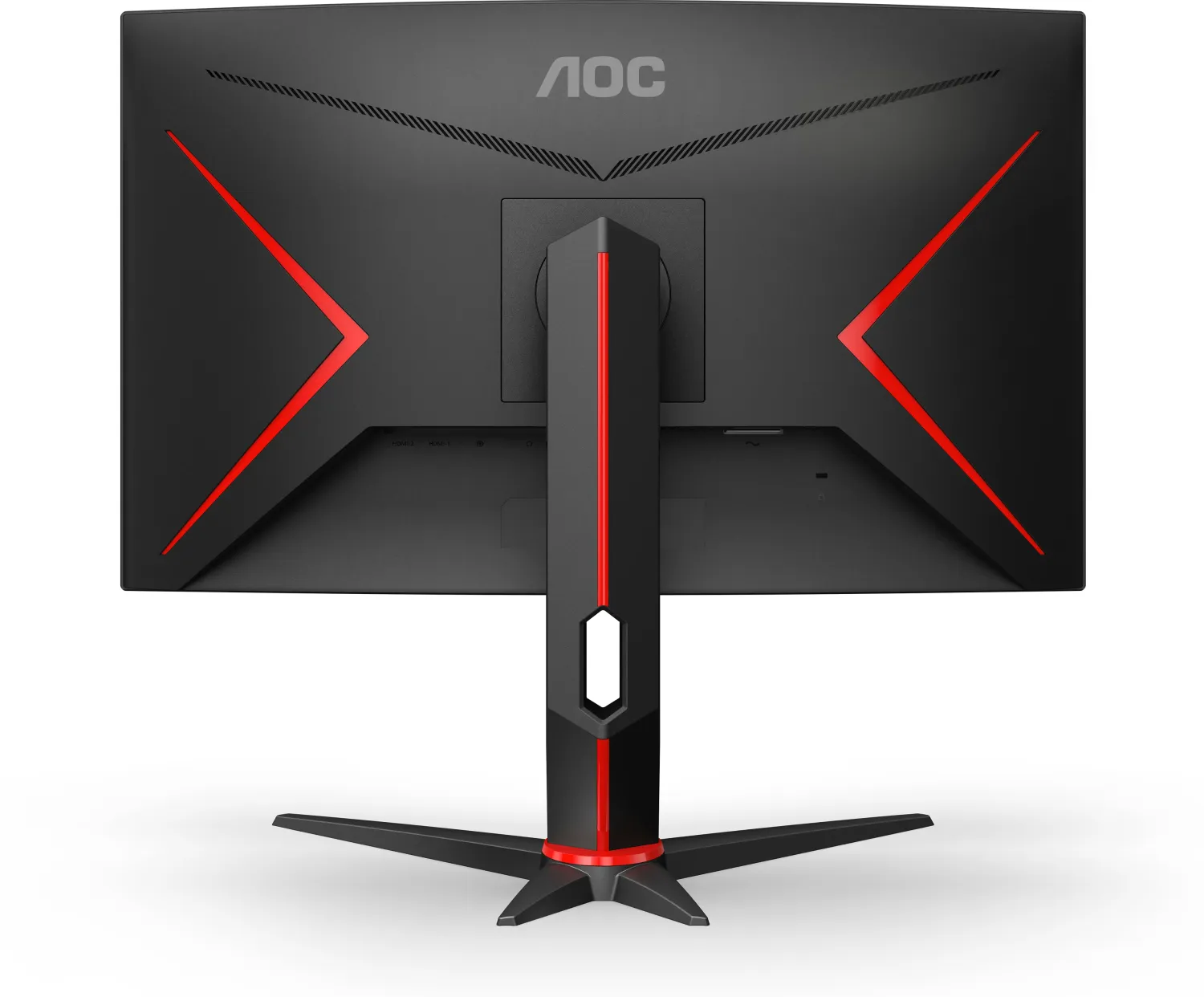
30 Pages

34 Pages
30 Pages
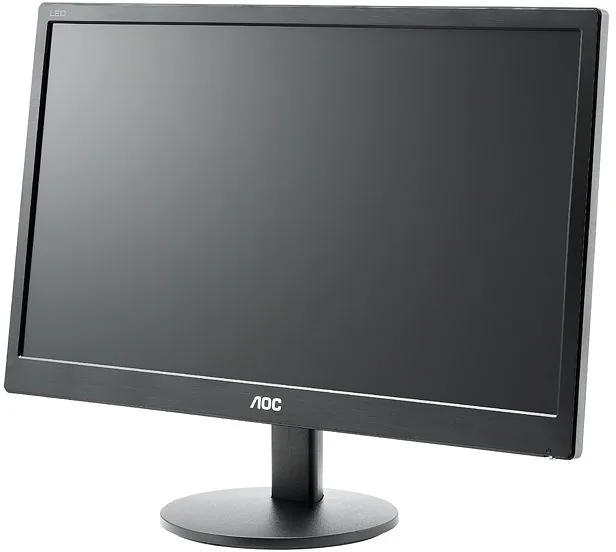
51 Pages
64 Pages
30 Pages
27 Pages
28 Pages
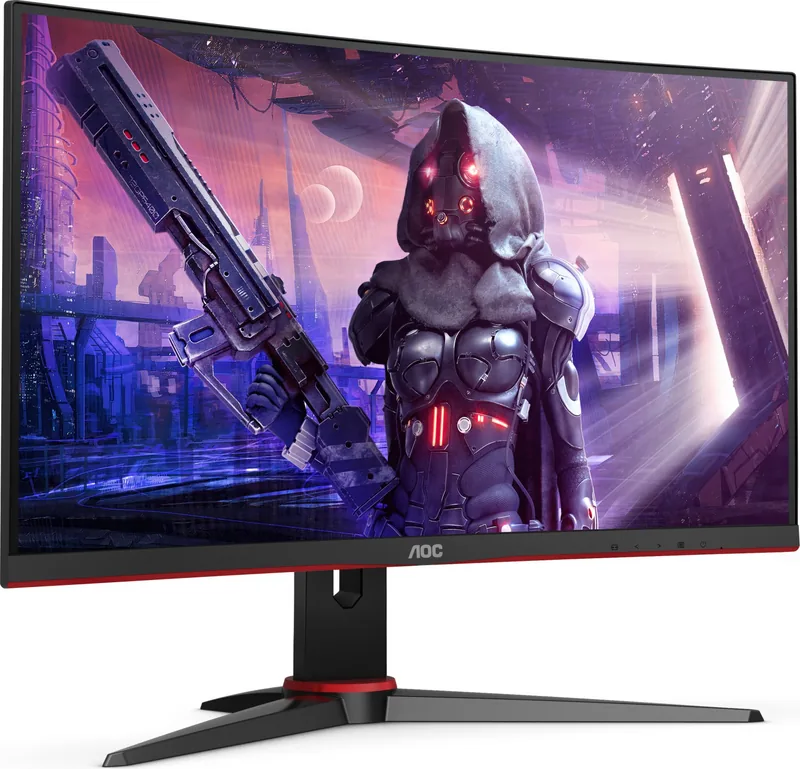
29 Pages
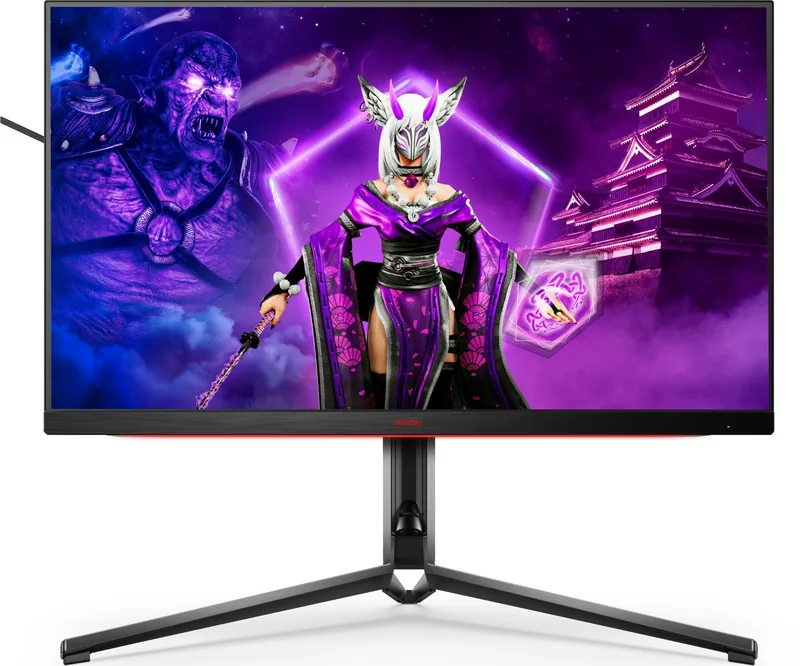
34 Pages
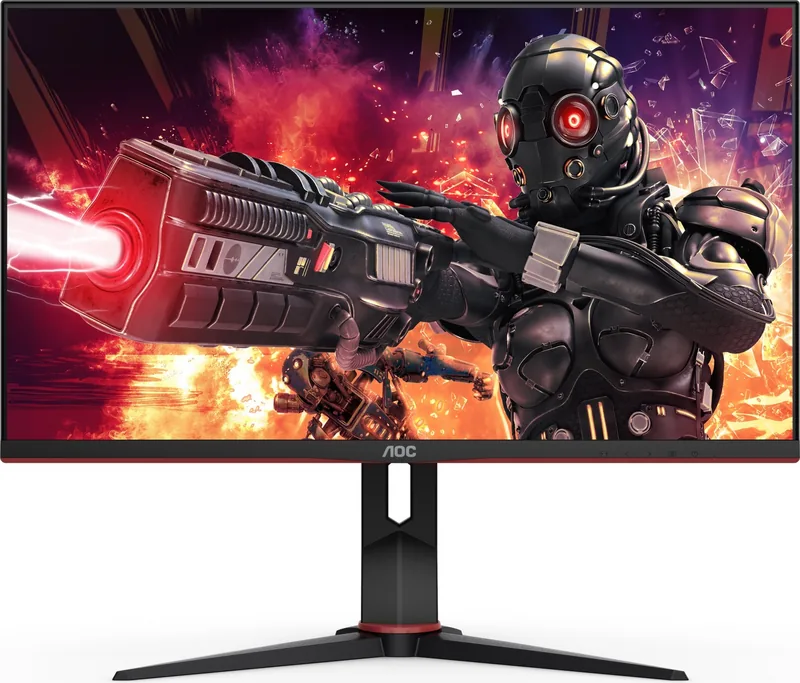
29 Pages
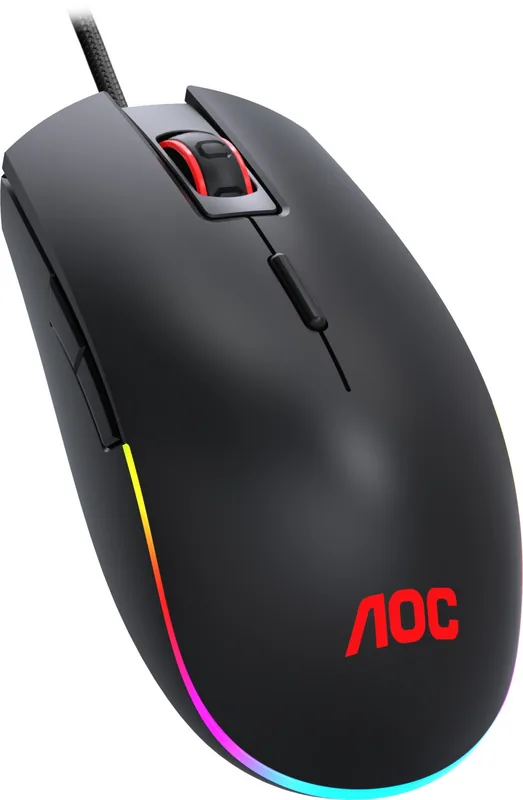
1 Pages

31 Pages
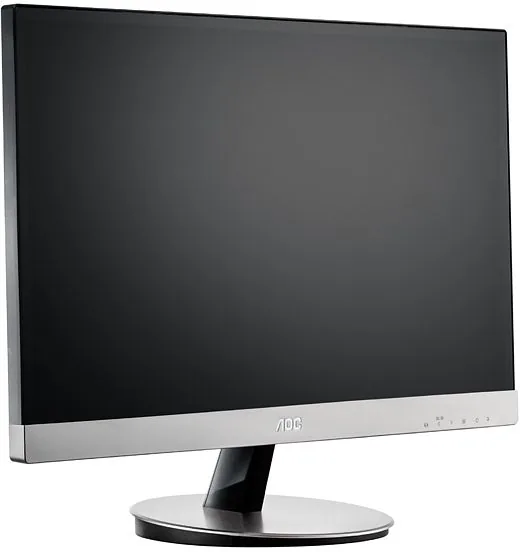
72 Pages
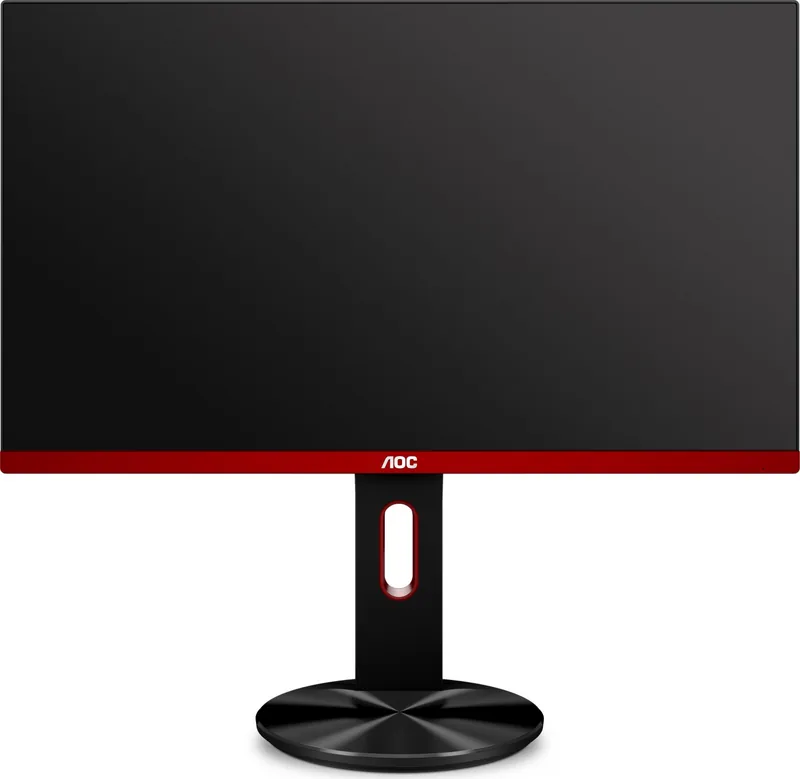
61 Pages
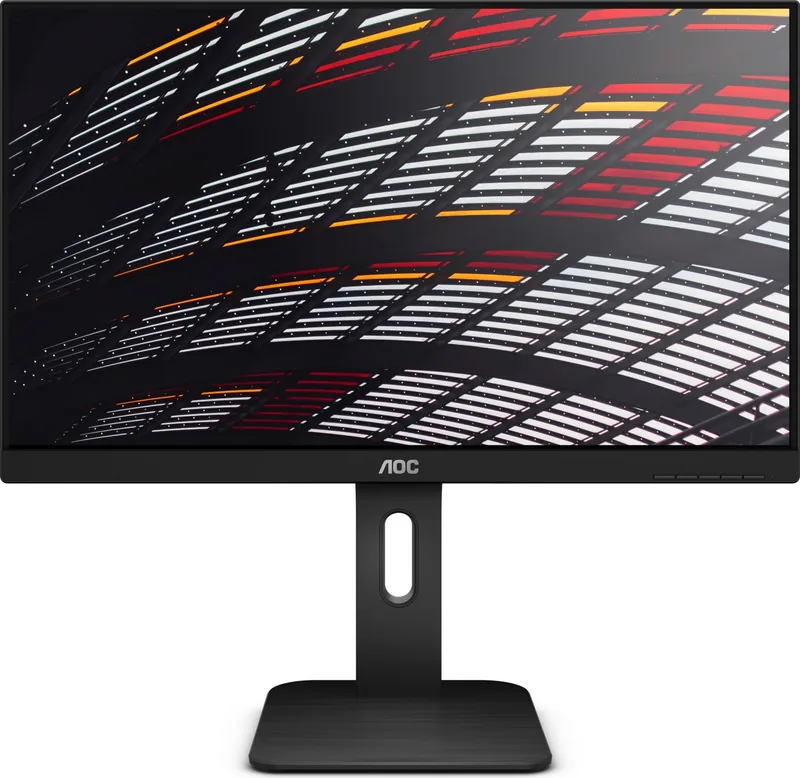
68 Pages
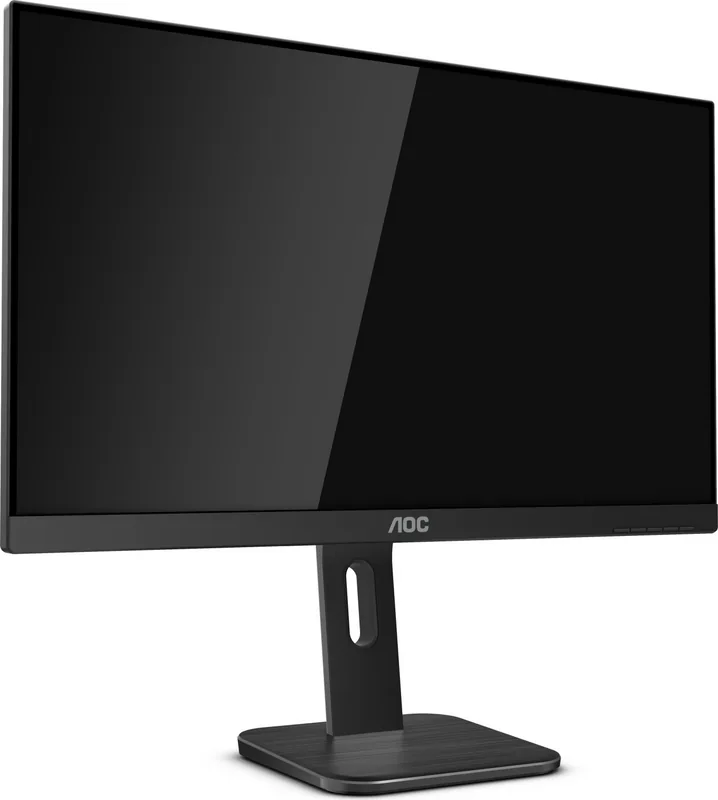
36 Pages
50 Pages
67 Pages
64 Pages
66 Pages
32 Pages
27 Pages
31 Pages
33 Pages
32 Pages

33 Pages
28 Pages
50 Pages
54 Pages
30 Pages
29 Pages
29 Pages
28 Pages
28 Pages
29 Pages
29 Pages
28 Pages

31 Pages
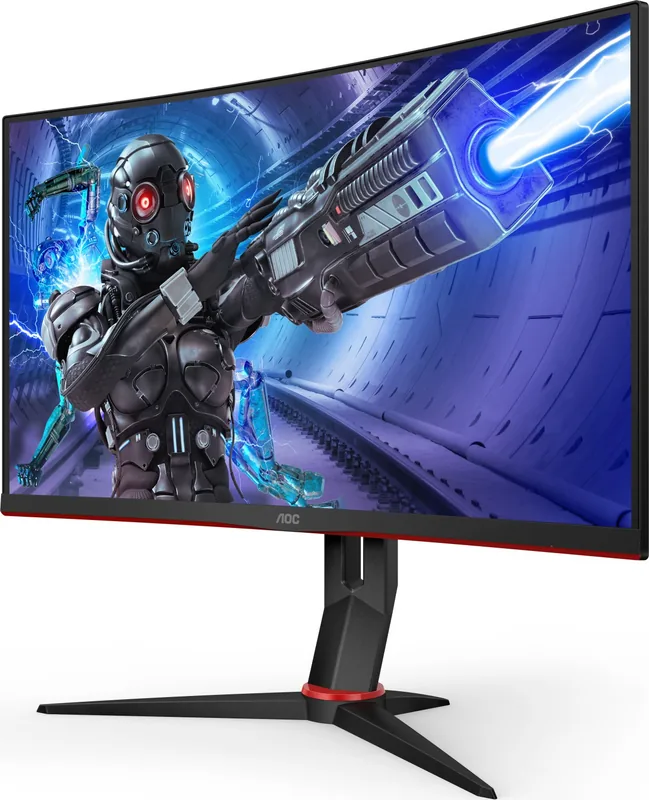
26 Pages
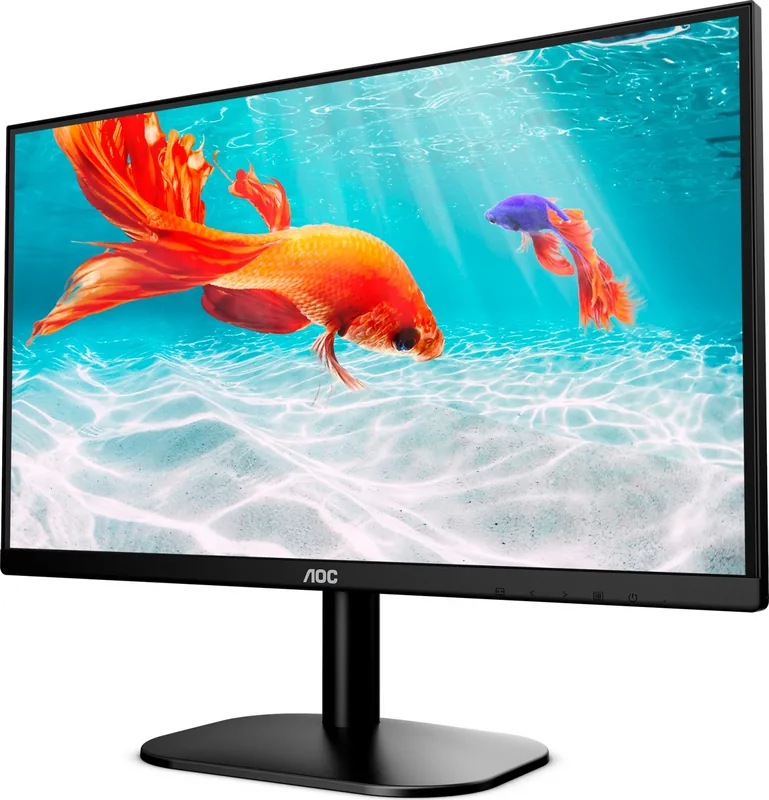
31 Pages
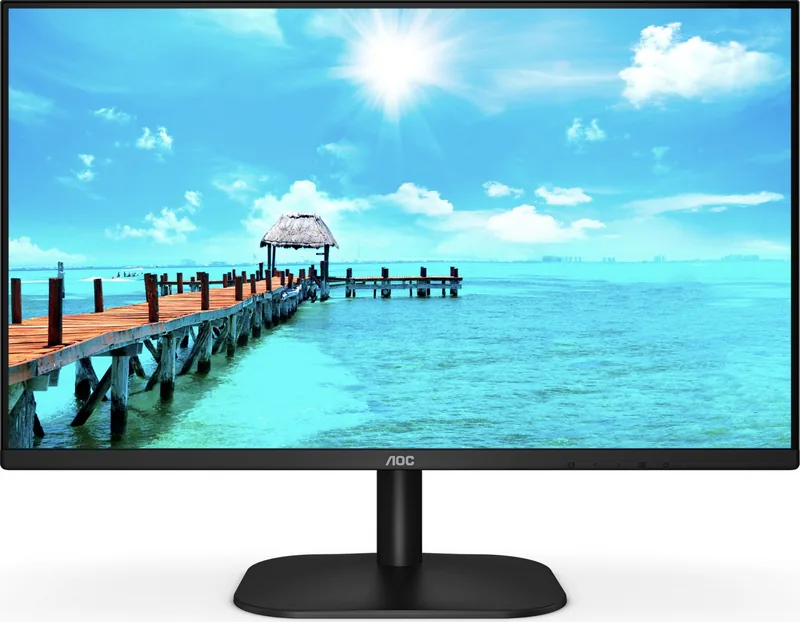
32 Pages
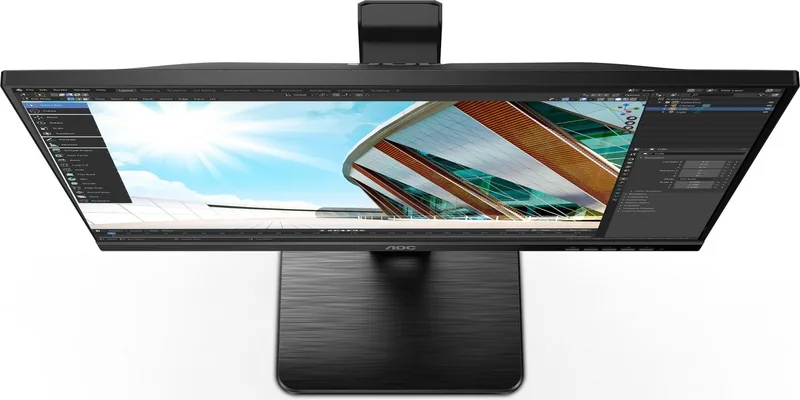
33 Pages
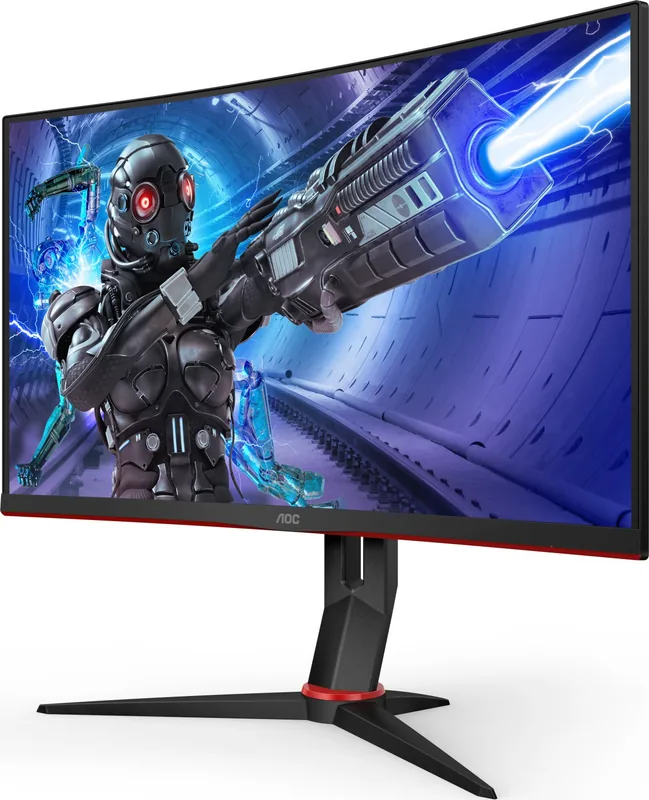
27 Pages
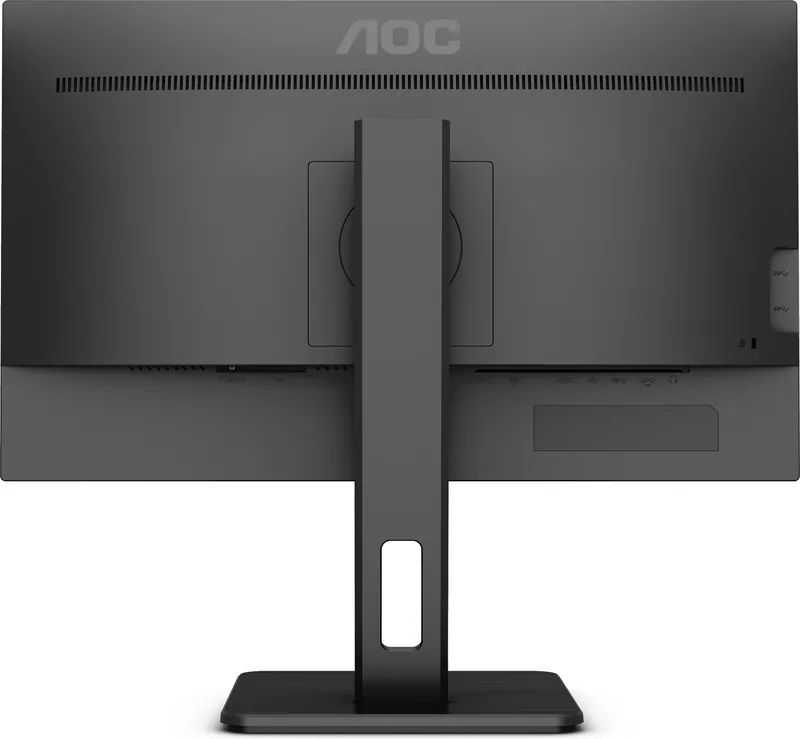
33 Pages
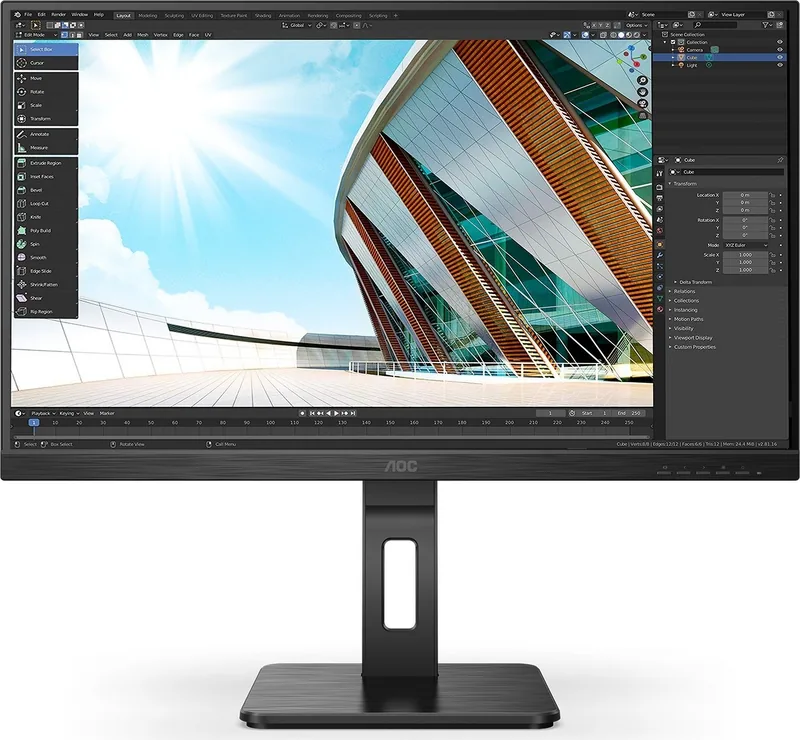
31 Pages
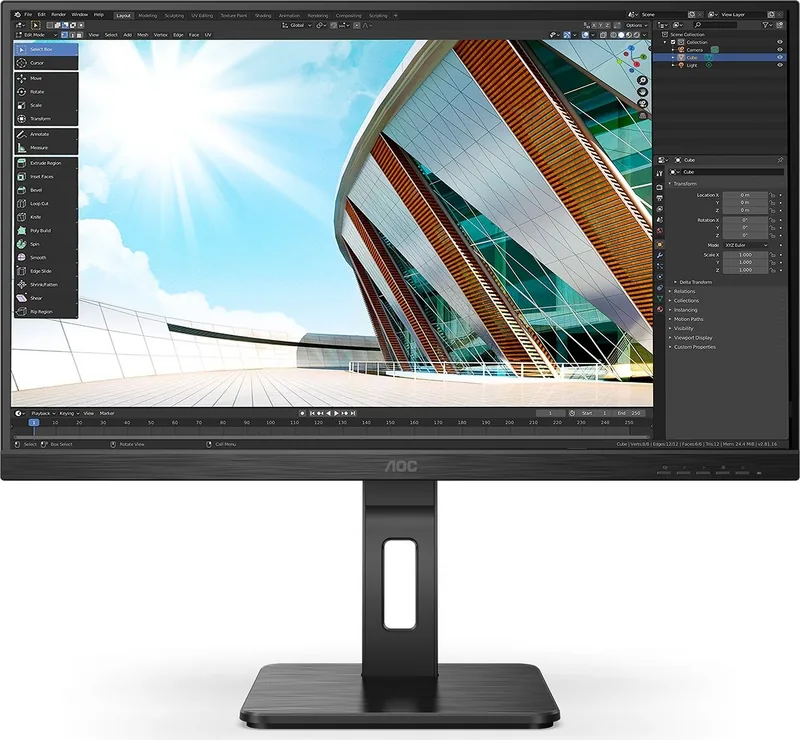
28 Pages
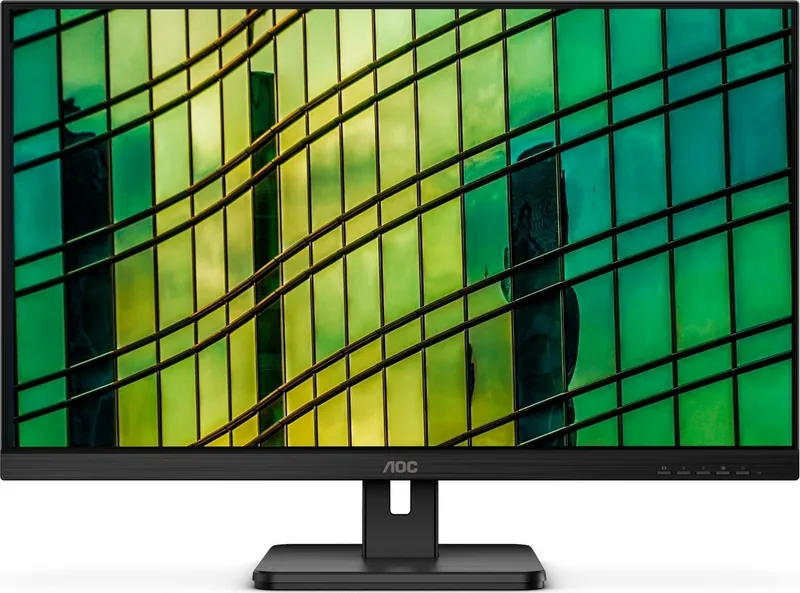
42 Pages
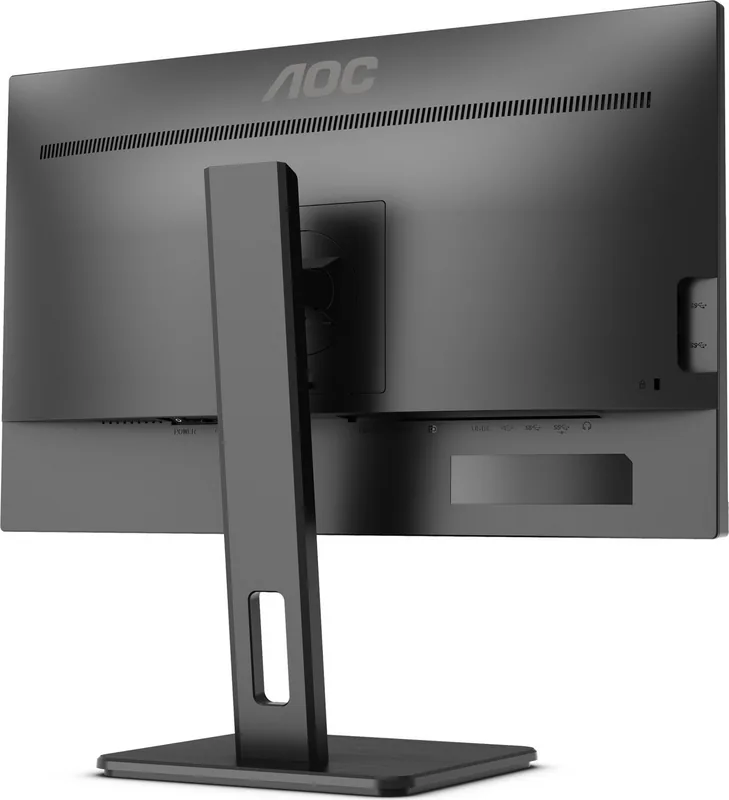
28 Pages
Categories

Welcome to Your Ultimate Resource for AOC Monitor Documentation
Navigating the world of computer peripherals can sometimes feel overwhelming, especially when you need specific information about your hardware. If you own an AOC monitor, having access to accurate and comprehensive documentation is essential for getting the most out of your device. This guide serves as a central hub for all your needs regarding Free AOC Manuals. Whether you are looking to read specifications online, download a PDF file for offline reference, or print a hard copy for your desk, we have streamlined the process to ensure you find exactly what you need quickly and efficiently.
Why Accessing Official Manuals Matters
Your AOC monitor is more than just a screen; it is a critical component of your productivity setup, gaming rig, or creative workspace. While modern monitors come with intuitive on-screen display menus, understanding every feature requires deeper knowledge. The official manual provides detailed instructions that go beyond basic connectivity. It explains how to calibrate colors for professional work, how to set up multiple displays seamlessly, and how to troubleshoot common issues like flickering screens or power failures without needing to call technical support immediately. Having these documents readily available saves time and prevents frustration.
Many users make the mistake of relying solely on quick start guides found in the box. These brief booklets often lack the depth required for advanced configurations. For instance, if you want to enable G-Sync or FreeSync technology, adjust the refresh rate settings, or utilize the built-in KVM switch features, you will need the full user guide. By accessing the complete manual, you empower yourself to configure your monitor to its full potential, ensuring optimal performance and longevity for your investment.
How to Read Manuals Online Instantly
One of the primary advantages of our resource is the ability to read manuals directly in your web browser. This method is perfect for users who do not want to clutter their hard drives with multiple files or those who need immediate answers while troubleshooting. Our platform hosts a vast library of AOC manuals covering various series, including the popular E-Series, V-Series, G-Series for gamers, and P-Series for professionals. You can simply navigate to the page corresponding to your specific model number, which is usually found on the back label of your monitor.
Reading online offers several benefits. First, it is fast. There is no waiting for a download to complete, which is particularly useful if you are on a slow internet connection or a mobile device. Second, it is environmentally friendly since no paper is wasted. Third, many digital versions include interactive elements such as clickable table of contents, search bars to find specific keywords instantly, and zoomable diagrams that allow you to see intricate details of ports and buttons clearly. This makes the learning curve much gentler compared to squinting at small text in a printed booklet.
Downloading PDFs for Offline Access
For users who prefer to keep their documentation organized locally or plan to access it in areas with limited internet connectivity, downloading the PDF version is the ideal solution. Our system allows you to save high-quality, searchable PDF files directly to your computer, tablet, or smartphone. Once downloaded, these files remain accessible forever, even if the website changes or goes offline. This permanence ensures that you always have a backup of the instructions for your device.
When downloading, you will typically find options for different languages. AOC products are sold globally, so manuals are often available in English, Spanish, French, German, Chinese, and many other languages. This inclusivity ensures that non-native speakers can understand the safety warnings, setup procedures, and maintenance tips without language barriers. The PDF format preserves the original layout, fonts, and graphics, providing an authentic reading experience that mirrors the physical book you might have received in the packaging. You can store these files in a dedicated folder on your desktop or cloud storage service for easy retrieval whenever you need them.
Printing Your Manual for Physical Reference
Sometimes, nothing beats holding a physical copy of a manual in your hands. Perhaps you are setting up a new monitor for the first time and want to follow step-by-step instructions side-by-side with the device. Or maybe you are teaching someone else how to use the monitor and prefer pointing to a printed diagram rather than showing a screen. In these scenarios, printing the manual is the best course of action. Our platform supports direct printing from the browser, allowing you to produce a clean, legible hard copy of the document.
When preparing to print, consider the paper size and orientation. Most AOC manuals are designed for standard A4 or Letter-sized paper. You can choose to print the entire document or select specific pages that address your current concern, such as the troubleshooting section or the warranty information. Printing also allows you to annotate the pages with notes or highlight key settings using a pen, creating a personalized guide tailored to your specific usage patterns. This tactile interaction can enhance memory retention and make future adjustments easier to manage.
Finding the Correct Model Number
A crucial step in locating the right manual is identifying the exact model number of your AOC monitor. The product line names like Gaming or Professional are broad categories that encompass dozens of different models with varying features. To ensure you get the correct document, look for the sticker on the back of the monitor or the bottom stand. The model number usually starts with letters like M, I, G, or V followed by a series of numbers and letters. Entering this precise code into our search tool guarantees that you retrieve the manual specifically designed for your hardware configuration.
Using the wrong manual can lead to confusion or even incorrect settings that might not apply to your unit. For example, a manual for a curved monitor might describe mounting options that differ significantly from a flat panel model. Similarly, older models may have different button layouts compared to newer versions. Therefore, taking a moment to verify your model number before proceeding is a vital habit that prevents unnecessary errors and ensures a smooth setup experience.
Troubleshooting Common Issues with Manual Guidance
Even the most reliable electronics can encounter occasional hiccups. When your AOC monitor acts unexpectedly, the manual is your first line of defense against panic. Detailed troubleshooting sections cover a wide range of symptoms, from no power or black screens to color inaccuracies and audio problems. Instead of guessing, you can follow structured diagnostic steps provided by the manufacturer. These steps often involve checking cable connections, resetting the factory settings, or updating the firmware through the OSD menu.
The manual also includes important safety information regarding electrical hazards, proper ventilation, and handling precautions. Ignoring these guidelines can void your warranty or damage the equipment. By adhering to the advice in the documentation, you protect both yourself and your device. Furthermore, knowing how to perform basic maintenance, such as cleaning the screen with the recommended solutions, extends the life of your monitor and keeps it looking pristine for years to come.
Conclusion: Empower Your Setup Today
Accessing free AOC manuals is a simple yet powerful way to take control of your technology. Whether you choose to read online, download for later, or print for convenience, having the right information at your fingertips transforms a potentially frustrating experience into a seamless one. We encourage all AOC owners to explore our collection, locate their specific model, and familiarize themselves with the full capabilities of their hardware. By doing so, you maximize the value of your purchase and ensure a superior visual experience for all your computing needs. Start exploring today and unlock the full potential of your AOC monitor.
Search for 67,706 Manuals online


Type-in Brand or Model