
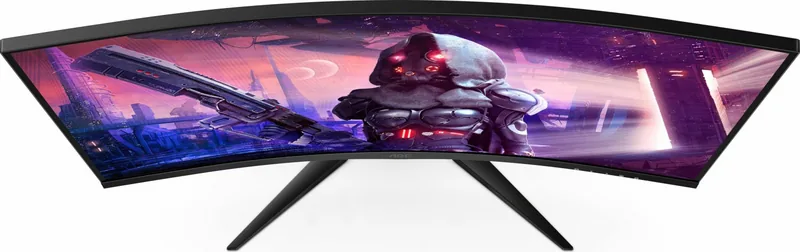
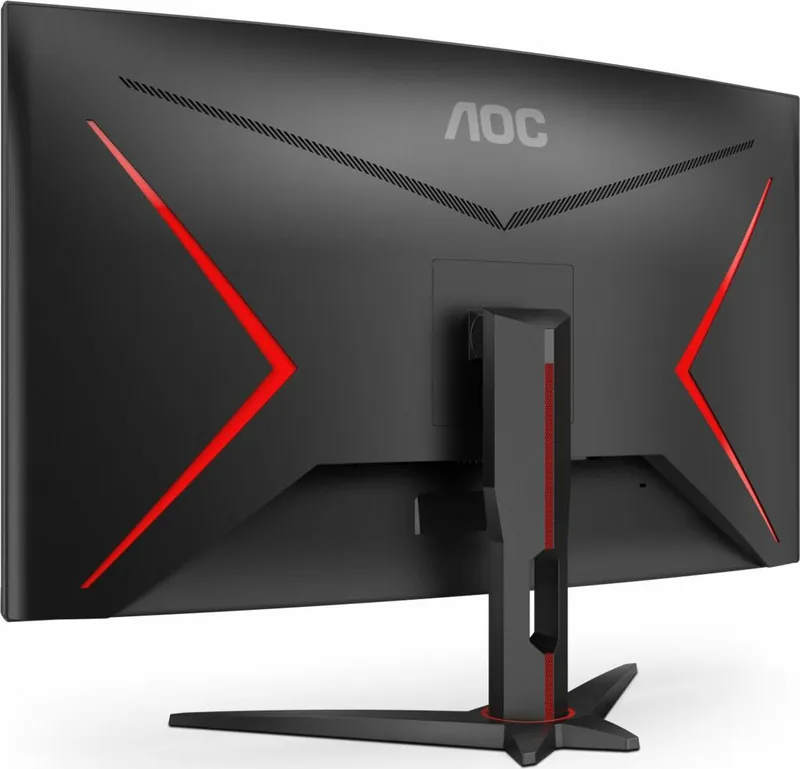
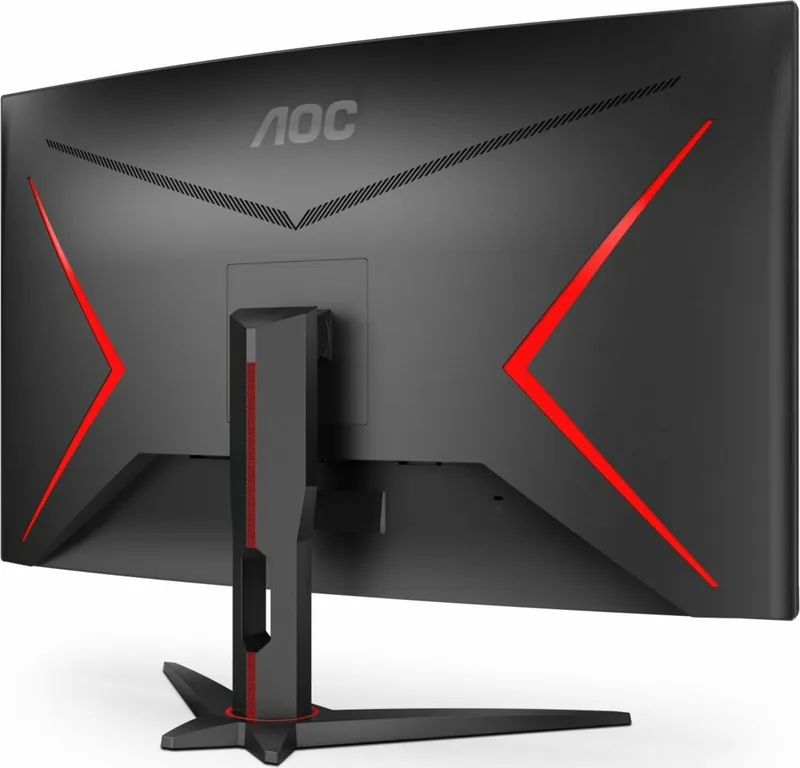
AOC C32G2AE/BK Manual
PDF manual · 29 Pages
English



Quick check
Incorrect answer, please try again.
Chat with your AOC C32G2AE/BK manual using AI
Get instant AI answers from your AOC C32G2AE/BK manual
Ask anything about the AOC C32G2AE/BK. Answers come from this manual, with the pages they are based on.
Ask a Question
Do you recommend C32G2AE/BK?
Yes No
lkhan21
7 months ago
Is the current price still reasonable compared to older models for gaming performance?

Manual.ly
7 months ago
Most users agree the price is fair and unbeatable for the features. Although one reviewer mentioned past model prices were lower, the current consensus highlights a top price-to-performance ratio. The 165Hz refresh rate, FreeSync compatibility, and curved 32-inch display contribute to a positive experience for both gaming and office work. Customers recommend it for console and PC use.
Frequently Asked Questions
The monitor supports Full HD 1920x1080 resolution at standard rates up to 165 Hz. It also displays standard VGA resolutions and high refresh rates suitable for gaming when connected via HDMI or DisplayPort.
Is this answer helpful?
You can connect using HDMI, DisplayPort, or D-Sub cables depending on your graphics card. Ensure you have the correct cable from the box and connect it to the corresponding port on the back of the monitor and PC.
Is this answer helpful?
Yes, you can adjust the brightness using the quick access keys or through the On Screen Display menu under the Luminance settings. The range allows for significant control from low to high visibility.
Is this answer helpful?
Check if the monitor is powered on and the video cable is fully connected. Restart both the computer and the monitor. If the issue persists, ensure the graphics card drivers are updated and the source selection matches the cable used.
Is this answer helpful?
Yes, the monitor supports Adaptive Sync via DisplayPort and HDMI with compatible AMD Radeon graphics cards. This reduces screen tearing and stuttering during gameplay for a smoother visual experience.
Is this answer helpful?
Turn off the monitor and unplug the power cable. Use a soft, dry microfiber cloth to gently wipe the screen. Avoid spraying liquid directly on the panel to prevent damage to the electronics inside the bezel.
Is this answer helpful?
Shadow Control adjusts the brightness of dark areas in the image. It helps reveal details hidden in shadows during gameplay, making it useful for games with high contrast or dark environments without washing out bright areas.
Is this answer helpful?
Advantages and Disadvantages
Advantages

- Support for 165 Hz refresh rate for smoother gameplay.
- Multiple connection options including HDMI and DisplayPort.
- Ergonomic stand with tilt adjustments for comfort.
- Game modes tailored for FPS, RTS, and Racing genres.
- Hardware support for Low Blue Light protection.
Disadvantages

- Height adjustment is not included in the stand design.
- No built-in USB hub for peripheral connectivity.
- Basic HDR implementation may not match high-end standards.
- On Screen Display menu navigation feels slow to users.
- Differences in color accuracy can occur after calibration.
Product Specification
Feature
Monitor (stationary)
Diagonal
31.5 inch
Resolution
1920x1080 (FHD), 16:9, 70 ppi
Panel
VA
Backlight
LED, Blue Light Filter, flicker-free
Brightness
250 cd/m2 (typical)
Contrast
3,000:1 (static), 80,000,000:1 (dynamic)
Response Time
4ms (GtG), 1ms (MPRT)
Refresh Rate
165Hz (1920x1080)
Variable Refresh Rate
Adaptive Sync, AMD FreeSync Premium certified (48-165Hz via DisplayPort, 48-144Hz via HDMI, with LFC support, without HDR)
Ports
1x VGA, 2x HDMI 2.0, 1x DisplayPort 1.2, 1x 3.5mm Jack (Line-Out), 1x 3.5mm Jack (Line-In), 1x DC Input (Power)
Curvature
Curved, 1500R / 1.50m
Viewing Angle
178 deg / 178 deg
Coating
non-glare (matte)
Color Depth
8bit (16.7 million colors)
FRC
Unknown
sRGB
123%
Adobe RGB
91%
Speakers
Speakers (2x 5W)
Ergonomics
with Stand, Height Adjustable N/A, Pivot N/A, Rotate N/A, Tilt (+22 deg / -5 deg)
VESA
100x100 (Mount)
Power Consumption
43W (typical), 0.3W (Standby), 54W (Legacy Energy Label A+++ to G)
Energy Efficiency SDR (A to G)
29kWh/1000h (F)
Legacy Energy Efficiency (A+++ to G)
78.8kWh (B)
Features
Security Lock (Kensington Security Slot), Slim Bezel
Screen-to-Body Ratio
90.65% (Calculated)
Dimensions
27.95x20.63x9.65 inch (WxHxD) with Stand, 27.95x16.73x3.35 inch (WxHxD) without Stand
Color
Black (Display Border) / Black, Red (Lower Bezel) / Black (Stand) / Black, Red (Back)
Weight
16.31 lbs (with Stand)
Power Adapter
External
Warranty
Three Years
USB Spelling
Link
Product Description
Introducing the AOC C32G2AE/BK Gaming Monitor Experience
When looking for a high performance display, the AOC C32G2AE/BK stands out as a formidable choice for gaming enthusiasts. This 31.5 inch IPS panel delivers stunning visuals with Full HD resolution optimized for gaming and creative work. The user guide, often referred to as the AOC C32G2AE/BK, 31.5 Manual, provides essential insights into operating this robust system without unnecessary complexity. Understanding the features is key to maximizing its potential for users worldwide.
Visual Performance
The display technology focuses on color accuracy and rapid response times. With support for HDR modes, viewers can enjoy deeper blacks and brighter highlights compared to standard panels. The Adaptive Sync function reduces screen tearing for a smoother experience when playing fast paced titles. Color settings allow customization through various modes like sRGB and user defined profiles for precise calibration. Picture Boost options enhance visual contrast further for dramatic effect in movies and games. Game modes include FPS, RTS, and Racing for specific genre optimization.
Comfort and Ergonomics
Designers ensured the stand offers significant flexibility. You can tilt the screen forward or backward to reduce neck strain during long sessions. The base is stable, but care must be taken to adjust the angle without touching the LCD panel directly to prevent damage. Placement requires ventilation space around the device to avoid overheating and ensure longevity. Ensure the power socket is accessible for safety during long term operation. Keep the area surrounding the monitor free from dust or obstructions.
Connectivity and Setup
Connecting the unit is straightforward with multiple input options available. Ports include HDMI, DisplayPort, and D Sub for flexibility with different computers. Audio out and input jacks support headset use or external speakers. Cable management keeps the desk tidy while ensuring signal integrity is maintained throughout use. A wide range of resolutions is supported from standard VGA up to high refresh rates at 165 Hz for competitive play. Always ensure the graphics card driver is installed for best results.
Software and Controls
The On Screen Display menu simplifies adjustments. Quick access keys allow toggling input sources or entering game modes instantly. Specific settings like Shadow Control help reveal details in dark scenes common in horror or strategy games. Low Blue Light mode protects eyes from fatigue during extended use. The included software supports DDC CI for computer based control integration. Users can set timers to remind breaks while working effectively. Frame counter options help track performance metrics.
Safety and Maintenance
Safety is a priority during operation. The device requires a grounded power socket to prevent electrical hazards. Avoid placing heavy objects on the monitor or standing on it. Clean the screen with a dry cloth to prevent scratches. Never spray liquid directly onto the panel. Ventilation holes must remain unblocked to prevent overheating. Regularly inspect the power cord for fraying. This ensures the longevity of your 31 inch display unit.
Search for 67,706 Manuals online


Type-in Brand or Model
Erik Schmidt
6 months ago
Is the current price reasonable for the 32-inch curved monitor given its gaming features?
Manual.ly
6 months ago
Yes, most customers consider the price unbeatable for the specifications. Users highlight the 32-inch curved display, 165Hz refresh rate with FreeSync, and 32-inch screen. The device also includes built-in speakers and good build quality. While one reviewer noted historical pricing differences, the general consensus confirms excellent price-performance ratio for gaming and office use.