
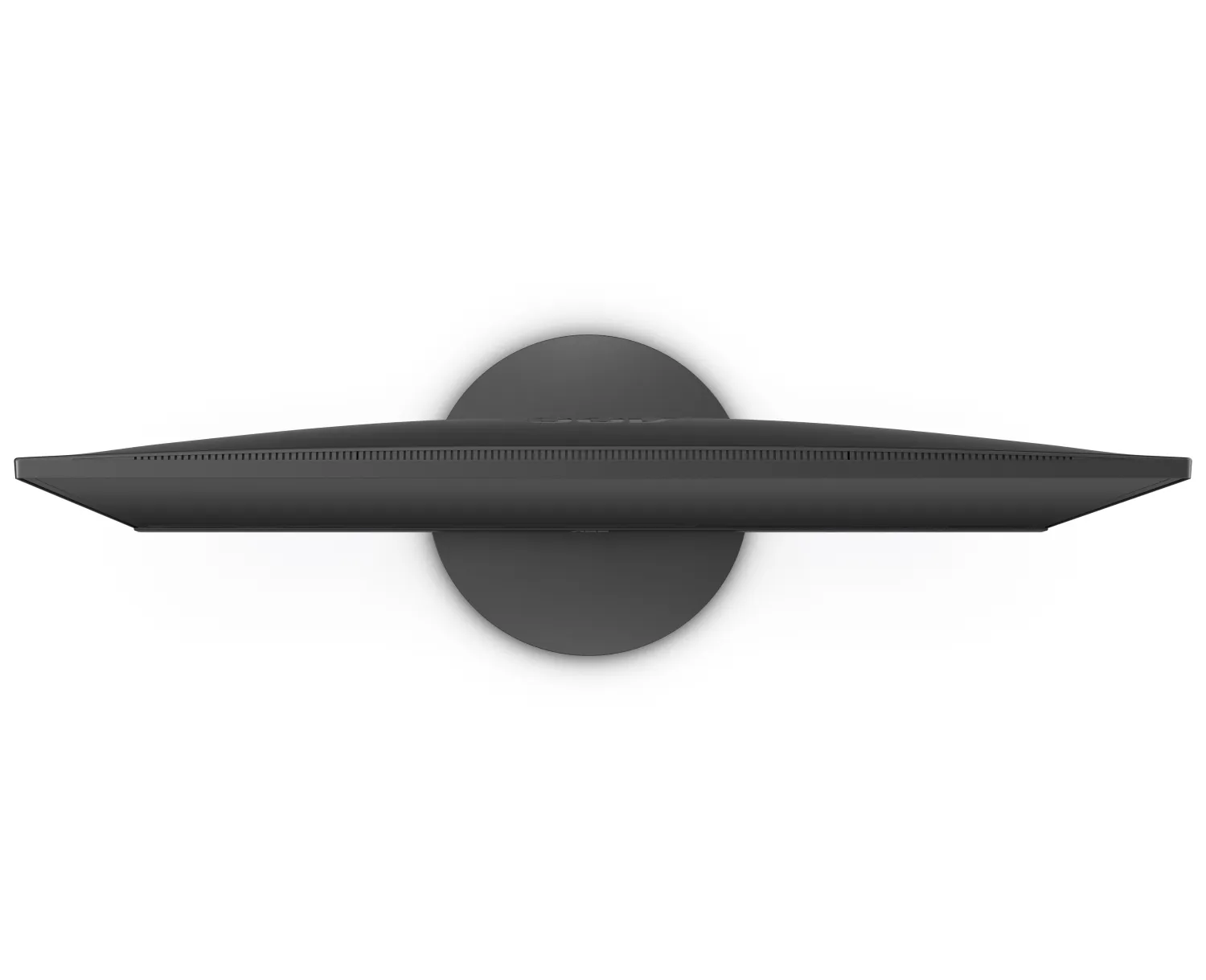
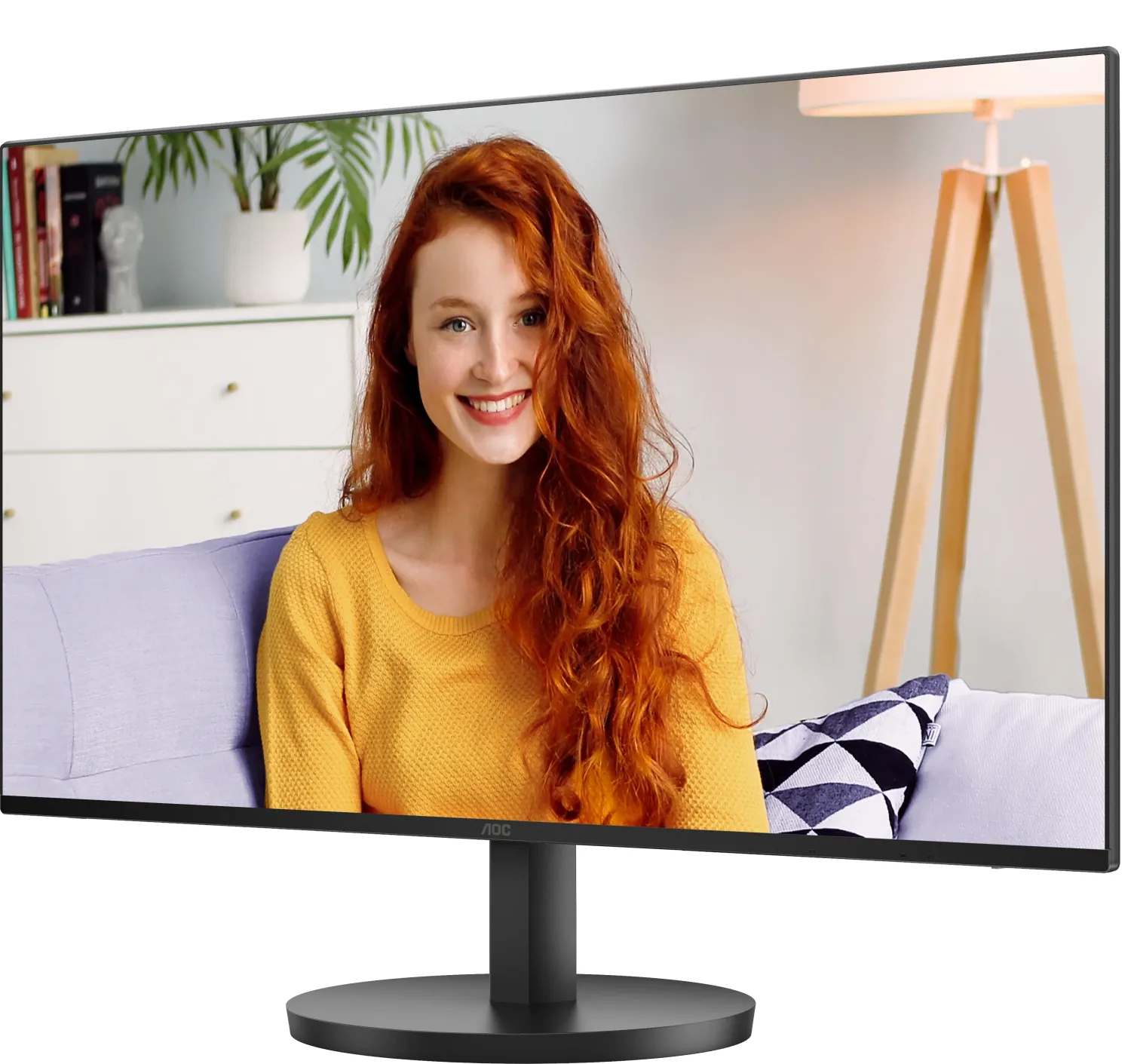
AOC 24B3HM Manual
PDF manual · 30 Pages
English



Quick check
Incorrect answer, please try again.
Chat with your AOC 24B3HM manual using AI
Get instant AI answers from your AOC 24B3HM manual
Ask anything about the AOC 24B3HM. Answers come from this manual, with the pages they are based on.
Ask a Question
Do you recommend 24B3HM?
Yes NoFrequently Asked Questions
The native resolution is 2560 x 1440, also known as QHD. This resolution offers more screen space and sharper detail than Full HD for productivity, web browsing, and media.
Is this answer helpful?
The monitor supports up to 100 Hz at 2560 x 1440. Actual availability depends on the connected device, graphics output, cable, and display settings.
Is this answer helpful?
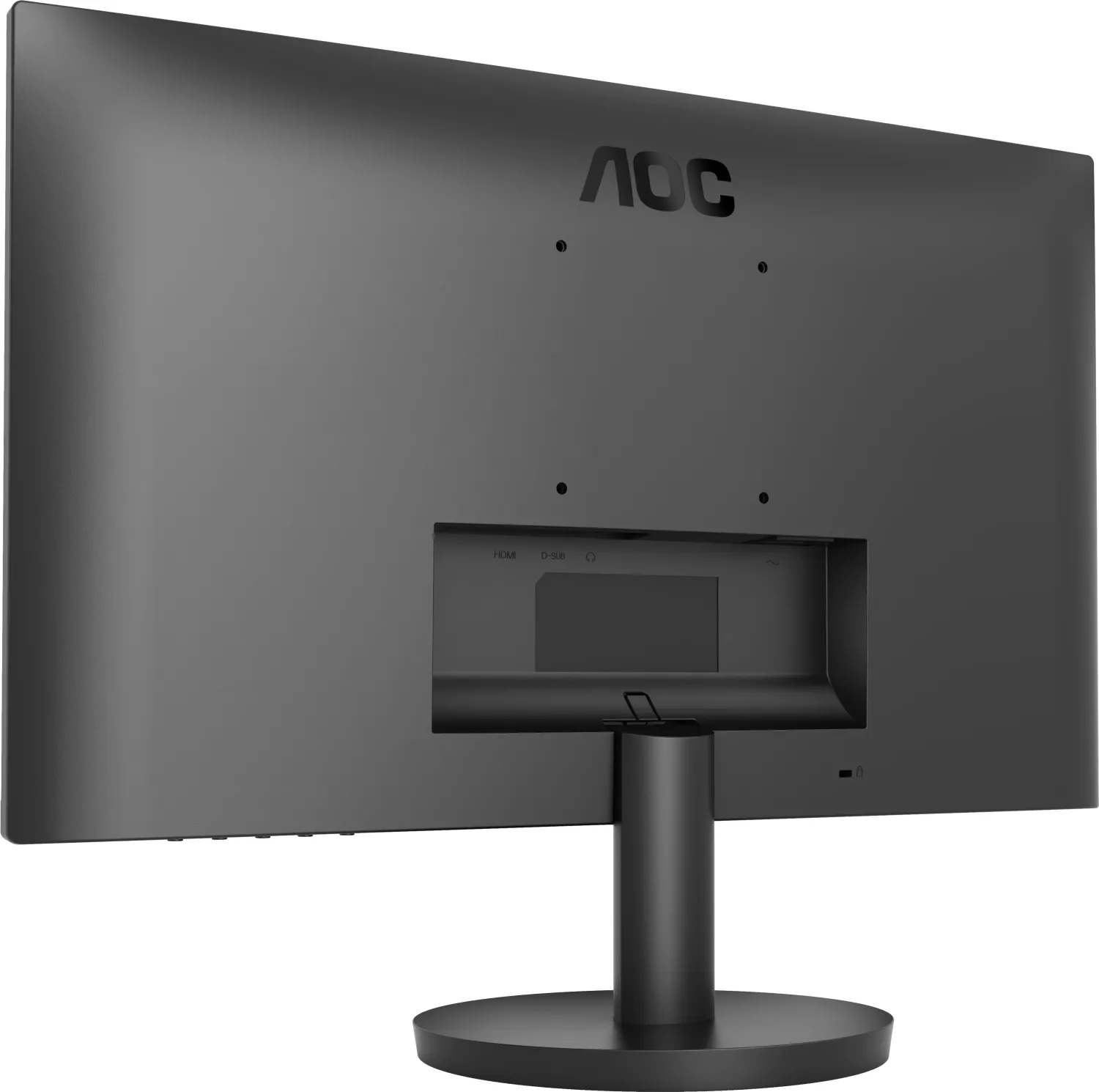
The Q27B3CF2 includes HDMI, USB-C, USB 3.2 Gen 1 charging connectivity, a headphone output, and power input. This makes it suitable for desktop and compatible laptop setups.
Is this answer helpful?
It supports HDR10 input signals and can automatically activate HDR with compatible devices and content. Available HDR profiles include HDR Picture, HDR Movie, and HDR Game.
Is this answer helpful?
Yes. The stand supports height adjustment up to 110 mm, tilt from -5 to 23 degrees, swivel, and pivot rotation. It also supports 100 x 100 mm VESA mounting with a compatible arm or wall mount.
Is this answer helpful?
Yes. Features include Adaptive-Sync, game presets, Shadow Control, Game Color, Overdrive, Motion Blur Reduction, an aiming point, and a frame counter. Some settings are unavailable while HDR or sRGB mode is active.
Is this answer helpful?
Advantages and Disadvantages
Advantages

- QHD 2560 x 1440 resolution provides sharp text and added workspace on the 27-inch screen.
- Up to 100 Hz refresh rate supports smoother motion for work, media, and compatible games.
- USB-C, HDMI, USB ports, and a headphone output offer flexible connectivity.
- Ergonomic stand provides height, tilt, swivel, and pivot adjustment, plus 100 x 100 mm VESA mounting.
- Adaptive-Sync, HDR10 input support, and gaming controls add versatile image options.
Disadvantages

- HDR mode can disable adjustments for contrast, Eco mode, gamma, and some color settings.
- Adaptive-Sync may cause flickering in certain gaming environments.
- Integrated speakers are rated at 2 W x 2, which may be limited for room-filling audio.
- Included signal cables may vary by country or region.
- Maximum 100 Hz operation depends on the connected device, cable, and selected resolution.
Product Specification
Function
Monitor (stationary)
Color depth
8-bit (16.7 million colors)
Backlight
LED, blue light filter, flicker-free
Variable synchronization
Adaptive Sync
Shape
flat
Viewing angle
178 degrees / 178 degrees
Speakers
Speakers (2 x 2 W)
Controls
mechanical buttons
Special features
Security lock (Kensington Security Slot), slim bezel
Color
black (display bezel) / black (bottom bezel) / black (stand) / black (rear)
Power supply
internal
Warranty
three years
USB notation
Link
Product Description
AOC B3 Series - Read, Download & Print Free
The AOC B3 Series brings practical performance and flexible connectivity to modern desks, home offices, and entertainment setups. The Q27B3CF2 model combines a 27-inch QHD display with a sharp 2560 x 1440 resolution, providing more room for detailed work, clear text, and immersive visual content. Its panel supports up to a 100 Hz refresh rate, helping motion appear smoother during fast scrolling, video playback, and compatible games.
Designed for everyday versatility, this monitor includes HDMI, USB-C, USB connectivity, and a headphone output. USB-C can simplify a compatible laptop setup by carrying display signals through one convenient connection, while the USB ports support useful desktop accessories. Integrated 2 W x 2 speakers also provide a space-saving audio option for casual listening, calls, and media without requiring separate speakers.
Clear visuals for work and play
The AOC B3 Series supports HDR10 input signals and offers selectable HDR Picture, HDR Movie, and HDR Game modes when compatible content is detected. Users can also choose from color temperature settings, an sRGB color gamut option, and Low Blue Mode presets for multimedia, internet, office, and reading use. These controls make it easier to tailor the image to a task or personal preference.
For gaming, Adaptive-Sync support can help reduce tearing with compatible hardware. Game Mode presets include FPS, RTS, Racing, and three customizable Gamer profiles. Additional tools such as Shadow Control, Game Color, Overdrive, Motion Blur Reduction, an on-screen aiming point, and a frame counter provide useful adjustments for different game styles. Clear Vision can enhance lower-resolution or soft-looking images for a more vivid appearance.
Flexible placement and simple control
The included stand supports tilt adjustment from -5 to 23 degrees, height adjustment up to 110 mm, pivot rotation, and swivel movement. This flexibility helps create a more comfortable viewing position throughout the day. A 100 x 100 mm VESA mounting pattern also allows use with a compatible wall mount or monitor arm.
The on-screen display provides direct control over brightness, contrast, gamma, Eco modes, color settings, input selection, image ratio, and timer functions. A break reminder can encourage healthier work habits after extended use. With typical power consumption listed at 24 W and standby use of 0.5 W or less, the monitor is built for efficient daily operation.
Notes
- Use the native 2560 x 1440 resolution for the best image quality.
- HDR controls may limit some picture and color adjustments while active.
- Included cables can vary by country or region.
Search for 67,706 Manuals online


Type-in Brand or Model