
AOC CQ27G2S/BK Manual
PDF manual · 30 Pages
English



Quick check
Incorrect answer, please try again.
Chat with your AOC CQ27G2S/BK manual using AI
Get instant AI answers from your AOC CQ27G2S/BK manual
Ask anything about the AOC CQ27G2S/BK. Answers come from this manual, with the pages they are based on.
Ask a Question
Do you recommend CQ27G2S/BK?
Yes NoFrequently Asked Questions
The monitor supports a maximum refresh rate of 165Hz when connected via DisplayPort. When using HDMI, the maximum refresh rate is 144Hz at the same resolution.
Is this answer helpful?
Yes, this monitor supports VESA wall mounting. You must purchase a compatible wall mounting arm separately and ensure it follows the assembly instructions. VESA screw holes are not available on all models, so check specific compatibility.
Is this answer helpful?
Yes, the monitor is G-SYNC Compatible. However, you must own a separate NVIDIA GPU card that supports G-SYNC specifically, such as GeForce GTX 650 Ti BOOST or higher, along with the correct drivers.
Is this answer helpful?
To lock the OSD, press and hold the Menu button while the monitor is turned off, then press the Power button to turn it on. To unlock, repeat the same process.
Is this answer helpful?
The optimal preset resolution is 2560x1440. It supports various modes including QHD at 165Hz via DP, 144Hz via HDMI, and standard VGA modes up to 165Hz depending on the input connection.
Is this answer helpful?
Clean the cabinet regularly with a water-dampened, soft cotton or microfiber cloth. Ensure the cloth is damp and almost dry. Do not allow liquid into the case and disconnect power before cleaning.
Is this answer helpful?
Advantages and Disadvantages
Advantages

- 165Hz refresh rate provides extremely smooth motion for gaming
- QHD resolution offers crisp image quality for detailed visuals
- VESA wall mount support allows flexible desk setup options
- AMD FreeSync Premium and G-SYNC Compatible for tear-free play
- Multiple Game modes and Shadow Control enhance specific genres
Disadvantages

- No integrated speakers require separate audio output
- Tilt angle restricted to -5 degrees to avoid damage
- Cable availability varies by region and may require confirmation
- Manual color calibration needed for optimal HDR performance
- Power cord is detachable which may require cable management
Product Specification
Function
Monitor (stationary)
Diagonal
27" (27.0 inches)
Resolution
2560x1440 (QHD), 16:9, 109ppi
Panel
VA
Backlight
LED, Blue Light Filter, Flicker-Free
Brightness
250 cd/m2 (typical)
Contrast
4,000:1 (static), 80,000,000:1 (dynamic)
HDR
HDR10
Response Time
4ms (GtG), 1ms (MPRT)
Refresh Rate
165Hz (2560x1440)
Variable Refresh Rate
Adaptive Sync
Signal Frequency
48-144Hz (V)
Connections
2x HDMI 2.0 (144Hz@2560x1440), 1x DisplayPort 1.4 (165Hz@2560x1440), 1x 3.5mm Jack (Line-Out), 1x AC-In C13 (Power Input)
Curvature
Curved, 1500R (4.92 ft)
Viewing Angle
178 degrees / 178 degrees
Coating
Non-glare (matte), Hardness 3H
Color Depth
8bit (16.7 Million colors)
FRC
Unknown
sRGB
121%
DCI-P3
90%
Controls
Mechanical Buttons
Ergonomics
With Stand, Height Adjustable (5.12 inches), Pivot N/A, Swivel (+/- 30 degrees), Tilt (+22 degrees / -4 degrees)
VESA Mount
100x100 (Supported)
Power Consumption
32W (typical), 0.5W (Standby)
Energy Efficiency SDR
26kWh/1000h (F)
Energy Efficiency HDR
39kWh/1000h (G)
Features
Security Lock (Kensington Security Slot), Slim Bezel
Screen-to-Body Ratio
89.35% (Calculated)
Dimensions
24.11x15.70x8.95in (WxHxD) with Base Compressed, 24.11x14.46x2.88in (WxHxD) without Base
Color
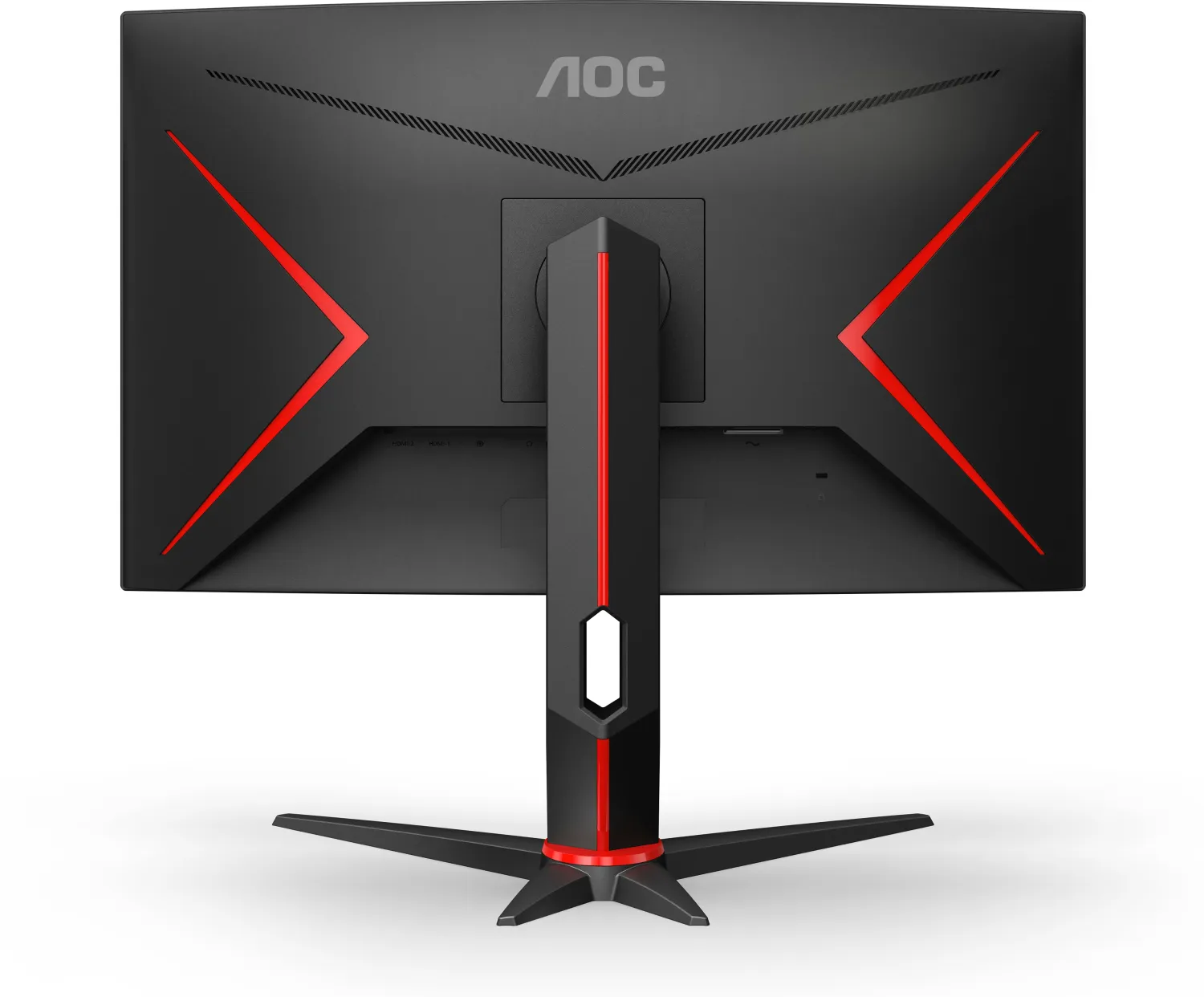
Black (Display Frame) / Black, Red (Lower Bezel) / Black, Red (Base) / Black, Red (Rear)
Weight
11.90 lbs (with Base), 9.04 lbs (without Base)
Power Supply
Internal
Warranty
3 years
USB Port
Left
Product Description
Introduction
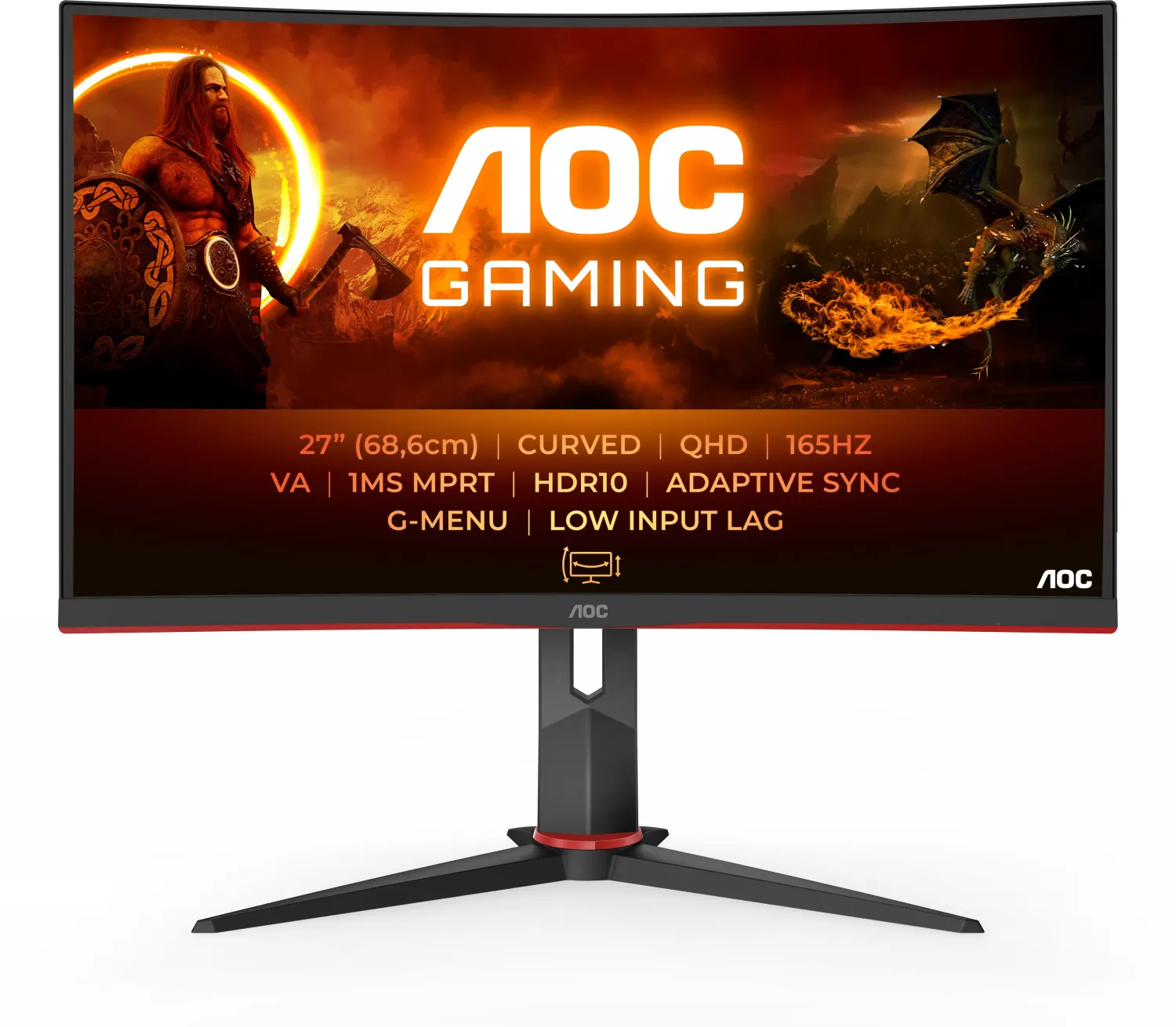
Finding the perfect display for competitive gaming can be an intense process. The AOC CQ27G2S/BK, 27 monitor stands out as a robust choice for enthusiasts who demand high performance and visual fidelity. This screen offers a crisp QHD resolution that delivers detailed imagery, essential for spotting enemies in fast-paced shooters. With a high refresh rate supporting up to 165Hz via DisplayPort, smooth motion is guaranteed during intense gameplay sessions. The inclusion of Adaptive-Sync technology, along with AMD FreeSync Premium and G-SYNC Compatibility, eliminates screen tearing and stuttering.
Safety and Installation
Installation is straightforward but requires attention to safety. The user should ensure there is adequate ventilation space around the device to prevent overheating. According to the guidelines, keep at least 12 inches of space behind and 4 inches on the sides when using a desk stand. Power safety is paramount, so always use a grounded three-prong outlet and never defeat the grounding purpose of the plug. Unplug during lightning storms to prevent damage. During setup, do not over-tighten the stand base or tilt the monitor more than five degrees downwards to avoid warranty voiding or panel damage. Never spill liquids on the monitor cabinet or push objects into vents to prevent electric shock.
OSD and Controls
Adjusting the visual experience is handled through the intuitive On-Screen Display menu. Users can access Hotkeys located on the base to manage Source, Game Mode, and brightness settings quickly. The OSD allows deep customization of luminance, color temperature, and picture boost features. For specific genres, gamers can select dedicated modes like FPS, RTS, Racing, or save custom presets. Shadow control helps reveal details in dark areas, while low input lag ensures responsive controls. The monitor also features an Off Timer to reduce eye strain when used idle. If the OSD is locked, hold the menu button during power on to toggle.
Connectivity and Maintenance
Connectivity options are versatile with two HDMI ports and one DisplayPort, alongside a headphone jack for audio output. For those preferring a clean desk setup, the monitor supports VESA wall mounting. Cleaning should be done with a damp microfiber cloth while disconnected from power.
Conclusion
Understanding these parameters helps maximize the utility of the hardware. For detailed instructions on troubleshooting or specific settings, refer to the AOC CQ27G2S/BK, 27 Manual available with the product box. Whether you are calibrating colors for creative work or tuning response times for esports, this panel delivers a balanced solution for diverse computing environments. Always verify cable compatibility to ensure all necessary connections are supported. If the panel exhibits strange smells or smoke, disconnect power immediately and contact service. If the screen flickers, move electrical devices causing interference away. The resolution presets support standard VGA modes up to QHD at high frequencies.
Search for 67,706 Manuals online


Type-in Brand or Model