
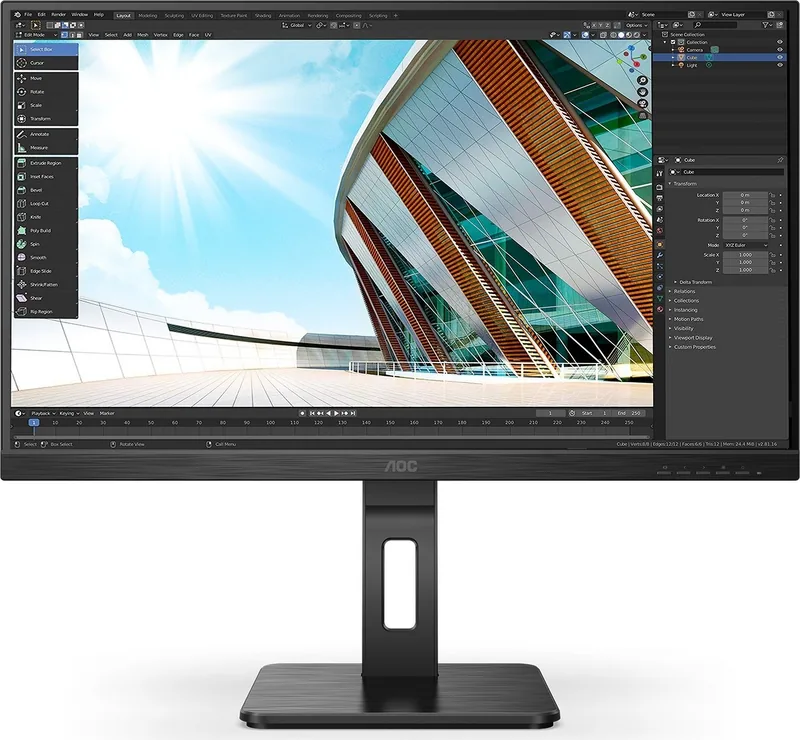
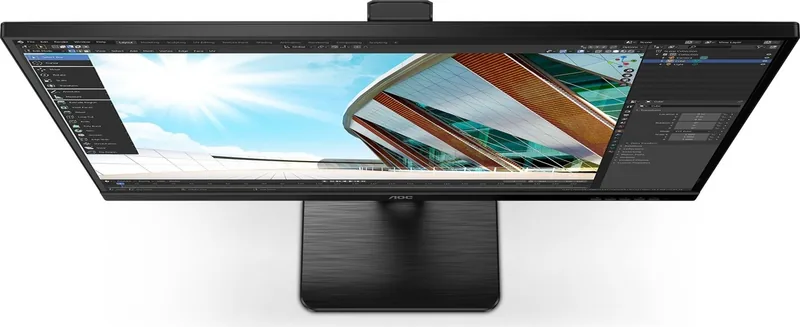
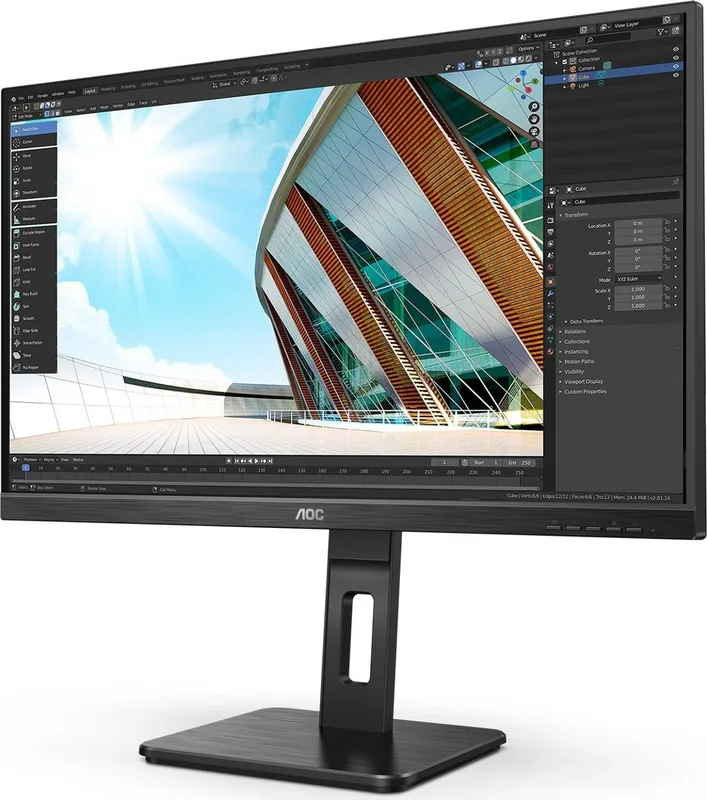
AOC U27P2 Manual
PDF manual · 31 Pages
English



Quick check
Incorrect answer, please try again.
Chat with your AOC U27P2 manual using AI
Get instant AI answers from your AOC U27P2 manual
Ask anything about the AOC U27P2. Answers come from this manual, with the pages they are based on.
Ask a Question
Do you recommend U27P2?
Yes NoFrequently Asked Questions
Yes, the monitor supports HDR Mode which can be selected from the OSD menu. However, when HDR is active, certain manual adjustments like contrast and brightness may be locked depending on the mode.
Is this answer helpful?
The AOC U27P2 operates at a native refresh rate of 60Hz at its maximum resolution of 3840x2160. It also supports lower resolutions with varying frequencies up to 75Hz.
Is this answer helpful?
Yes, the U27P2 is VESA compatible. You can remove the stand and attach it to a separate wall-mount arm using the four screw holes on the back of the unit.
Is this answer helpful?
To enable Adaptive-Sync, connect via DisplayPort or HDMI and ensure your graphics card is compatible. Then, navigate to the Game Setting menu in the OSD and turn Adaptive-Sync to On.
Is this answer helpful?
Clear Vision is a utility that converts low-resolution or blurry images into clearer, more vibrant visuals. It can be toggled between Weak, Medium, Strong, and Off via the quick keys.
Is this answer helpful?
Yes, the AOC U27P2 includes built-in speakers and a headphone jack for audio output, allowing for convenient sound playback without external speakers.
Is this answer helpful?
No, the standard stand only allows for tilt adjustment. It does not support height, swivel, or pivot adjustments. Wall mounting is recommended for full ergonomic positioning.
Is this answer helpful?
Advantages and Disadvantages
Advantages

- 4K UHD resolution for exceptional clarity
- Adaptive-Sync technology reduces screen tearing
- Multiple connectivity options including DP and HDMI
- Low Blue Mode protects eyes during long use
- Customizable OSD with dedicated game modes
Disadvantages

- No built-in webcam or speaker quality is average
- Manual adjustment required for some advanced features
- Wall mount screws not included in the box
- Requires compatible GPU for HDR and Adaptive-Sync
- Stand does not support height or swivel adjustments
Product Specification
Function
Monitor (stationary)
Diagonal
27" (68.6cm)
Resolution
3840x2160 (4K UHD), 16:9, 163ppi
Panel
IPS
Backlight
LED, blue light filter, flicker-free
Brightness
350cd/m^2 (typical)
Contrast
1,000:1 (static), 50,000,000:1 (dynamic)
Response time
4ms (GtG)
Refresh rate
60Hz (3840x2160)
Variable synchronization
Adaptive Sync, AMD FreeSync certified (40-60Hz via DisplayPort, 40-60Hz via HDMI, no LFC support, no HDR)
Signal frequency
30-140kHz (H) / 23-75Hz (V)
Connections
2x HDMI 2.0, 1x DisplayPort 1.2, 1x USB-B 3.0 (Upstream, 5Gb/s), 4x USB-A 3.0 (Downstream, 5Gb/s), 1x 3.5mm jack (Line-Out), 1x 3.5mm jack (Line-In), 1x AC-In C13 (power input)
Shape
straight (flat)
Viewing angle
178°/178°
Coating
non-glare (matte), hardness 3H
Color depth
10bit (1.07 billion colors)
FRC
unknown
sRGB
109%
Adobe RGB
81%
DCI-P3
80%
Certifications/Standards
TCO 9
Speakers
Speakers (2x 2W)
Operation
mechanical buttons
Ergonomics
with stand, height adjustable (150mm), pivot (+90°), swivel (+/-180°), tilt (+35°/-5°)
VESA
100x100 (used)
Power consumption
35W (typical), 0.3W (standby), 41W (old energy label A+++ to G)
Energy efficiency SDR (A to G)
30kWh/1000h (G)
Energy efficiency HDR (A to G)
33kWh/1000h (G)
Old energy efficiency (A+++ to G)
59.9kWh (B)
Features
Security lock (Kensington Security Slot), Slim Bezel
Screen-to-Body Ratio
88.70% (calculated)
Dimensions
614x544x200mm (WxDxH) with stand compressed, 614x369x51mm (WxDxH) without stand
Color
black (display frame) / black (lower bezel) / black (stand) / black (back)
Weight
5.89kg (with stand)
Power supply
internal
Warranty
three years
USB spelling
Link
Product Description
AOC U27P2 27" Monitor: Elevate Your Visual Experience
The AOC U27P2 27" monitor represents a significant leap in display technology, designed for professionals and gamers who demand precision. With a stunning 4K UHD resolution of 3840x2160 pixels, this screen delivers crystal-clear images that bring every detail to life. Whether you are editing high-resolution photos, managing complex spreadsheets, or immersing yourself in the latest AAA titles, the vibrant colors and sharp contrast ensure an unparalleled viewing experience.
Equipped with advanced connectivity options including DisplayPort, HDMI, and USB-C, the U27P2 offers seamless integration into any workspace. The inclusion of Adaptive-Sync technology minimizes screen tearing and stuttering, providing smooth motion during fast-paced gaming sessions. For those concerned about eye strain during long work hours, the Low Blue Mode feature effectively reduces harmful blue light emissions without compromising color accuracy.
Customization is at the heart of the U27P2 design. The intuitive On-Screen Display (OSD) allows users to fine-tune settings such as brightness, contrast, gamma, and specific game modes tailored for FPS, RTS, or racing games. The Picture Boost function adds a dynamic border around the image to enhance visual focus, while Shadow Control helps reveal hidden details in dark scenes. Additionally, the built-in speakers and headphone jack provide convenient audio output, eliminating the need for external devices in many scenarios.
Safety and durability are paramount. The monitor features a robust stand that supports tilt adjustments for optimal viewing angles, ensuring comfort during extended use. It also supports VESA wall mounting, offering flexibility for multi-monitor setups or space-saving configurations. The device adheres to strict energy efficiency standards, consuming minimal power in standby mode while delivering maximum performance when active.
Notes:
- Ensure your graphics card supports Adaptive-Sync for full functionality.
- Use only recommended cables to maintain signal integrity.
- Regular cleaning with a soft cloth prevents dust accumulation.
Search for 67,706 Manuals online


Type-in Brand or Model