
AOC C27G2ZE/BK Manual
PDF manual · 26 Pages
English



Quick check
Incorrect answer, please try again.
Chat with your AOC C27G2ZE/BK manual using AI
Get instant AI answers from your AOC C27G2ZE/BK manual
Ask anything about the AOC C27G2ZE/BK. Answers come from this manual, with the pages they are based on.
Ask a Question
Do you recommend C27G2ZE/BK?
Yes No
Lisa Weber
5 months ago
Is the 27 inch 1080p resolution clear enough for office work if I sit close, or will I see pixelation?

Manual.ly
5 months ago
This 27-inch Full HD monitor is primarily designed for gaming. For text clarity, we recommend a viewing distance of at least 110cm due to the pixel density. Some users reported slight blur or ghosting during fast motion, but most find it acceptable for the price. If you need sharp text up close, ensure proper distance. For gaming, it delivers smooth 240Hz performance.
Frequently Asked Questions
The monitor supports a maximum refresh rate of 240Hz at Full HD resolution, ensuring smooth gameplay.
Is this answer helpful?
Yes, it includes AMD FreeSync Premium functionality for a tear-free experience with compatible graphics cards.
Is this answer helpful?
Connect the HDMI or DisplayPort cables to your computer, then plug the power cord into a grounded outlet.
Is this answer helpful?
Yes, the stand allows you to tilt and adjust the viewing angle to find your perfect preference.
Is this answer helpful?
Do not use water directly. Use a soft cloth with mild detergent, ensuring no liquid leaks into the product.
Is this answer helpful?
The native resolution is 1920x1080 pixels, providing sharp Full HD visuals for all content.
Is this answer helpful?
Advantages and Disadvantages
Advantages

- High refresh rate support up to 240Hz for fluid motion
- AMD FreeSync Premium technology eliminates screen tearing
- Multiple video inputs including HDMI and DisplayPort
- Shadow Control feature enhances dark scene visibility
- Customizable game modes for different genres
Disadvantages

- No built-in speakers included, only audio output
- VESA mount kit is not included in the box
- No USB hub functionality available on the device
- OSD menu navigation might require initial learning
- Backlight bleed potential on lower-end panels
Product Specification
Function
Monitor (stationary)
Diagonal
27" (27.01 in)
Resolution
1920x1080 (FHD), 16:9, 82 ppi
Panel
VA
Backlight
LED, Blue Light Filter, flicker-free
Brightness
300 cd/m^2 (typical)
Contrast
3,000:1 (static), 80,000,000:1 (dynamic)
Response Time
4ms (GtG), 0.5ms (MPRT)
Refresh Rate
240Hz (1920x1080)
Variable Refresh Rate
Adaptive Sync, AMD FreeSync Premium certified (48-240Hz via DisplayPort, 48-240Hz via HDMI, with LFC-Support, without HDR)
Signal Frequency
30-255kHz (H) / 48-240Hz (V)
Ports
2x HDMI 2.0, 1x DisplayPort 1.2, 1x 3.5mm Jack (Line-Out), 1x AC-In C13 (AC Power In)
Curvature
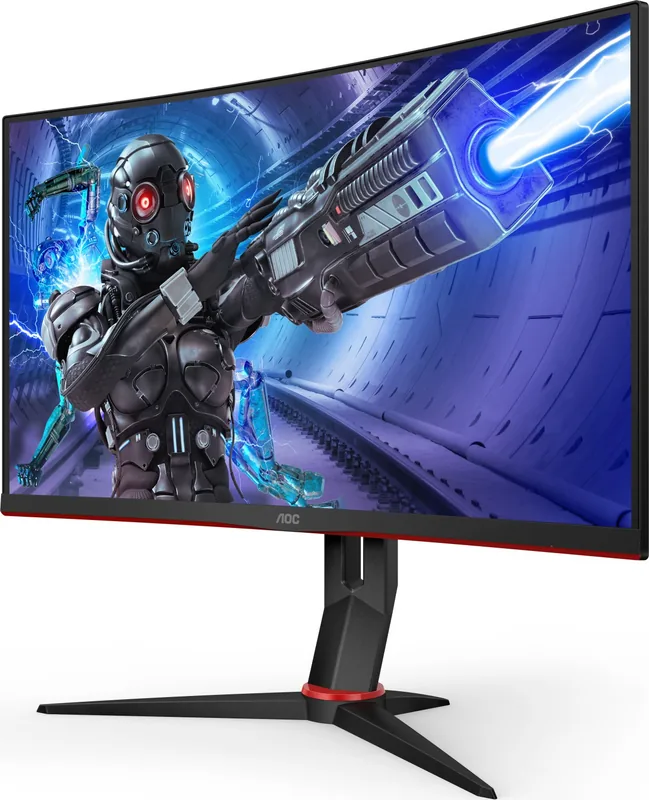
curved, 1800R / 70.87 in
Viewing Angle
178 deg / 178 deg
Coating
non-glare (matte)
Color Depth
8bit (16.7 Million colors)
FRC
Unknown
sRGB
120%
Adobe RGB
89%
Controls
mechanical buttons
Ergonomics
with stand, height adjustable N/A, Pivot N/A, rotate (+/-30 deg), tiltable (+22 deg / -4 deg)
VESA
100x100 (mounted)
Power Consumption
31W (typical), 0.5W (Standby)
SDR Energy Efficiency (A to G)
24kWh / 1000h (F)
Features
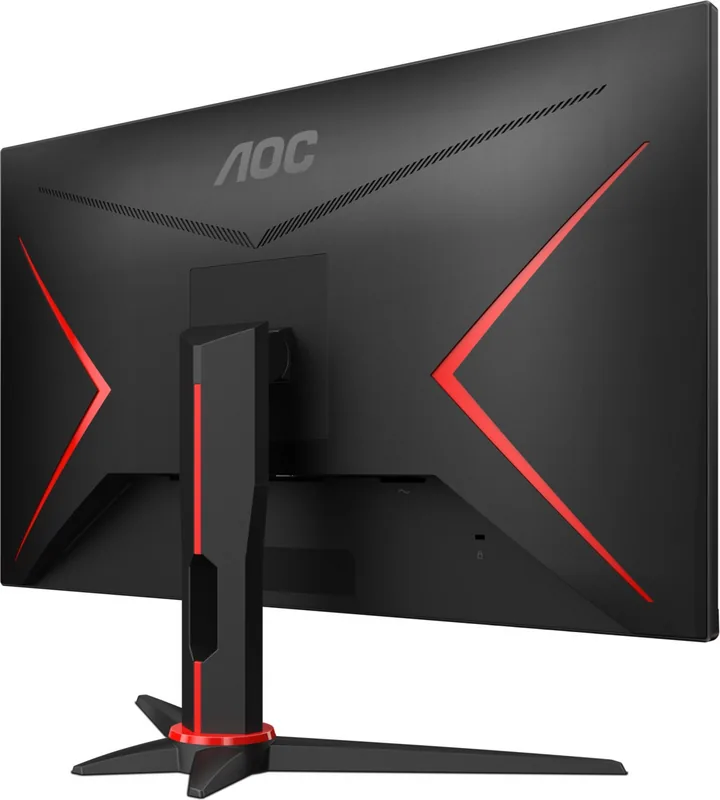
Security Lock (Kensington Security Slot), Slim Bezel
Screen-to-Body Ratio
Inf% (calculated)
Dimensions
24.09x15.71x8.94 in (WxHxD) with stand
Color
black (bezel) / black, red (lower bezel) / black, red (stand) / black, red (rear)
Weight
12.13 lbs (with stand), 9.04 lbs (without stand)
Power Supply
internal
Warranty
3 years
USB Naming
Link
Product Description
Experience High Performance with AOC C27G2ZE/BK
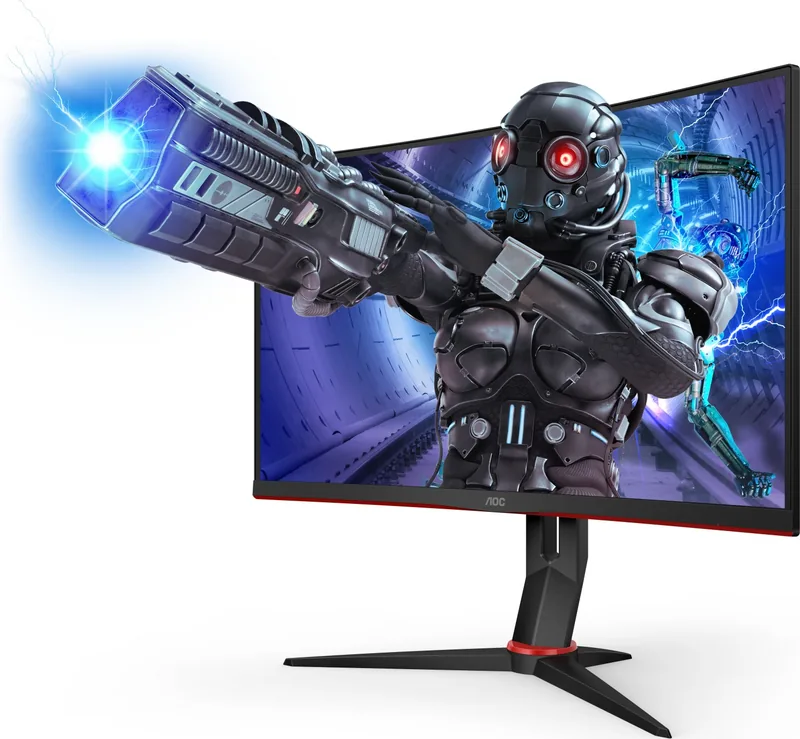
Gamers and professionals alike seek displays that combine speed with clarity. The AOC C27G2ZE/BK delivers on this front with a robust 27-inch screen. It uses LED backlighting technology to ensure vibrant images. The resolution reaches 1920 by 1080 pixels for sharp visuals. High refresh rates up to 240Hz make motion appear smooth. This helps in fast-paced games where every frame matters significantly. The AMD FreeSync Premium function reduces screen tearing effectively during intense action sequences.
Installation and Setup
Setting up the monitor is a manageable task for most users who follow safety rules. It arrives with a stand and base requiring simple assembly steps. Connect the power cord to a grounded outlet to ensure safety for everyone. Signal cables like HDMI or DisplayPort link the PC to the display reliably. You may need to check with local dealer availability for specific cables as they vary by region often. The OSD settings let you adjust brightness and contrast levels easily for comfort. If you encounter issues, consult the AOC C27G2ZE/BK, 27" Manual for detailed guidance. The manual covers troubleshooting and optimal positioning for ventilation needs. Avoid blocking air vents to prevent overheating during long operation periods.
Customization Options
This monitor offers extensive on-screen menus for tweaking the visual viewing experience. Picture Boost allows for specific frame brightness adjustments for content. Shadow Control enhances details obscured by darkness in games efficiently. Gamers can select presets like FPS or Racing modes for tailored performance levels. Color Setup lets users calibrate red, green, and blue gains precisely for colors. Low Input Lag mode is available to minimize reaction times for competitors. Break reminders are included to protect your eyesight over long working hours.
Safety and Maintenance Guidelines
Proper care extends the lifespan of your display unit significantly over time. Disconnect power before cleaning to avoid electrical hazards completely. Use a soft cloth rather than abrasive materials to prevent surface scratches. Do not spill liquids on the monitor cabinet as it could damage internal components. Never place the product on the floor to avoid falls. Ensure cables are securely attached to prevent intermittent signal loss. The LED indicator shows whether the unit is in active or power-saving mode clearly. Regular checks on ventilation gaps keep the system cool and efficient for use. Power consumption stays low even at full brightness settings for energy saving. This monitor meets international safety standards for home and office environments consistently.
General specifications reveal a TFT Color LCD panel model with a diagonal viewing size of 68.6 cm. Pixel pitch measures 0.3114 mm both horizontally and vertically. The unit supports 16.7 million colors for accurate representation on screen. Maximum resolution handles 240Hz at native Full HD with clarity. The physical connector types include HDMI and DisplayPort for versatile input options today. Power source requirements range from 100 to 240 volts AC universally. Typical power usage is around 31 watts which saves energy over time effectively. Environmental conditions allow operation between 0 to 40 degrees Celsius comfortably. Humidity levels must stay within operating limits to avoid condensation issues. Plug and Play features help the system identify the monitor quickly without extra software installation. Users can reset menu settings to default if adjustments go wrong unexpectedly. The earphone out jack provides direct audio output for private listening sessions easily. Cable management helps reduce clutter on the desk surface for tidiness. Ensure wall sockets are installed near the equipment for access and safety. Move electrical devices away to prevent interference during usage sessions. The product is designed for long-term reliability in home setups everywhere.
Search for 67,706 Manuals online


Type-in Brand or Model
Julia Weber
7 months ago
Is the 1080p resolution on a 27-inch monitor clear enough for office work at a close distance, or is it better suited for gaming further back?
Manual.ly
7 months ago
Thank you for your question. This 27-inch model comes with 1920x1080 resolution. For optimal text clarity during office work, we recommend a viewing distance of at least 110 cm. At closer views, pixels may be noticeable. However, for gaming, the 240Hz refresh rate and curved design offer an excellent experience and minimize motion blur. Please ensure your graphics card supports the desired resolution and refresh rate. If you primarily work at a computer desk, you might prefer a higher resolution monitor for sharp text. For entertainment and gaming, this unit provides great value and performance without compromising visual fluidity.