
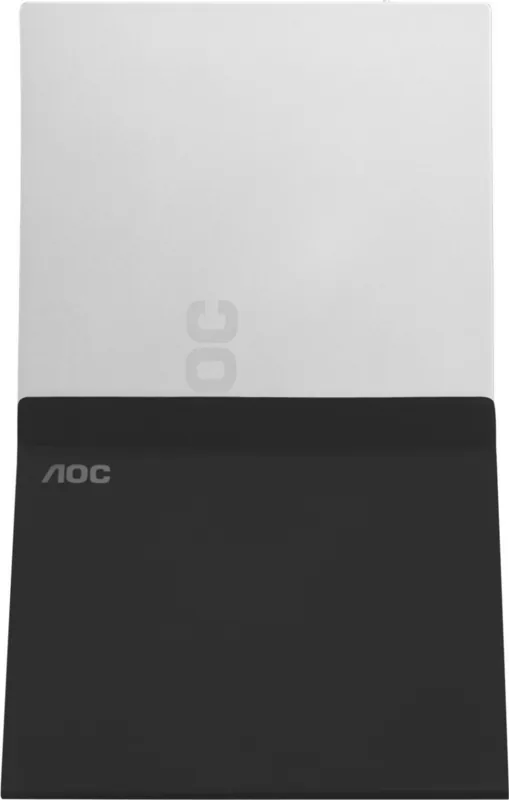
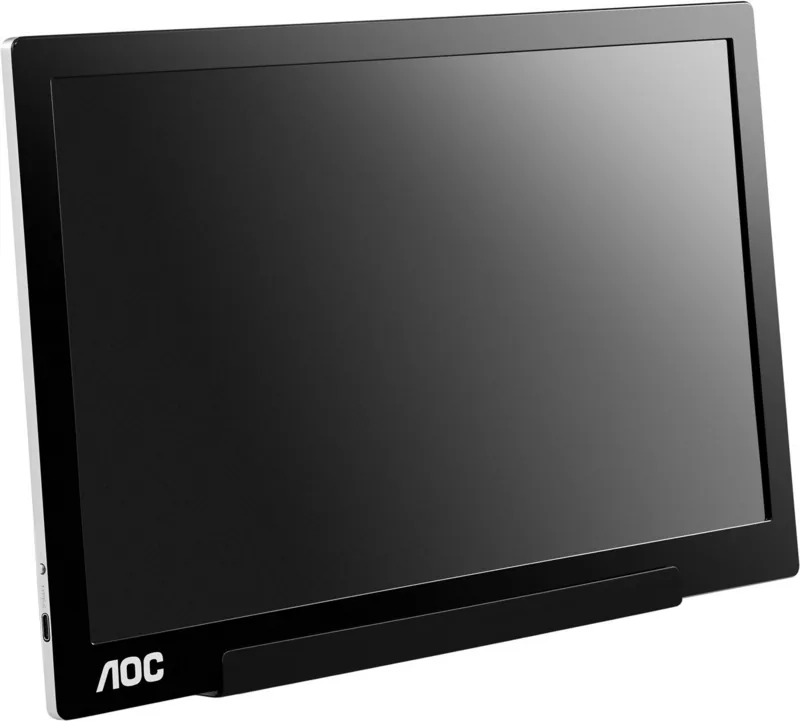
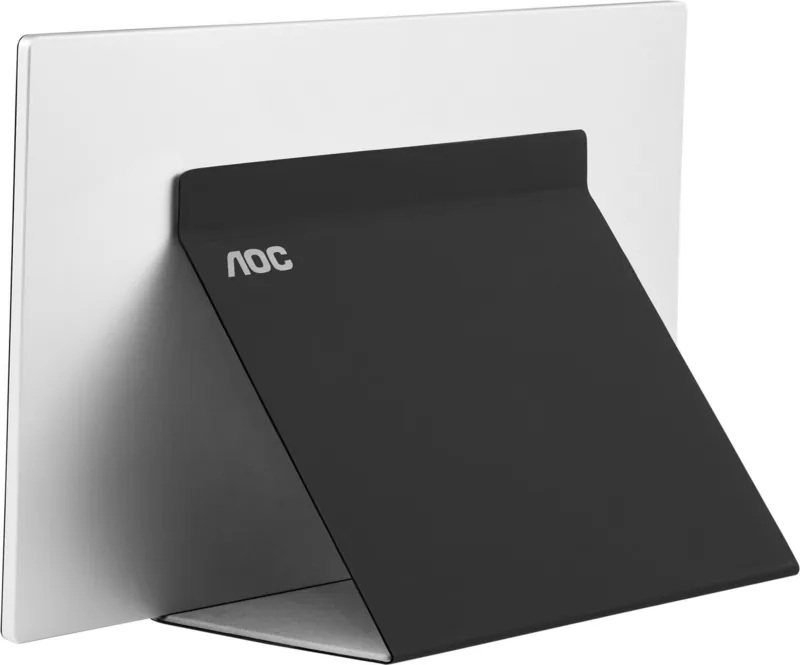
AOC I1601FWUX Manual
PDF manual · 50 Pages
English



Quick check
Incorrect answer, please try again.
Chat with your AOC I1601FWUX manual using AI
Get instant AI answers from your AOC I1601FWUX manual
Ask anything about the AOC I1601FWUX. Answers come from this manual, with the pages they are based on.
Ask a Question
Do you recommend I1601FWUX?
Yes NoFrequently Asked Questions
It is designed for devices with USB Type-C and DP Alt Mode support. The manual also lists compatibility with selected Windows laptops, MacBook models, and iOS systems that meet the required version range.
Is this answer helpful?
No separate adapter is highlighted for normal use. The display is powered through the notebook’s USB connection, which keeps the setup lightweight and travel-friendly.
Is this answer helpful?
The optimal preset resolution is 1920×1080 at 60Hz. This gives the screen a sharp Full HD image that works well for office tasks, web use, and general multimedia viewing.
Is this answer helpful?
Yes. The monitor supports auto-pivot, which helps the display stay upright when rotated between landscape and portrait orientations. Installing the recommended i-Menu software improves this behavior.
Is this answer helpful?
The angle can be adjusted from 5° to 25°. Hold both the smart cover and the monitor while moving it, and avoid touching the LCD panel directly to prevent damage.
Is this answer helpful?
Check the USB cable connection first, confirm the computer supports the correct USB-C mode, and review the troubleshooting steps. Reconnecting the cable or reinstalling the driver may help.
Is this answer helpful?
Advantages and Disadvantages
Advantages

- Slim 15.6-inch portable design makes it easy to carry with a laptop.
- USB Type-C single-cable connection keeps setup fast and simple.
- Full HD 1080p resolution is ideal for work, browsing, and media.
- Low power use and power-saving mode help reduce energy consumption.
Disadvantages

- Requires a compatible USB-C DP Alt Mode device for full use.
- Viewing angle adjustment is limited and must be handled carefully.
- Best performance may need driver or i-Menu installation.
- Not designed as a high-end gaming monitor; focus is portability and utility.
Product Specification
Function
Monitor (portable, folding mechanism)
Diagonal
15.6" (39.6cm)
Resolution
1920x1080 (FHD), 16:9, 141ppi
Panel
IPS
Backlight
LED
Brightness
220cd/m^2 (typical)
Contrast
700:1 (static)
Response time
5ms (GtG)
Refresh rate
60Hz (1920x1080)
Connectors
1x USB-C 3.0 with DisplayPort 1.2 (5Gb/s, power connection)
Shape
straight (flat)
Viewing angle
160°/160°
Coating
non-glare (matte)
Color depth
6bit (262k colors)
FRC
N/A (6bit native)
Operation
mechanical buttons
Ergonomics
without stand, with folding mechanism, height adjustable N/A, Pivot N/A, swiveling N/A, tiltable (+25°/-5°), automatic image rotation
VESA
N/A
Power consumption
8W (typical), 0.5W (Standby)
Energy efficiency SDR (A to G)
5kWh/1000h (B)
Screen-to-body ratio
75.91% (calculated)
Dimensions
14.80x9.25x0.35in (WxHxD) without stand
Color
black (display frame) / black (bottom bezel)
Weight
1.82lb (without stand)
Warranty
three years
USB notation
Link
Product Description
AOC I1601FWUX 15.6-inch Portable USB-C Monitor
The AOC I1601FWUX 15.6-inch display is built for users who want a simple second screen that travels easily and connects with minimal setup. Designed around a USB Type-C connection with DisplayPort Alt Mode, it works like a clean plug-and-play companion for laptops and compatible devices, making it useful for remote work, presentations, study sessions, and on-the-go multitasking.
Its Full HD 1920×1080 resolution gives crisp everyday detail, while the TFT LCD panel and LED backlight help deliver a practical viewing experience in a slim and lightweight body. With a monitor-only weight of just 824 g and a depth of 8.5 mm, it is clearly made for mobility. The included smart cover adds protection and also helps with positioning, so the screen can be used more comfortably in portrait or landscape mode.
One of the most appealing details is the auto-pivot support, which helps the display stay upright as it is rotated. That makes this model especially handy for documents, coding, reading, social feeds, and vertical content. The adjustable viewing angle from 5° to 25° also gives some flexibility for desk placement, though it should be handled carefully to avoid stress on the panel.
The monitor is also efficient, drawing around 6W in typical use and under 0.3W in power-saving mode. Basic on-screen controls let users adjust brightness, contrast, response settings, low-blue-light mode, and language. AOC also includes software support such as i-Menu, e-Saver, and Screen+ to make display management easier.
Compatibility is broad, with support listed for Windows 7, Windows 8, Windows 10, and MacBook/iOS systems from the specified version range. The manual also highlights preset display modes, driver steps, and troubleshooting guidance, which can help users get the most from the monitor after connection.
Notes
- Best used with devices that support USB-C DP Alt Mode.
- Handle the screen gently when adjusting the angle.
- Install i-Menu if you want smoother auto-pivot behavior.
- Check resolution settings for the sharpest image.
Search for 67,706 Manuals online


Type-in Brand or Model