
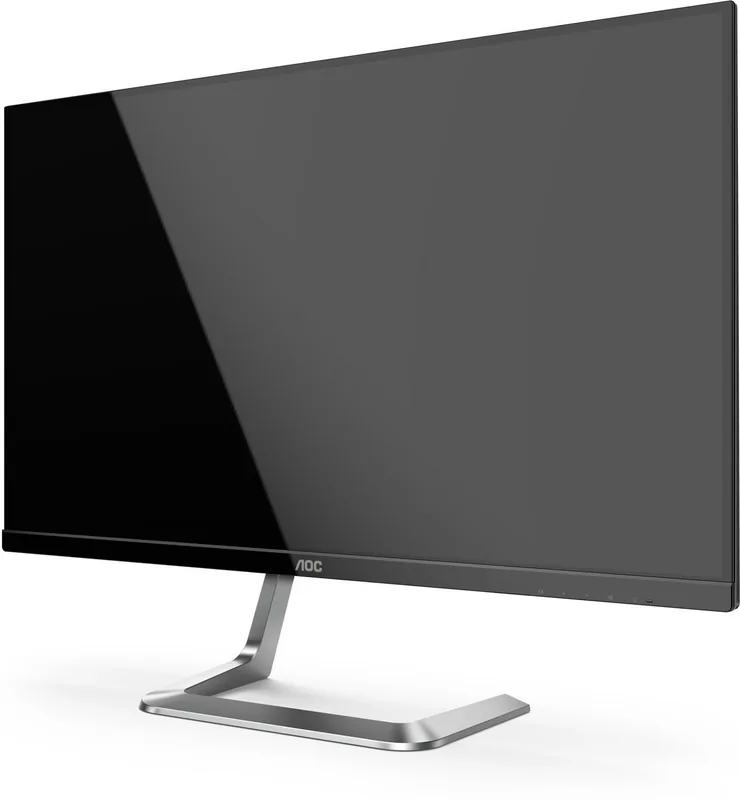
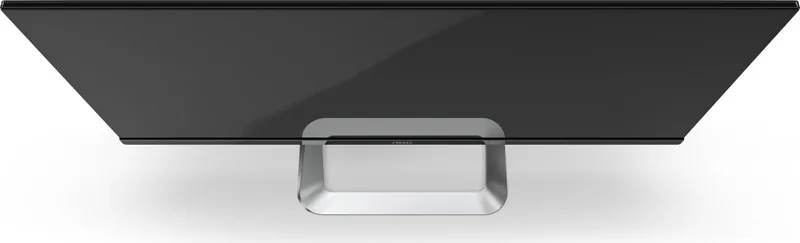
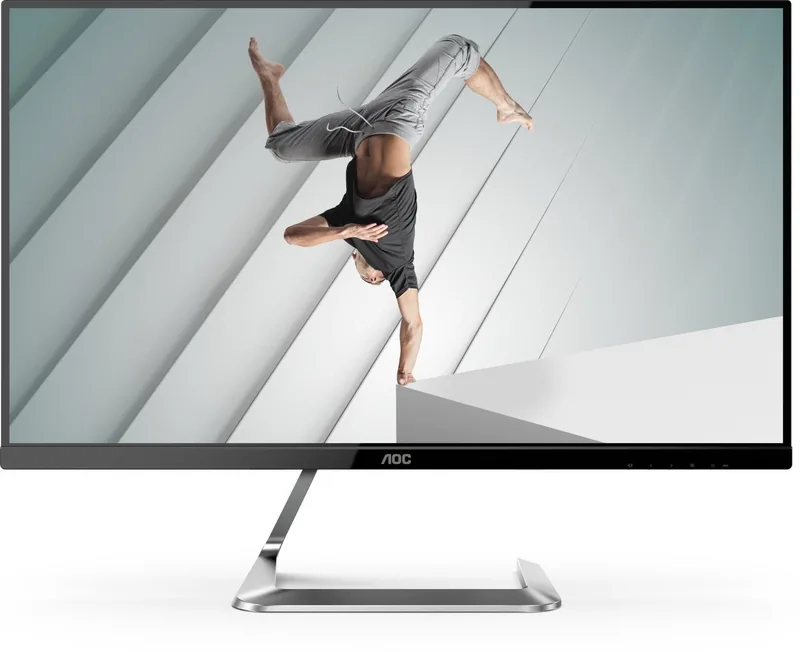
AOC Porsche Design Q27T1 Manual
PDF manual · 31 Pages
English



Quick check
Incorrect answer, please try again.
Chat with your AOC Porsche Design Q27T1 manual using AI
Get instant AI answers from your AOC Porsche Design Q27T1 manual
Ask anything about the AOC Porsche Design Q27T1. Answers come from this manual, with the pages they are based on.
Ask a Question
Do you recommend Porsche Design Q27T1?
Yes NoFrequently Asked Questions
Adaptive-Sync can be enabled in the OSD. The manual notes it works with DP/HDMI, but DP capability matters: if your DP content supports DP1.2, choose DP1.2 in DP Capability, otherwise choose DP1.1.
Is this answer helpful?
The monitor lists an optimal preset resolution of 2560x1440 at 60 Hz, with maximum resolution support up to 2560x1440 at 75 Hz. If you see errors like input not supported, lower resolution or frequency to match supported timings.
Is this answer helpful?
Clear Vision sharpens low resolution or blurry images. When there is no OSD, you can press the left button to choose weak, medium, strong, or off; a Clear Vision Demo toggle is controlled by holding the left button. Bright Frame is a Picture Boost tool with adjustable size, brightness, contrast, and position.
Is this answer helpful?
The manual states MBR and Overdrive Boost are available only when Adaptive-Sync is off and vertical frequency is up to 75 Hz. If Adaptive-Sync is enabled, these motion options may not appear or may be disabled.
Is this answer helpful?
Disconnect the power cord before cleaning. Wipe the cabinet regularly with a cloth, optionally using a soft detergent for stains. Avoid strong detergents, do not let detergent leak into the product, and use a non-rough cloth to prevent scratching the screen surface.
Is this answer helpful?
Yes. The included e-Saver software offers Smart Shutdown. You can set different auto-shutdown times depending on PC status such as power on, powered off, sleep/stand-by, and when the screen saver appears. The shutdown timing follows your selected minutes.
Is this answer helpful?
To lock the OSD, press and hold the MENU button while the monitor is off, then press the power button to turn it on. To unlock, repeat the same press and hold MENU while the monitor is off, then power on.
Is this answer helpful?
Advantages and Disadvantages
Advantages

- 27-inch QHD panel: 2560x1440 optimal resolution for crisp detail, with max refresh support up to 75 Hz.
- Adaptive-Sync supported over DP and HDMI, helping reduce tearing when compatible settings are selected.
- Built-in image tools like Clear Vision and Picture Boost (Bright Frame) for quick visual enhancement.
- Rich OSD options for luminance, gamma, and color temperature with user gain controls.
- Helpful software included: i-Menu (Screen+) for desktop panel splitting and e-Saver for timed power shutdown.
Disadvantages

- Adaptive-Sync requires proper DP capability selection; DP1.2 support is specifically noted in the manual.
- MBR and Overdrive Boost are only available when Adaptive-Sync is off and vertical frequency is up to 75 Hz.
- Some regions may not include all signal cables; you may need to confirm DP/HDMI cable availability.
- Certain quick features default to off (for example, Clear Vision Demo behavior and enhancements are toggled in settings).
- Proper ventilation clearance is required; installing too close to walls can restrict airflow and affect performance.
Product Specification
Function
Monitor (stationary)
Diagonal
27" (27.01in)
Resolution
2560x1440 (QHD), 16:9, 109ppi
Panel
IPS
Backlight
LED, blue light filter, flicker-free
Brightness
350cd/m² (typical)
Contrast
1,300:1 (static), 50,000,000:1 (dynamic)
Response time
5ms (GtG)
Refresh rate
75Hz (2560x1440)
Variable synchronization
Adaptive Sync, AMD FreeSync certified (48-75Hz via DisplayPort, 48-75Hz via HDMI, without LFC support, without HDR)
Signal frequency
30-114kHz (H) / 48-75Hz (V)
Connections
2x HDMI 1.4, 1x DisplayPort 1.2, 1x 3.5mm jack (Line-Out), 1x AC-In C13 (power connection)
Form
straight (flat)
Viewing angle
178°/178°
Coating
non-glare (matt)
FRC
unknown
sRGB
107%
Operation
mechanical buttons
Ergonomics
with stand, height adjustable N/A, Pivot N/A, rotatable N/A, tiltable (+21°/-4°)
VESA
N/A
Power consumption
30W (typical), 0.3W (Standby), 30W (energy label old A+++ to G)
Energy efficiency SDR (A to G)
26kWh/1000h (F)
Energy efficiency old (A+++ to G)
43.8kWh (A)
Screen-to-Body-Ratio
Inf% (calculated)
Dimensions
24.06x18.15x6.30in (WxHxD) with stand
Color
black (display frame) / black (lower bezel) / silver (stand) / black (rear)
Weight
8.27lb (with stand), 7.25lb (without stand)
Power supply
internal
Warranty
three years
USB notation
Link
Product Description
AOC Porsche Design Q27T1, 27" Manual - Premium 27" WQHD Viewing with Smart Controls
If you want a clean, high-detail desktop display, the AOC Porsche Design Q27T1, 27" Manual highlights a monitor designed to balance sharp resolution, responsive tuning options, and practical software helpers. Built around a 27-inch panel with a 2560x1440 (QHD) optimal resolution and support up to 75 Hz, it is made for everyday productivity and smoother media and gaming sessions.
From setup to day-to-day use, this monitor emphasizes control that is both accessible and customizable. You can connect with HDMI or DisplayPort, adjust the viewing angle for comfort, and manage the on-screen display (OSD) with dedicated hotkeys for volume, source selection, and quick menu navigation. For picture refinement, features like Clear Vision help sharpen lower-resolution or blurry inputs by converting them into clearer, more vivid images.
Performance and visual quality tuning are supported through a rich OSD suite. Luminance controls include contrast and brightness, plus Eco mode and gamma options. Color Setup offers multiple presets and calibration-style adjustments, such as color temperature recalls (Warm, Cool, Normal, sRGB) and user RGB gain controls. Picture Boost adds framing tools (Bright Frame) where you can enable it and fine-tune brightness, contrast, and frame position.
For smoother motion, the Q27T1 includes Adaptive-Sync with DP/HDMI, with compatibility tied to DisplayPort capability settings. Adaptive-Sync is also linked to DP1.2 support, and the manual notes that certain motion enhancement options (like MBR and Overdrive Boost) are available only under specific conditions, including Adaptive-Sync being off and vertical frequency up to 75 Hz.
Beyond the monitor itself, the included software ecosystem makes configuration easier. i-Menu (Screen+) provides a desktop panel-splitting workflow, while e-Saver focuses on power management and Smart Shutdown timing based on your PC status.
Key results
- QHD clarity on a 27-inch display: 2560x1440 optimal resolution with up to 75 Hz support.
- Adaptive-Sync support (DP/HDMI), with DP1.2 required when you select DP capability.
- Fast image improvement tools like Clear Vision and Picture Boost Bright Frame.
- Software extras: i-Menu for screen splitting and e-Saver for timed shutdowns.
Notes
- Leave recommended ventilation space and ensure airflow around the monitor to reduce overheating risk.
- Use a soft cloth and disconnect power before cleaning; avoid harsh detergents that can damage the cabinet.
- For stable results, connect properly, use supported resolutions, and check input and cable connections if the display is blank.
Search for 67,706 Manuals online


Type-in Brand or Model
Sven Kruger
8 months ago
I want a gaming monitor mainly for picture quality. Is the IPS display convincing and are the viewing angles good if it only has 75Hz? Also, is there any issue with the power adapter cable being too short?
Manual.ly
8 months ago
Yes, users report the IPS panel delivers clearly better image quality than typical TN/VA panels, with strong, accurate colors and very good viewing angles. When the monitor is set neutrally (not overly warm or saturated), the image looks consistent even when you lean back, without noticeable fading. For gaming, 75Hz is often considered a worthwhile compromise: it still provides smoother motion than 60Hz, and many buyers prefer that image quality over chasing 144Hz. Regarding the power supply: some customers note the power adapter/cable is short and the adapter can hang in the air. If your desk layout allows cable management (e.g., a cable hook or power strip holder), it usually is not a problem.