
AOC Agon AG251FG Manual
PDF manual · 54 Pages
English



Quick check
Incorrect answer, please try again.
Chat with your AOC Agon AG251FG manual using AI
Get instant AI answers from your AOC Agon AG251FG manual
Ask anything about the AOC Agon AG251FG. Answers come from this manual, with the pages they are based on.
Ask a Question
Do you recommend Agon AG251FG?
Yes NoFrequently Asked Questions
The DisplayPort interface supports a maximum refresh rate of 240Hz for optimal fluid motion during intensive gaming sessions compared to standard screens.
Is this answer helpful?
Open Control Panel, select Display, click Change display settings, choose Advanced Settings, go to Monitor tab, properties, and update driver software by browsing the CD drive location X:\Driver.
Is this answer helpful?
Yes, the unit supports VESA mounting for wall installation but you must purchase the wall mounting arm separately and follow the manufacturer assembly instructions carefully.
Is this answer helpful?
Warranty periods differ by region. Europe offers three years coverage while Americas offers three years for parts and labor but only one year for the LCD panel.
Is this answer helpful?
The monitor requires a grounded power outlet compatible with 100-240V AC input and a three-pronged plug to ensure safety against electrical surges.
Is this answer helpful?
Use a soft cloth with soft detergent avoiding strong chemicals or liquids. Never spill liquids on the cabinet and disconnect power before cleaning.
Is this answer helpful?
Yes, it supports G-Sync when used with compatible graphics cards like GeForce GTX 650 Ti Boost or higher running the required driver versions.
Is this answer helpful?
Advantages and Disadvantages
Advantages

- Ultra High 240Hz refresh rate via DisplayPort for smooth gaming visuals
- Ultra Low Motion Blur technology eliminates screen smearing effectively
- Comprehensive ergonomic stand allows height, tilt, and swivel adjustments
- VESA mount compatible for flexible installation options on walls
- G-Sync compatible for synchronized frame rendering with NVIDIA graphics
Disadvantages

- HDMI input limited to maximum 60Hz refresh rate performance
- Integrated speakers are low power and basic sound quality
- USB charging works only when monitor is powered on
- Warranty terms vary significantly depending on purchase region
- Driver installation required to enable maximum refresh rate settings
Product Specification
Function
Monitor (stationary)
Diagonal
24.5 inch (24.49 inch)
Resolution
1920x1080 (FHD), 16:9, 90 ppi
Panel
TN
Backlight
LED, Blue Light Filter, flicker-free
Brightness
400 cd/m^2 (typical)
Contrast
1,000:1 (static), 50,000,000:1 (dynamic)
Response Time
1 ms (GtG)
Refresh Rate
240Hz (1920x1080)
Variable Synchronization
NVIDIA G-Sync (1-240Hz via DisplayPort)
Blur Reduction Function
NVIDIA ULMB
Signal Frequency
30-275 kHz (H) / 48-240 Hz (V)
Connections
1x HDMI 1.4, 1x DisplayPort 1.2, 1x USB-B 3.0 (Upstream, 5 Gb/s), 4x USB-A 3.0 (Downstream, 5 Gb/s), 2x 3.5mm jack (Line-Out), 2x 3.5mm jack (Line-In), 1x DC-In power jack (Power connection)
Shape
straight (flat)
Viewing Angle
170 deg / 160 deg
Coating
non-glare (matte)
Color Depth
8bit (16.7 Million Colors)
FRC
unknown
Speakers
Speakers (2 x 2W)
Control
mechanical buttons
Ergonomics
with stand, height adjustable (5.12 inches), Pivot (+90 deg), swivel (+/- 20 deg), tilt (+22 deg / -4 deg), headphone holder
VESA
3.94 x 3.94 inch (occupied)
Power Consumption
70W (max), 47W (typical), 0.5W (Standby)
Features
Security lock (Kensington Security Slot)
Screen-to-Body Ratio
Inf% (calculated)
Dimensions
22.32 x 21.46 x 8.58 inches (WxHxD) with stand compressed
Color
black (frame) / black (bottom baffle) / silver (stand)
Weight
14.33 lbs (with stand)
Power Supply
external
Warranty
3 years
USB Designation
Left
Product Description
AOC Agon AG251FG Overview
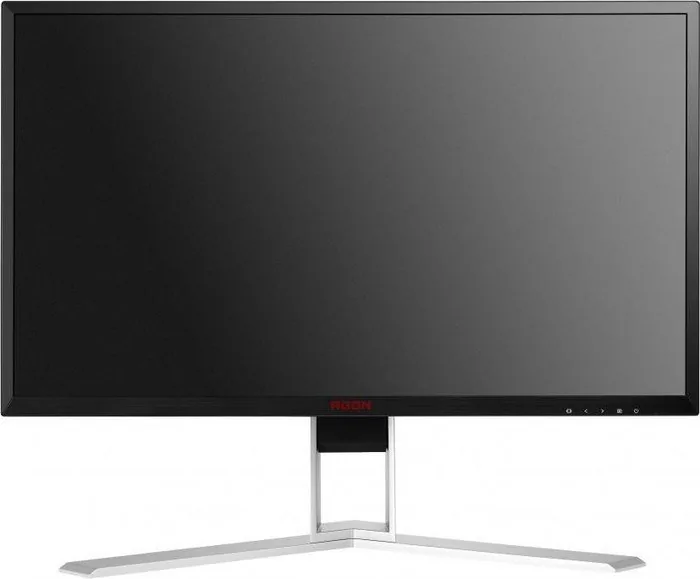
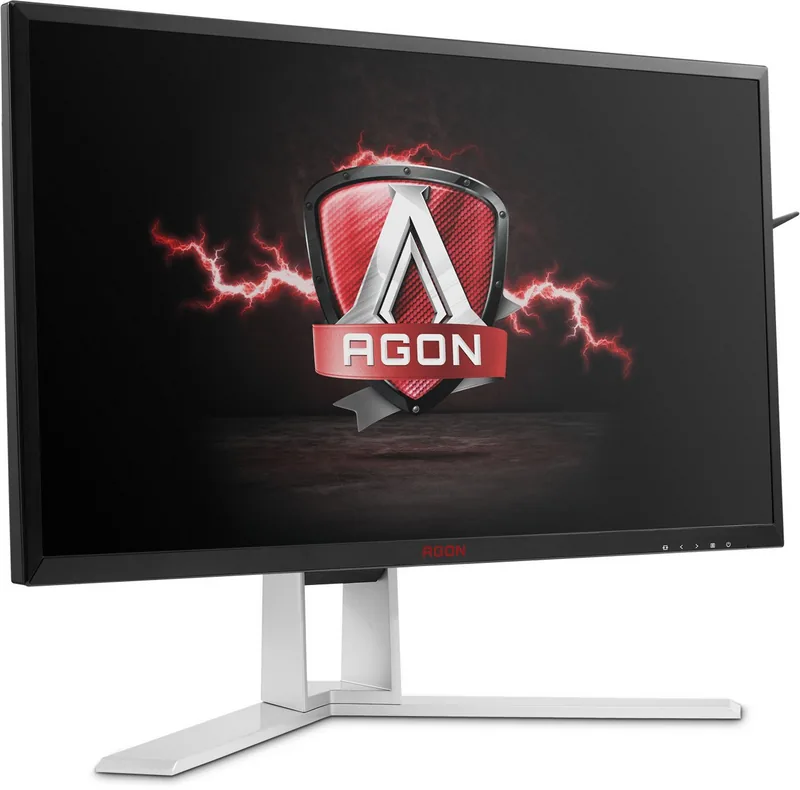
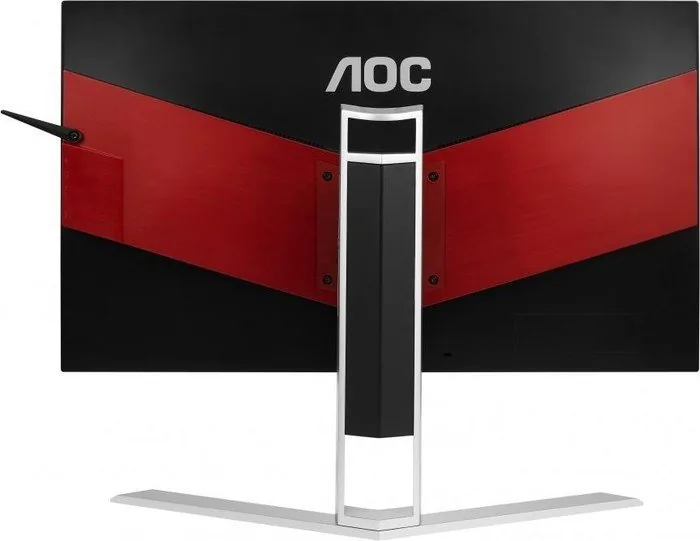
Unlock the full potential of your gaming setup with the AOC Agon AG251FG, 24.5. This powerful display unit delivers precision and speed for serious players seeking a competitive edge. The AOC Agon AG251FG, 24.5 Manual provides essential guidance for installation and configuration of this advanced hardware. Gamers requiring high frame rates will appreciate the display refresh rate capabilities supported by the DisplayPort interface. It supports up to 240Hz for fluid motion during intense gaming sessions. This ensures smooth visuals without tearing or stuttering compared to standard screens. Motion blur reduction is handled by the Ultra Low Motion Blur technology built directly into the system. It makes moving images sharp without the smearing typically seen on traditional LCD monitors. Users must ensure their graphics system meets specific requirements like the NVIDIA GTX 650 Ti Boost for G-Sync compatibility to unlock full features. The ergonomic stand allows height adjustment of 130mm and swivel capabilities for customized viewing angles. This helps maintain physical comfort during long gaming or working sessions. Wall mounting is also supported for a cleaner workspace setup without obstructing desk space.
Connectivity and Setup
Connection options include HDMI and DisplayPort along with USB connectivity for peripherals. However, HDMI is limited to 60Hz maximum resolution performance for video signals. Audio output is present but basic two-watt speakers are included for sound output. The On-Screen Display menu allows detailed color and luminance tuning for your specific visual preference. Troubleshooting guides help resolve common issues like fuzzy pictures or power concerns effectively. Power safety is emphasized throughout the documentation for protection against surges. Users should check their power source type before operation to ensure stability. Proper ventilation prevents overheating which can damage the unit over time. The warranty differs significantly by region depending on location of purchase. Europe offers three years of comprehensive coverage. Americas offers three years for parts labor excluding panel. Understanding these details ensures longevity and support. The pixel policy ensures display quality standards for every unit shipped globally. Setup involves connecting cables securely to the back ports without bending pins. Drivers may need installation for best results on Windows systems to maximize resolution. Cleaning should be done with soft detergents to protect the screen surface. Never spill liquids on the cabinet to avoid electrical hazards inside. Adjusting viewing angles should be done by holding the stand base firmly. This prevents toppling the device during movement which could cause injury.
Power and Maintenance
Proper lighting and distance contribute to eye safety during extended use periods. Regular software updates keep the system functioning at peak performance levels consistently. Additional settings include Gamma adjustments and Overdrive controls for response time. The Break Reminder feature alerts users after one hour of continuous work. Deep Sleep mode activates when no signal is detected for fifteen minutes. USB charge functions when power is supplied even without signal input. Safety warnings indicate potential damage from liquid spills or dropping the monitor. Ensure the grounding plug is used for electrical safety. Do not plug into ungrounded outlets to avoid shock hazards.
Search for 67,706 Manuals online


Type-in Brand or Model
GamerMax
6 months ago
Does the AOC Agon AG251FG truly support 240Hz refresh rate and 1ms response time for gaming?
Manual.ly
6 months ago
Yes, the AOC Agon AG251FG is built for high performance gaming. It features a 240Hz refresh rate and a 1ms Gray-to-Gray response time to ensure smooth visuals and low input lag. The monitor also includes an On-Screen Display menu where you can adjust settings like shadow control and blue light reduction. It supports HDMI and DisplayPort connections and is designed to be compact on your desk.