
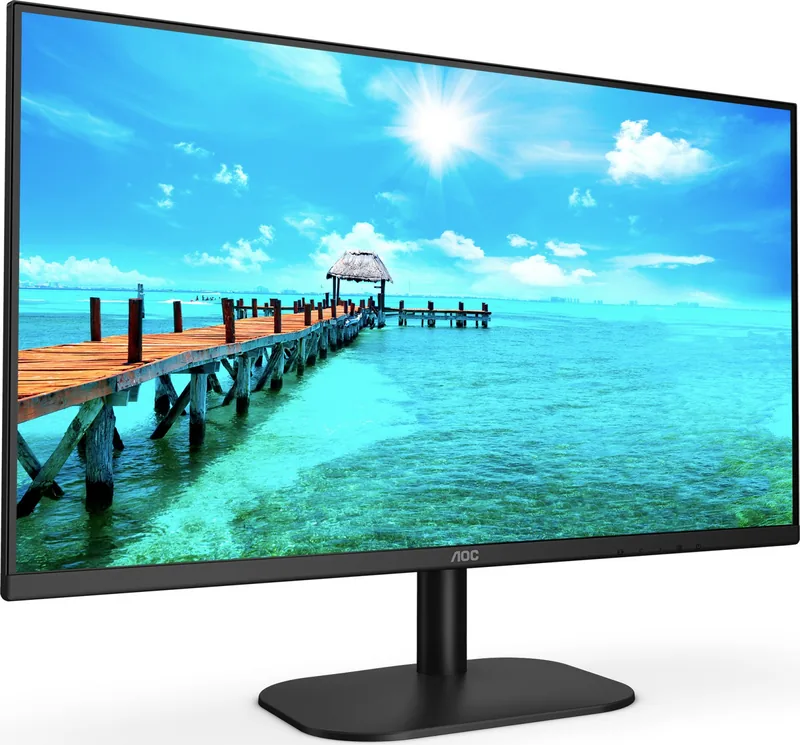
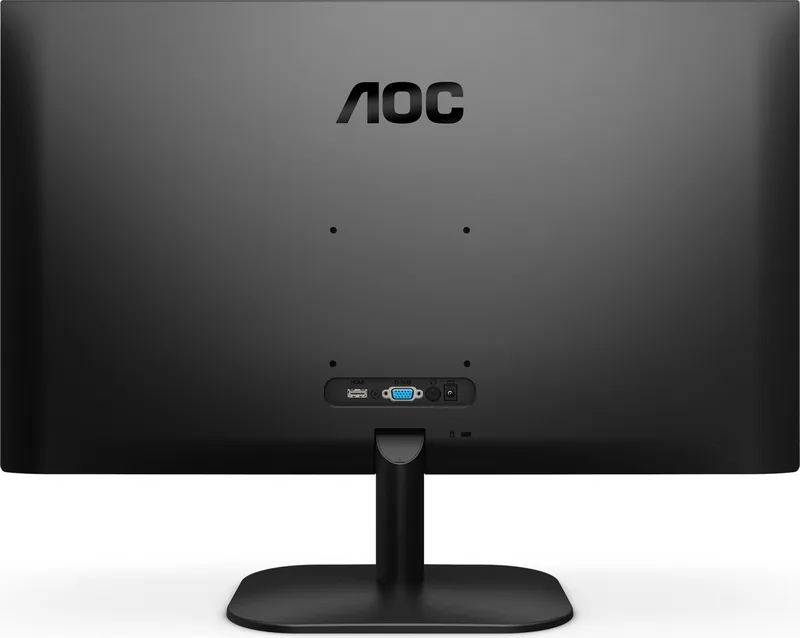
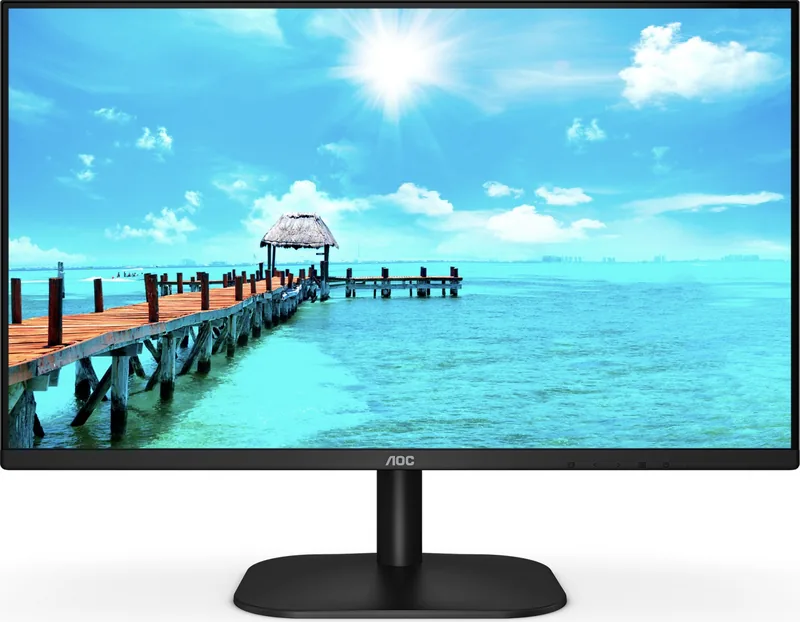
AOC 27B2DA Manual
PDF manual · 34 Pages
English



Quick check
Incorrect answer, please try again.
Chat with your AOC 27B2DA manual using AI
Get instant AI answers from your AOC 27B2DA manual
Ask anything about the AOC 27B2DA. Answers come from this manual, with the pages they are based on.
Ask a Question
Do you recommend 27B2DA?
Yes NoFrequently Asked Questions
The native resolution is 1920x1080 (Full HD). The optimal preset is 1920x1080@60Hz; some HDMI inputs on certain variants may support 75Hz.
Is this answer helpful?
Yes. Adaptive-Sync is supported over DisplayPort/HDMI on compatible graphics cards. It helps reduce screen tearing when used with supported AMD/other Adaptive-Sync-capable GPUs.
Is this answer helpful?
You can adjust brightness, contrast, gamma, RGB gains, sharpness, color temperature presets (Warm/Normal/Cool/sRGB/User), Picture Boost, Clear Vision sharpening, and various Eco and game modes through the OSD menu.
Is this answer helpful?
The base is detachable and the monitor supports optional wall mounting if VESA screw holes are available. Check with the dealer or AOC regional documentation to confirm VESA compatibility for your specific unit.
Is this answer helpful?
The monitor uses a 19V DC power adapter (model ADPC1925EX rated 19VDC, 1.31A). Typical power consumption is around 19W under default settings; maximum around 23–25W depending on model and settings. Standby power ≤0.3W.
Is this answer helpful?
Ensure the video card output matches the monitor's supported resolution and refresh rate. Use direct connections (avoid adapters/extensions), update monitor drivers, and use the auto-config or OSD to set the correct resolution and frequency.
Is this answer helpful?
Gaming features include Game Mode presets (FPS/RTS/Racing), Overdrive to reduce motion blur, Shadow Control for dark-scene detail, a frame counter overlay, Dial Point for FPS aiming, and Adaptive-Sync support where applicable.
Is this answer helpful?
Advantages and Disadvantages
Advantages

- 27" IPS panel with 1920x1080 FHD for wide viewing angles and consistent color
- Adaptive-Sync support over HDMI/DP reduces tearing with compatible GPUs
- Comprehensive OSD controls, multiple presets and user color calibration
- Low typical power consumption (~19W) with standby ≤0.3W
- Multiple inputs (HDMI, DVI, VGA) plus audio in and headphone out for flexibility
Disadvantages

- Maximum refresh rate limited to 60Hz for many inputs (HDMI may support 75Hz only)
- No advanced ergonomic adjustments (only tilt), limited for long-term desk ergonomics
- Basic HDR handling — HDR options may restrict adjustments across menus
- VESA mounting compatibility not guaranteed for all regions or unit variants
- Limited built-in speakers (reliance on audio out) and feature set aimed at mainstream users
Product Specification
Function
Monitor (stationary)
Diagonal
27" (68.6cm)
Resolution
1920x1080 (FHD), 16:9, 82ppi
Panel
IPS
Backlight
LED, Blue light filter, flicker-free
Brightness
250cd/m2 (typical)
Contrast
1,000:1 (static), 20,000,000:1 (dynamic)
Response time
4ms (GtG)
Refresh rate
75Hz (1920x1080)
Variable Synchronization
Adaptive Sync
Signal frequency
30-83kHz (H) / 50-76Hz (V)
Connections
1x VGA, 1x HDMI 1.4, 1x DVI, 1x 3.5mm jack (Line-Out), 1x DC-In barrel connector (Power connection)
Shape
straight (flat)
Viewing angle
178°/178°
Coating
non-glare (matte), Hardness 3H
Color depth
8bit (16.7 Mio. Colors)
FRC
unknown
sRGB
101%
Adobe RGB
74%
Speakers
Speakers (2x 2W)
Ergonomics
with stand, height adjustable N/A, Pivot N/A, rotatable N/A, tiltable (+22°/-5°)
VESA
100x100 (free)
Power consumption
22W (typical), 0.5W (Standby)
Energy efficiency SDR (A to G)
18kWh/1000h (E)
Special features
Security lock (Kensington Security Slot), Slim Bezel
Screen-to-Body-Ratio
90.96% (calculated)
Dimensions
24.09x17.95x7.21in (WxHxD) with stand, 24.09x14.21x1.50in (WxHxD) without stand
Color
black (display frame) / black (lower bezel) / black (stand) / black (back)
Weight
7.94lb (with stand), 4.81lb (without stand)
Power supply
external
Warranty
three years
USB notation
Link
Product Description
AOC 27B2DA, 27" Manual Overview
The AOC 27B2DA is a 27-inch Full HD (1920x1080) IPS monitor designed for everyday computing, multimedia, and casual gaming. It delivers 16.7 million colors, a wide viewing area, and practical features like Adaptive-Sync, multiple input options (HDMI, DVI, VGA), and ergonomic tilt adjustment. The monitor runs on a 19V DC supply with modest power consumption (typical ~19W), and supports standard VESA DDC/CI for plug-and-play compatibility.
Design and Build
The 27B2DA combines a slim, minimal bezel design with a detachable base for optional VESA wall mounting. The stand enables tilt adjustment for comfortable viewing and the body includes accessible ports for HDMI, DVI, VGA, audio in, and headphone out. Ventilation requirements and safe installation guidelines are highlighted to prevent overheating and ensure stable placement.
Image and Color Technologies
This model includes an IPS panel with flexible color settings and preset display modes (Standard, Text, Game, Movie, etc.). Users can fine-tune brightness, contrast, gamma, sharpness, and RGB gains through the OSD. Picture Boost and Clear Vision functions enhance sharpness and clarity for low-resolution content. Color temperature presets (Warm, Normal, Cool, sRGB) and a user mode allow tailored color calibration.
Gaming and Adaptive Features
Adaptive-Sync is supported over HDMI/DP on compatible GPUs, reducing screen tearing at varying frame rates. Game-specific presets (FPS, RTS, Racing) adjust color and response characteristics; Overdrive settings help minimize motion blur. Additional gaming tools include Shadow Control to reveal dark details, a frame counter overlay, and a center dial (Dial Point) for FPS aiming assistance.
On-Screen Controls and Usability
Five tactile hotkeys and an OSD menu provide access to all settings: luminance, image setup, color setup, picture boost, game settings, and extra features. OSD lock, language selection, timeout adjustments, and a break-reminder function are included. The monitor supports auto-config for analog inputs and DDC/CI for software control.
Safety, Power, and Maintenance
The manual outlines safety notes, power specifications, and installation precautions (avoid unstable surfaces, unplug during storms). Cleaning guidance recommends soft cloths and disconnecting power before maintenance. Troubleshooting covers common issues: no power, fuzzy image, color defects, and signal compatibility errors.
Notes
- Optimal preset resolution: 1920x1080@60Hz (some HDMI inputs support 75Hz)
- Power adapter spec: 19V DC, 1.31A
- Typical power consumption: ~19W; standby ≤0.3W
- VESA wall-mount compatibility may vary by region and model
Search for 67,706 Manuals online


Type-in Brand or Model
tempora70
9 months ago
Does this 27-inch Full HD monitor have height adjustment, and how good are the built-in speakers and the power button?
Manual.ly
9 months ago
It is not height-adjustable. You can tilt the screen, but for vertical positioning you would need to use a monitor arm or a compatible VESA stand. The built-in speakers are only suitable as an emergency solution, with sound quality generally not strong. The power button is placed on the back lower edge and is quite small, so it may take a moment to find. For better audio, we recommend using external speakers or headphones.