
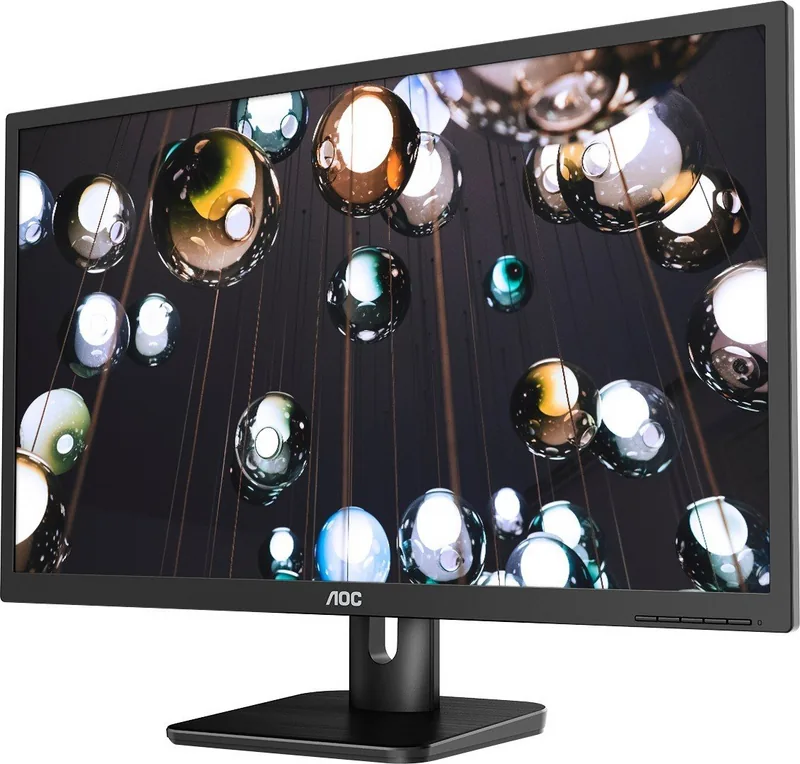
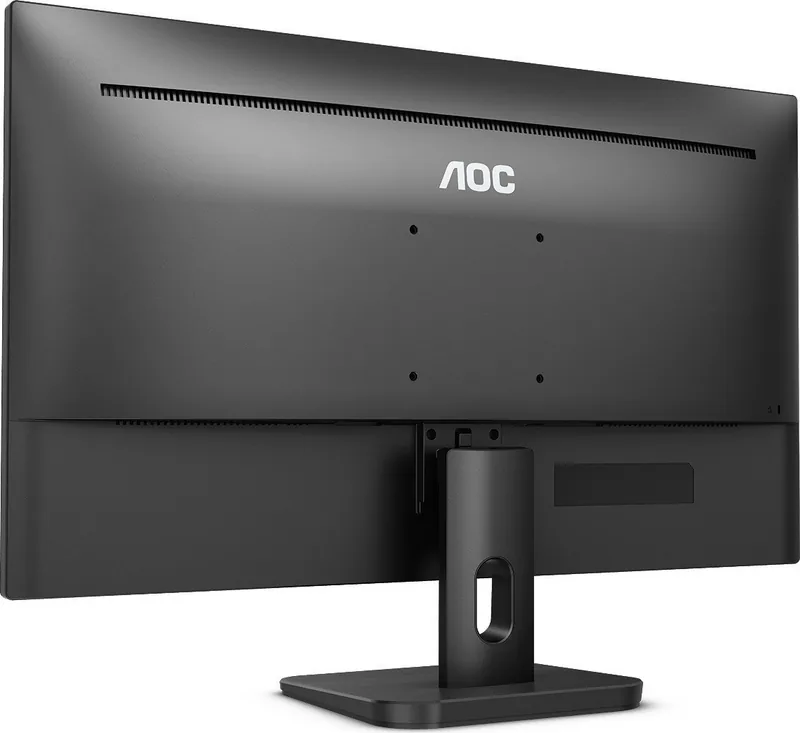
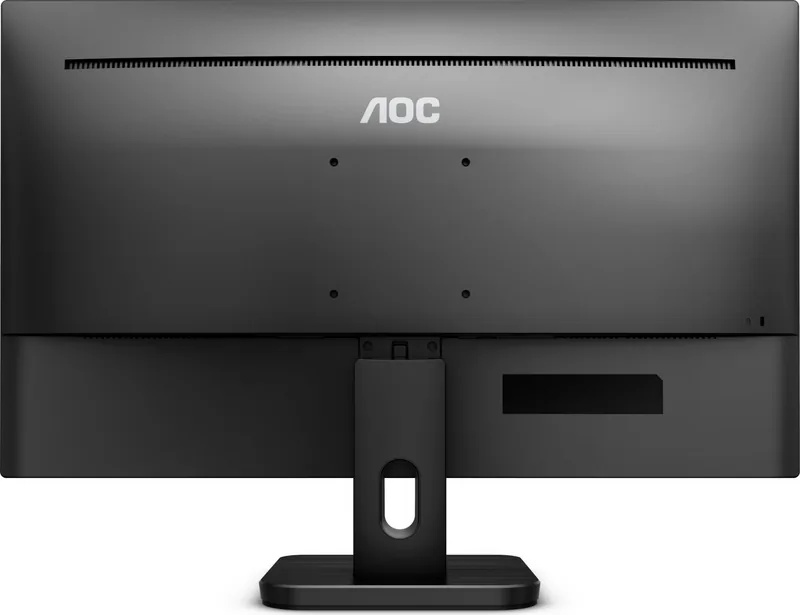
AOC 22E1D Manual
PDF manual · 67 Pages
English



Quick check
Incorrect answer, please try again.
Chat with your AOC 22E1D manual using AI
Get instant AI answers from your AOC 22E1D manual
Ask anything about the AOC 22E1D. Answers come from this manual, with the pages they are based on.
Ask a Question
Do you recommend 22E1D?
Yes NoFrequently Asked Questions
It is well suited for office work, home use, web browsing, and general multimedia. Its Full HD resolution and compact 21.5-inch size make it practical for everyday tasks.
Is this answer helpful?
Yes. The monitor is designed for 1920x1080 resolution at 60Hz, which is the recommended native setting for the clearest image and best overall performance.
Is this answer helpful?
Depending on the model, it may include D-Sub, DVI, HDMI, and sometimes DisplayPort or USB-related options. Connection availability varies by version.
Is this answer helpful?
Yes. The stand supports ergonomic adjustments such as tilt, swivel, and height changes, helping users find a more natural viewing position during long sessions.
Is this answer helpful?
Many versions include 2W x 2 speakers, which are useful for basic audio. For stronger sound, external speakers or headphones are still a better choice.
Is this answer helpful?
Yes, compatible models can be mounted on a wall arm using VESA-style support, but users should confirm mounting compatibility for their specific version before installation.
Is this answer helpful?
Install it on a stable surface, connect the correct video cable, and set the screen to its native resolution. This gives the sharpest text and most accurate display quality.
Is this answer helpful?
Advantages and Disadvantages
Advantages

- 21.5-inch Full HD display offers clear everyday viewing and a compact footprint.
- Multiple inputs improve compatibility with modern and legacy devices.
- Adjustable stand supports better comfort with tilt, swivel, and height changes.
- Built-in display controls and preset modes make image tuning simple.
Disadvantages

- Some ports and features vary by model, so buyers must check the exact version.
- Integrated speakers are modest and not ideal for richer audio needs.
- Best results depend on using the native 1920x1080 resolution.
- Glossy surfaces can reflect light in bright rooms.
Product Specification
Function
Monitor (stationary)
Display Size
21.5" (21.50in)
Resolution
1920x1080 (FHD), 16:9, 102ppi
Panel
TN
Backlight
LED, Blue Light Filter
Brightness
250cd/m² (typical)
Contrast
1,000:1 (static), 20,000,000:1 (dynamic)
Response Time
2ms (GtG)
Refresh Rate
60Hz (1920x1080)
Ports
1x VGA (60Hz@1920x1080), 1x HDMI 1.4, 1x DVI, 1x 3.5mm Jack (Line-Out), 1x AC-In C13 (Power Connection)
Shape
straight (flat)
Viewing Angle
170°/160°
Coating
non-glare (matt)
Color Depth
8bit (16.7 Million Colors)
FRC
unknown
Certifications/Standards
TCO 9
Speakers
Speakers (2x 2W)
Operation
mechanical buttons
Ergonomics
with stand, height adjustable N/A, Pivot N/A, rotatable N/A, tiltable (+22°/-4°)
VESA
100x100 (free)
Power Consumption
22W (typical), 0.5W (Standby)
Energy Efficiency SDR (A to G)
20kWh/1000h (F)
Special Features
Security Lock (Kensington Security Slot)
Screen-to-Body-Ratio
Inf% (calculated)
Dimensions
19.84x15.51x7.83in (WxHxD) with stand compressed
Color
black (display frame) / black (lower bezel) / black (stand)
Power Supply
internal
Warranty
three years
USB Notation
Link
Product Description
AOC 22E1D 21.5" Manual
The AOC 22E1D is a 21.5-inch LED-backlit monitor built for everyday computing, office tasks, and steady all-around performance. With Full HD 1920x1080 resolution, it delivers a sharp image for text, spreadsheets, web browsing, and entertainment. Its compact size makes it a practical fit for desks where space matters, while the clean design keeps the setup simple and professional.
One of the strongest points of the AOC 22E1D is flexibility. Depending on the model variant, it supports multiple input options such as D-Sub, DVI, and HDMI, giving users a straightforward way to connect to desktop PCs, laptops, and older systems. Some versions also include speaker support and audio connections, making it easier to build a neat desktop setup without adding too many extras.
The manual highlights adjustable ergonomics, which is valuable for daily use. The stand allows tilt, swivel, and height changes, helping users find a more comfortable viewing angle. For those who prefer a more permanent installation, wall mounting support is also available on compatible versions. This makes the monitor suitable for home offices, shared workspaces, and business environments.
Another useful feature is the on-screen display system, which gives access to brightness, contrast, color, image setup, and picture enhancement controls. Users can switch between preset modes such as Standard, Text, Internet, Game, Movie, and Sports, along with options like low blue light and dynamic contrast features. These settings make it easier to tune the display for different tasks and lighting conditions.
The AOC 22E1D also focuses on convenience and efficiency. The included software tools and hotkeys simplify common adjustments, while the energy-saving behavior helps reduce power use when the monitor is idle. For users looking for a dependable 21.5-inch display that balances everyday performance, easy setup, and practical features, this model remains a solid choice.
Notes
- Optimal performance is typically achieved at 1920x1080 @ 60Hz.
- Handle the screen carefully during adjustment and cleaning.
- Check the exact input and stand features by model variant before purchasing.
Search for 67,706 Manuals online


Type-in Brand or Model
nayeli10
8 months ago
For a low budget monitor, is it actually good for gaming (especially shooters)? Does it offer 144Hz?
Manual.ly
8 months ago
It is an entry-level monitor aimed at budget buyers. For shooters, users report the panel response is fast enough to play comfortably. However, it does not provide 144Hz. If you need high refresh rates for competitive play, you will likely want a higher-tier model. For general gaming under 100 USD, it can be a satisfying starting point. Also note that brightness/color may look a bit pale out of the box, but you can usually improve it using the OSD picture settings.