
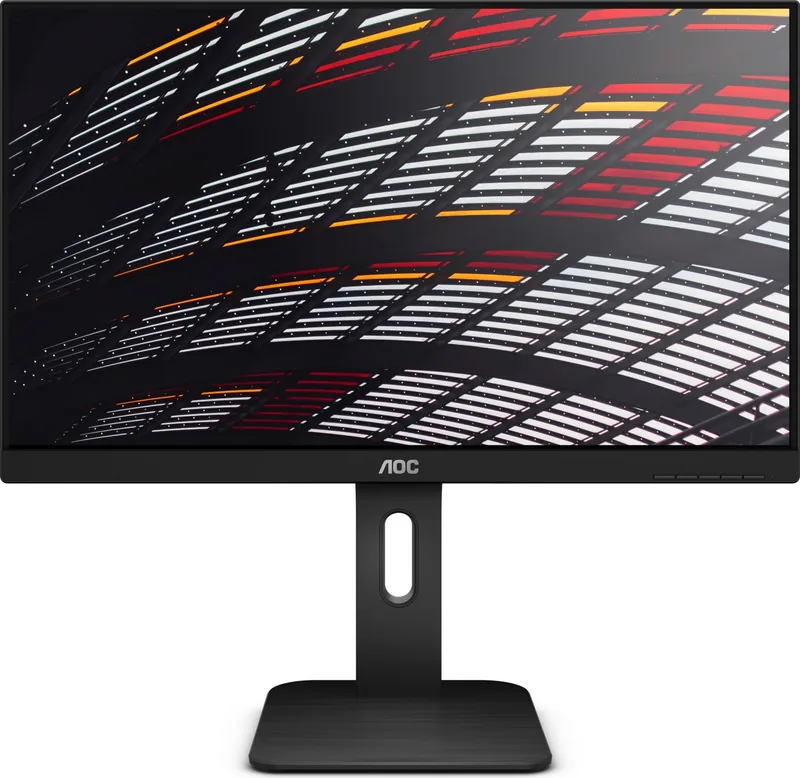
AOC X24P1 Manual
PDF manual · 68 Pages
English



Quick check
Incorrect answer, please try again.
Chat with your AOC X24P1 manual using AI
Get instant AI answers from your AOC X24P1 manual
Ask anything about the AOC X24P1. Answers come from this manual, with the pages they are based on.
Ask a Question
Do you recommend X24P1?
Yes No
Tamara Forster
8 months ago
I noticed a few pixel defects (dead or stuck pixels) on my new monitor. What is the allowed tolerance, and can I request a replacement if they are more than the acceptable amount?

Manual.ly
8 months ago
Pixel defects can happen even with new monitors, but they are typically covered by a manufacturer tolerance. If the number and type of defective pixels are within the specified tolerance, the unit usually cannot be exchanged. If they exceed the tolerance, you can request a replacement under the warranty. To check this, contact support with the monitor model and serial number, plus clear photos or a short video showing the affected pixels on solid color backgrounds (red, green, blue, and white/black). If the issue is determined to be outside the tolerance, we will initiate the exchange process.
Frequently Asked Questions
Its 1920×1200 resolution gives more vertical space than typical 1080p displays. That extra room is useful for documents, coding, web pages, and multitasking. It also adds a flexible stand and multiple ports for a more adaptable workspace.
Is this answer helpful?
Yes. It is a strong fit for office use because it balances screen size, resolution, adjustability, and connectivity. The extra vertical area is especially helpful for spreadsheets, long reading sessions, and side-by-side windows.
Is this answer helpful?
The monitor supports several common connections, including HDMI, DVI, DisplayPort, and D-Sub. It also includes USB ports and audio connections on supported configurations, which makes setup easier in mixed-device environments.
Is this answer helpful?
Yes. The stand supports height adjustment, tilt, and swivel, so you can align the screen to your preferred viewing angle. That helps reduce strain during long work sessions and makes it easier to share the screen with others.
Is this answer helpful?
It includes viewing-related settings such as Low Blue Mode and image tuning options. These features can help reduce harshness on the eyes and let you adapt the picture for reading, general work, or longer viewing sessions.
Is this answer helpful?
It can handle casual gaming, but it is more clearly designed for productivity and everyday use. If your priority is very fast competitive gameplay, a monitor with a higher refresh rate would usually be a better match.
Is this answer helpful?
Yes, it supports wall-mount use with a compatible arm, though the mount is purchased separately. This is useful if you want a cleaner desk layout or a dual-monitor workstation.
Is this answer helpful?
Advantages and Disadvantages
Advantages

- 1920×1200 resolution gives extra vertical workspace for documents, spreadsheets, and browsing.
- Multiple inputs including HDMI, DVI, DisplayPort, and VGA make it easy to connect different devices.
- Ergonomic stand supports height, tilt, and swivel for a more comfortable viewing position.
- USB hub and audio support help reduce desk clutter and simplify peripheral connections.
- Useful image modes and eye-comfort options add flexibility for different tasks and viewing habits.
Disadvantages

- Built for productivity, not high-refresh gaming, so motion-focused users may want a faster panel.
- Built-in speakers are convenient, but they are basic compared with dedicated external audio.
- Cable and accessory bundles can vary by region, so the box contents may not be identical everywhere.
- Some advanced features are task-oriented rather than premium visual enhancements.
Product Specification
Function
Monitor (stationary)
Diagonal
24" (24.02in)
Resolution
1920x1200 (WUXGA), 16:10, 94ppi
Panel
IPS
Backlight
LED, Blue light filter, flicker-free
Brightness
300cd/m² (typical)
Contrast
1,000:1 (static), 50,000,000:1 (dynamic)
Response time
4ms (GtG)
Refresh rate
60Hz (1920x1200)
Connections
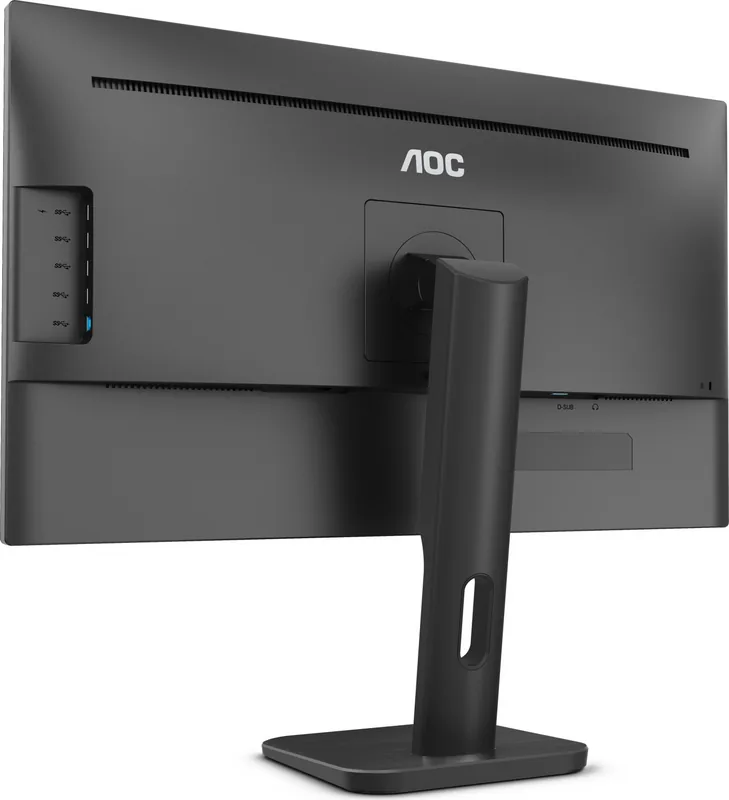
1x VGA (60Hz@1920x1200), 1x HDMI 1.4, 1x DisplayPort 1.2, 1x DVI, 1x USB-B 3.0 (Upstream, 5Gb/s), 4x USB-A 3.0 (Downstream, 5Gb/s), 1x 3.5mm jack (Line-Out), 1x AC-In C13 (Power connection)
Shape
straight (flat)
Viewing angle
178°/178°
Coating
non-glare (matte)
Color depth
8bit (16.7 Mio. colors)
FRC
unknown
Certifications/Standards
TCO 9
Speakers
Speakers (2x 2W)
Controls
mechanical buttons
Ergonomics
with stand, height adjustable (5.91in), Pivot (+90°), rotatable (+117.5°), tiltable (+35°/-5°)
VESA
100x100 (occupied)
Power consumption
22W (typical), 0.5W (Standby)
Special features
Security lock (Kensington Security Slot), Slim Bezel
Screen-to-Body-Ratio
Inf% (calculated)
Dimensions
21.06x20.98x7.99in (WxHxD) with stand, compressed
Color
black (display frame) / black (lower bezel) / black (stand) / black (rear)
Weight
12.13lb (with stand)
Power supply
internal
Warranty
three years
USB notation
Link
Product Description
AOC X24P1 24" Monitor: A Smart Fit for Workspaces That Need More
The AOC X24P1, 24" Manual highlights a monitor built for people who want a dependable screen without giving up flexibility. With a 24-inch class panel and a sharp 1920×1200 WUXGA resolution, it offers a little more vertical space than a standard Full HD display. That extra height is especially helpful when editing documents, browsing long webpages, managing spreadsheets, or working across multiple windows at once. It feels practical, polished, and aimed at everyday productivity.
One of the strongest parts of the X24P1 is its versatility. The monitor supports several common connection types, including HDMI, DVI, DisplayPort, and D-Sub, so it can fit into older and newer setups with minimal trouble. It also includes USB 3.1 Gen1 ports, audio connections, and built-in speakers, making it easier to keep the desk organized. For office users, home workers, and light multimedia tasks, this mix of ports adds real convenience.
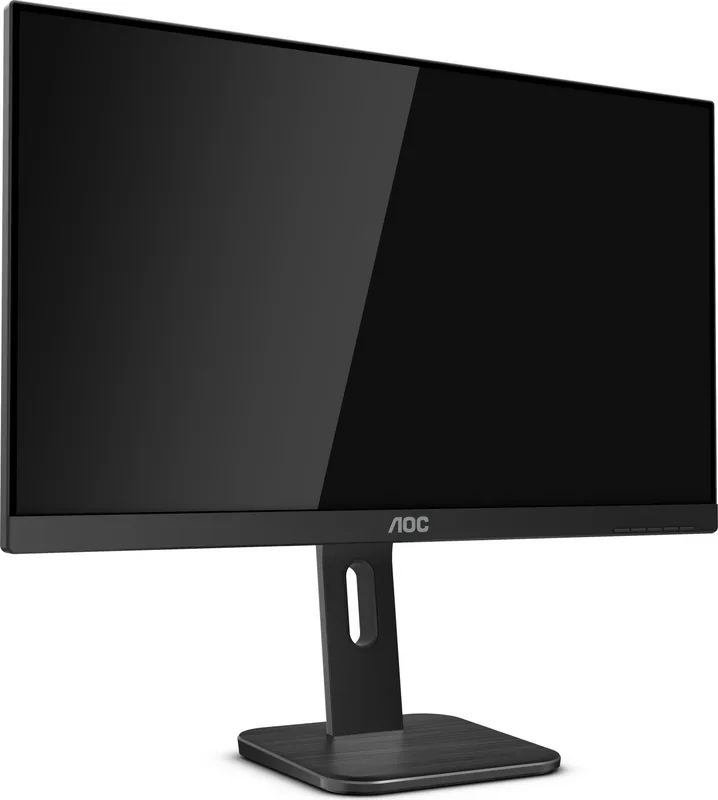
Ergonomics also play a big role in its appeal. The stand supports height adjustment, tilt, and swivel, allowing users to position the screen more comfortably for long sessions. That matters more than many people realize, especially when a monitor is used for extended workdays. The design also supports wall mounting, so it can be adapted for cleaner desks or multi-monitor layouts. In short, the X24P1 is made to be comfortable as well as capable.
AOC also adds useful on-screen tools and display modes. Features like Clear Vision, Low Blue Mode, Overdrive, DCR, and Picture Boost help tailor the image to different tasks, whether that means softer viewing, sharper contrast, or a more vivid presentation. The included software ecosystem, such as i-Menu, e-Saver, and Screen+, further improves usability by making it easier to manage settings, power behavior, and window organization from the computer.
For users comparing options in this size range, the AOC X24P1 stands out as a balanced monitor rather than an overcomplicated one. It focuses on useful quality-of-life features, flexible connectivity, and a workspace-friendly form factor. If you want a 24-inch display that feels ready for office routines, mixed media, and daily multitasking, this model makes a strong case.
Notes
- Best suited for productivity, general use, and flexible desk setups
- Extra vertical resolution helps with documents and multitasking
- Regional accessories and cable bundles may vary
- Refresh rate is standard, so it is more work-focused than gaming-focused
Search for 67,706 Manuals online


Type-in Brand or Model
Lena König
10 months ago
Some reviewers mention dead or stuck pixels right from the start. What happens if my monitor has pixel defects, and are they within tolerance for replacement?
Manual.ly
10 months ago
Thanks for checking. Pixel defects can occur on LCD panels, but most brands allow a limited number of stuck/dead pixels that fall within manufacturing tolerance. If your monitor shows defects outside that tolerance (for example, more pixels or clusters exceeding the stated limit), support can arrange a replacement or repair. If the defect count is within the tolerance, the monitor is usually considered acceptable and no exchange is offered. If you notice pixel issues after delivery, test the panel early with a proper pixel test image and contact support with clear photos or a short video showing the exact pixels and positions, along with your order details.