
AOC 27P2C Manual
PDF manual · 28 Pages
English



Quick check
Incorrect answer, please try again.
Chat with your AOC 27P2C manual using AI
Get instant AI answers from your AOC 27P2C manual
Ask anything about the AOC 27P2C. Answers come from this manual, with the pages they are based on.
27P2C Maintenance Schedule
Use a soft cloth to prevent scratches. For stubborn dirt, use mild cleaner only; avoid aggressive cleaners and ensure no liquid enters the device.
Disconnect the power cord during lightning storms or when the monitor is not used for extended periods to protect against voltage spikes.
Ask a Question
Do you recommend 27P2C?
Yes NoFrequently Asked Questions
The monitor features DisplayPort, HDMI, and USB-C ports for versatile connectivity options.
Is this answer helpful?
Locate the brightness option in the On-Screen Display menu to adjust levels easily.
Is this answer helpful?
Yes, the Adaptive-Sync feature works with compatible graphics cards to reduce tearing.
Is this answer helpful?
Check if cables are secure and ensure the PC is powered on correctly.
Is this answer helpful?
Yes, it includes an Eco mode and supports low standby power consumption.
Is this answer helpful?
Yes, use a VESA approved mount kit for wall mounting capabilities.
Is this answer helpful?
Use a soft microfiber cloth without harsh chemicals to prevent damage.
Is this answer helpful?
Advantages and Disadvantages
Advantages

- Adaptive-Sync technology reduces screen tearing for smoother gameplay with compatible cards
- USB-C connectivity allows for video transfer and charging in a single compact cable
- Multiple display inputs including DisplayPort and HDMI offer versatile connection options
- Low Blue Mode protects eyes by reducing harmful light waves during night usage
Disadvantages

- Stand does not support pivot or rotate adjustments limiting screen orientation options
- Resolution caps at 1920x1080 which is lower than competitors in the same price range
- Some advanced game settings require navigating multiple layers in the menu system
Product Specification
Function
Desktop Monitor
Screen Size
27 inch
Resolution
1920x1080 (FHD), 16:9, 82ppi
Panel
IPS
Backlight
LED, Blue Light Filter, flicker-free
Brightness
250 cd/m2 (typical)
Contrast
1,000:1 (static), 50,000,000:1 (dynamic)
Response Time
4ms (GtG)
Refresh Rate
75Hz (1920x1080)
Variable Sync
Adaptive Sync, AMD FreeSync certified (48-75Hz via DisplayPort, 48-75Hz via HDMI, no LFC support, no HDR)
Signal Frequency
30-85kHz (H) / 48-75Hz (V)
Ports
1x HDMI 1.4, 1x DisplayPort 1.2, 1x USB-C 3.0 with DisplayPort 1.2 (Upstream, 5Gb/s), 1x USB-B 3.0 (Upstream, 5Gb/s), 4x USB-A 3.0 (Downstream, 5Gb/s), 1x 3.5mm Jack (Line-Out), 1x 3.5mm Jack (Line-In), 1x AC-In C13 (Power In)
Shape
straight (flat)
Viewing Angle
178deg/178deg
Coating
non-glare (matte), Hardness 3H
Color Depth
8bit (16.7 Million Colors)
FRC
unknown
sRGB
99%
Adobe RGB
74%
DCI-P3
73%
Certifications/Standards
TCO 9
Speakers
Speakers (2x 2W)
Controls
mechanical buttons
Ergonomics
with stand, height adjustable (5.91 inches), Pivot (+90 deg), rotatable (+/-180 deg), tilt (+35 deg/-5 deg)
VESA
100x100 (supported)
Power Consumption
0.3W (Standby)
Energy Efficiency SDR (A to G)
21kWh/1000h (E)
Energy Efficiency HDR (A to G)
23kWh/1000h (F)
Features
Security lock (Kensington security slot), KVM switch, Slim Bezel
Screen-to-Body-Ratio
88.70% (calculated)
Dimensions
24.17x21.42x7.87 inches (WxHxD) with stand compressed, 24.17x14.53x2.01 inches (WxHxD) without stand
Color
black (display frame) / black (bottom bezel) / black (stand) / black (rear)
Weight
11.93 lb (with stand)
Power Supply
internal
Warranty
three years
USB Naming
Link
Product Description
Unlocking the Full Potential of Your AOC 27P2C Display
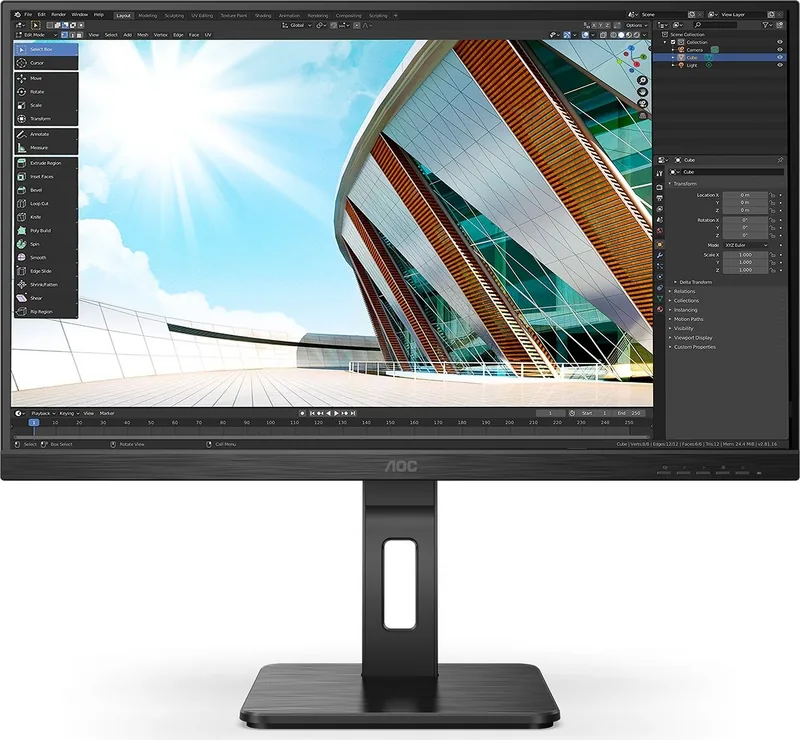
The AOC 27P2C monitor offers a seamless visual experience for professionals and gamers alike. This 27-inch panel delivers sharp clarity with its Full HD resolution. Users often seek guidance on optimizing settings without sifting through pages of technical specifications. This guide highlights key features to enhance your daily workflow or gaming sessions significantly. The design focuses on ergonomic comfort and visual accuracy for long periods of use.
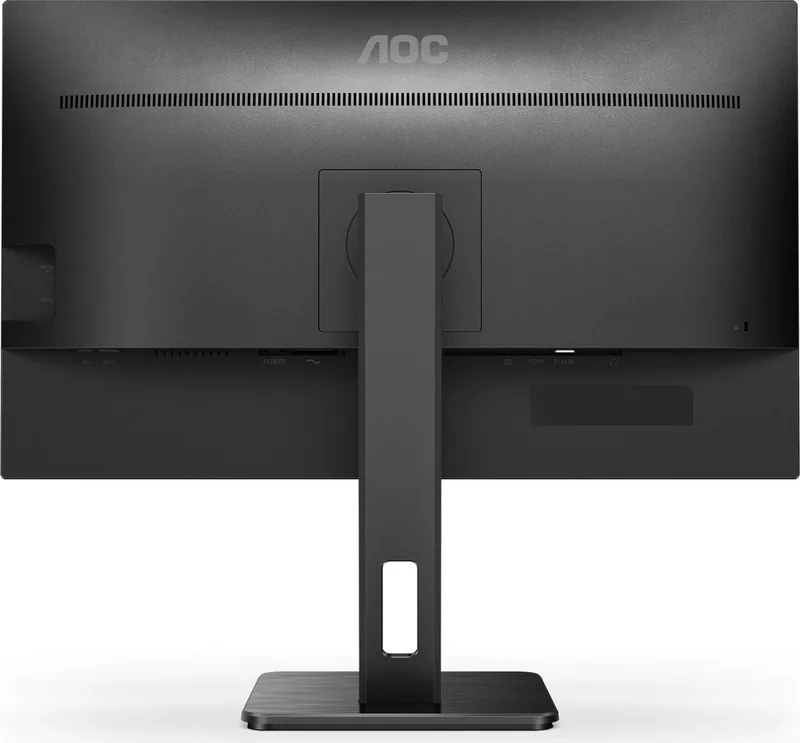
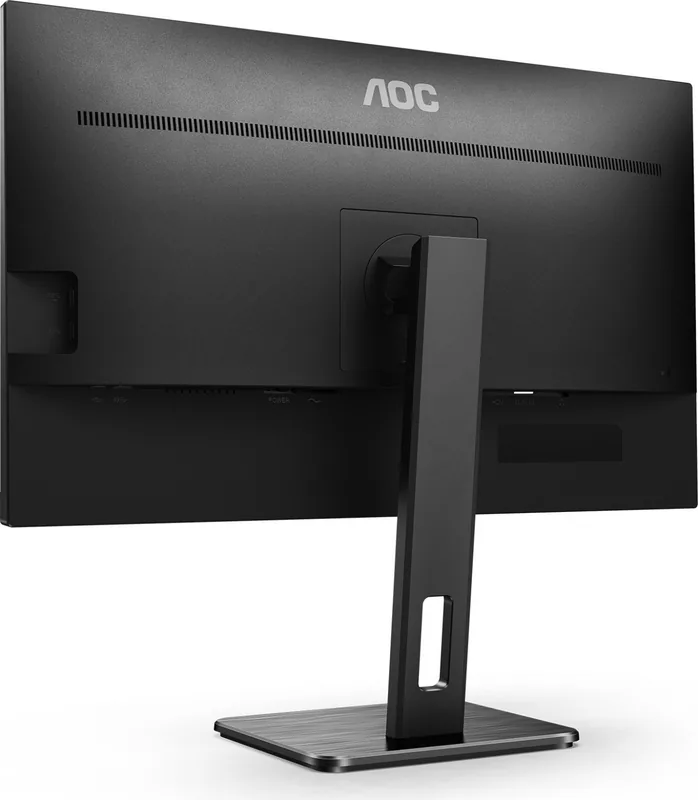
Connecting your system requires attention to cable management. The unit supports DisplayPort and HDMI inputs for versatile connection options. USB-C connectivity ensures easy video transfer and charging capabilities are available on certain configurations. Safety is prioritized during installation. Ensure the device rests on stable surfaces away from moisture. Proper ventilation is crucial to avoid overheating during extended usage periods. Do not block air vents as this causes thermal issues. The manufacturer suggests maintaining specific distances around the unit to ensure airflow reaches internal components effectively. The stand assembly process is straightforward but must be done carefully to avoid tipping.
Image Quality customization is next. The On-Screen Display menu allows control over brightness and contrast levels. Color calibration features include sRGB modes for accurate representation in design tasks. Gamers benefit from specific presets tailored for FPS, RTS, and Racing genres. Shadow control helps reveal hidden details in dark environments without washing out bright areas. Adaptive-Sync technology reduces screen tearing when paired with compatible graphics cards from major brands. This function supports both DisplayPort and HDMI connections for smooth animation. Low Blue Mode protects eyes by reducing harmful light waves during night usage. Frame size adjustments allow for better visual focus during tasks. Resolution support spans up to 1920x1080 at 75Hz for fluid motion. Quick access buttons allow immediate adjustments without navigating deep menus.
Maintenance requires simple care to extend the lifespan of the hardware. Use a soft cloth to wipe the screen gently. Avoid harsh chemicals that might damage the coating. Regular dusting keeps the ventilation grills clear. Power settings allow for energy efficiency without compromising brightness during normal operation. The Eco mode switches to text or internet specific profiles automatically. Users can also configure timeout settings to save power when idle. Clear Vision enhances low resolution images for better viewing comfort.
Conclusion: Mastering your setup involves more than just plugging in cables. Understanding the OSD menus empowers you to tweak performance. Whether for work or play, the AOC 27P2C meets diverse needs. Enjoy clear visuals and reliable performance with proper configuration. The LED indicator shows active or standby status clearly. Troubleshooting steps cover common issues like no signal or color distortion. Regular check-ins ensure the equipment runs smoothly for years. If issues persist, verify all connections are secure and drivers are updated.
Search for 67,706 Manuals online


Type-in Brand or Model