

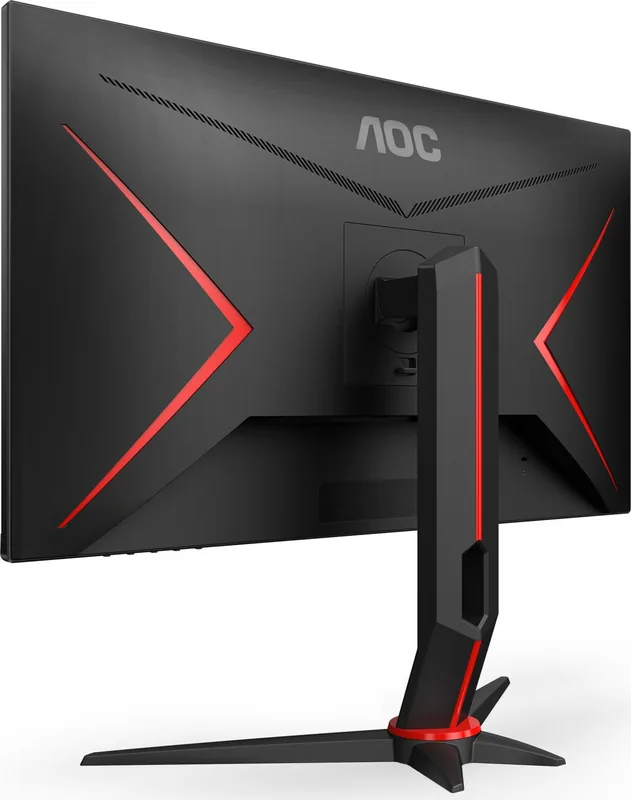
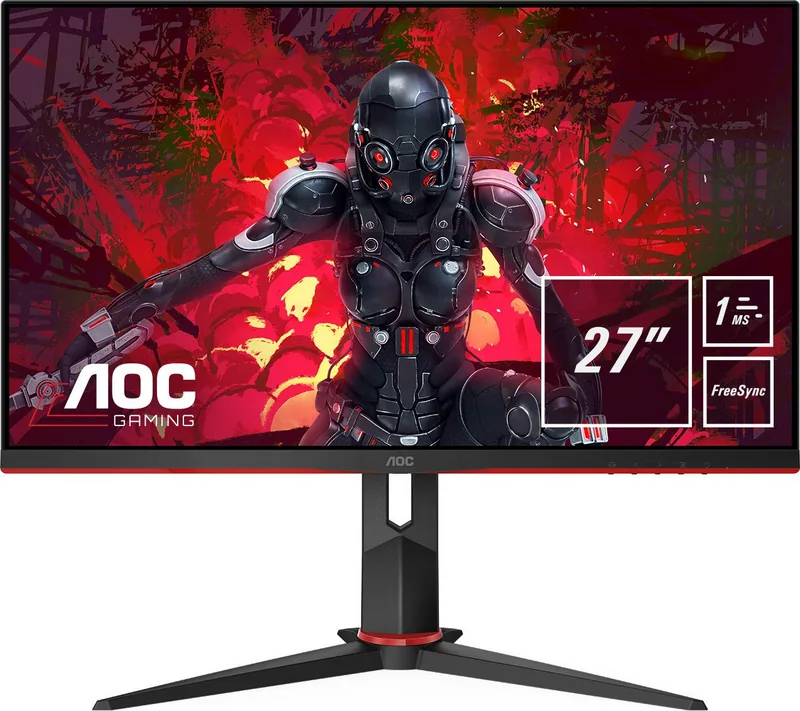
AOC 27G2U5/BK Manual
PDF manual · 33 Pages
English



Quick check
Incorrect answer, please try again.
Chat with your AOC 27G2U5/BK manual using AI
Get instant AI answers from your AOC 27G2U5/BK manual
Ask anything about the AOC 27G2U5/BK. Answers come from this manual, with the pages they are based on.
Ask a Question
Do you recommend 27G2U5/BK?
Yes No
Luca Moretti
8 months ago
The picture seems good, but are the on-screen menu buttons and the built-in speakers usable in daily use?

Manual.ly
8 months ago
The menu itself is generally easy to understand, but many buyers note that the physical buttons are quite small and can be a bit fiddly when you need to reach them often (for example, power or volume). As for the speakers: they are basic and best considered a convenience, not good sound quality. If you want better audio, you can connect your headset or external speakers via the audio jack (3.5 mm) and disable/avoid relying on the built-in rear speakers.
Thomas Klein
8 months ago
I noticed several reviews mention the control buttons are too small to press reliably without looking. Will I be able to navigate menus easily?
Manual.ly
8 months ago
Thank you for your question. The buttons are sensitive touch controls integrated into the bottom bezel. While compact, they register touches quickly once located. We suggest using the manual to familiarize yourself with the layout for one-handed operation. If you prefer external controls, you can adjust settings via keyboard or mouse depending on your setup. For firmware updates, visit our official support pages.
Frequently Asked Questions
This model supports up to 75Hz through HDMI and DisplayPort connections. It is ideal for general use and light gaming without the cost of higher tiers.
Is this answer helpful?
Yes, AMD FreeSync is supported for compatible graphics cards on specific input modes like DisplayPort and HDMI.
Is this answer helpful?
No, this monitor utilizes D-Sub, HDMI, and DisplayPort connectivity along with USB downstream ports for peripherals and charging.
Is this answer helpful?
Use the joystick or buttons on the back panel to navigate the menu options and confirm changes using the main button.
Is this answer helpful?
The stand allows tilt adjustment only but lacks height, pivot, or swivel capabilities for vertical movement.
Is this answer helpful?
The native resolution is Full HD 1920 by 1080 pixels for optimal clarity on the 27-inch screen.
Is this answer helpful?
Yes, this monitor supports standard VESA mounting patterns for wall or arm installation to suit different desk setups.
Is this answer helpful?
Advantages and Disadvantages
Advantages

- High refresh rate up to 75Hz ensures smooth visuals for casual gaming
- Multiple connectivity options including HDMI, DisplayPort, and VGA ports
- Integrated shadow control improves visibility in dark scenes
- Low blue light mode reduces eye strain during long use sessions
- Ergonomic tilt adjustment allows personalized viewing angles
Disadvantages

- Refresh rate capped at 75Hz compared to higher 144Hz models
- OSD menu navigation can feel complex for new users
- No built-in speakers requiring external audio solutions
- Stand does not support height adjustment or swivel
- G-SYNC support limited to specific graphics card models
Product Specification
Function
Monitor (Desktop)
Diagonal
27" (27.01 in)
Resolution
1920x1080 (FHD), 16:9, 82 ppi
Panel
IPS (IGZO), Manufacturer: Panda (LC238LF1F)
Backlight
LED, Blue Light Filter, flicker-free
Brightness
250 cd/m2 (typ)
Contrast
1,000:1 (Static), 80,000,000:1 (Dynamic)
Response Time
5ms (GtG), 1ms (MPRT)
Refresh Rate
75Hz (1920x1080)
Variable Refresh Rate
Adaptive Sync, AMD FreeSync certified (48-75Hz via DisplayPort, 48-75Hz via HDMI, no LFC support, no HDR)
Ports
1x VGA, 2x HDMI 1.4, 1x DisplayPort 1.2, 1x USB Type-B 3.0 (Upstream, 5Gb/s), 4x USB Type-A 3.0 (Downstream, 5Gb/s), 1x 3.5mm Jack (Line-Out), 1x 3.5mm Jack (Line-In), 1x AC-In C13 (Power Input)
Shape
Straight (Flat)
Viewing Angle
178 deg/178 deg
Coating
Non-glare (Matte)
Color Depth
8-bit (16.7 Million Colors)
FRC
Yes (6bit+2bit)
Speakers
Speakers (2x 2W)
Controls
Mechanical Buttons
Ergonomics
With Stand, Height Adjustable (5.12 in), Pivot (+90 deg), Swivel (+/-30 deg), Tilt (+22 deg/-4 deg)
VESA
100x100 (Mounting)
Power Consumption
28W (typ), 0.3W (Standby)
SDR Energy Efficiency (A to G)
26kWh/1000h (F)
Features
Security Lock (Kensington Security Slot), Slim Bezel
Screen-to-Body Ratio
Inf% (Calculated)
Dimensions
(24.09x15.59x8.94 in) (WxDxH) With Stand
Color
Black (Display Bezel) / Black, Red (Lower Bezel) / Black, Red (Stand) / Black, Red (Back)
Weight
11.24 lbs (with Stand), 8.16 lbs (without Stand)
Power Supply
Internal
Warranty
3 Years
USB Labeling
Left
Product Description
Discover the AOC 27G2U5/BK Monitor Performance
The AOC 27G2U5/BK offers a compelling 27-inch display for users seeking quality visuals. This monitor brings a sleek design combined with practical functionality suitable for gaming and office work. The screen size provides ample space for multitasking while maintaining a comfortable viewing distance. The 1920 by 1080 pixel resolution ensures clarity for text and media consumption on this large panel. Many users appreciate the ability to customize color temperatures to suit different environments throughout the day. Adjusting the backlight helps manage energy usage effectively. It is a great choice for various setups.
Visual Quality and Gaming Features
Users benefit from a refresh rate of 75Hz which provides smoother transitions compared to standard 60Hz panels. Adaptive-Sync technology helps reduce screen tearing during gameplay. The Shadow Control feature enhances visibility in dark areas of games without blowing out highlights. For gamers on a budget, the inclusion of AMD FreeSync support bridges the gap between cost and performance. Low Blue Light modes protect eyes during extended use sessions preventing fatigue. Color settings allow customization to match personal preferences for accuracy. A Game Setting menu offers specific presets for FPS, Racing, and RTS genres. Motion Blur Reduction is available for high refresh scenarios to keep moving objects clear.
Connectivity and Setup
Connecting this device is straightforward with a variety of input options available on the rear panel. You will find HDMI, DisplayPort, and VGA ports for video signals. Audio jacks connect headphones for direct sound output without external speakers. The back panel houses multiple USB ports including a quick charging station for mobile devices. Setup involves attaching the base stand to avoid vibrations or tipping. The stand allows for tilt adjustment to find the optimal neck angle for comfort. Ventilation requirements must be met to prevent overheating during heavy usage. Always ensure power cords are grounded for safety.
Maintenance and Support
Cleaning the screen should be done gently with a soft cloth to avoid scratches on the surface. Do not use harsh chemicals near the bezel as they cause damage. Power safety is crucial and requires a grounded outlet to prevent electrical shock. If issues arise, consult troubleshooting steps regarding cable checks or power resets. The monitor includes various preset modes for sports, movies, or reading to optimize viewing. Resetting the menu restores defaults if settings become confusing. This 27-inch unit fits well in most home office environments providing a reliable screen for daily tasks.
Final Thoughts
Overall the monitor balances feature set and affordability well. It supports popular graphics card technologies for syncing. The build quality holds up for standard desk conditions. Buyers should verify compatibility with their specific hardware regarding refresh rates. It remains a solid option for those needing a large secondary display or primary work station screen. Highly recommended for budget conscious buyers.
Search for 67,706 Manuals online


Type-in Brand or Model
iste_est
8 months ago
Are the monitor controls easy to use, and how bad are the built-in speakers? Also, do I need a special USB cable for the USB 3.0 ports?
Manual.ly
8 months ago
Many buyers note that the OSD buttons are quite small and can be a little fiddly, especially when switching on or when you want to adjust settings quickly. The menu itself is generally described as straightforward. For sound, the built-in rear speakers are typically only suitable for basic use; for better audio, use external speakers or headphones via the headphone/3.5 mm jack (if available on your model) or connect to a proper audio setup. Regarding the USB 3.0 ports: the monitor usually needs a correctly matched USB cable to connect upstream to your PC, and some kits do not include the required cable. If you do not see a USB upstream cable in the box, you will likely need to use your own.