
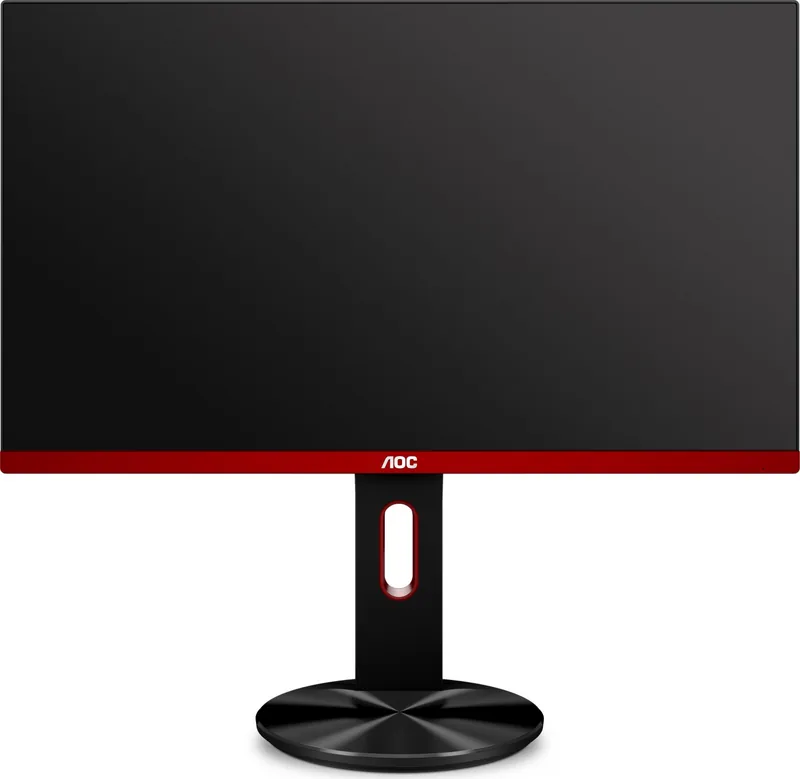
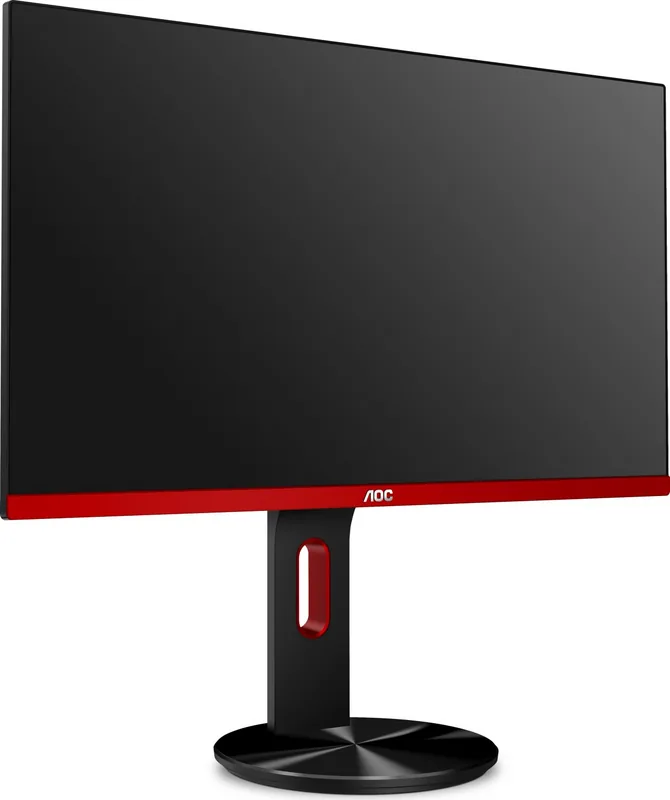
AOC G2790PX Manual
PDF manual · 61 Pages
English



Quick check
Incorrect answer, please try again.
Chat with your AOC G2790PX manual using AI
Get instant AI answers from your AOC G2790PX manual
Ask anything about the AOC G2790PX. Answers come from this manual, with the pages they are based on.
Ask a Question
Do you recommend G2790PX?
Yes No
Lukas Meyer
10 months ago
How good are the built-in speakers on the AOC G2790PX? Can I use them for gaming, or should I plan for headphones/external speakers?

Manual.ly
10 months ago
The built-in speakers are best considered a convenience, not a high-quality audio system. Several customers report that the speakers sound weak and underwhelming (often described as very poor), so for gaming and everyday media it is usually better to use headphones or an external speaker setup. If you care about clear volume and sound quality, plan to connect separate audio to your PC or use a dedicated speaker/headphone solution. This way you get more reliable, distortion-free audio than what the monitor speakers are designed to provide.
Frequently Asked Questions
The native resolution is 1920×1080 Full HD. For the best experience, the monitor is intended to run at 60Hz over VGA or up to 144Hz over HDMI and DisplayPort.
Is this answer helpful?
Yes. FreeSync is supported through HDMI and DisplayPort connections. It works best with compatible AMD graphics cards and can help reduce tearing and input stutter in games.
Is this answer helpful?
The monitor includes VGA, HDMI-1, HDMI-2, DisplayPort, line-in, earphone out, and multiple USB 3.0 ports, including one fast-charging USB port. That gives it strong connectivity for mixed setups.
Is this answer helpful?
Yes. The stand supports tilt adjustment, letting you angle the screen to suit your viewing position. The manual recommends staying within the safe tilt range to avoid damage.
Is this answer helpful?
Yes, wall mounting is supported on models with compatible VESA holes. You need to remove the base and use an approved mounting arm or kit that fits the back of the monitor properly.
Is this answer helpful?
It includes Game Mode presets for FPS, RTS, and Racing, plus Shadow Control, Low Input Lag, Overdrive, Game Color, and Dial Point. These features are meant to improve clarity and responsiveness.
Is this answer helpful?
Use the highest supported connection, set the display to its optimal resolution, and adjust brightness, contrast, gamma, and color settings through the OSD until the image matches your preference.
Is this answer helpful?
Advantages and Disadvantages
Advantages

- 27-inch Full HD panel with 144Hz support for smoother gameplay.
- FreeSync helps reduce tearing and stutter with compatible AMD GPUs.
- Useful gaming features like Game Mode, Shadow Control, Overdrive, and Dial Point.
- Multiple inputs, including HDMI, DisplayPort, VGA, audio, and USB.
- Adjustable tilt stand and built-in speakers add convenience.
Disadvantages

- 1920×1080 resolution may feel modest for a 27-inch screen to some users.
- VGA is limited to lower refresh performance compared with HDMI or DP.
- Some cables and accessories may vary by region and box contents.
- OSD options are feature-rich, but the menu structure can feel busy at first.
- Not every model variant may support wall mounting or VESA use.
Product Specification
Function
Monitor (stationary)
Diagonal
27" (68.6 cm)
Resolution
1920x1080 (FHD), 16:9, 82ppi
Panel
TN
Backlight
LED, Blue light filter, flicker-free
Brightness
400 cd/m2 (typical)
Contrast
1,000:1 (static), 50,000,000:1 (dynamic)
Response time
1 ms (GtG)
Refresh rate
144 Hz (1920x1080)
Variable Synchronization
Adaptive Sync, AMD FreeSync Premium certified (30-144 Hz via DisplayPort, 30-144 Hz via HDMI, with LFC support, without HDR)
Signal frequency
30-144 Hz (V)
Ports
1x VGA, 2x HDMI 1.4, 1x DisplayPort 1.2, 1x USB-B 3.0 (Upstream, 5 Gb/s), 4x USB-A 3.0 (Downstream, 5 Gb/s), 1x 3.5 mm jack (Line-Out), 1x 3.5 mm jack (Line-In), 1x AC-In C13 (Power connector)
Form
straight (flat)
Viewing angle
170°/160°
Coating
non-glare (matte)
Color depth
8bit (16.7 million colors)
FRC
unknown
Speakers
Speakers (2x 2W)
Controls
Joystick
Ergonomics
with stand, height adjustable (5.12 in), Pivot (+90°), rotatable (±120°), tiltable (+20°/-4°)
VESA
100x100 (occupied)
Power consumption
32 W (typical), 0.5 W (Standby)
Energy efficiency SDR (A to G)
26 kWh/1000 h (F)
Special features
Security lock (Kensington Security Slot), Slim Bezel
Screen-to-Body-Ratio
Inf% (calculated)
Dimensions
24.21x21.10x7.87 in (WxHxD) with stand compressed
Color
black (display frame) / red (lower bezel) / black (stand)
Weight
14.24 lb (with stand)
Power supply
internal
Warranty
three years
USB notation
Link
Product Description
AOC G2790PX 27-inch Gaming Monitor
The AOC G2790PX 27-inch monitor Manual points to a display that blends smooth gaming performance with practical everyday features. With a Full HD 1920×1080 panel and a 144Hz refresh rate over HDMI or DisplayPort, it is designed for users who want fluid motion, responsive visuals, and a screen size that feels roomy without taking over the desk.
One of its biggest strengths is flexibility. The monitor supports VGA, HDMI, and DisplayPort connections, plus audio input and USB ports, including a fast-charging USB 3.0 port. That makes it easy to connect a PC, console, or accessories while keeping the setup tidy. The built-in 2W speakers also add convenience for casual use, video calls, or light entertainment.
For gaming, the G2790PX offers several helpful tools. FreeSync support helps reduce screen tearing when paired with a compatible AMD graphics card, while features like Game Mode, Shadow Control, Low Input Lag, Overdrive, and Dial Point are aimed at sharper, more competitive play. Whether you prefer FPS, RTS, or racing titles, the monitor gives you preset modes to match different styles of content.
Daily usability is also well covered. The stand allows tilt adjustment, and the OSD includes controls for brightness, contrast, color temperature, aspect ratio, and input selection. That means the display can be tuned for work, movies, or gaming without much effort. The manual also emphasizes safe handling, proper ventilation, and straightforward installation, which makes the monitor feel thoughtfully designed from setup to long-term use.
Notes
- Best results come from using DisplayPort or HDMI to reach the highest refresh rate.
- FreeSync requires a compatible graphics card and the right connection mode.
- The AOC G2790PX 27-inch monitor Manual recommends keeping the screen within a comfortable tilt range for durability.
- This model suits gamers who want speed, but it also works well as a versatile home or office display.
Search for 67,706 Manuals online


Type-in Brand or Model
Nico Keller
8 months ago
Does the monitor have good sound, and is the rear joystick/power handling convenient? I saw comments that the built-in speakers are terrible and it only powers off when there is no signal.
Manual.ly
8 months ago
The built-in speakers are mainly a convenience and usually not the strong point. For better audio, we recommend using headphones or external speakers (or your 5.1/2.1 system). The OSD control is via a joystick on the back, so menu navigation and power-on/off can feel a bit unusual at first, but it is expected for this model. If you notice it only powers off when there is no signal, that can be related to input-detection/standby behavior. Check the power/standby setting in the on-screen display and make sure the input source is configured correctly. If you experience true defects like flickering, artifacts, or pixel failures, please reach out for a replacement.