
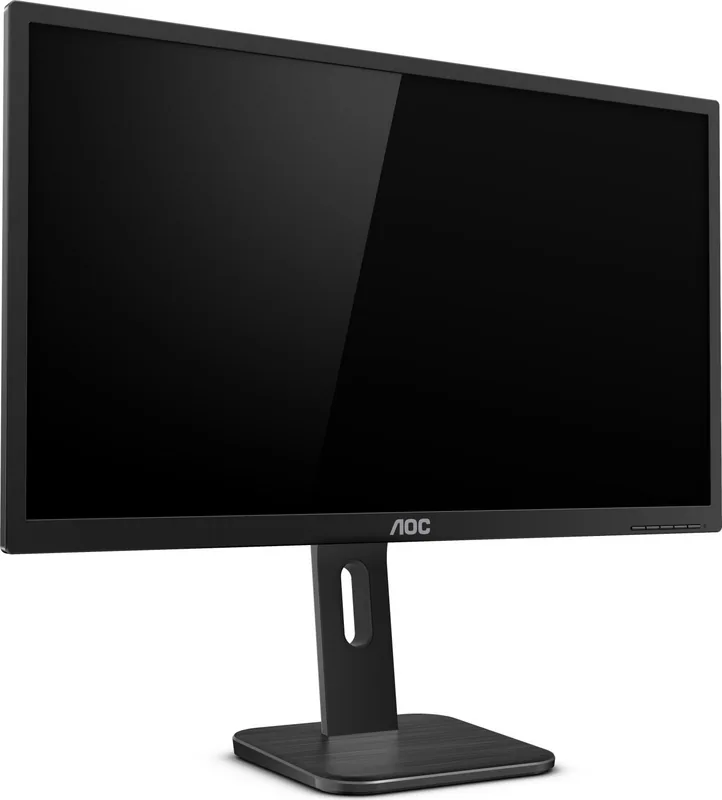
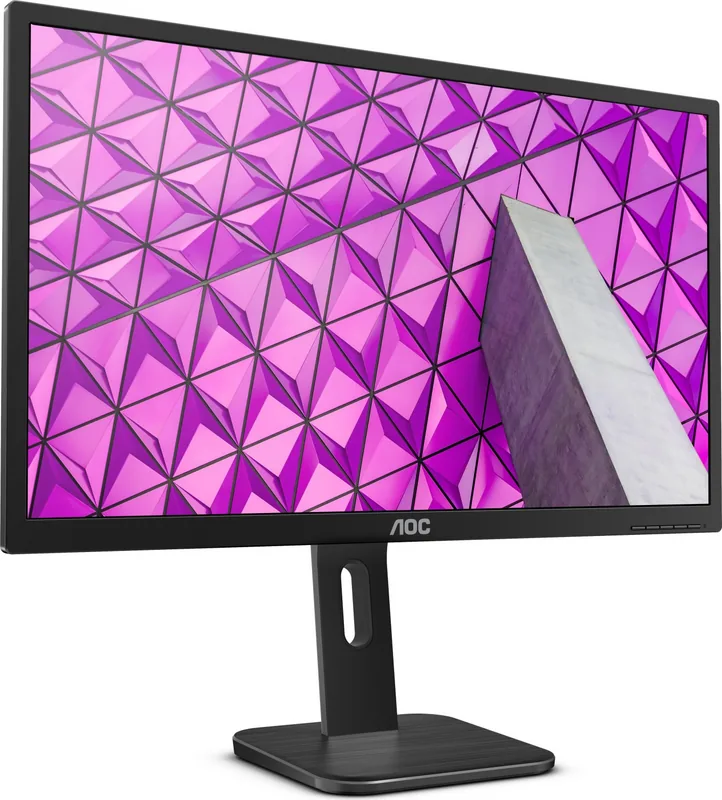
AOC 27P1 Manual
PDF manual · 64 Pages
English



Quick check
Incorrect answer, please try again.
Chat with your AOC 27P1 manual using AI
Get instant AI answers from your AOC 27P1 manual
Ask anything about the AOC 27P1. Answers come from this manual, with the pages they are based on.
Ask a Question
Do you recommend 27P1?
Yes NoFrequently Asked Questions
It is built for everyday productivity, office work, browsing, and general media use. The 27-inch Full HD screen provides comfortable viewing space without adding unnecessary complexity.
Is this answer helpful?
Depending on the model, you can connect through VGA, HDMI, DVI, DisplayPort, and USB. This makes it suitable for both older computers and newer systems.
Is this answer helpful?
Yes. It includes LowBlue Mode and image adjustment options that help reduce strain during longer viewing sessions. These settings are useful for workdays and extended reading.
Is this answer helpful?
Yes, it can be installed on a compatible wall-mount arm if the model supports the required mounting holes. You should remove the base first and follow the arm manufacturer’s instructions.
Is this answer helpful?
The recommended optimal resolution is 1920x1080 at 60Hz. This gives the clearest text, proper scaling, and the best overall image quality for the panel.
Is this answer helpful?
Yes. AOC offers tools like i-Menu for on-screen adjustment, e-Saver for power management, and Screen+ for splitting the desktop into multiple work areas.
Is this answer helpful?
Advantages and Disadvantages
Advantages

- 27-inch Full HD panel gives a spacious and sharp workspace for everyday tasks.
- Multiple inputs, including HDMI, DVI, DP, and VGA, improve compatibility.
- Adjustable stand and wall-mount support help with comfort and desk setup.
- LowBlue Mode, Clear Vision, and software tools add convenience and eye comfort.
Disadvantages

- Not aimed at high-end gaming or ultra-fast refresh rate use cases.
- Some ports and features vary by model, so not every unit has the same options.
- OSD and image settings may take time to learn for first-time users.
- Built-in extras are practical, but the monitor focuses more on work than premium visuals.
Product Specification
Function
Monitor (stationary)
Diagonal
27" (68.6cm)
Resolution
1920x1080 (FHD), 16:9, 82ppi
Panel
IPS
Backlight
LED, blue light filter, flicker-free
Brightness
250cd/m² (typical)
Contrast
1,000:1 (static), 50,000,000:1 (dynamic)
Response Time
5ms (GtG)
Refresh Rate
60Hz (1920x1080)
Connections
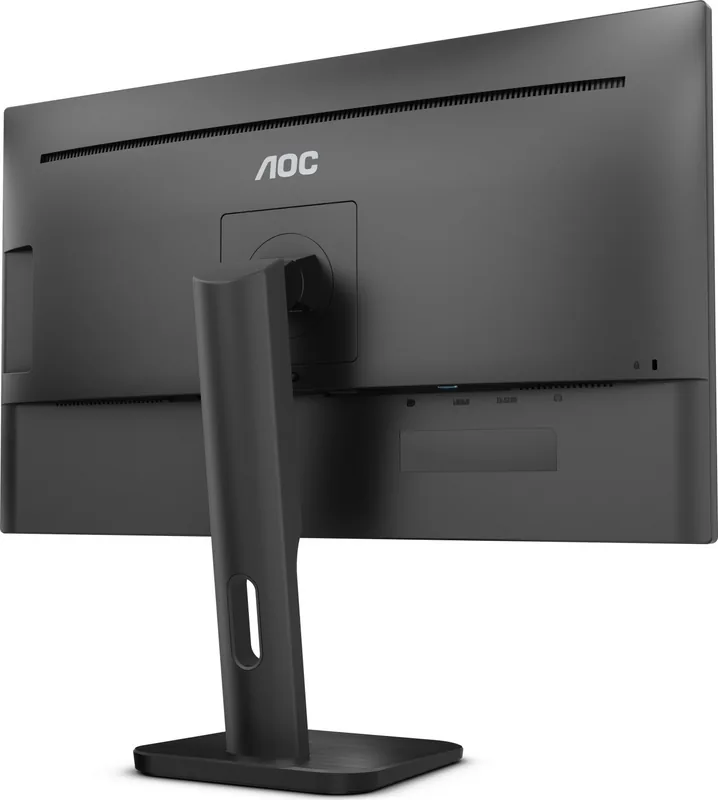
1x VGA (60Hz@1920x1080), 1x HDMI 1.4, 1x DisplayPort 1.2, 1x DVI, 1x USB-B 3.0 (Upstream, 5Gb/s), 4x USB-A 3.0 (Downstream, 5Gb/s), 1x 3.5mm jack (Line-Out), 1x AC-In C13 (power connection)
Shape
straight (flat)
Viewing Angle
178°/178°
Coating
non-glare (matte)
Color Depth
8bit (16.7 million colors)
FRC
yes (6bit+2bit)
Certifications/Standards
TCO 9
Speakers
Speakers (2x 2W)
Controls
mechanical buttons
Ergonomics
with stand, height adjustable (5.91 in), Pivot (+90°), swivel (±175°), tilt (+35°/-5°)
VESA
100x100 (occupied)
Power Consumption
35W (typical), 0.5W (Standby)
Energy Efficiency SDR (A to G)
18kWh/1000h (E)
Special Features
Security Lock (Kensington Security Slot)
Screen-to-Body Ratio
Inf% (calculated)
Dimensions
24.72x21.61x7.99 in (WxHxD) with stand compressed
Color
black (display frame) / black (lower bezel) / black (stand) / black (rear)
Weight
13.69 lbs (with stand)
Power Supply
internal
Warranty
three years
USB Labeling
Link
Product Description
AOC 27P1 27-inch: A Practical Full HD Monitor for Daily Productivity
The AOC 27P1, 27-inch monitor is designed for users who want a dependable display that balances comfort, flexibility, and everyday performance. Built around a 27-inch TFT color LCD panel with Full HD 1920x1080 resolution, it offers a roomy workspace for office tasks, web browsing, content viewing, and general multitasking. The screen size feels generous without becoming overwhelming, making it a smart fit for desks that need both clarity and efficiency.
One of the strongest points of the AOC 27P1 27-inch Manual experience is how approachable the monitor is from setup to daily use. It supports a range of input options, including HDMI, DVI, DisplayPort, VGA, and USB features, which makes it easy to connect to older systems as well as modern PCs. The manual also highlights simple installation steps, wall-mount compatibility, and clear instructions for adjusting the stand to improve viewing comfort.
For users who spend long hours in front of the screen, the monitor includes thoughtful tools such as LowBlue Mode, eco-friendly picture presets, and adjustable brightness, contrast, and color settings through the on-screen display. The Clear Vision function helps enhance low-resolution content, while the Picture Boost feature is useful when you want to focus attention on a specific area of the screen. These additions make the monitor more versatile than a basic display.
AOC also supports the monitor with companion software such as i-Menu, e-Saver, and Screen+. Together, these utilities help simplify menu control, manage power use, and organize desktop windows more efficiently. That makes the 27P1 especially appealing for office users, students, and home workers who value convenience and control.
In terms of reliability, the monitor comes with detailed safety guidance, troubleshooting help, driver installation steps, and region-specific warranty information. This creates a complete ownership experience that goes beyond the screen itself. If you want a 27-inch monitor that emphasizes productivity, practical connectivity, and easy adjustment rather than flashy gaming extras, the AOC 27P1 is a well-rounded choice.
Notes
- Full HD resolution suits everyday work and media viewing.
- Multiple ports make it flexible for mixed device setups.
- Ergonomic adjustments and eye-comfort features add real value.
- Software tools can simplify display control and organization.
Search for 67,706 Manuals online


Type-in Brand or Model