
AOC 27B2H Manual
PDF manual · 32 Pages
English



Quick check
Incorrect answer, please try again.
Chat with your AOC 27B2H manual using AI
Get instant AI answers from your AOC 27B2H manual
Ask anything about the AOC 27B2H. Answers come from this manual, with the pages they are based on.
Ask a Question
Do you recommend 27B2H?
Yes No
Dayton Denesik
5 months ago
Does this monitor require an external power brick or does it plug directly into the wall outlet?
Lars Bergmann
5 months ago
I read reviews mentioning the power cable is short. Does it come with an external power adapter, and is the cable length standard?

Manual.ly
5 months ago
Yes, this monitor requires an external power adapter. The cable connecting the monitor to the adapter meets standard safety lengths. We recommend attaching the adapter securely under your desk to manage the cable length effectively.
Markus Klein
5 months ago
Does this monitor come with a built-in power supply or does it require an external adapter?
Manual.ly
5 months ago
This model ships with an external power adapter. The cable connecting the monitor to the power brick is standard length. Some users find it slightly short for deep desks, but a power strip resolves this easily. The package includes all necessary cables for connection. We design this configuration to improve internal cooling and durability. It works well for daily office tasks without eye strain.
Frequently Asked Questions
The monitor supports a maximum resolution of 1920x1080 pixels at 60Hz via D-Sub and 75Hz via HDMI.
Is this answer helpful?
Yes, you can connect it using either the HDMI or VGA cables depending on your laptop's available ports.
Is this answer helpful?
No, this model does not include integrated speakers but features a headphone output jack for audio.
Is this answer helpful?
You can enable LowBlue Mode through the OSD Color Setup menu to reduce blue light emission.
Is this answer helpful?
The stand allows for tilt adjustment to change the viewing angle but does not support height adjustment.
Is this answer helpful?
It includes i-Menu for settings, e-Saver for power management, and Screen+ for window arrangement.
Is this answer helpful?
Check that the power cable and video connections are secure, and ensure the computer is powered on.
Is this answer helpful?
Advantages and Disadvantages
Advantages

- Large 27-inch Full HD display offers ample screen real estate for multitasking
- Versatile connectivity options including HDMI and VGA ports
- Clear Vision technology improves image sharpness for low-resolution content
- LowBlue Mode reduces eye strain during extended usage sessions
- Supports multiple software utilities like Screen+ and e-Saver for enhanced workflow
Disadvantages

- No built-in speakers included in the hardware specifications
- Tilt adjustment is limited compared to full height-adjustable stands
- VGA port may not be suitable for newer digital-only graphics cards without adapters
- Response time is standard and may not appeal to competitive gamers
- Bezels are relatively thick compared to ultra-slim modern designs
Product Specification
Function
Monitor (stationary)
Diagonal
27" (68.58cm)
Resolution
1920x1080 (FHD), 16:9, 82ppi
Panel
IPS
Backlight
LED, blue light filter, flicker-free
Brightness
250cd/m^2 (typical)
Contrast
1,000:1 (static), 20,000,000:1 (dynamic)
Response Time
7ms (GtG)
Refresh Rate
75Hz (1920x1080)
Signal Frequency
30-83kHz (H) / 50-76Hz (V)
Connectors
1x VGA, 1x HDMI 1.4, 1x 3.5mm jack (Line-Out), 1x DC-In hollow socket (power supply)
Shape
straight (flat)
Viewing Angle
178°/178°
Coating
non-glare (matte)
Color Depth
8bit (16.7 million colors)
FRC
unknown
Ergonomics
with stand, height adjustable N/A, pivot N/A, rotatable N/A, tiltable (+22°/-4°)
VESA
100x100 (free)
Power Consumption
22W (typical), 0.5W (standby)
Energy Efficiency SDR (A to G)
21kWh/1000h (E)
Features
security lock (Kensington Security Slot), slim bezel
Screen-to-Body Ratio
Inf% (calculated)
Color
black (display frame) / black (lower bezel) / black (stand) / black (back)
Weight
5.95 lbs (with stand), 4.81 lbs (without stand)
Power Supply
external
Warranty
three years
USB Spelling
Link
Product Description
Elevate Your Workspace with the AOC 27B2H Monitor
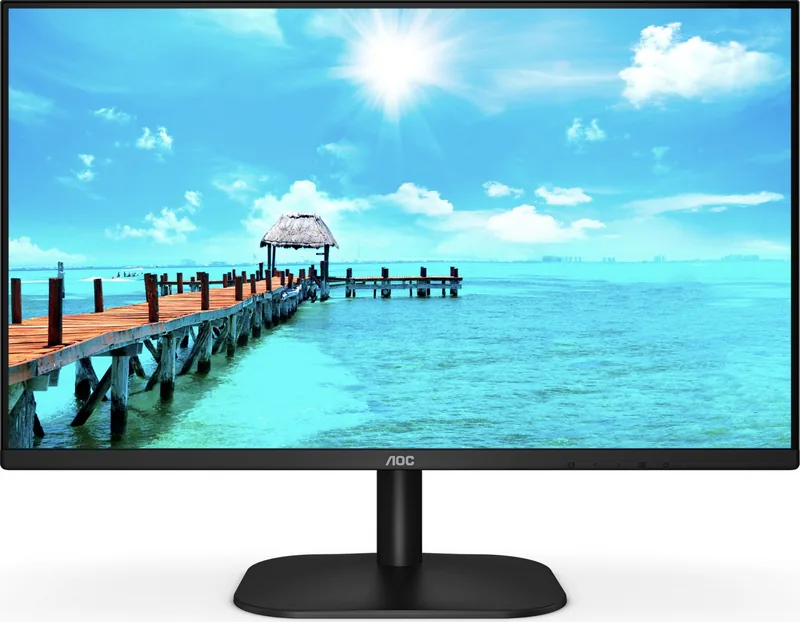
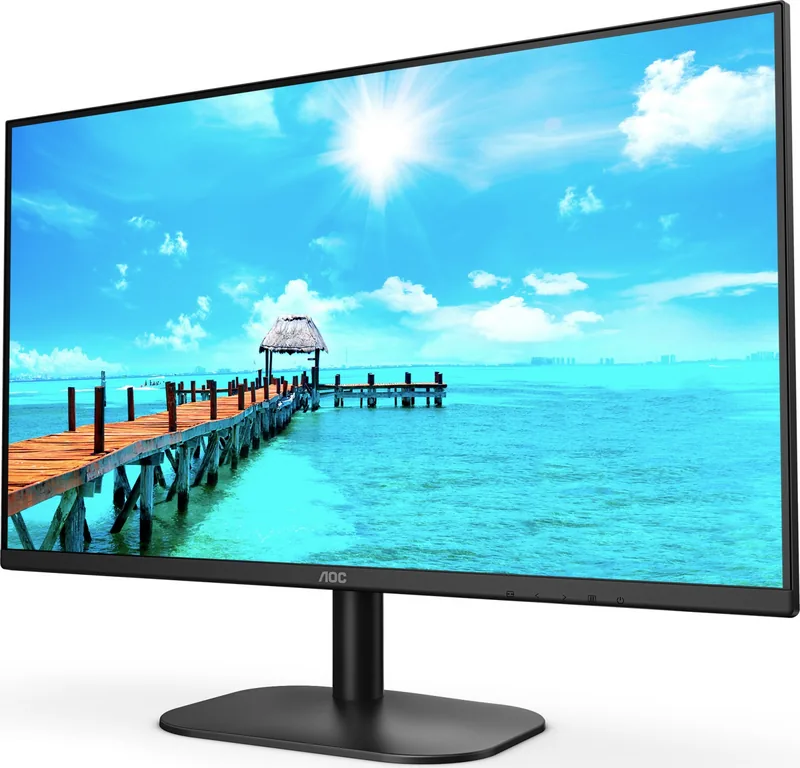
The AOC 27B2H is a robust 27-inch LCD monitor designed to bring clarity and comfort to your daily computing tasks. With its sleek design and reliable performance, this display serves as an excellent companion for office work, casual gaming, and multimedia consumption. The monitor features a high-resolution Full HD panel that delivers sharp images and vibrant colors, ensuring that every detail on your screen is crisp and clear.
One of the standout features of the AOC 27B2H is its versatile connectivity. It supports both VGA and HDMI inputs, allowing you to easily connect a wide range of devices from older desktops to modern laptops without needing extra adapters. The inclusion of a headphone jack provides convenient audio output directly from the monitor, reducing cable clutter on your desk.
User experience is prioritized through the intuitive On-Screen Display (OSD) menu system. You can effortlessly adjust brightness, contrast, and color temperature to suit your environment. Special modes like Clear Vision enhance image quality by converting blurry content into sharper visuals, while Picture Boost allows you to highlight specific areas of the screen for better focus during multitasking. For health-conscious users, the LowBlue Mode helps reduce eye strain during long working hours.
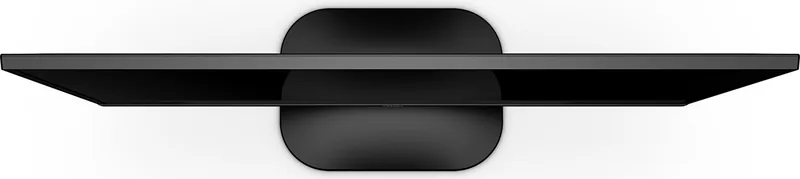
The physical build of the monitor is equally impressive. The stand offers a tilt adjustment feature, letting you find the perfect viewing angle to prevent neck fatigue. Safety guidelines emphasize proper ventilation spacing to prevent overheating, ensuring the device operates reliably over time. Cleaning is simple; a soft cloth is all you need to maintain the glossy bezel and screen surface.
For those who prefer software control, AOC offers tools like i-Menu, e-Saver, and Screen+. These utilities allow for remote configuration, intelligent power management based on PC status, and efficient desktop splitting for enhanced productivity. Whether you are managing multiple windows or simply want to save energy when stepping away from your desk, these features add significant value to the overall package.
Notes
- Always ensure the monitor is connected to a grounded outlet to prevent electrical hazards.
- Avoid placing heavy objects near the monitor to prevent accidental tipping.
- Use only the provided power adapter for optimal safety and performance.
Search for 67,706 Manuals online


Type-in Brand or Model
Lela Metz
4 months ago
Is the power cable between the monitor and the external power supply long enough for comfortable placement under a desk?
Manual.ly
4 months ago
The included power cable connecting the monitor to the external adapter is relatively short. Many users find it necessary to secure the adapter underneath the desk or on the floor to prevent the cable from dangling or taking up valuable desk space. We recommend checking your setup dimensions before installation.