

Free GIGABYTE Manuals – Read, Download & Print
103 Manuals
Manuals
44 Pages
44 Pages
48 Pages
92 Pages
2 Pages
37 Pages
32 Pages
29 Pages
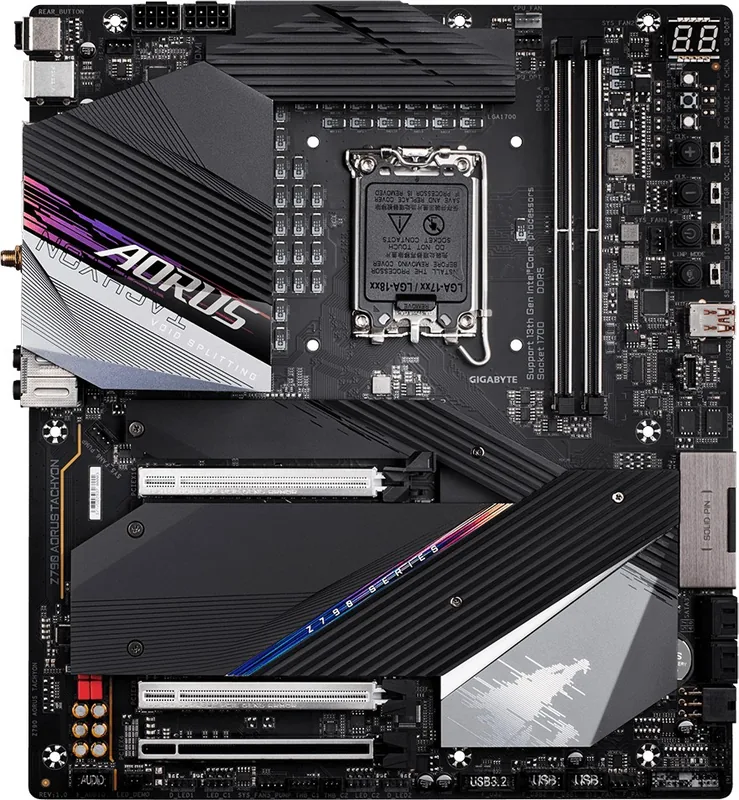
45 Pages
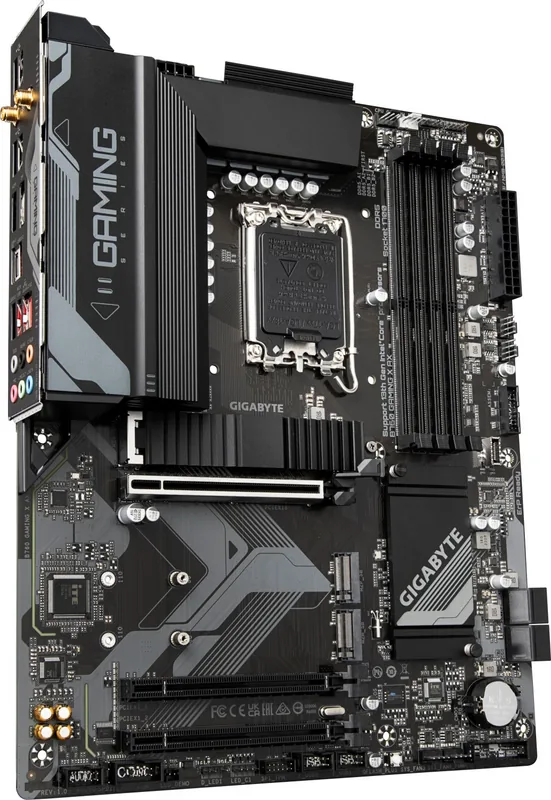
42 Pages
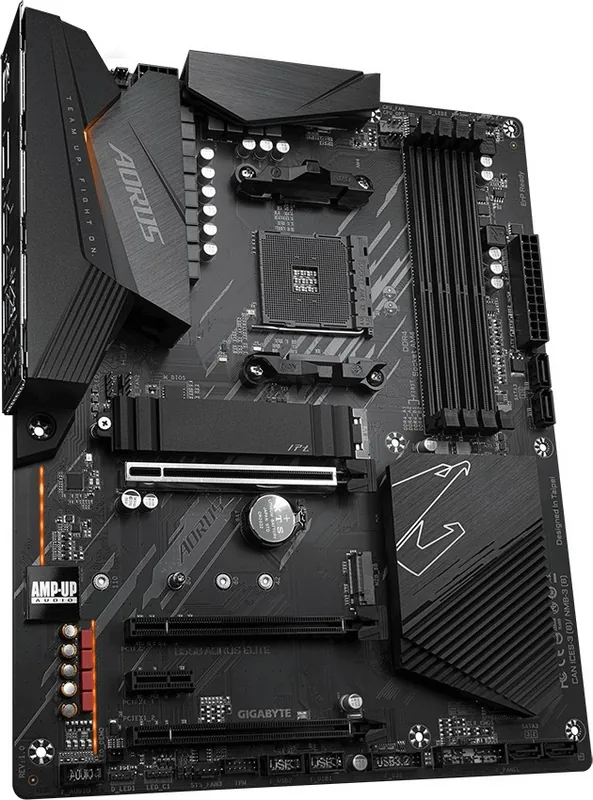
44 Pages
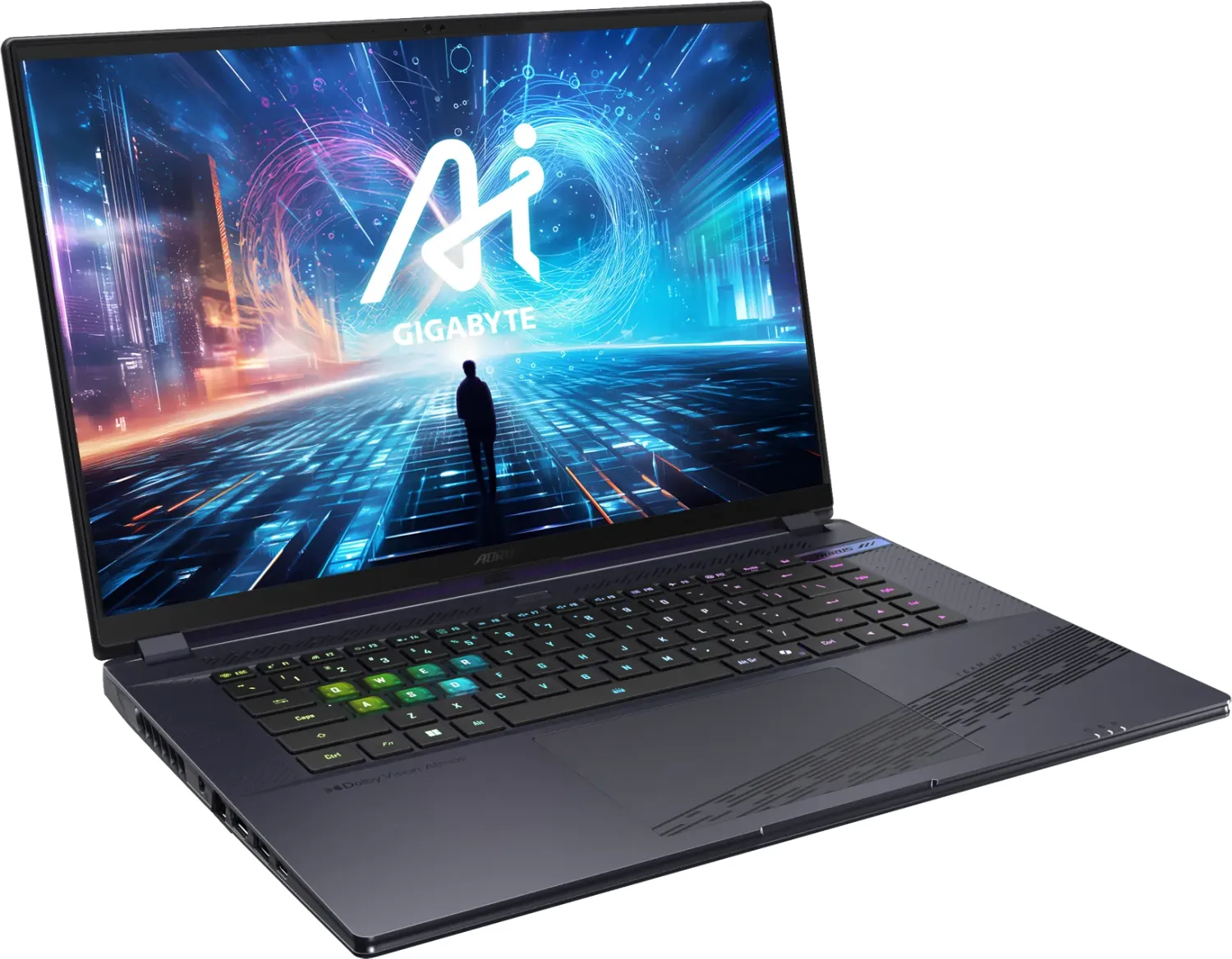
154 Pages
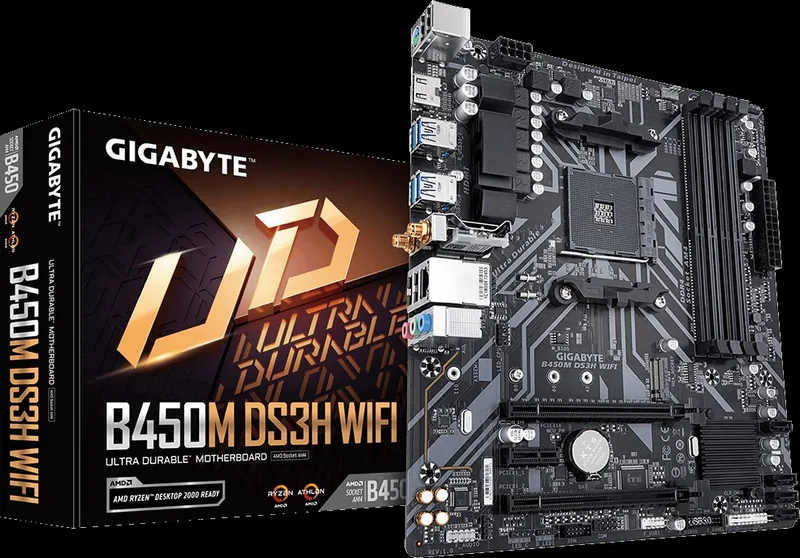
42 Pages
45 Pages
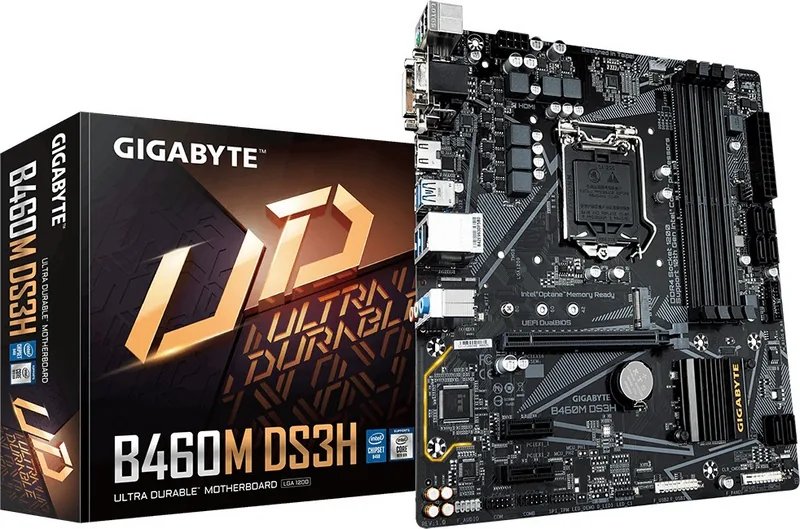
43 Pages
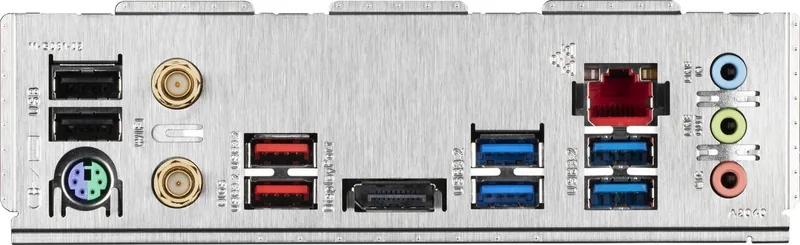
60 Pages
45 Pages
48 Pages
40 Pages
30 Pages
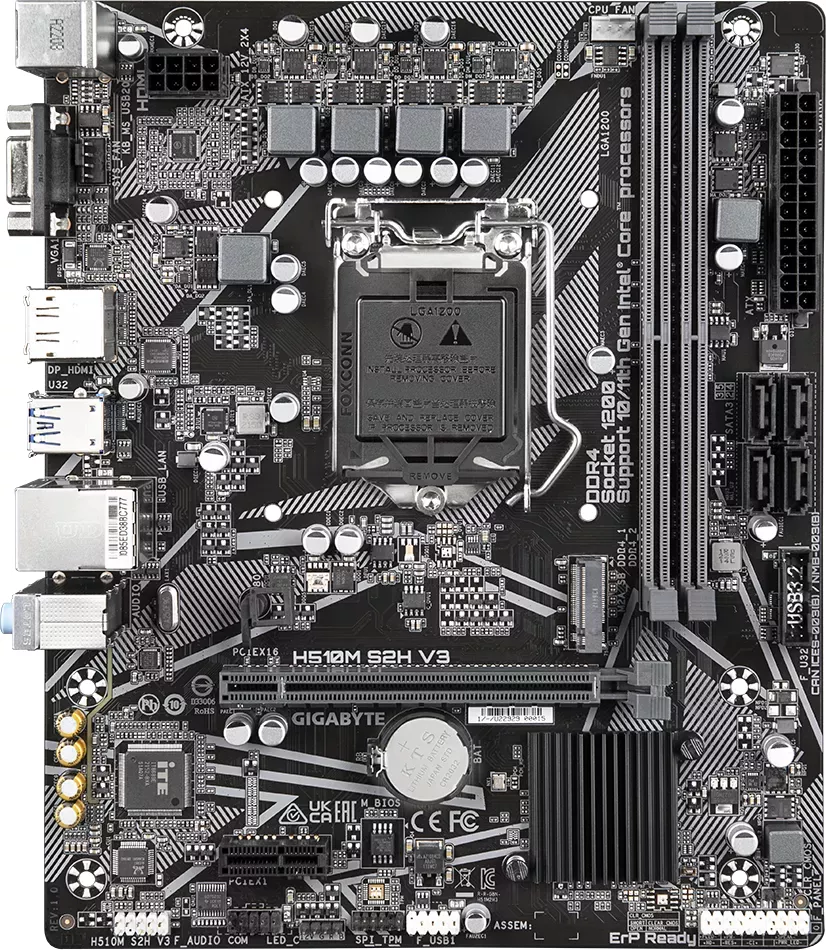
29 Pages
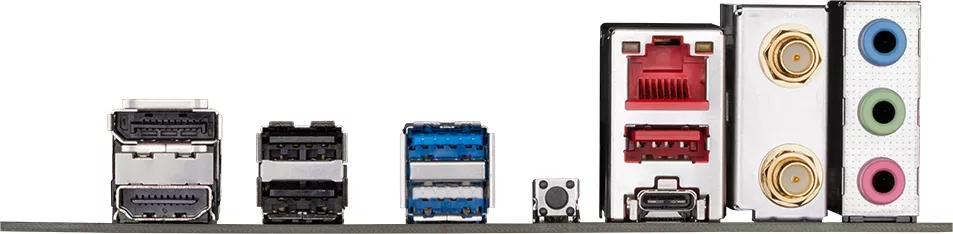
31 Pages
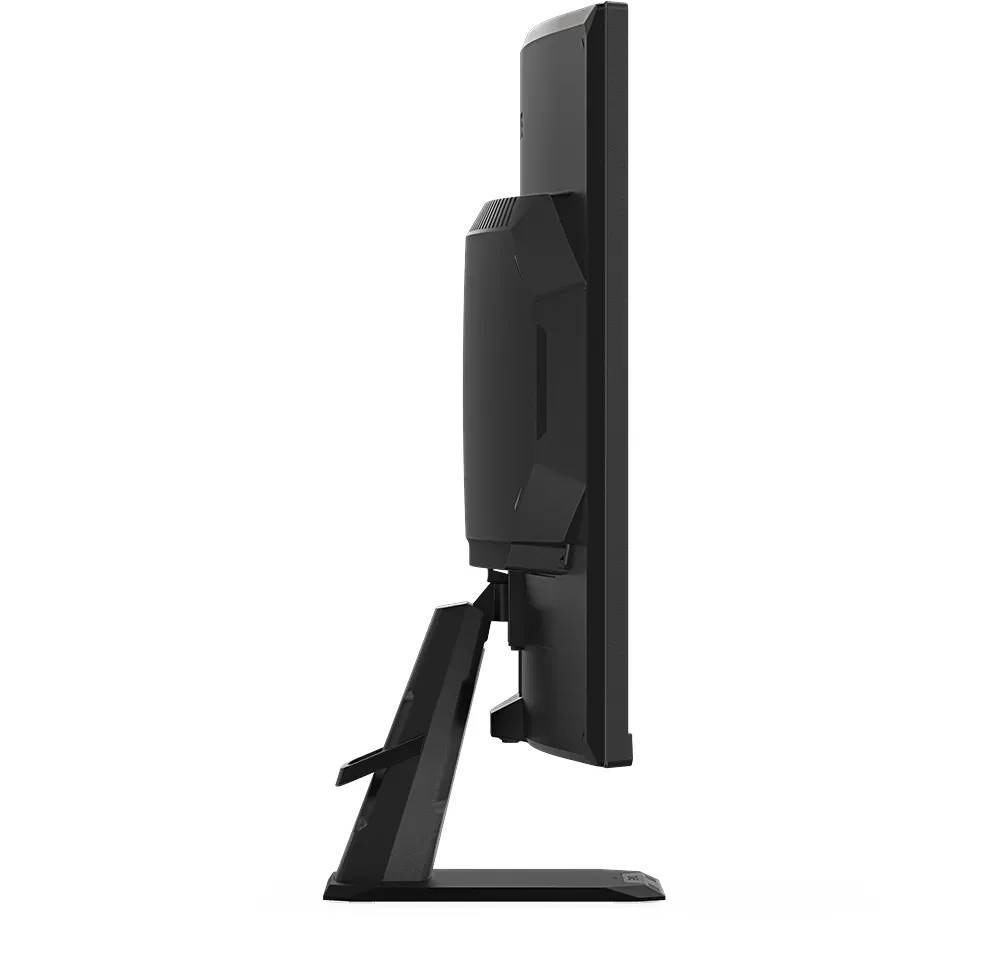
32 Pages
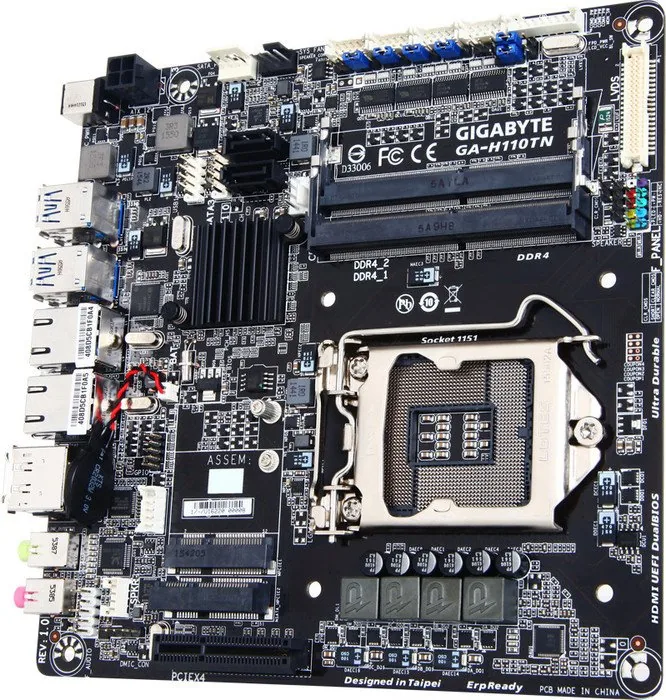
42 Pages
40 Pages
34 Pages
2 Pages
2 Pages
2 Pages
40 Pages
2 Pages
48 Pages
46 Pages
41 Pages
40 Pages
42 Pages
40 Pages

45 Pages
46 Pages
42 Pages

68 Pages
2 Pages

2 Pages
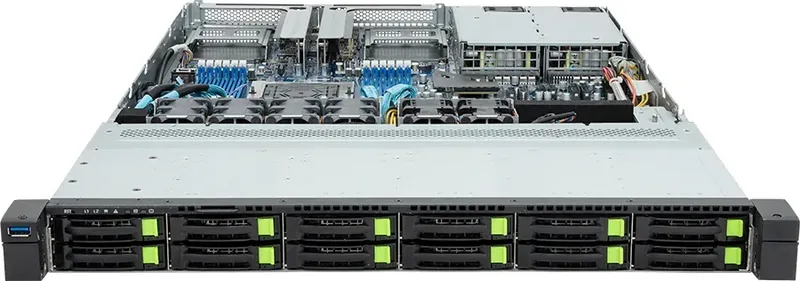
168 Pages
49 Pages
49 Pages
32 Pages
32 Pages
33 Pages
14 Pages
Categories

Free GIGABYTE Manuals - Read, Download & Print
Find the Right GIGABYTE Manual for Your Hardware
Access free GIGABYTE manuals for motherboards, graphics cards, laptops, monitors, servers, storage products, peripherals, and other computer hardware. Whether you are building a new PC, upgrading an existing system, troubleshooting a connection issue, or looking for product specifications, the correct manual can provide the details you need.
GIGABYTE documentation is designed to help users understand product features, installation requirements, supported components, connector layouts, BIOS options, software tools, maintenance steps, and safety information. Manuals are useful for first-time builders as well as experienced technicians who need a quick reference for a particular model.
Read GIGABYTE Manuals Online
Reading a manual online is a convenient way to locate information without saving a file to your device. Digital manuals typically include a table of contents, detailed diagrams, labeled ports and headers, setup instructions, technical specifications, and troubleshooting sections.
Online access is especially useful when you need to verify a motherboard pin layout, identify a graphics card output, check memory compatibility guidance, locate a laptop function key, or review monitor control settings. Use document search tools to find terms such as "BIOS," "M.2," "front panel," "memory," "USB," "audio," or "troubleshooting" quickly.
Helpful Information Found in Manuals
Most GIGABYTE product manuals include information such as:
- Product overview and package contents
- Hardware specifications and supported standards
- Installation instructions and connection diagrams
- Motherboard socket, memory, and expansion slot details
- Storage, fan, RGB, USB, and front-panel header locations
- BIOS and firmware configuration guidance
- Driver, utility, and software installation instructions
- Safety notices, warranty notes, and regulatory information
Download Manuals for Offline Reference
Downloading a GIGABYTE manual lets you keep an important reference available when you do not have an internet connection. This can be useful during PC assembly, system repairs, travel, classroom work, or office maintenance. Saved manuals can also be archived with purchase records and driver files for future use.
Before downloading, confirm the full model name and revision number of your product. Similar GIGABYTE models may have different connectors, BIOS versions, supported processors, display ports, or included accessories. A motherboard revision, for example, may be printed directly on the board and can affect which documentation applies.
For best results, save manuals using clear file names that include the product model and revision. Keeping files organized by device type, such as motherboards, GPUs, laptops, and displays, makes them easier to find later.
Choosing the Correct Model
Product names can look very similar, so check all available identification details before using a manual. Look for the exact series name, chipset, capacity, screen size, GPU variant, or revision label. If your device has a serial number or product sticker, it may help you confirm the exact hardware version.
Using the correct manual helps prevent installation mistakes. It can also ensure that you follow the proper instructions for power connections, compatible memory modules, CPU support, cooling solutions, and firmware updates.
Print GIGABYTE Manuals When You Need a Physical Copy
A printed manual can be practical when working at a bench, assembling a computer case, configuring cables, or servicing equipment away from a screen. Print only the pages you need to reduce paper use, such as the motherboard layout, connector descriptions, memory installation guide, BIOS settings, or troubleshooting chart.
Before printing, preview the document to make sure diagrams and tables are readable. Landscape orientation may work better for large board layouts or specification tables. For frequently used reference pages, consider printing in color so connector labels, warning icons, and header groups are easier to identify.
Useful Pages to Print
For desktop PC builds and repairs, the most useful pages often include:
- Motherboard component layout
- CPU installation instructions
- Memory slot population recommendations
- Front-panel header pin assignments
- SATA, M.2, and power connector diagrams
- Fan header and RGB connection information
- BIOS reset and CMOS clear instructions
- Error code, beep code, or troubleshooting references
Manuals for GIGABYTE Motherboards
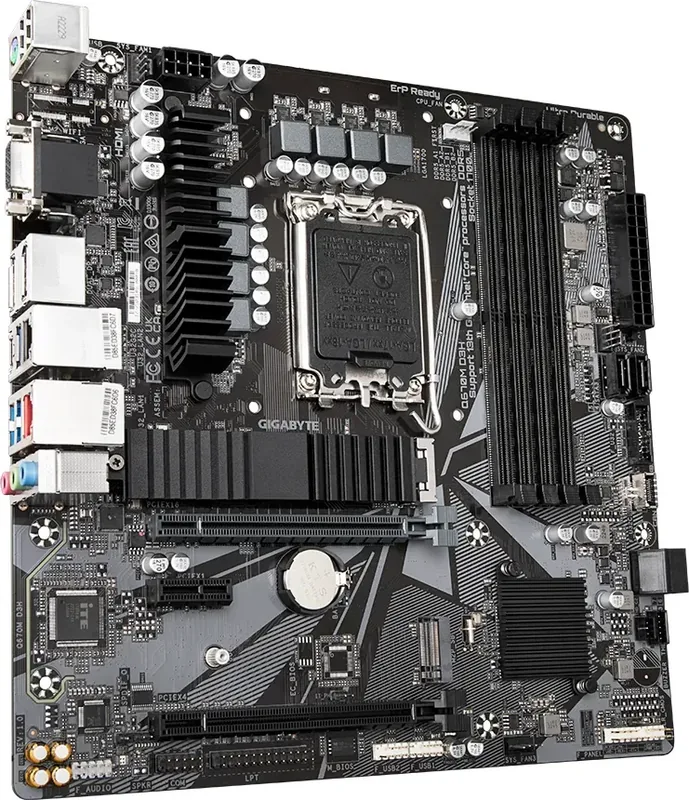
GIGABYTE motherboard manuals are essential resources for system builders. They explain how to install processors, memory, graphics cards, storage drives, cooling hardware, and case wiring. They also show the location and purpose of internal headers, including front-panel, USB, audio, fan, RGB, and power connectors.
Many motherboard manuals include details about BIOS setup, boot order, virtualization options, security settings, RAID configuration, integrated graphics, and memory profiles. These documents can help you configure your system correctly after assembly and resolve common startup problems.
If your computer does not power on, fails to boot, or does not detect a component, consult the manual before changing hardware. Confirm that cables are connected to the correct headers, memory modules are seated in recommended slots, and storage devices are installed in supported locations.
Manuals for GIGABYTE Graphics Cards, Laptops, and Monitors
Graphics card manuals can help users identify display outputs, power connector requirements, installation steps, cooling considerations, and multi-display setup options. They may also include advice for securing the card, connecting PCIe power cables, and using manufacturer utilities.
GIGABYTE laptop manuals commonly cover ports, charging, keyboard controls, battery care, wireless connectivity, recovery options, and basic maintenance. They are useful when you need to locate a specific port, understand indicator lights, change display settings, or find instructions for system recovery.
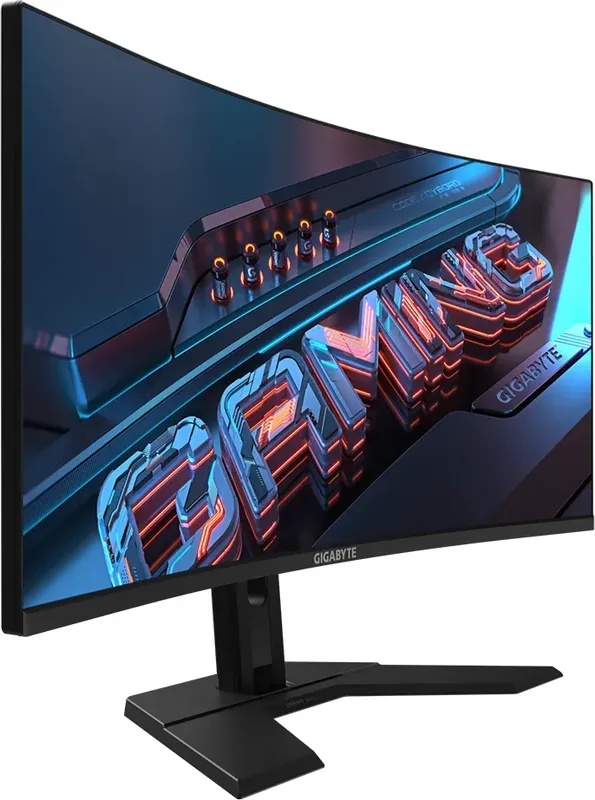
Monitor manuals explain stand assembly, wall mounting compatibility, input selection, on-screen display controls, refresh rate configuration, gaming features, color settings, and care recommendations. Check the manual when connecting a monitor to a PC, console, or docking station to ensure the right cable and input mode are selected.
Troubleshooting With the Manual
A manual is often the best starting point for troubleshooting because it provides model-specific information. Begin by checking the product overview and connection diagrams. Verify power, cable placement, compatible accessories, and required software or drivers.
For motherboard issues, review the sections covering debug LEDs, status indicators, POST behavior, BIOS reset procedures, and memory installation. For displays, check input source selection, cable specifications, resolution settings, and refresh rate support. For laptops, review power management, charging indicators, wireless switches, and recovery instructions.
Always follow safety guidance before opening equipment or changing internal components. Turn off the system, disconnect power when appropriate, and avoid forcing connectors into ports or headers. If a firmware update is recommended, read every instruction carefully and use the update method intended for your exact model.
Get More Value From Your GIGABYTE Product
Free GIGABYTE manuals make it easier to use hardware confidently and maintain it over time. They provide a reliable reference for installation, configuration, upgrades, troubleshooting, and everyday operation. From a compact laptop to a high-performance gaming motherboard, the right documentation can save time and help protect your equipment.
Read manuals online for quick answers, download copies for offline access, and print important pages for hands-on work. By matching the manual to your exact GIGABYTE model and revision, you can find accurate instructions for your device and make informed decisions about setup, compatibility, and maintenance.
Search for 67,706 Manuals online


Type-in Brand or Model