
GIGABYTE A520 Series Manual
PDF manual · 42 Pages
English



Quick check
Incorrect answer, please try again.
Chat with your GIGABYTE A520 Series manual using AI
Get instant AI answers from your GIGABYTE A520 Series manual
Ask anything about the GIGABYTE A520 Series. Answers come from this manual, with the pages they are based on.
Ask a Question
Do you recommend A520 Series?
Yes NoFrequently Asked Questions
It supports AMD Ryzen 5000 Series, 4000 G-Series, 3000 Series, and 3000 G-Series processors on the Socket AM4 platform. Always check the website support list for the latest CPU compatibility.
Is this answer helpful?
You can use the Q-Flash utility within BIOS or the @BIOS utility in Windows. Q-Flash allows updates without entering the OS. Ensure stable power during the process to prevent system malfunction.
Is this answer helpful?
Yes, it supports RAID 0, RAID 1, and RAID 10 using the SATA ports. Note that an M.2 PCIe SSD cannot be used to create a RAID set with a SATA hard drive for data redundancy.
Is this answer helpful?
The motherboard supports Windows 11 64-bit and Windows 10 64-bit natively. Drivers and utilities from the APP Center should be installed after OS setup to ensure full performance.
Is this answer helpful?
It has two DDR4 DIMM sockets supporting up to 64 GB total system memory. It supports speeds up to 3200 MT/s and Dual Channel architecture for doubled bandwidth efficiency.
Is this answer helpful?
The board includes one D-Sub port supporting 1920x1200@60Hz and one HDMI port supporting 4096x2160@60Hz. These can be used for integrated graphics without a dedicated card.
Is this answer helpful?
You can use the CLR_CMOS jumper on the board or remove the battery. Turn off power, short the pins for a few seconds, or wait one minute after battery removal before restarting.
Is this answer helpful?
Advantages and Disadvantages
Advantages

- Supports AMD Ryzen process on AM4 socket with wide compatibility
- Affordable entry-level performance for budget PC builds
- Q-Flash utility allows BIOS updates without entering an operating system
- Realtek audio CODEC provides multi-channel sound for gaming
- Dual channel memory architecture supports up to 64 GB of DDR4
Disadvantages

- Limited to PCIe 3.0 expansion slots instead of newer generation
- Only one M.2 slot available for storage expansion
- Micro ATX form factor restricts case size compatibility options
- No onboard WiFi connectivity included for wireless features
- Basic audio codec compared to high-end models for enthusiasts
Product Specification
Socket
AMD AM4
Chipset
AMD A520
Graphics
iGPU
RAID Level
0/1/10 (A520)
Multi-GPU
N/A
BIOS
1x 16MB (128Mb)
Manufacturer Warranty
3 years (from production date, handled via authorized dealer)
USB Marking
Left
Product Description
Comprehensive Guide to GIGABYTE A520 Motherboard Setup
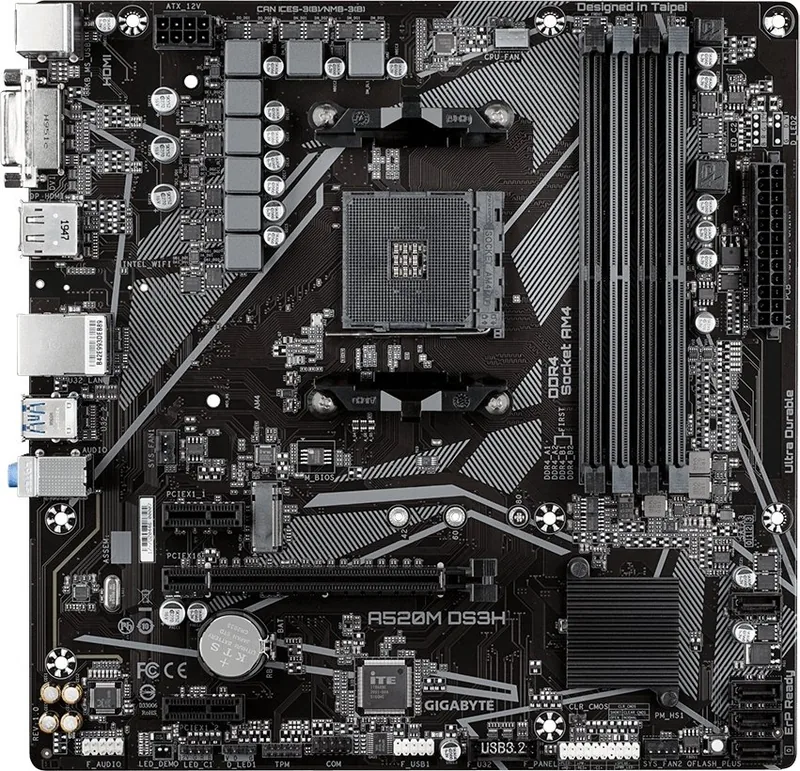
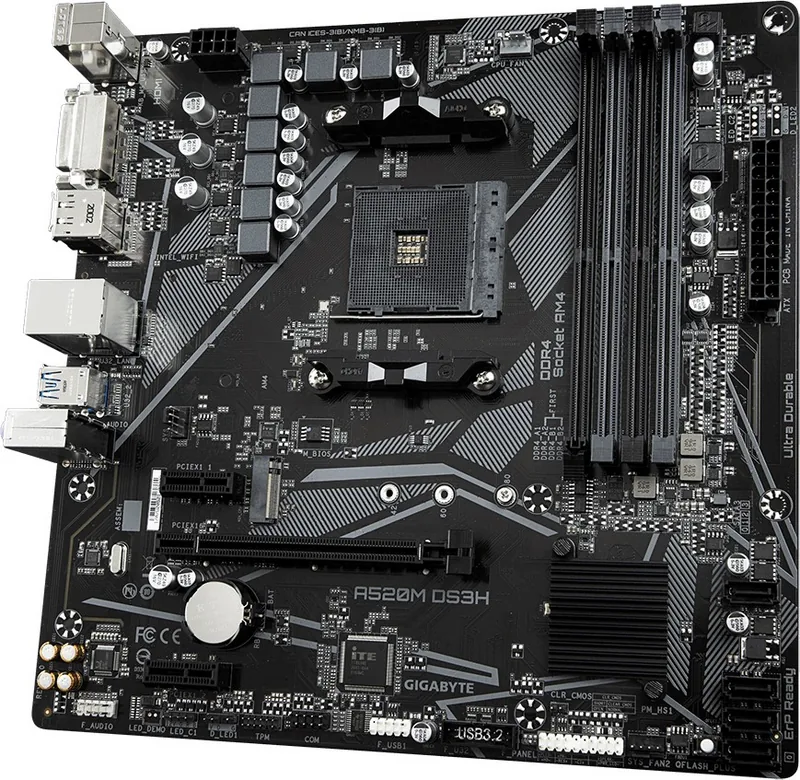
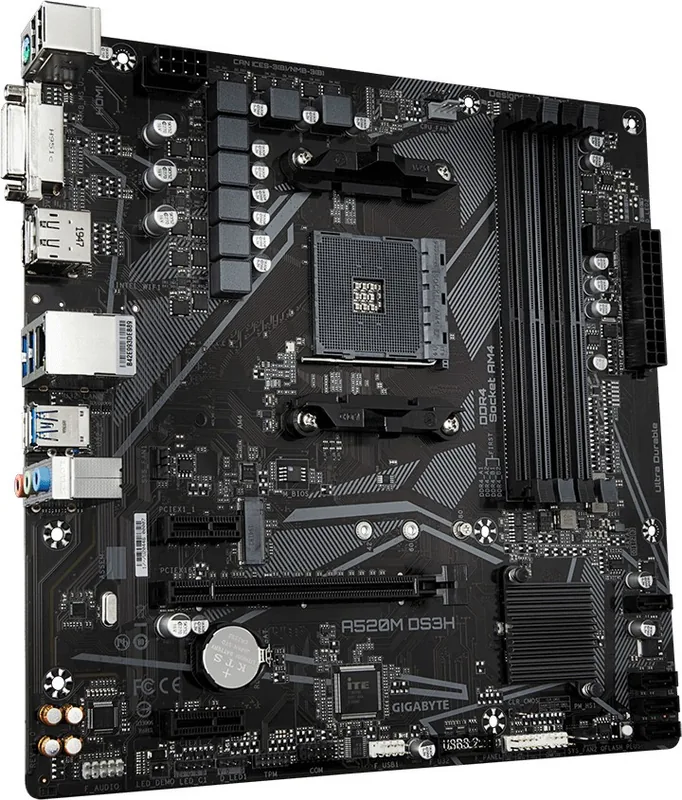
Starting a new PC build requires a solid foundation to ensure longevity and performance. The GIGABYTE A520 board delivers stability for everyday tasks and gaming on a budget. It utilizes the AMD A520 chipset designed for Socket AM4 CPUs. This compatibility includes Ryzen 5000 and 3000 series processors for robust performance and efficiency in a desktop environment.
Proper installation prevents hardware damage and unexpected failures. Always disconnect power before working on the chassis interior. The layout includes headers for case fans and front panel switches. Connecting power requires a 24-pin ATX connector and an 8-pin 12V plug. These connections ensure stable voltage delivery to the central processing unit and logic circuits. Check the manual instructions regarding polarity for safety before applying power.
Memory expansion is handled via two DDR4 DIMM slots located near the CPU. Dual channel architecture doubles bandwidth for better throughput and speed. Up to 64 GB of RAM fits here for demanding applications. Storage options include one M.2 connector and four SATA ports. RAID configurations are supported for data redundancy or speed improvements like RAID 10 for better performance.
Video output options allow operation without a dedicated graphics card. The D-Sub and HDMI ports support various resolutions including 4K displays for clear images. Audio is powered by a Realtek CODEC offering multi-channel sound capabilities for entertainment. The rear panel hosts USB 3.2 Gen1 ports and a Gigabit LAN jack for networking.
Management tools simplify maintenance and software updates. BIOS settings can be changed through Q-Flash without entering the operating system software. Drivers install automatically via the APP Center utility for convenience. The guide provided with the board covers all necessary steps for setup. Referencing the GIGABYTE A520 Manual ensures users do not miss critical steps during configuration.
CPU installation involves lifting the locking lever gently to access the socket. Apply thermal grease evenly before seating the processor for heat transfer. Lock the lever back down to secure it firmly. Never force the part if it does not align perfectly with the markings. Verify the socket orientation marks match the triangular indicators for pin one.
System safety involves checking warranty stickers on the motherboard. Do not remove these labels as they validate coverage later. Keep the power supply within the case steady and secure. Avoid placing the unit on wet or uneven surfaces that could cause falls. Consult a technician if unsure about any specific action during assembly.
Environmental responsibility is considered in the packaging materials used. Materials used are recyclable to reduce waste significantly. This aligns with corporate sustainability goals regarding global warming and ecological impact for the planet.
Important Notes
- Power: Always turn off and unplug before installation to avoid shocks.
- Static: Wear straps or touch metal to ground yourself before touch.
- BIOS: Press Delete during power on to access setup menus.
- RST: Use the jumper to reset CMOS values if needed.
- OS: Supports Windows 10 and Windows 11 64-bit natively.
- RAID: M.2 PCIe SSD cannot be used with SATA hard drive for RAID.
Search for 67,706 Manuals online


Type-in Brand or Model