
GIGABYTE AORUS ATC800 Manual
PDF manual · 2 Pages
English



Quick check
Incorrect answer, please try again.
Chat with your GIGABYTE AORUS ATC800 manual using AI
Get instant AI answers from your GIGABYTE AORUS ATC800 manual
Ask anything about the GIGABYTE AORUS ATC800. Answers come from this manual, with the pages they are based on.
Ask a Question
Do you recommend AORUS ATC800?
Yes NoVideo Manual
Install SSD without screwdriver #pcbuild #shorts
Frequently Asked Questions
The ATC800 supports a range of Intel sockets including LGA1366, LGA115x families, LGA2066, and LGA2011(v3), as well as common modern AMD sockets. Verify included mounting parts match your specific motherboard socket before installation.
Is this answer helpful?
Most installations require only basic tools like a screwdriver. The ATC800 includes mounting brackets, a backplate, and labeled cables to simplify assembly. Follow the orientation markers and torque recommendations in the instructions to ensure secure mounting without over-tightening.
Is this answer helpful?
Connect the cooler’s main fan cable to the CPU_FAN header on your motherboard. This enables PWM control, temperature-based speed adjustments, and RPM reporting. If the cooler includes additional USB or LED connectors, attach them to the appropriate headers as labeled.
Is this answer helpful?
The ATC800 is a sizable air cooler with a tall fin stack and multiple heatpipes, so clearance can be an issue in compact cases. Measure maximum CPU cooler height supported by your case and check RAM clearance near the socket to ensure compatibility.
Is this answer helpful?
The bundled PWM fan is designed to balance airflow and acoustic performance. Under light loads the fan remains quiet, while under heavy CPU loads it will increase speed to maintain temperatures. Exact noise levels depend on system airflow and fan curve settings.
Is this answer helpful?
GIGABYTE provides product support and documentation online at https://www.gigabyte.com and dedicated eSupport pages. For region-specific resources and contact details, refer to GIGABYTE’s support site to access manuals, troubleshooting steps, and warranty information.
Is this answer helpful?
Advantages and Disadvantages
Advantages

- Broad socket compatibility covering Intel LGA1366/115x/2066/2011(V3) and major AMD sockets.
- Efficient heat transfer with multiple heatpipes and a tall fin array for strong thermal performance.
- PWM-controlled fan balances cooling power with low noise during light and heavy loads.
- Secure mounting hardware (backplate and brackets) for stable contact and reduced motherboard stress.
- Clear cable labeling and logo orientation markers simplify installation and cable management.
Disadvantages

- Large cooler profile may conflict with tall RAM modules or compact cases.
- Air cooling has limits vs high-end liquid solutions for extreme overclocking.
- Installation can be moderately involved for first-time builders despite included guides.
- Depending on case airflow, may require extra case fans to achieve peak performance.
- No mention of advanced RGB control in the base package; lighting options may be limited.
Product Specification
Design
Tower Cooler
Dimensions with Fan
5.47x6.42x4.21in (WxHxD)
Fan
2x 4.72x4.72x0.98in, 600-2000rpm, 14.01-51.67 CFM, 18-31dB(A)
Weight with Fan
2.23 lb
Connection
4-Pin PWM, USB 2.0 Header
AMD Socket
AM4, AM2/AM2+/AM3/AM3+, FM1/FM2/FM2+, 754/939/940
Intel Socket
2011-0/2011-1/2011-3/2066, 1356/1366, 1150/1151/1155/1156/1200, 775
TDP Rating
200W
Lighting
RGB
Features
6 Heatpipes (6mm), Heatpipe Direct Touch, black heatsink
Manufacturer's Warranty
3 years
Product Description
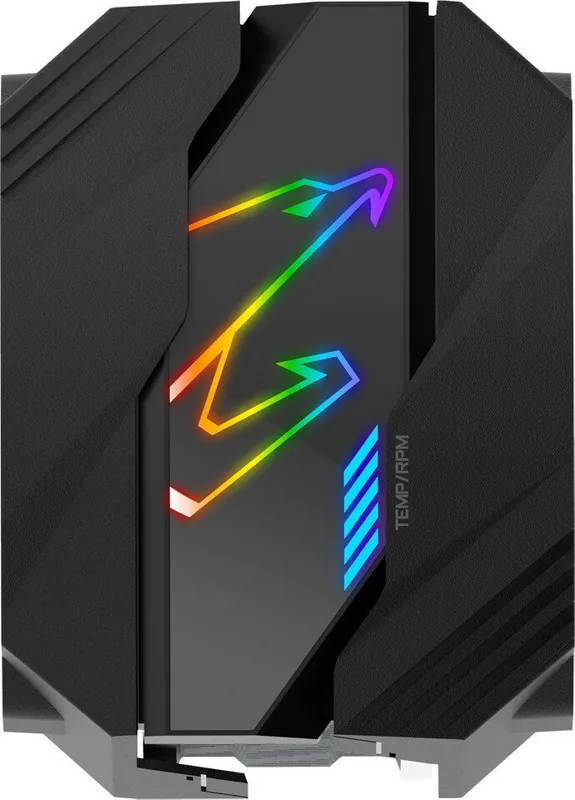
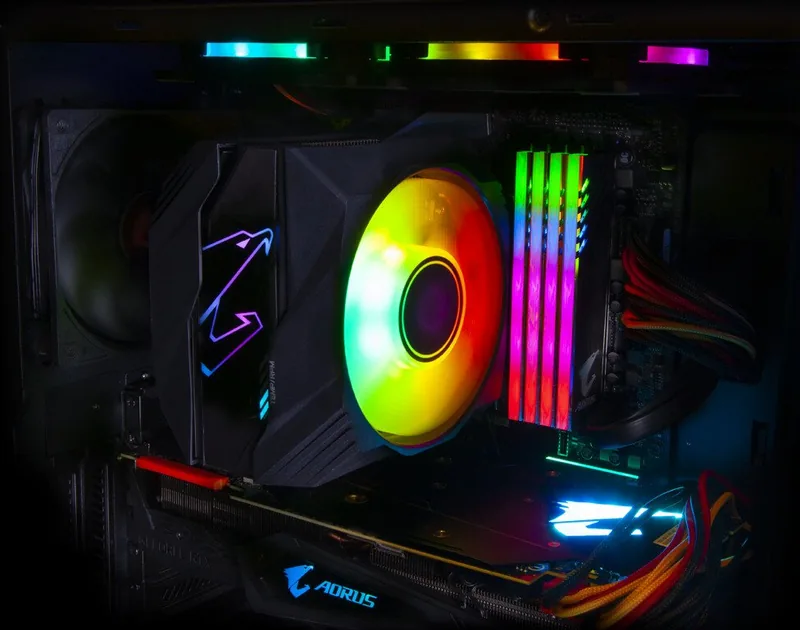
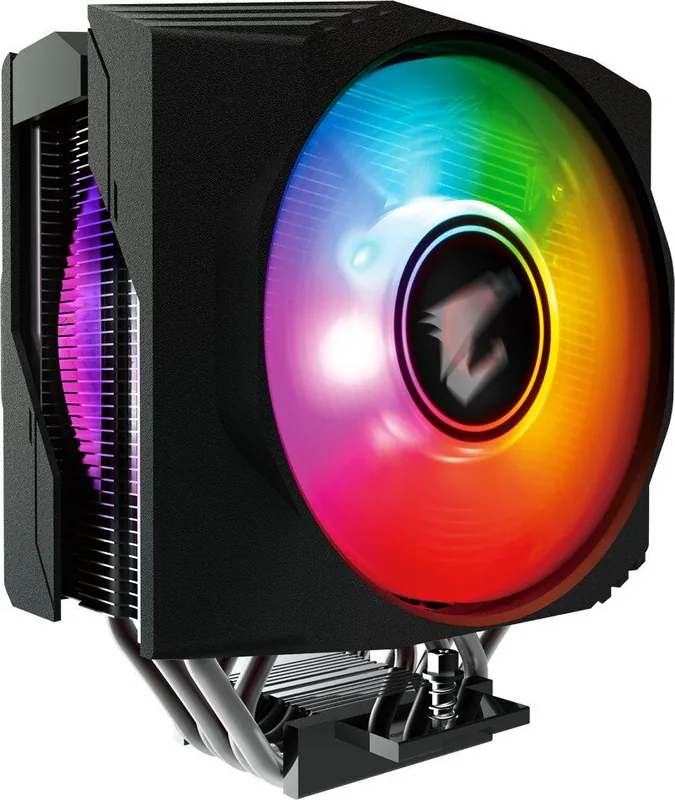
GIGABYTE AORUS ATC800 — Powerful Air Cooling with Precision Control
The GIGABYTE AORUS ATC800 is a high-performance air cooler designed for enthusiasts and builders who demand efficient thermal management and quiet operation. Built with compatibility for a wide range of Intel and AMD sockets, the ATC800 blends robust cooling hardware with thoughtful design touches to fit modern desktop systems. Its tall fin stack, heatpipe array, and high-static-pressure fan work together to deliver effective heat dissipation for mid- to high-tier CPUs.
Installation is straightforward: the cooler includes mounting hardware for Intel LGA1366/115x/2066/2011(V3) and common AMD sockets, plus clear alignment markers for correct orientation and optimal airflow. A backplate and secure mounting brackets ensure solid contact with the CPU while minimizing stress on the motherboard. The package also features labeled cables for the CPU fan and USB/LED connections to preserve functionality such as temperature and RPM reporting.
Performance-wise, the ATC800 emphasizes a balance of thermal capacity and acoustic control. Its multi-heatpipe design transfers heat from the base to the fin array efficiently, while the bundled fan provides targeted airflow with PWM control for automatic speed adjustment. This combination helps maintain lower CPU temperatures under load without producing excessive noise, making the cooler suitable for gaming rigs, content-creation workstations, and overclocked setups.
Aesthetics and integration are considered as well: the cooler includes a distinct logo direction indicator to help align RGB/branding elements, and clear cable routing options help keep builds tidy. GIGABYTE provides documentation and online support links for setup and troubleshooting, and the cooler’s construction follows the company’s reliability and warranty standards.
Overall, the ATC800 is a compelling choice for users who want strong air cooling performance, broad socket support, and quiet operation in a package that’s easy to install and integrate into custom builds.
Notes
- Check socket compatibility and mounting parts before installation.\
- Ensure the CPU fan header is connected for temperature and RPM reporting.\
- Align the cooler according to the logo direction to optimize airflow and aesthetics.\
- Refer to GIGABYTE support pages for updated instructions and troubleshooting.
Search for 67,706 Manuals online


Type-in Brand or Model
maria_k
8 months ago
Is this cooler actually quiet and does it cool well on a Ryzen CPU, or is it mainly for looks because of the RGB?
Manual.ly
8 months ago
Based on customer feedback, it performs well beyond just looks. Users report that it cools their Ryzen systems (including a Ryzen 9) without issues, while staying very quiet during operation. The RGB lighting is described as bright and attractive, making it a real visual highlight in the build. So if you want both solid cooling and an eye-catching setup, this cooler is commonly received as meeting that expectation.