
GIGABYTE GS Series Manual
PDF manual · 32 Pages
English



Quick check
Incorrect answer, please try again.
Chat with your GIGABYTE GS Series manual using AI
Get instant AI answers from your GIGABYTE GS Series manual
Ask anything about the GIGABYTE GS Series. Answers come from this manual, with the pages they are based on.
Ask a Question
Do you recommend GS Series?
Yes NoFrequently Asked Questions
The monitor supports refresh rates up to 240Hz depending on the model variant and input connection type such as DisplayPort or HDMI.
Is this answer helpful?
Yes, the device supports PIP and PBP modes allowing multiple images on screen, though some features cannot be used simultaneously.
Is this answer helpful?
Use a soft lint-free cloth slightly dampened with water or glass cleaner. Do not spray liquid directly onto the screen surface.
Is this answer helpful?
The unit operates on AC 100 to 240 Volts at 50 or 60 Hz making it compatible with most international power standards.
Is this answer helpful?
The wall mount bracket is optional and must be purchased separately using the standard 100x100 mm VESA pattern.
Is this answer helpful?
Yes, the System menu allows you to restore the monitor to its original factory default settings if configuration errors occur.
Is this answer helpful?
The model has passed Flicker Free and Low Blue Light verification by TÜV Rheinland to reduce eye strain during long sessions.
Is this answer helpful?
Advantages and Disadvantages
Advantages

- High refresh rates support up to 240Hz for smoother motion.
- Includes Flicker-Free and Low Blue Light certifications.
- Versatile connectivity with dual HDMI and DisplayPort inputs.
- Customizable OSD menu with gaming assist tools like Crosshair.
- Stable stand design includes tilt adjustment for comfort.
Disadvantages

- PIP/PBP function may conflict with certain gaming features.
- No USB hub included for peripheral connectivity expansion.
- Overdrive settings might introduce minor artifacts at max levels.
- Wall mount kit not included and must be purchased separately.
- On-screen Display menu navigation could be more intuitive.
Product Specification
Feature
Monitor (Fixed)
Backlight
LED, Blue Light Filter, Flicker-Free
Response Time
1ms (MPRT)
Motion Blur Reduction
GIGABYTE Aim Stabilizer
Viewing Angle
178°/178°
Coating
Non-Glare (Matte)
Controls
Joystick
Ergonomics
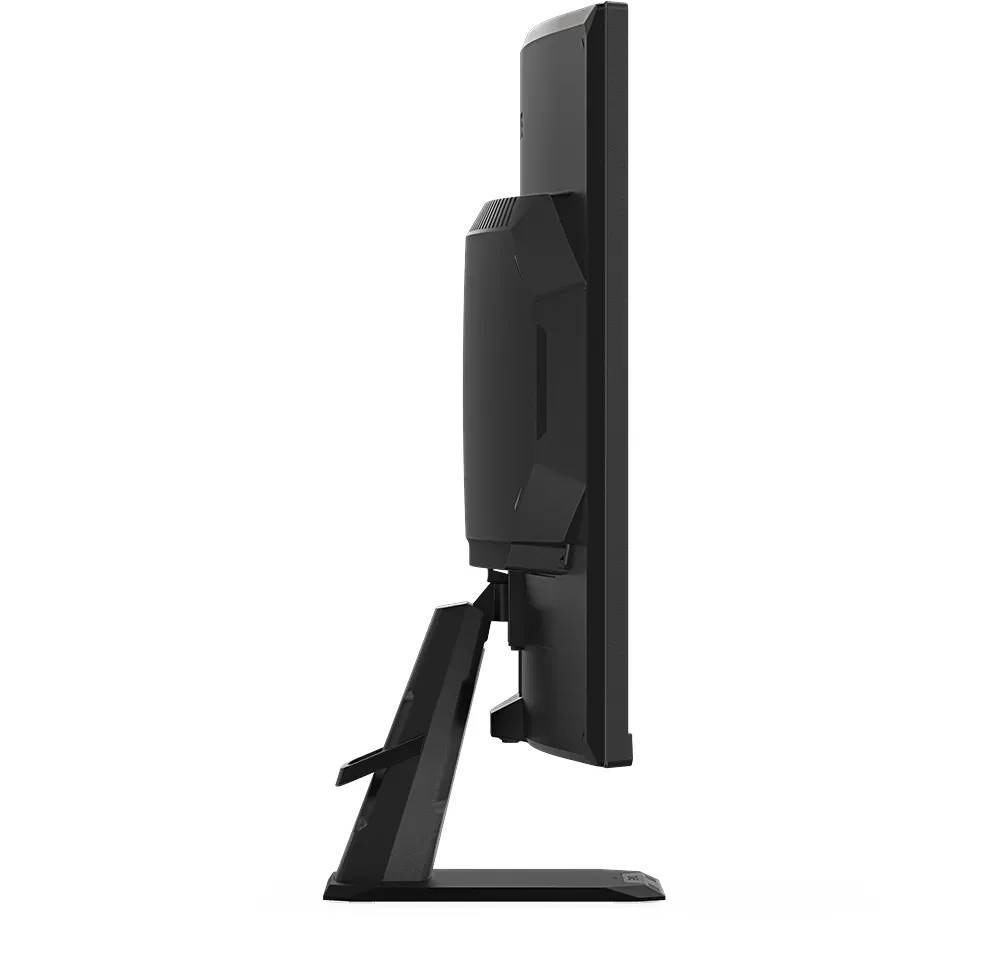
With Base, Height Adjust: N/A, Pivot: N/A, Rotation: N/A, Tilt: +20°/-5°
VESA Mount
100x100 mm (Compatible)
Color
Black (Bezel) / Black (Lower Bezel) / Black (Base) / Black (Rear)
Power Supply
Internal
USB Port Location
Left
Product Description
Elevate Your Gaming Experience
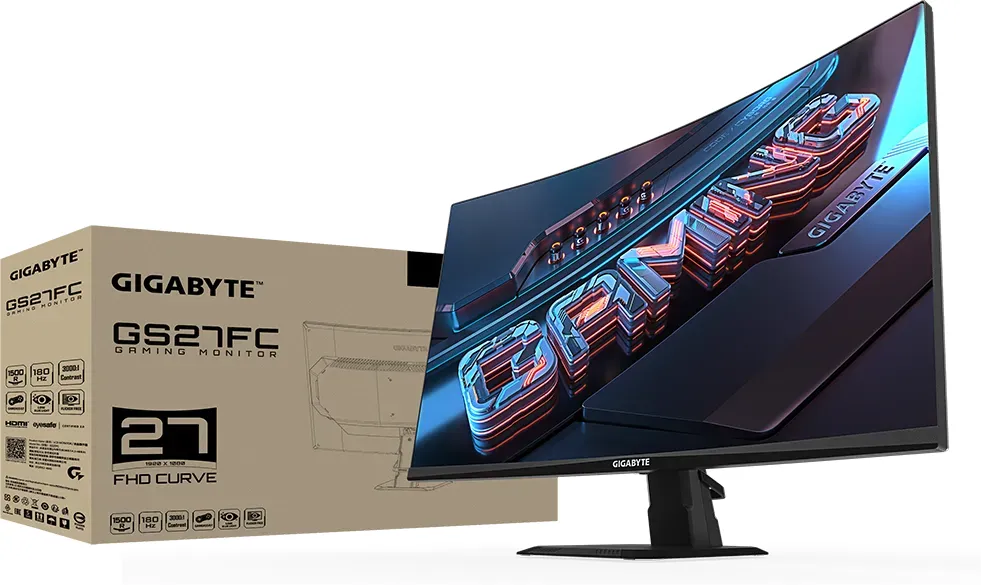
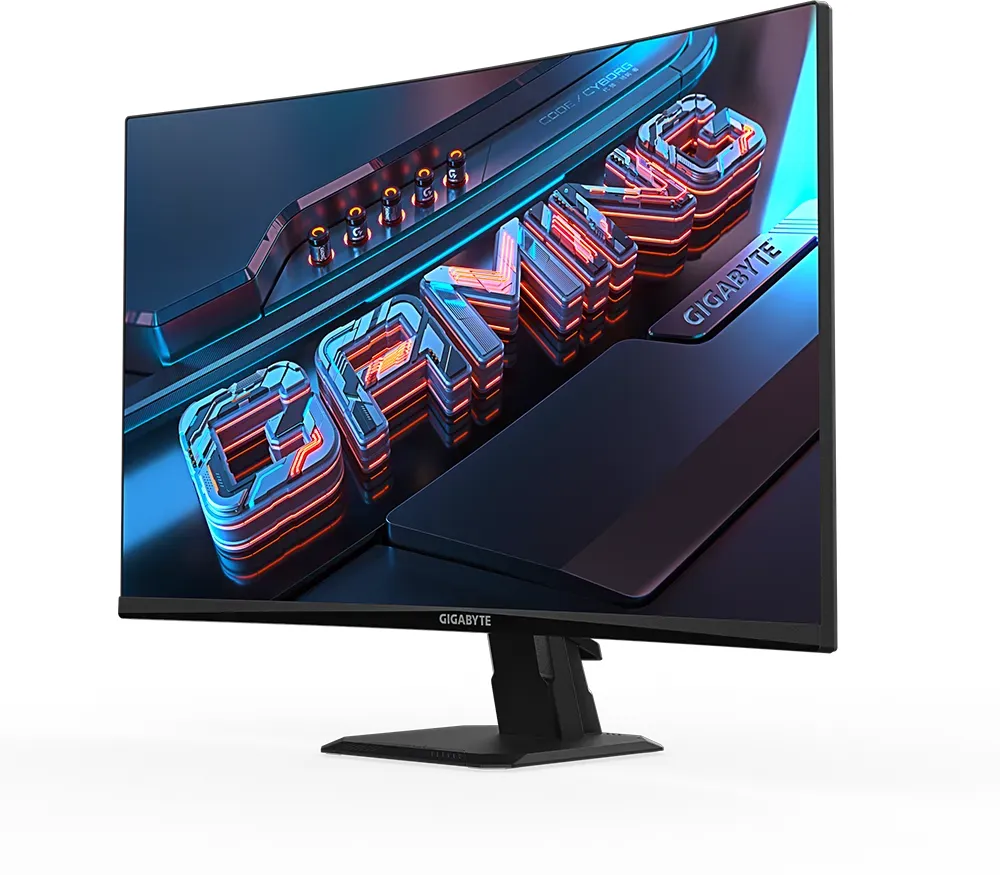
Elevate your gaming experience with a monitor designed specifically for performance enthusiasts who seek absolute clarity and speed. The GIGABYTE GS Series stands out by delivering robust visual fidelity through its sharp pixel array and excellent color reproduction. Players benefit from ultra-fast response times that eliminate lag during intense competitive matches effectively. You can find detailed information on specific configurations and optimal settings matching the GIGABYTE GS Series Manual standards online. This ensures users optimize every aspect of their hardware setup for maximum efficiency and reliability throughout daily usage.
Resolution clarity supports QHD standards maximizing screen real estate significantly for improved multitasking capabilities. Connectivity remains seamless thanks to multiple video input options supporting various devices ranging from consoles to high-end gaming PCs seamlessly. Dual HDMI ports facilitate easy switching between sources without cable swapping hassles occurring frequently. Users appreciate the adjustable viewing angles allowing for personalized comfort over extended sessions without causing neck strain problems ever.
Advanced picture modes cater to different content types from immersive movies to fast-paced shooters requiring precise contrast adjustments daily. Safety certifications verify the display meets international standards regarding electromagnetic emissions and energy consumption requirements consistently. Cleaning instructions recommend gentle wiping to maintain screen integrity while avoiding harsh chemicals that could cause surface damage permanently. Proper placement prevents heat accumulation ensuring longevity of internal components during heavy usage periods consistently over time.
Setting up the display involves simple steps for stability and alignment without confusing procedures involved initially. The included stand base provides necessary height adjustments to suit modern desk environments perfectly for all body types easily. Cable management clips help keep wires organized behind the chassis for a cleaner workspace appearance always maintained. Support for adaptive sync technologies reduces tearing and stuttering effects seamlessly during gameplay transitions without interruption happening.
Black equalizer feature enhances visibility in dark scenes without washing out bright areas unnecessarily for better visibility found. Troubleshooting common issues like signal loss is supported by clear guidance lists provided with the hardware purchase process completed. On-screen menus utilize intuitive navigation controls for quick access to brightness and tone curves efficiently. Color calibration tools allow professionals to match external references accurately for creative workflows needing precision always present.
The backlight technology promises consistent brightness levels throughout the operational lifespan of the equipment purchased today securely. Audio output is handled through integrated features or an auxiliary headphone jack depending on user preference needs met. System settings can be reset to factory defaults if customization errors occur unexpectedly during operation sessions. Warranty coverage protects investment against manufacturing defects for a specified period after purchase date clearly stated.
Regulatory compliance statements confirm adherence to global safety guidelines imposed by local authorities worldwide reliably. Low blue light verification ensures reduced eye fatigue during marathon gaming sessions lasting hours continuously. Ventilation holes must remain unobstructed to prevent overheating risks associated with prolonged intensive usage sessions daily. Ultimately this selection offers a balanced blend of price and performance metrics suitable for most budgets generally. Investing in quality peripherals improves overall productivity and entertainment satisfaction levels significantly for home users everywhere.
Note: Always verify power supply compatibility before installation.
Search for 67,706 Manuals online


Type-in Brand or Model