
GIGABYTE M28U Manual
PDF manual · 45 Pages
English



Quick check
Incorrect answer, please try again.
Chat with your GIGABYTE M28U manual using AI
Get instant AI answers from your GIGABYTE M28U manual
Ask anything about the GIGABYTE M28U. Answers come from this manual, with the pages they are based on.
Ask a Question
Do you recommend M28U?
Yes NoFrequently Asked Questions
The GIGABYTE M28U supports a maximum refresh rate of 144Hz when connected via DisplayPort 1.4 or HDMI 2.1 at 4K resolution. This ensures smooth gameplay and reduces motion blur.
Is this answer helpful?
Yes, the monitor supports HDR content. However, please note that certain features like PIP/PBP and AMD FreeSync Premium Pro cannot be used simultaneously with HDR mode enabled.
Is this answer helpful?
Absolutely. The monitor features a USB Type-C port that supports video transmission, data transfer, and power delivery. You can connect your laptop to display output and charge it simultaneously.
Is this answer helpful?
The KVM button allows you to switch between two different computer sources connected to the monitor. It enables you to control both systems using a single keyboard and mouse setup.
Is this answer helpful?
Yes, the stand offers extensive adjustability. You can tilt the screen from 5 to 20 degrees and adjust the height vertically by up to 130mm to find your perfect viewing position.
Is this answer helpful?
If the monitor causes interference, try reorienting the receiving antenna, increasing separation between equipment, connecting to a different circuit, or consulting a technician for assistance.
Is this answer helpful?
Use a soft, lint-free cloth slightly dampened with water or a mild glass cleaner. Never spray liquid directly on the screen and avoid abrasive materials that could scratch the surface.
Is this answer helpful?
Advantages and Disadvantages
Advantages

- Stunning 4K UHD resolution combined with a 144Hz refresh rate for sharp and smooth visuals
- AMD FreeSync Premium Pro eliminates screen tearing and stuttering effectively
- Versatile connectivity including HDMI 2.1, DisplayPort 1.4, and USB Type-C with power delivery
- Integrated KVM switch allows seamless control of multiple computers with one keyboard and mouse
- Comprehensive Game Assist tools including crosshair, dashboard, and black equalizer features
Disadvantages

- Brightness is rated at 300 nits which may be slightly low for very bright environments
- Picture-in-Picture and Picture-by-Picture modes are incompatible with HDR and FreeSync functions
- USB charging compatibility issues exist with specific older tablet models
- No built-in speakers included in the package requiring external audio solutions
- Overdrive settings can cause inverse ghosting if not configured correctly for specific games
Product Specification
Function
Monitor (stationary)
Diagonal
28" (71.1cm)
Resolution
3840x2160 (4K UHD), 16:9, 157ppi
Panel
IPS
Backlight
LED, Blue Light Filter, Flicker-Free
Brightness
300cd/m^2 (typical)
Contrast
1,000:1 (static)
HDR
VESA DisplayHDR 400
Response Time
2ms (GtG), 1ms (MPRT)
Refresh Rate
144Hz (3840x2160)
Variable Synchronization
Adaptive Sync, AMD FreeSync Premium Certified (48-144Hz via DisplayPort, 48-144Hz via HDMI, with LFC Support, with HDR)
Blur Reduction Function
GIGABYTE Aim Stabilizer
Connections
2x HDMI 2.1, 1x DisplayPort 1.4, 1x USB-C 3.0 with DisplayPort (Upstream, 5Gb/s), 1x USB-B 3.0 (Upstream, 5Gb/s), 3x USB-A 3.0 (Downstream, 5Gb/s), 1x 3.5mm Jack (Line-Out), 1x AC-In C13 (Power Input)
Shape
straight (flat)
Viewing Angle
178°/178°
Coating
non-glare (matte)
Color Depth
8bit (16.7 Million Colors)
FRC
unknown
sRGB
120%
DCI-P3
94%
Speakers
Speakers (2x 3W)
Operation
Control Joystick
VESA
100x100 (occupied)
Power Consumption
115W (max), 40.5W (typical), 0.5W (standby)
Energy Efficiency SDR (A to G)
27kWh/1000h (F)
Energy Efficiency HDR (A to G)
53kWh/1000h (G)
Features
Security Lock (Kensington Security Slot), KVM Switch, Picture-in-Picture, Slim Bezel
Screen-to-Body Ratio
91.21% (calculated)
Color
black (display frame) / black (lower bezel) / black (stand) / black (back)
Power Supply
internal
USB Spelling
Link
Product Description
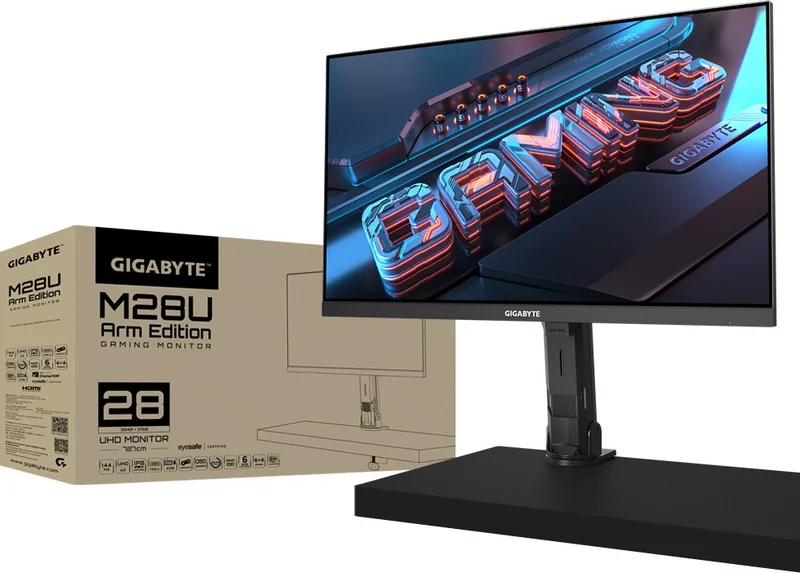
Experience Ultimate Clarity with the GIGABYTE M28U / M28U-AE
The GIGABYTE M28U and M28U-AE represent a significant leap forward in gaming and professional display technology. Designed for enthusiasts who demand precision, these 28-inch monitors deliver stunning visuals through a crisp 4K UHD resolution paired with an impressive 144Hz refresh rate. This combination ensures that every frame is rendered with exceptional detail while maintaining buttery-smooth motion, making it ideal for fast-paced shooters, immersive role-playing games, and high-end content creation.
At the heart of this experience lies the advanced panel technology, offering a 16:9 aspect ratio and a wide viewing angle of 178 degrees both horizontally and vertically. Whether you are adjusting your position or collaborating with others, the image remains consistent and vibrant. The monitor supports AMD FreeSync Premium Pro, effectively eliminating screen tearing and stuttering to provide a seamless visual flow during intense gameplay sessions.
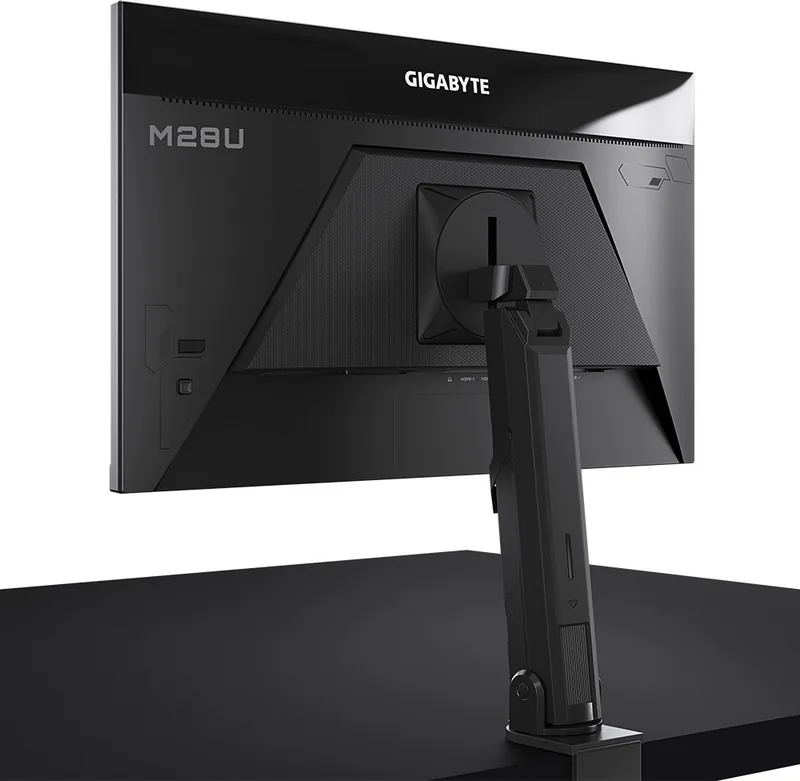
Connectivity is robust, featuring dual HDMI 2.1 ports, a DisplayPort 1.4 input, and a versatile USB Type-C port capable of delivering power and data simultaneously. This setup allows users to connect multiple devices effortlessly, including modern laptops and consoles. The built-in KVM functionality further enhances productivity by enabling control over two different computers using a single set of peripherals.
For gamers, the integrated Game Assist tools offer a competitive edge. Features like the crosshair overlay, gaming timer, and dashboard for real-time system monitoring (CPU/GPU stats) allow players to stay informed without leaving the game. The Black Equalizer function brightens dark areas of the screen without washing out bright highlights, ensuring no enemy is hidden in the shadows.
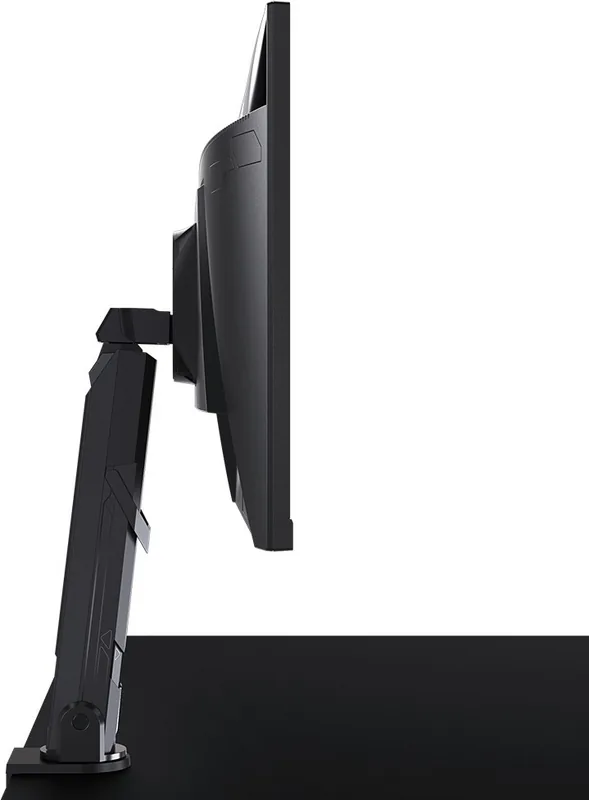
Ergonomics are not overlooked. The stand provides flexible adjustment options, allowing you to tilt the screen between 5 and 20 degrees and raise or lower the height by up to 130mm. For those preferring a cleaner desk setup, the monitor also supports standard VESA wall mounting. With a sleek design and comprehensive feature set, the GIGABYTE M28U series stands as a top-tier choice for anyone seeking a premium display solution.
Key Highlights
- High Refresh Rate: Enjoy fluid motion at 144Hz in 4K resolution.
- Advanced Connectivity: Includes HDMI 2.1, DP 1.4, and USB-C with power delivery.
- Gaming Features: Equipped with AMD FreeSync Premium Pro and customizable Game Assist overlays.
- Ergonomic Design: Fully adjustable stand for optimal viewing comfort.
Important Notes
Always ensure proper ventilation around the unit to prevent overheating. When cleaning the screen, use only a soft, lint-free cloth and avoid spraying liquids directly onto the panel.
Search for 67,706 Manuals online


Type-in Brand or Model