
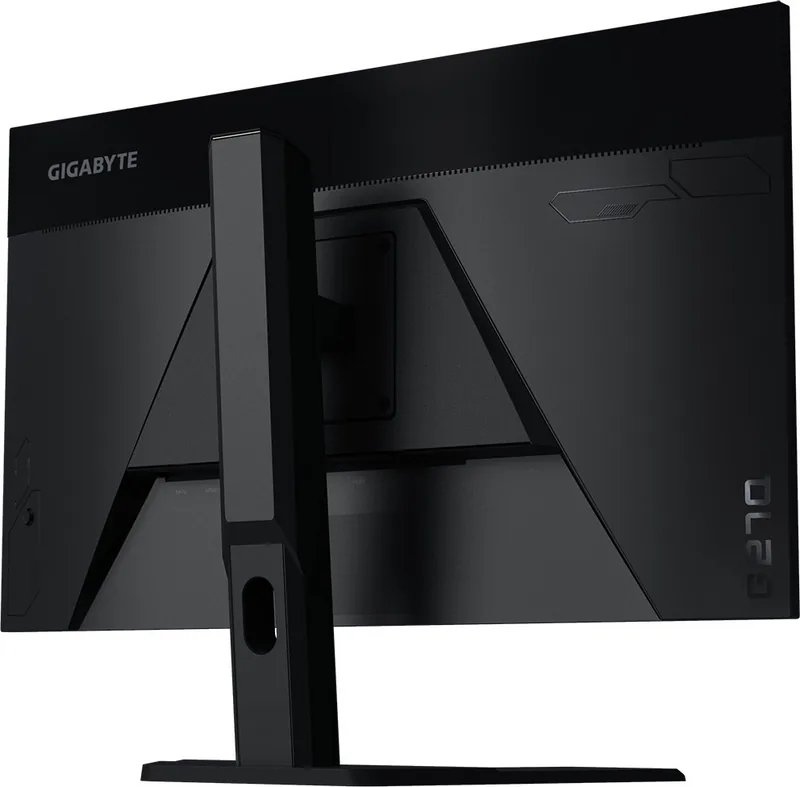
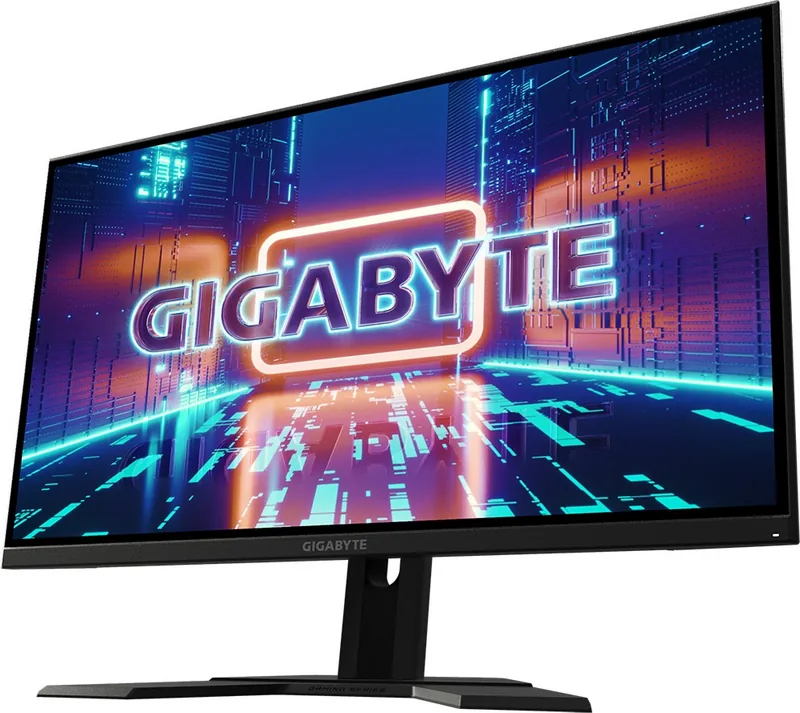
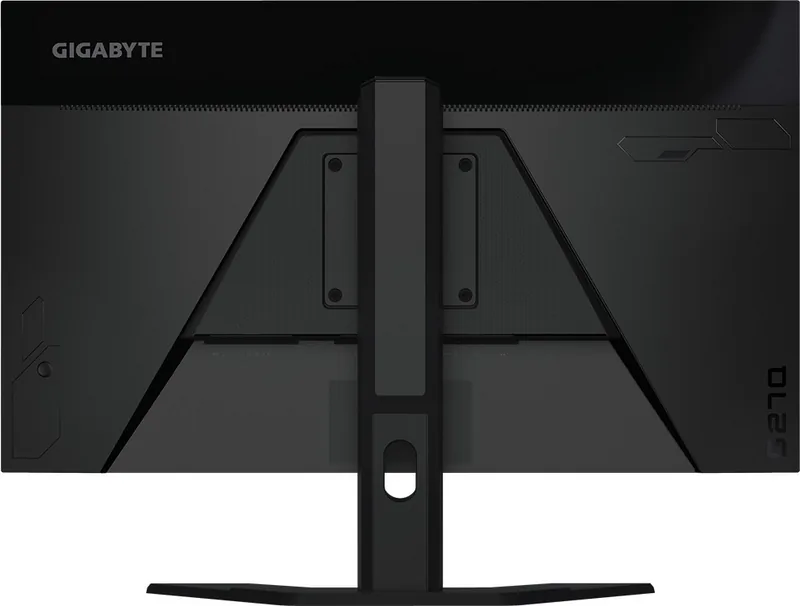
GIGABYTE G27Q Manual
PDF manual · 41 Pages
English



Quick check
Incorrect answer, please try again.
Chat with your GIGABYTE G27Q manual using AI
Get instant AI answers from your GIGABYTE G27Q manual
Ask anything about the GIGABYTE G27Q. Answers come from this manual, with the pages they are based on.
Ask a Question
Do you recommend G27Q?
Yes NoFrequently Asked Questions
The GIGABYTE G27Q supports a refresh rate of up to 144Hz. This high frequency ensures smooth gameplay and reduces motion blur.
Is this answer helpful?
Yes, the monitor includes FreeSync Premium technology. This feature eliminates screen tearing and stuttering for a smoother gaming experience.
Is this answer helpful?
Yes, it supports VESA 100mm x 100mm mounting holes. You can use a standard wall mount or desk arm to install it securely.
Is this answer helpful?
The native resolution is 2560 x 1440 pixels. This QHD resolution provides a balanced balance between visual clarity and performance.
Is this answer helpful?
Use a soft, lint-free cloth gently. Do not spray liquid directly on the screen. Use a specific screen cleaner on the cloth only.
Is this answer helpful?
It features two HDMI ports, one DisplayPort, and USB 3.0 ports. These allow connection to various devices like PCs and game consoles.
Is this answer helpful?
Yes, the monitor includes a Low Blue Light mode. This feature reduces blue light emission to help reduce eye strain during long sessions.
Is this answer helpful?
Advantages and Disadvantages
Advantages

- 144Hz refresh rate provides ultra smooth motion for gaming
- 2560x1440 resolution offers sharp and detailed imagery
- FreeSync Premium eliminates screen tearing during action
- USB hub and upstream port simplify peripheral connections
- VESA mount support allows flexible mounting options
Disadvantages

- No built-in speakers require external audio devices
- Contrast ratio is lower than high end OLED alternatives
- OSD buttons require manual adjustment via control lever
- Stand does not include built-in cable management clips
- Headphone jack output volume may be lower on some systems
Product Specification
Function
Monitor (stationary)
Screen Size
27" (27.0 inches)
Resolution
2560x1440 (QHD), 16:9, 109 ppi
Panel
IPS
Backlight
LED, Blue Light Filter, flicker-free
Brightness
350 cd/m2 (typical)
Contrast
1,000:1 (static), 12,000,000:1 (dynamic)
HDR
VESA DisplayHDR 400
Response Time
1ms (MPRT)
Refresh Rate
144 Hz (2560x1440)
Variable Refresh Rate
Adaptive Sync, AMD FreeSync Premium Certified (57-144Hz via DisplayPort, 57-144Hz via HDMI, with LFC Support, with HDR)
Blur Reduction Function
GIGABYTE Aim Stabilizer
Vertical Frequency
48-144 Hz (V)
Ports
2x HDMI 2.0, 1x DisplayPort 1.2, 1x USB-B 3.0 (Upstream, 5Gb/s), 2x USB-A 3.0 (Downstream, 5Gb/s, BC), 1x 3.5mm Jack (Line-Out), 1x DC-In Power Socket
Shape
Straight (flat)
Viewing Angles
178 deg/178 deg
Surface Finish
non-glare (matte)
Color Depth
8-bit (16.7M colors)
FRC
N/A (8-bit native)
sRGB
120%
DCI-P3
92%
Speakers
Speakers (2x 2W)
Controls
Joystick
Ergonomics
with Stand, Height Adjustable (5.12 in), Pivot N/A, Rotatable N/A, Tilt (+20 deg/-5 deg)
VESA
100x100 (compatible)
Power Consumption
65W (max), 0.5W (Standby), 35W (Old Energy Label A+++ to G)
SDR Energy Efficiency (A to G)
28 kWh/1000h (G)
HDR Energy Efficiency (A to G)
44 kWh/1000h (G)
Old Energy Efficiency (A+++ to G)
51.1 kWh (B)
Features
Security Lock (Kensington Security Slot), Picture-in-Picture, Slim Bezel
Screen-to-Body Ratio
88.83% (calculated)
Dimensions
24.37x20.43x7.99 in (WxHxD) with Stand Compressed, 24.37x14.39x2.20 in (WxHxD) without Stand
Color
Black (Display Bezel) / Black (Lower Bezel) / Black (Stand) / Black (Back)
Weight
16.09 lbs (with Stand)
Power Supply
External
USB Layout
Left
Product Description
Discover the GIGABYTE G27Q Experience
Immerse yourself in high performance gaming with the GIGABYTE G27Q. This 27 inch monitor offers exceptional visual clarity and speed. Designed for enthusiasts, it balances quality with advanced technology. The GIGABYTE G27Q features a 2560 by 1440 native resolution. It supports a vibrant 144Hz refresh rate for fluid motion. Users love the 1ms response time for competitive play. The 27 inch screen size fits most desk setups perfectly.
Connectivity and Ports
Connection options are versatile and comprehensive. You receive two HDMI ports for consoles and PCs. A single DisplayPort ensures support for high frame rates. USB connectivity helps link peripherals directly to the display. This simplifies cable management for your workspace. A headphone jack provides direct audio access without wires. The monitor also includes a USB upstream port for data transfer. Always check your graphics card output for best results.
Ergonomic Adjustments
Comfort is a priority for long usage sessions. You can adjust the tilt angle from minus 5 to 20 degrees. The height allows up to 130mm of vertical movement. This ensures optimal viewing angles for your eyes. VESA mount compatibility enables wall or arm installation. The stand provides a stable base for the unit. Remember to follow safety precautions before installation starts.
Advanced Gaming Tools
Software features enhance gameplay directly on screen. The Game Assist menu offers crosshair and timer settings. Display alignment helps line up multiple screens accurately. System dashboard displays CPU and GPU status in real time. Black Equalizer brightens dark areas for better visibility. FreeSync Premium eliminates tearing for smooth visuals. Low Blue Light mode reduces eye strain effectively. Overdrive settings improve pixel transition speeds. Picture modes like FPS and Reader tailor color settings. Adjustments for gamma and color temperature are available.
Safety and Maintenance
Regulatory compliance ensures safe usage globally. The device meets FCC and CE standards for electronics. It complies with RoHS to minimize hazardous substances. Keep the power cord away from water sources. Clean the screen gently with a soft microfiber cloth. Do not spray cleaner directly onto the active panel. Follow all warning signs to prevent damage. View angles reach 178 degrees horizontally and vertically. Brightness reaches 350 nits for standard lighting. Always unplug before cleaning the screen. Keep the box for resale or moving. Check regional voltage requirements. WEEE symbol indicates proper disposal.
Conclusion
This 27 inch display represents a solid choice for gamers. It combines performance with practical usability features. GIGABYTE G27Q delivers value through its robust feature list. Setup is straightforward with clear instructions provided. Enjoy your digital content with confidence and style. Warranty covers potential manufacturing defects upon purchase. Driver software installation is recommended for full functionality. Power consumption is low for an energy saving rating.
Search for 67,706 Manuals online


Type-in Brand or Model
Louis Watson
7 months ago
Does this monitor work well with wall mounts? I am worried about the OSD buttons since they are on the back.
Manual.ly
7 months ago
The OSD controls are located on the rear, which can be hard to reach in fixed wall setups. We recommend using the OSD-Sidekick software for settings. Regarding mounting, the VESA holes are slightly recessed. You may need longer screws or washers to fit standard wall plates properly since they are not flush with the case.