
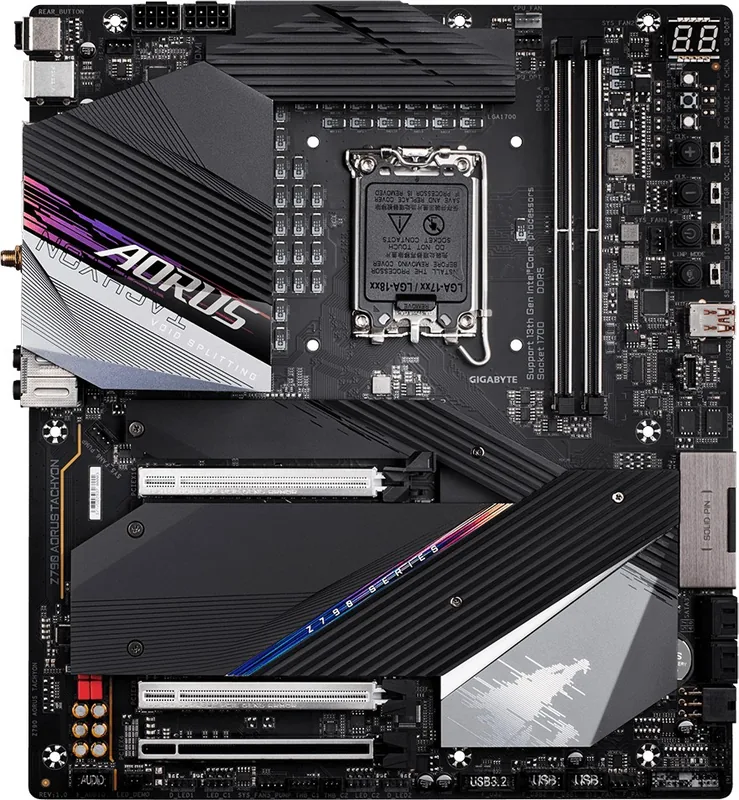
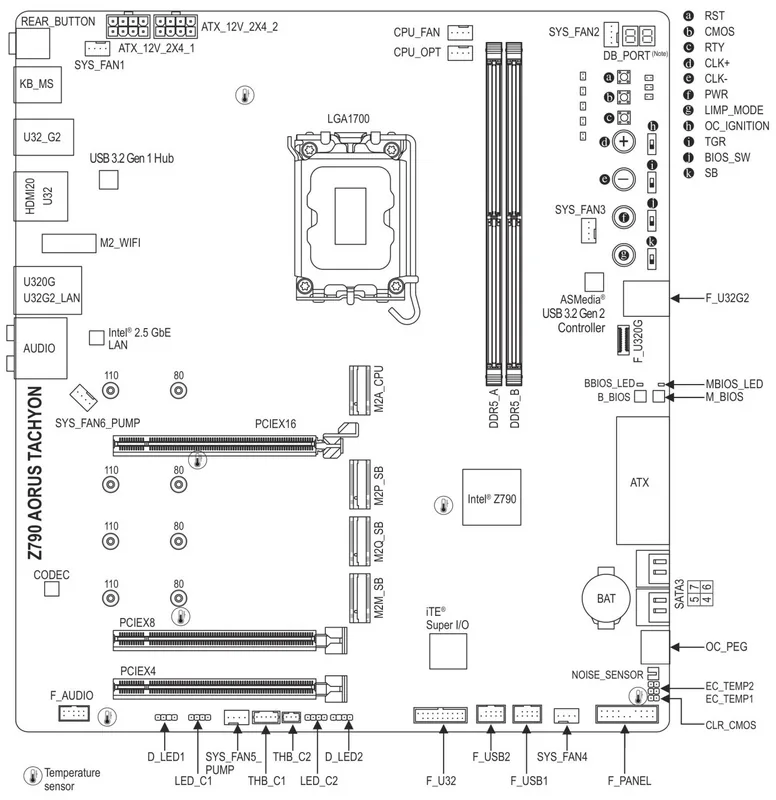
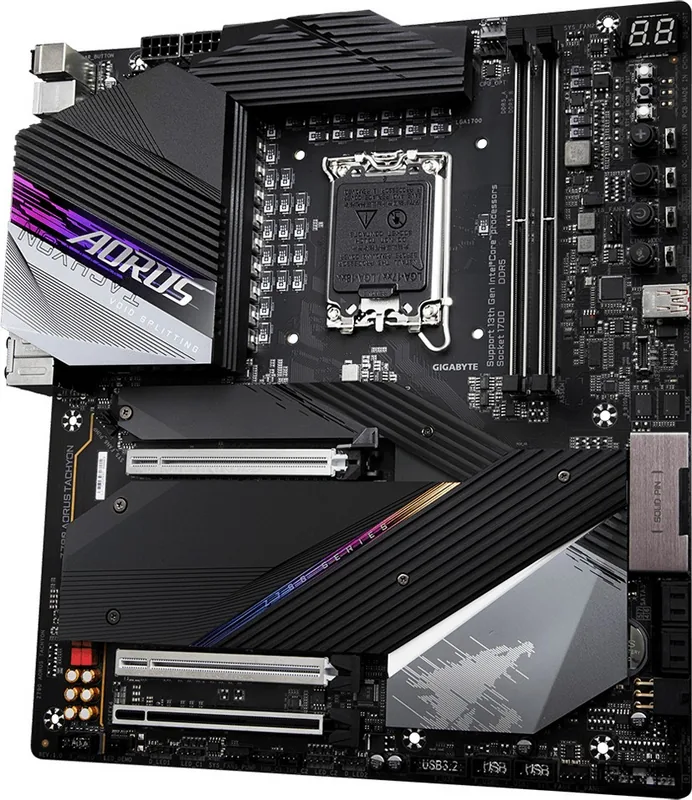
GIGABYTE Z790 Series Manual
PDF manual · 45 Pages
English



Quick check
Incorrect answer, please try again.
Chat with your GIGABYTE Z790 Series manual using AI
Get instant AI answers from your GIGABYTE Z790 Series manual
Ask anything about the GIGABYTE Z790 Series. Answers come from this manual, with the pages they are based on.
Ask a Question
Do you recommend Z790 Series?
Yes NoFrequently Asked Questions
It supports 14th, 13th, and 12th Generation Intel Core, Pentium Gold, and Celeron processors using the LGA1700 socket. Please verify the latest CPU support list on the manufacturer website before purchasing.
Is this answer helpful?
This board accepts DDR5 memory modules. It has four sockets and supports up to 192 GB total capacity with dual channel architecture for improved bandwidth and performance.
Is this answer helpful?
Yes, the Q-Flash Plus feature allows you to update the BIOS when the system is off using a USB thumb drive. Simply plug the drive into the dedicated port and press the button.
Is this answer helpful?
Yes, depending on the model. The AX version supports Wi-Fi 6E and Bluetooth 5.3, while the AC version supports Wi-Fi and Bluetooth 5.1. Both models include antenna connectors on the back.
Is this answer helpful?
There are three M.2 connectors supporting various sizes for PCIe and SATA SSDs. Additionally, there are four SATA 6Gb/s connectors for traditional hard drives or additional SSDs.
Is this answer helpful?
Yes, the motherboard supports RAID 0, 1, 5, and 10 configurations for both NVMe SSD storage devices and SATA storage devices to improve speed or data safety.
Is this answer helpful?
Advantages and Disadvantages
Advantages

- Supports 12th, 13th, and 14th Gen Intel Core processors on the LGA1700 socket for excellent compatibility.
- Four DDR5 DIMM slots support up to 192 GB with dual channel architecture for high bandwidth.
- Features a PCIe 5.0 x16 slot ready for next-generation graphics cards and NVMe drives.
- Q-Flash Plus allows BIOS updates without turning on the system or entering the OS.
- Includes a Realtek 2.5GbE LAN chip for faster network speeds than standard Gigabit ports.
Disadvantages

- Wireless capabilities vary significantly between the AX and AC model versions available.
- Some expansion slots operate at lower PCIe 3.0 or 4.0 speeds instead of the maximum version.
- Installation requires careful attention to prevent static discharge damage to electronic components.
- Specific battery replacement must follow strict orientation guidelines to avoid device damage.
- RAID configuration cannot mix M.2 PCIe SSDs with SATA hard drives in the same array.
Product Specification
Socket
Intel 1700
Chipset
Intel Z790
RAID Level
0/1/5/10 (Z790)
Manufacturer Warranty
3 years (from production date, handled via authorized dealer)
USB Labeling
Label
Product Description
Elevate Your PC Build with the GIGABYTE Z790 Series
Building a powerful computer requires a reliable motherboard that can handle modern hardware demands effectively. The GIGABYTE Z790 series stands out as a top choice for enthusiasts looking to leverage the latest Intel processors for their rigs. Designed specifically with the LGA1700 socket, this platform fully supports the 12th, 13th, and 14th generation Intel Core processors. This ensures your system remains future-proof and capable of handling demanding tasks like intensive gaming sessions or professional video editing workflows efficiently.
Speed and Performance
Memory performance is absolutely crucial for high-end builds today. This board features four DDR5 DIMM sockets supporting up to 192 GB of system memory capacity. Dual channel architecture doubles the original memory bandwidth, ensuring smooth operation even with heavy multitasking applications running simultaneously. The integrated graphics processor supports high resolutions via HDMI and DisplayPort, making it quite suitable for office setups requiring multiple displays without needing a dedicated GPU solution initially. Power delivery systems utilize stable voltage regulation to ensure consistent operation under load conditions. The layout prioritizes easy cable management with designated routing paths for optimal airflow inside the case.
Connectivity Options
Connectivity is where this platform truly shines for modern users. Everyone benefits from a Realtek 2.5GbE LAN chip providing significantly faster network speeds than standard Gigabit Ethernet ports available elsewhere. Depending on the specific model variant purchased, you can choose between Wi-Fi 6E or Wi-Fi 6 standards for seamless wireless communication throughout your home network. The rear panel includes multiple USB Type-C ports supporting USB 3.2 Gen 2, allowing for incredibly rapid data transfer when needed internally. Additional headers allow connection of front panel audio and USB devices for maximum flexibility.
Storage and Expansion
Modern storage needs are well covered with multiple M.2 connectors supporting both PCIe SSDs and traditional SATA drives easily. RAID configuration capabilities allow users to set up complex storage arrays for data redundancy or increased read/write speeds depending on requirements. The primary PCIe slot supports the very latest PCIe 5.0 standard, ready to accept next-generation graphics cards and high-speed NVMe storage solutions quickly. Thermal management is actively considered with dedicated heatsinks installed for key components to maintain stability during intense workloads.
User Friendly Features
Managing BIOS settings has never been easier thanks to utilities like Q-Flash Plus included on every unit. You can update firmware without entering the operating system by simply using a USB thumb drive connected directly to the back. Status LEDs provide immediate feedback on system health during the startup process, simplifying troubleshooting steps for new builders significantly. Comprehensive installation guidelines accompany the physical hardware to ensure safe handling of all electrostatic sensitive electronic components during assembly procedures.
In summary, the GIGABYTE Z790 delivers robust performance and flexibility for PC builders who seek absolute reliability and longevity in their investment.
Search for 67,706 Manuals online


Type-in Brand or Model