
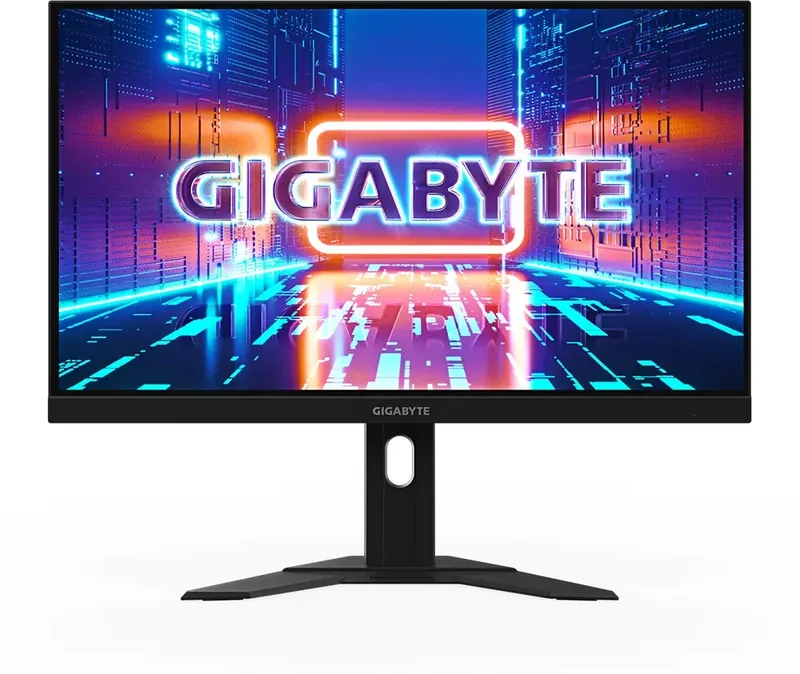
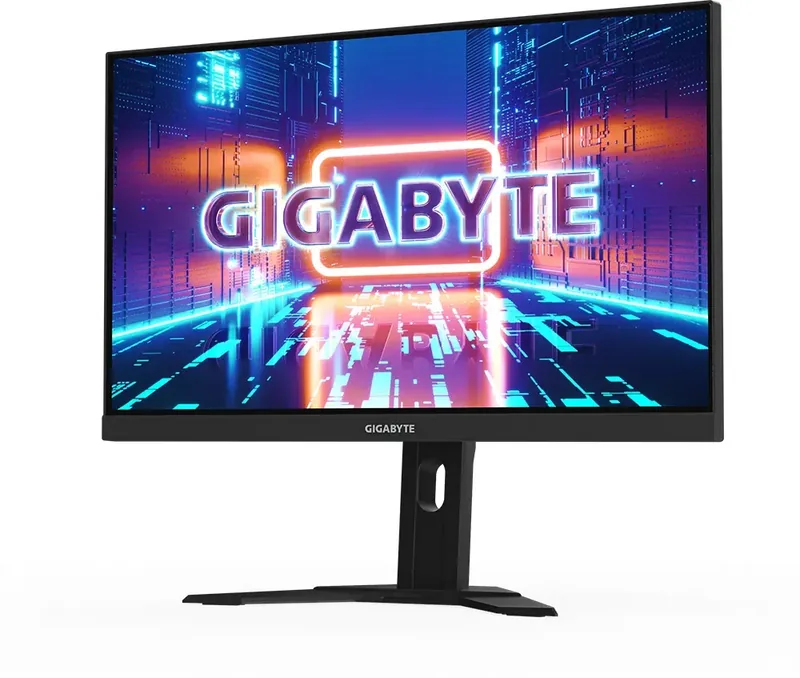
GIGABYTE M27U Manual
PDF manual · 49 Pages
English



Quick check
Incorrect answer, please try again.
Chat with your GIGABYTE M27U manual using AI
Get instant AI answers from your GIGABYTE M27U manual
Ask anything about the GIGABYTE M27U. Answers come from this manual, with the pages they are based on.
Ask a Question
Do you recommend M27U?
Yes NoFrequently Asked Questions
It supports up to 160 Hz via DP and 120 Hz via HDMI 2.1 with 1440p settings available.
Is this answer helpful?
Yes, it supports HDR with specific modes for better contrast and lighting effects in games and movies.
Is this answer helpful?
Yes, it has a VESA 100x100 mm mounting hole for standard brackets compatible with most arms.
Is this answer helpful?
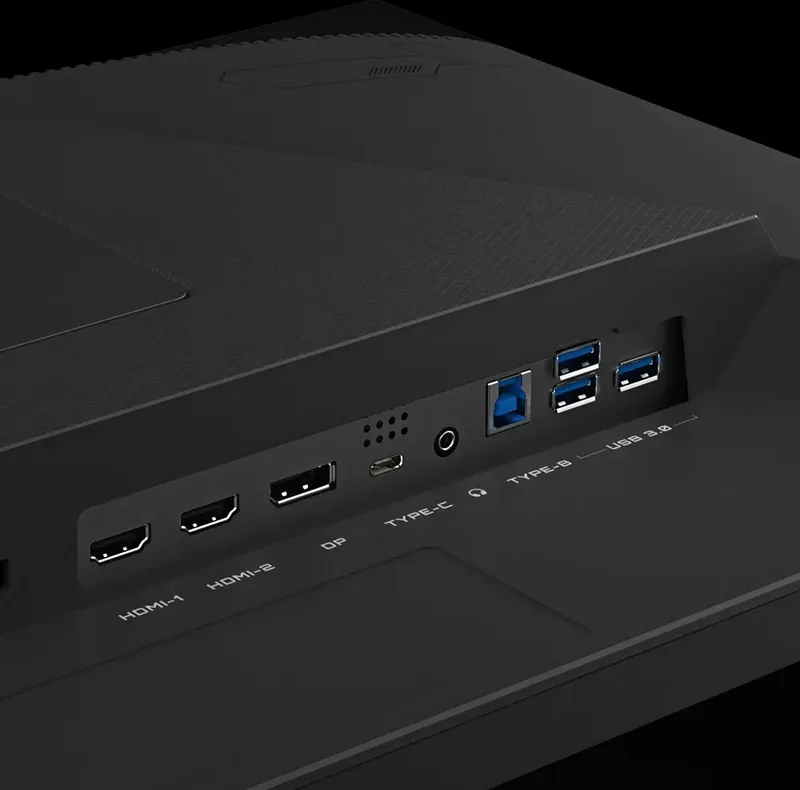
It features two HDMI 2.1 ports, one DisplayPort 1.4, one USB Type-C, and multiple USB 3.2 ports.
Is this answer helpful?
Use a soft microfiber cloth slightly dampened with water or specific cleaner to avoid scratching.
Is this answer helpful?
Yes, you can switch between two connected computers using the onboard KVM function for productivity.
Is this answer helpful?
It utilizes a panel with 178 degree viewing angles for consistent color visibility from sharp distances.
Is this answer helpful?
Advantages and Disadvantages
Advantages

- 4K resolution with 144Hz refresh rate delivers sharp and smooth visuals
- KVM switch enables seamless multi-device control without extra keyboards
- USB Type-C support provides fast data and power delivery for laptops
- AMD FreeSync Premium Pro eliminates screen tearing for competitive play
- Ergonomic stand allows height and tilt adjustments for comfort
Disadvantages

- Contrast ratio of 1000:1 is lower than OLED panels
- OSD navigation menu can be complex for first-time users
- Stand base is quite large and may restrict desk space
- No built-in speakers require external audio solutions
- Price point is higher compared to standard desktop displays
Product Specification
Product Category
Monitor (stationary)
Screen Size
27 inches (27.01 inches)
Resolution
3840x2160 (4K UHD), 16:9, 163 ppi
Panel
IPS
Backlight
LED, Blue Light Filter, flicker-free
Brightness
400 cd/m2 (typical)
Contrast
1,000:1 (static)
HDR
VESA DisplayHDR 600
Response Time
1ms (MPRT)
Refresh Rate
160Hz (3840x2160)
Variable Refresh Rate
Adaptive Sync, AMD FreeSync Premium certified (48-160Hz via DisplayPort, 48-150Hz via HDMI, with LFC Support, with HDR)
Motion Blur Reduction
GIGABYTE Aim Stabilizer
Ports
2x HDMI 2.1 (144Hz@3840x2160), 1x DisplayPort 1.4 (160Hz@3840x2160), 1x USB-C 3.0 with DisplayPort (Upstream, 5Gb/s, PD 18W), 1x USB-B 3.0 (Upstream, 5Gb/s), 3x USB-A 3.0 (Downstream, 5Gb/s), 1x 3.5mm Jack (Line-Out), 1x AC-In C13 (AC Power)
Shape
Flat
Viewing Angle
178 deg/178 deg
Coating
non-glare (matte)
Color Depth
10bit (1.07 Billion colors)
FRC
Yes (8bit+2bit)
sRGB
129%
DCI-P3
95%
Speakers
Speakers (2x 3W)
Controls
Joystick
Ergonomics
with Stand, height adjustable (5.11 in), Pivot N/A, swivel (+/-30 deg), tilt (+20 deg/-5 deg)
VESA
100x100 (Mounting)
Power Consumption
27.6W (typical), 0.5W (Standby)
Features
Security Lock (Kensington Security Slot), KVM Switch, Picture-in-Picture, Slim Bezel
Screen-to-Body Ratio
87.96% (calculated)
Dimensions
24.24 x 20.38 x 7.62 inches (WxHxD) with stand compressed, 24.24 x 14.61 x 2.37 inches (WxHxD) without stand
Color
Black (Display Bezel) / Black (Lower Bezel) / Black (Stand) / Black (Rear)
Weight
14.29 lbs (with stand), 10.05 lbs (without stand)
Power Supply
Internal
USB Terminology
Link
Product Description
Experience 4K Gaming with the GIGABYTE M27U 27 inch Manual Insights
Unveiling the future of display technology, this sleek powerhouse redefines visual clarity. Information regarding the GIGABYTE M27U 27 inch Manual helps unlock its full potential. Whether you are a competitive gamer or a creative professional, the specifications meet demanding standards. With a stunning 3840 by 2160 resolution, every detail comes to life on the 27-inch canvas. The vibrant colors and deep contrast ensure immersive experiences during intense sessions on any content.
Connectivity options are abundant for modern setups and complex workflows. Users can connect via HDMI 2.1 or DisplayPort 1.4 for lag-free performance. The USB Type-C port offers data transfer and charging capabilities simultaneously for laptops. For multitaskers, the KVM switch allows seamless control between two computers without extra peripherals. This feature simplifies the workflow and keeps the desk organized for maximum productivity. The monitor supports AMD FreeSync Premium Pro to eliminate screen tearing.
Flicker-Free technology reduces eye strain significantly under constant usage. Low Blue Light settings protect your vision without fading colors or causing headaches. The ergonomic stand allows height adjustments from zero to 130 mm easily. Tilt angles range from minus five to twenty degrees for perfect viewing positions. VESA mounting compatibility means you can easily add a wall arm for extra space.
Setting up this display is straightforward with clear instructions provided. The included stand attaches securely to the base for stability. Removing the protective film requires care to avoid scratches on the surface. The On-Screen Display menu provides extensive customization for image settings including gamma. Game modes like FPS or RTS tailor the experience for specific genres comfortably. Audio output is handled through a dedicated headphone jack or digital sources efficiently.
Cleaning with a soft cloth regularly. Avoid harsh chemicals that could damage the panel or coating. Regular maintenance ensures longevity and peak performance over time. Power consumption remains efficient in standby modes for energy saving. Adhering to safety guidelines prevents accidents during installation in your office.
This device offers a robust solution for high-end visuals. The integration of advanced features makes it a versatile choice for home offices or gaming rigs. Exploring the detailed configuration options enhances user satisfaction. Enjoy superior performance and reliability with this advanced display technology.
Notes: Always ensure proper ventilation around the unit to avoid overheating. Keep the packaging for future transport needs in case of moves. Check cable compatibility before connecting to ensure signal stability.
Search for 67,706 Manuals online


Type-in Brand or Model