
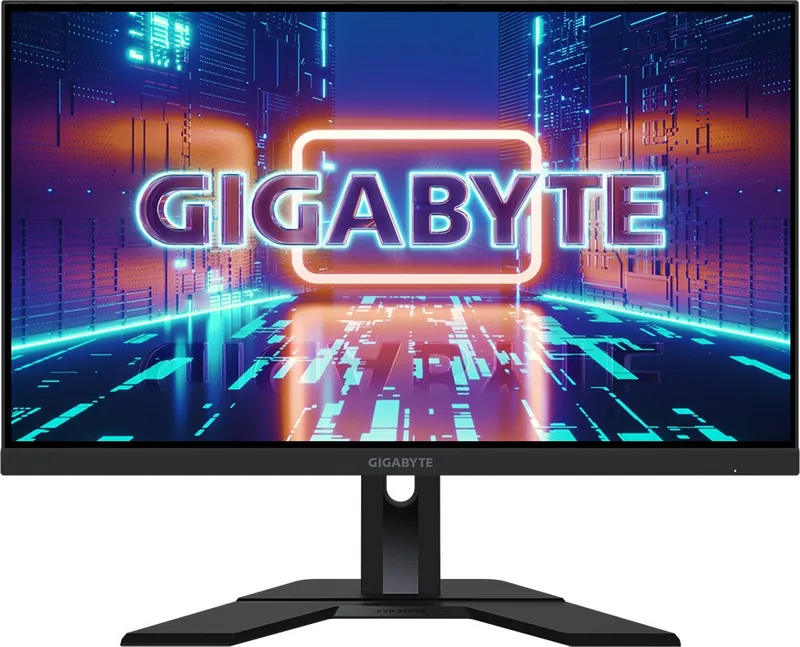
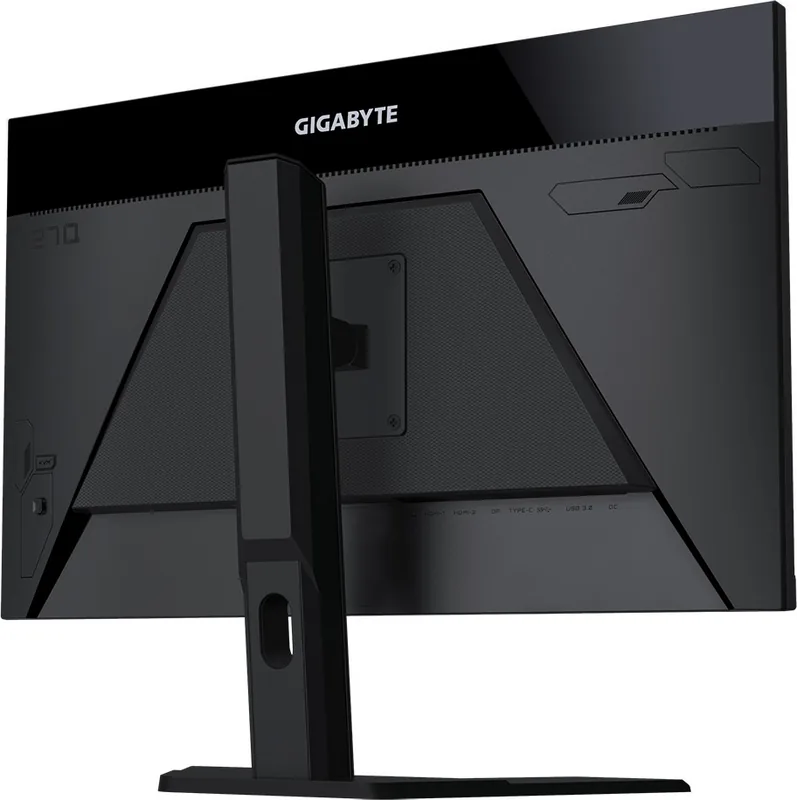
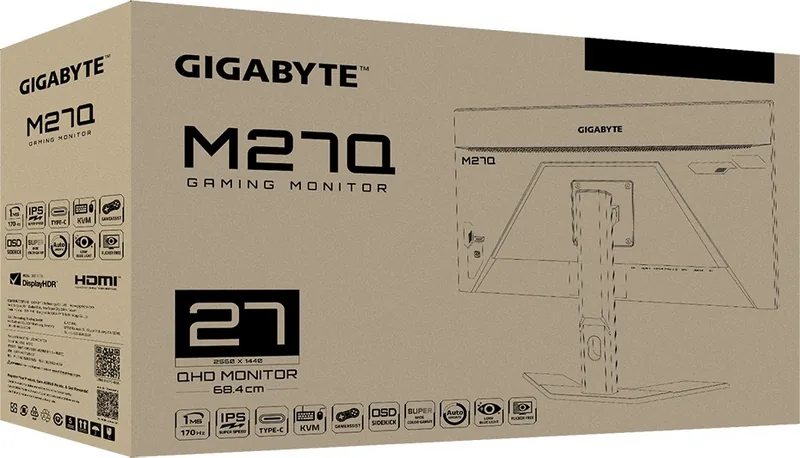
GIGABYTE M27Q Manual
PDF manual · 46 Pages
English



Quick check
Incorrect answer, please try again.
Chat with your GIGABYTE M27Q manual using AI
Get instant AI answers from your GIGABYTE M27Q manual
Ask anything about the GIGABYTE M27Q. Answers come from this manual, with the pages they are based on.
Ask a Question
Do you recommend M27Q?
Yes No
Max Weber
7 months ago
Is there a high risk of dead pixels or poor quality control with this monitor?

Manual.ly
7 months ago
Thank you for your inquiry. While most Gigabyte M27Q monitors pass quality checks, isolated cases of dead pixels or backlight bleeding do occur occasionally. We recommend inspecting the display immediately upon receiving the unit. If you find defects that exceed acceptable standards, please contact the original retailer promptly to utilize their return or exchange policy. Many customers are satisfied with the picture quality and refresh rate once initial checks are passed safely. We appreciate your patience and understanding regarding manufacturing variances.
Frequently Asked Questions
The monitor supports a native resolution of 2560 by 1440 pixels which is standard QHD for this size.
Is this answer helpful?
Yes, it supports Picture in Picture and Picture by Picture modes allowing you to view two different sources simultaneously.
Is this answer helpful?
Yes, the monitor includes a KVM switch that allows controlling multiple computers with a single mouse and keyboard setup.
Is this answer helpful?
Yes, it is compatible with VESA wall mounts using a 100 by 100 millimeter pattern for flexible installation.
Is this answer helpful?
The response time is optimized at 0.5 ms using MPRT technology to ensure fast transitions and reduce motion blur.
Is this answer helpful?
Yes, the USB Type-C port supports video, data, and charging functions simultaneously for simplified cable management.
Is this answer helpful?
Yes, the OSD includes an adjustable blue light filter to reduce eye strain during long usage sessions.
Is this answer helpful?
Advantages and Disadvantages
Advantages

- 170Hz refresh rate ensures smooth and fast gameplay visuals
- USB Type-C port provides versatile connectivity for video and data transfer
- Integrated KVM switch allows efficient multi-computer control
- Height and tilt adjustments offer versatile ergonomic positioning
- AMD FreeSync Premium eliminates screen tearing effectively
Disadvantages

- No integrated speakers are included in the monitor unit
- OSD joystick menu requires time to learn direction logic
- 1000:1 contrast ratio is typical for standard IPS panels
- Direct spray is prohibited during cleaning processes to prevent damage
- HDR support exists but does not include local dimming hardware
Product Specification
Function
Monitor (stationary)
Diagonal
27.0"
Resolution
2560x1440 (QHD), 16:9, 109ppi
Panel
IPS
Backlight
LED, Blue Light Filter, flicker-free
Brightness
350 cd/m2 (typical)
Contrast
1,000:1 (Static), 100,000,000:1 (Dynamic)
HDR
VESA DisplayHDR 400
Response Time
0.5ms (MPRT)
Refresh Rate
165Hz (170Hz OC, 2560x1440)
Variable Refresh Rate
Adaptive Sync, AMD FreeSync Premium Certified (48-170Hz via DisplayPort, 48-170Hz via HDMI, with LFC Support, with HDR)
Motion Blur Reduction
GIGABYTE Aim Stabilizer
Ports
2x HDMI 2.0, 1x DisplayPort 1.2, 1x USB-C 3.0 with DisplayPort (Upstream, 5Gb/s), 1x USB-B 3.0 (Upstream, 5Gb/s), 2x USB-A 3.0 (Downstream, 5Gb/s), 1x 3.5mm Jack (Line-Out), 1x DC-In (Power)
Shape
Straight (Flat)
Viewing Angle
178deg/178deg
Coating
non-glare (matte)
Color Depth
8bit (16.7 Million colors)
FRC
unknown
sRGB
140%
DCI-P3
92%
Controls
Joystick
Adjustability
with Stand, Height Adjustable (5.12"), Pivot N/A, Swivel N/A, Tilt (+20deg/-5deg)
VESA Mount
4" x 4" (Used)
Power Consumption
58W (Max), 0.3W (Standby), 34W (Old Energy Label A+++ to G)
Energy Efficiency SDR (A to G)
29kWh/1000h (G)
Energy Efficiency HDR (A to G)
41kWh/1000h (G)
Energy Efficiency Old (A+++ to G)
49.6kWh (B)
Features
Security Lock (Kensington Security Slot), KVM Switch, Picture-in-Picture, Slim Bezel
Screen-to-Body Ratio
88.93% (Calculated)
Dimensions
24.22x21.00x8.00in (WxHxD) with Stand, Compressed, 24.22x14.46x1.66in (WxHxD) without Stand
Color
Black (Bezel) / Black (Lower Bezel) / Black (Stand) / Black (Rear)
Weight
12.13 lbs (with Stand)
Power Supply
External
Note
BGR Subpixel Layout. For optimal text rendering, ClearType adjustments should be made in the operating system (Info).
USB Naming
Link
Product Description
GIGABYTE M27Q Overview
The GIGABYTE M27Q, 27 inch monitor represents a significant step forward for enthusiasts seeking high performance without breaking the bank. This display delivers crisp QHD resolution paired with a blazing fast 170Hz refresh rate. Navigating the full potential of the GIGABYTE M27Q, 27" Manual is essential to unlock its advanced features. The OSD menu allows users to customize settings for various games including FPS and RTS titles. Connectivity options are plentiful. You will find HDMI inputs alongside a DisplayPort and a versatile USB Type-C port. The inclusion of a KVM switch means you can control multiple computers with a single mouse and keyboard setup efficiently. Ergonomics are also well considered in the design. The stand offers height adjustment ranging from zero to one hundred thirty millimeters. Tilting is possible between five and twenty degrees. For those preferring clean desk solutions, the VESA mount compatibility allows for wall installation using a one hundred by one hundred millimeter pattern. Safety information provided ensures proper grounding and voltage handling. Cleaning requires a soft cloth without direct spray. The monitor supports AMD FreeSync Premium to eliminate screen tearing. Game assistant tools provide overlay data like frame rates or crosshair options. Adjusting input sources is straightforward through the quick access menu buttons located at the rear base. Users should also note the blue light filter options for reduced eye strain during long sessions. Proper ventilation holes on the back must remain unobstructed for cooling. Power consumption is managed with energy saving modes available when idle. Overall this unit balances price and performance effectively for modern gaming needs.
Additional Features
Color calibration enables accurate representation of visuals for professional work. Gamma settings adjust the midpoint luminance for different viewing environments. Contrast ratios are maintained at 1000:1 typically. Dynamic contrast ratios can reach 12M:1. These features ensure consistency across different usage scenarios like gaming or editing. The display panel utilizes TN technology for speed but maintains good viewing angles for group settings. Response time is optimized at 0.5 ms MPRT ensuring fast reactions in competitive matches. Black equalizer technology highlights dark spots in shadowy game environments for better situational awareness during gameplay. Overdrive settings help reduce pixel transition delays while avoiding unnatural artifacts. AMD FreeSync Premium technology synchronizes frame rates between graphics card and screen. This prevents visual tearing and stuttering during complex scenes. The built-in headphone jack allows direct audio without external speakers. USB downstream ports support peripherals like controllers or storage drives. The upstream connection facilitates data transfer when linked to the computer host. Dashboard feature displays system metrics like temperature and load if configured correctly. Gaming timer tools help manage session durations for health balance. Aim stabilizers smooth motion in fast-paced sequences for cleaner tracking. Crosshair overlays aid aiming precision without external software. PIP and PBP modes allow dual screen input viewing for multitasking. Factory reset options restore default settings if customization goes awry. The OSD menu supports multiple languages for international users. Safety guidelines prevent electrical hazards through proper grounding. Environmental directives ensure no hazardous materials are present in the build. Instructions warn against exposing the screen to liquids which could damage the internal electronics permanently. Storage of the packaging is recommended for future moves or shipping. Warranty information is provided by the manufacturer for peace of mind.
Search for 67,706 Manuals online


Type-in Brand or Model
Tomasz Kowalski
8 months ago
I keep seeing reviews about dead pixels on this Gigabyte M27Q model. Is the quality control inconsistent, and how do I return it if I get a defective unit?
Manual.ly
8 months ago
Quality control can vary. We recommend testing the screen immediately upon arrival. Many retailers offer a pixel check option. If you receive a unit with dead pixels, return it promptly as per the store's return policy. Some buyers reported needing multiple attempts to get a flawless unit, so patience with exchanges may be necessary.