
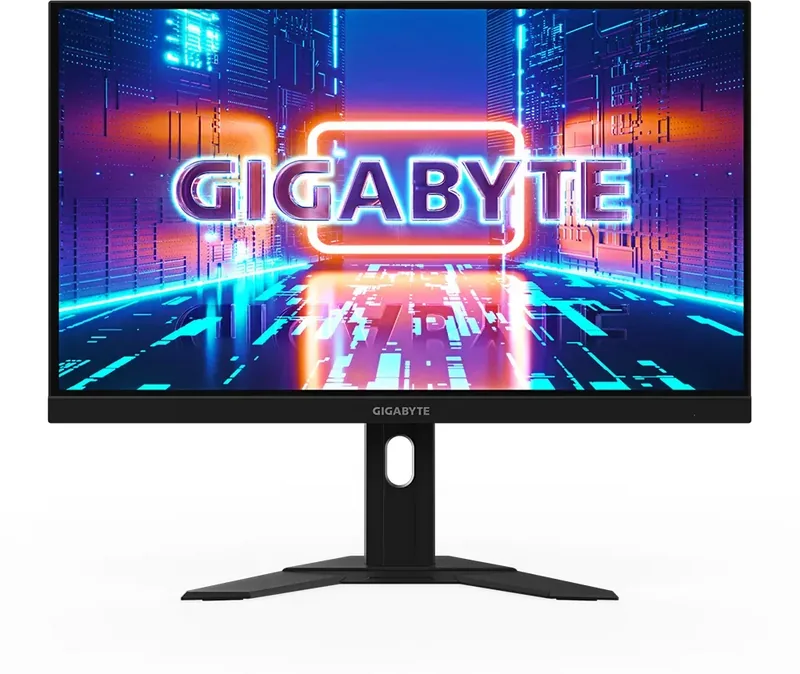
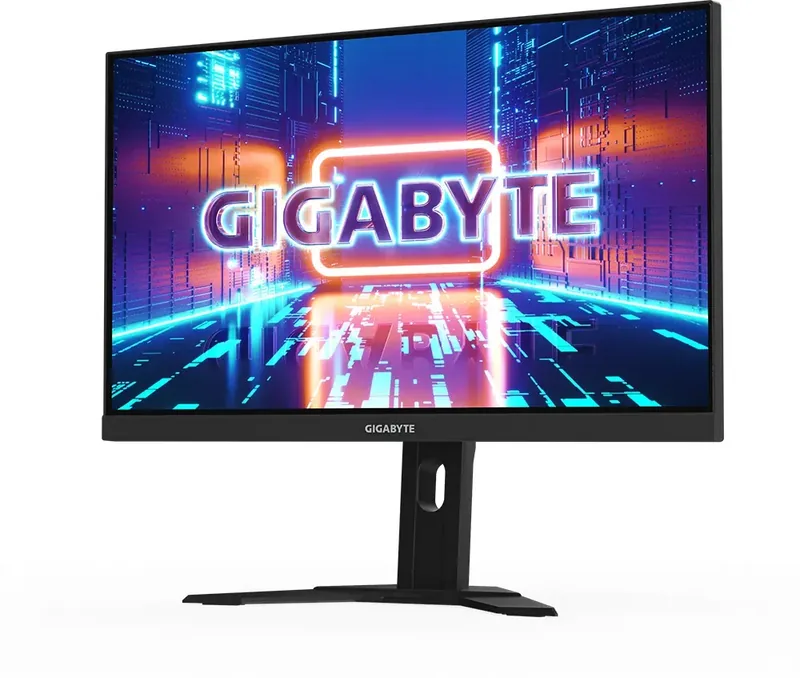
GIGABYTE M27U Manual
PDF manual · 49 Pages
English



Quick check
Incorrect answer, please try again.
Chat with your GIGABYTE M27U manual using AI
Get instant AI answers from your GIGABYTE M27U manual
Ask anything about the GIGABYTE M27U. Answers come from this manual, with the pages they are based on.
M27U Maintenance Schedule
Wipe the screen with a soft, lint-free cloth to remove dust. If required, apply glass cleaner to the cloth, not directly onto the screen.
Ensure the monitor is unplugged from the power outlet before performing any cleaning tasks to prevent electric shock.
Ask a Question
Do you recommend M27U?
Yes NoFrequently Asked Questions
Use a soft lint-free cloth. Spray cleaner on cloth not screen. Avoid acid substances. Wipe gently without excessive pressure.
Is this answer helpful?
Yes, use 100x100 mm VESA bracket. Remove stand first. Mount securely to prevent falling.
Is this answer helpful?
Supports up to 144Hz for gaming. Check timing list for specific resolution compatibility.
Is this answer helpful?
Use System menu to reset all factory defaults. Navigate to Reset all option in settings.
Is this answer helpful?
Yes, flicker free tech included to clear visible flicker and prevent eye strain.
Is this answer helpful?
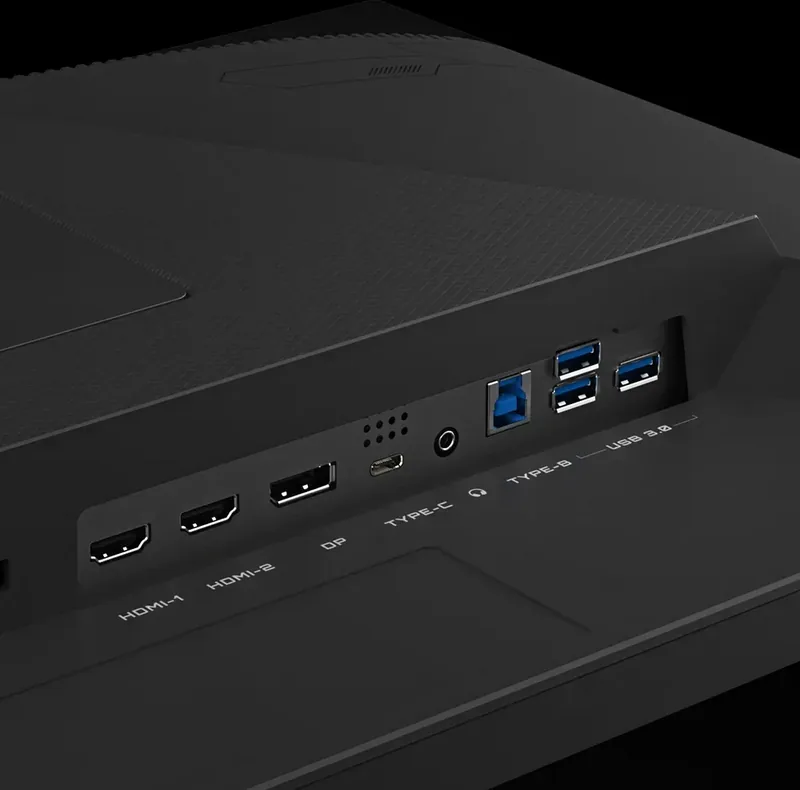
2 HDMI, 1 DisplayPort, 1 USB-C, 3 USB 3.2, Headphone jack, AC Power in.
Is this answer helpful?
Yes, integrated KVM switch is included to control multiple devices with one input.
Is this answer helpful?
Advantages and Disadvantages
Advantages

- High resolution 4K display provides exceptional clarity for gaming and work tasks.
- Integrated KVM switch allows controlling two computers with one set of peripherals easily.
- Flicker-free technology ensures reduced eye strain during extended usage sessions.
- Extensive ergonomic adjustments including height tilt and wall mount support.
Disadvantages

- Requires careful placement to avoid stability hazards and tipping risks.
- Cleaning requires specific soft cloths to prevent screen surface scratches.
- Power supply must match voltage ratings of the specific location.
Product Specification
Function
Desktop Monitor (Fixed)
Diagonal
27" (27.01")
Resolution
3840x2160 (4K UHD), 16:9, 163ppi
Panel
IPS
Backlight
LED, Blue Light Filter, Flicker-Free
Brightness
400 cd/m2 (Typical)
Contrast
1,000:1 (Static)
HDR
VESA DisplayHDR 600
Response Time
1ms (MPRT)
Refresh Rate
160 Hz (3840x2160)
Variable Refresh Rate
Adaptive Sync, AMD FreeSync Premium Certified (48-160 Hz via DisplayPort, 48-150 Hz via HDMI, with LFC Support, with HDR)
Motion Blur Reduction
GIGABYTE Aim Stabilizer
Ports
2x HDMI 2.1 (144 Hz@3840x2160), 1x DisplayPort 1.4 (160 Hz@3840x2160), 1x USB-C 3.0 with DisplayPort (Upstream, 5Gbps, PD 18W), 1x USB-B 3.0 (Upstream, 5Gbps), 3x USB-A 3.0 (Downstream, 5Gbps), 1x 3.5mm Jack (Line-Out), 1x AC In C13 (Power Input)
Shape
Flat
Viewing Angle
178 deg/178 deg
Surface Finish
Anti-Glare (Matte)
Color Depth
10-bit (1.07 Billion Colors)
Frame Rate Control
Yes (8-bit + 2-bit)
sRGB
129%
DCI-P3
95%
Speakers
Speakers (2x 3W)
Controls
Joystick Control
Ergonomics
With Stand, Height Adjust (5.12 in), Pivot N/A, Rotate (+/-30 deg), Tilt (+20 deg/-5 deg)
VESA Mount
100x100 mm (Included)
Power Consumption
27.6 W (Typical), 0.5 W (Standby)
Features
Security Lock (Kensington Security Slot), KVM Switch, Picture-in-Picture, Slim Bezel
Screen-to-Body Ratio
87.96% (Calculated)
Dimensions
24.24x20.38x7.62 in (WxHxD) with Stand (Compressed), 24.24x14.61x2.37 in (WxHxD) without Stand
Color
Black (Bezel), Black (Bottom Bezel), Black (Stand), Black (Rear)
Weight
14.29 lbs (With Stand), 10.05 lbs (Without Stand)
Power Supply
Internal
USB Label
Link
Product Description
Experience Premium Gaming with the GIGABYTE M27U 27" Monitor
The GIGABYTE M27U 27" Monitor delivers a superior visual experience for gamers and professionals alike. Dominating the 27-inch form factor, this screen boasts a UHD resolution of 3840 by 2160 pixels. This ensures text and images appear with incredible sharpness. The display supports over one point zero seven billion colors, providing deep saturation and accurate representation for photo editing and immersive gameplay. Brightness settings reach typical values of 400 nits, making the screen visible in various lighting conditions.
Connectivity and Ergonomics
Connectivity is streamlined with multiple ports available. The rear panel includes two HDMI ports and one DisplayPort, alongside USB Type-C for versatile data transfer and power delivery. A KVM switch functionality allows users to control two separate computers with one set of peripherals. Ergonomics are well considered with a height range of 130 mm and tilt adjustments between negative five degrees and positive 20 degrees. You can also mount it on a wall using a standard 100 mm by 100 mm bracket. The USB downstream ports facilitate connecting keyboards or mice directly to the monitor interface. The refresh rate supports up to 144Hz for fluid motion.
Advanced Features and Safety
Gaming features are extensive. Users can utilize the Black Equalizer to improve visibility in dark game scenes. The Dashboard feature displays CPU and GPU information directly on screen using the System menu. For eye comfort, Flicker-Free technology is implemented along with a Low Blue Light mode. Safety is prioritized with specific guidelines for placement. Do not block ventilation holes. Always use a soft cloth for cleaning the screen to prevent scratches. Never spray cleaner directly on the screen. Disconnect power when not using for extended periods. Be aware of stability hazards to prevent tipping.
Picture Modes and Maintenance
Product Specifications and Notes
Picture adjustments include multiple modes such as Standard, FPS, and Movie settings. Gamma and Color Temperature can be fine-tuned to match your environment. Regular maintenance is essential for longevity. Clean the screen gently and avoid acidic substances. Resetting to factory defaults is available through the menu. This ensures you get the most out of your new visual tool. Remember to keep the packaging materials for future transportation needs. This setup ensures you get the most out of your new visual tool without risking damage to the hardware components. Ensure the voltage rating is compatible before connecting to power. Also secure the stand properly to avoid instability issues. For details on the GIGABYTE M27U 27" Manual, this text covers essentials.
Search for 67,706 Manuals online


Type-in Brand or Model