

Free Eltako Manuals – Read, Download & Print
48 Manuals
Manuals
1 Pages
2 Pages

1 Pages

1 Pages

2 Pages

2 Pages

1 Pages
1 Pages
1 Pages

1 Pages
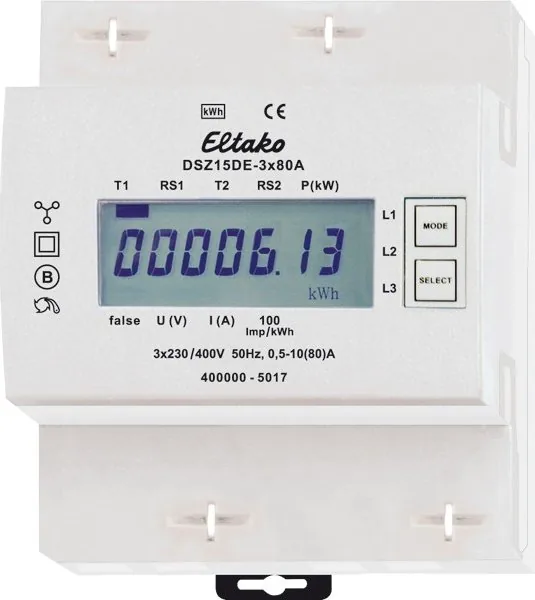
2 Pages
1 Pages
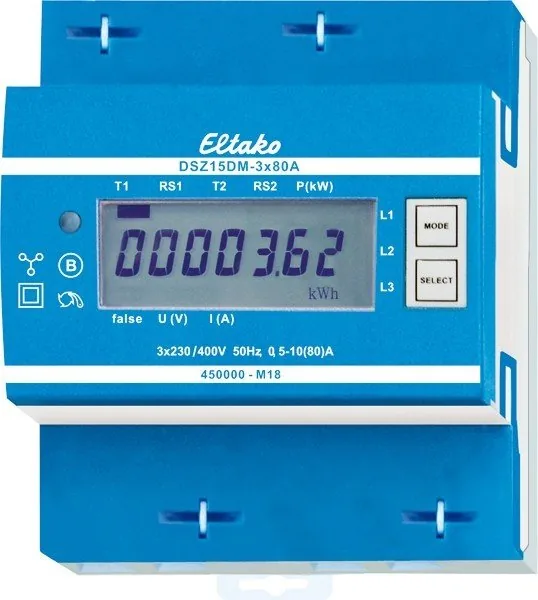
2 Pages
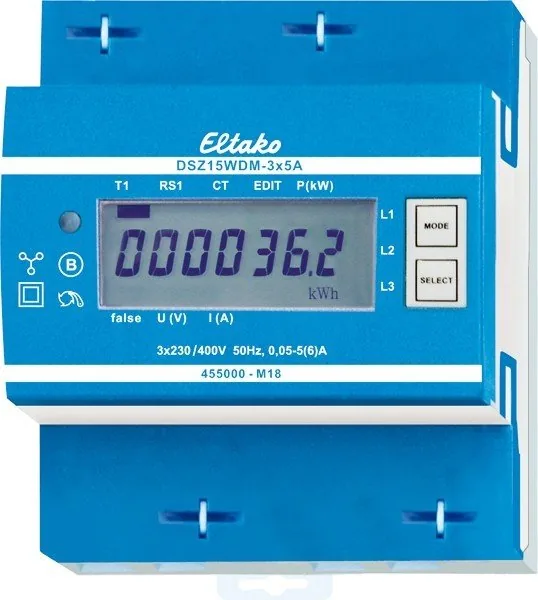
2 Pages
1 Pages
2 Pages
2 Pages
2 Pages
2 Pages

1 Pages
2 Pages
3 Pages
2 Pages
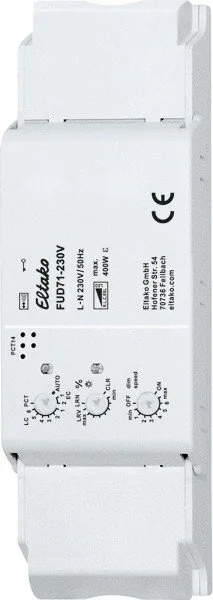
4 Pages
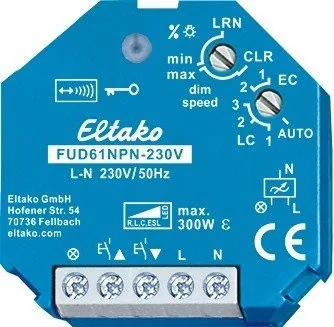
3 Pages

4 Pages

3 Pages
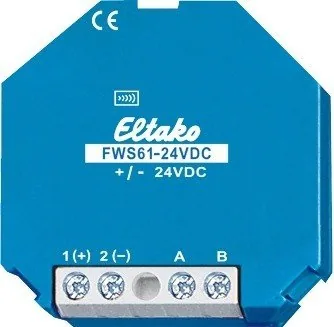
1 Pages
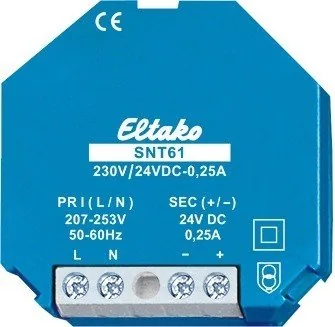
1 Pages
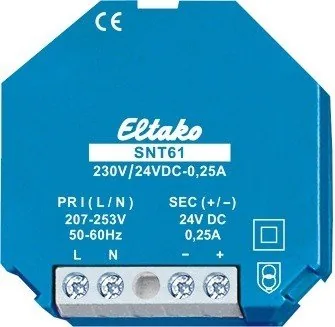
1 Pages
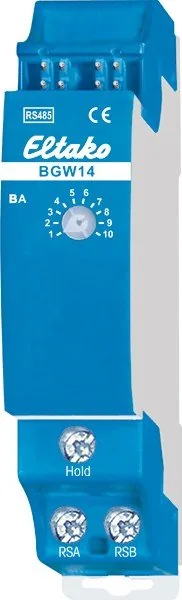
1 Pages
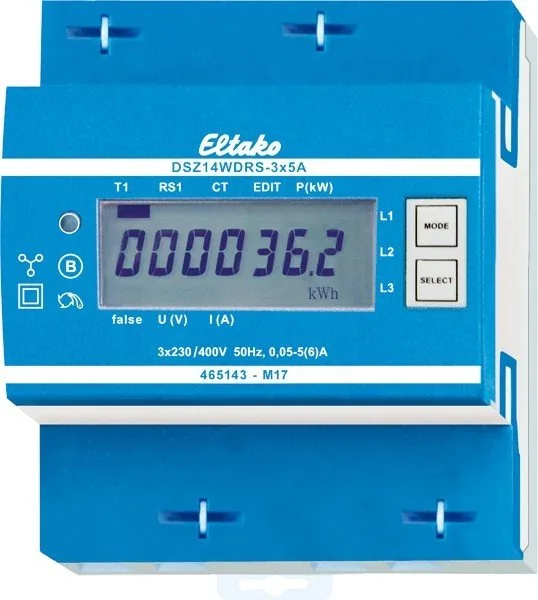
2 Pages
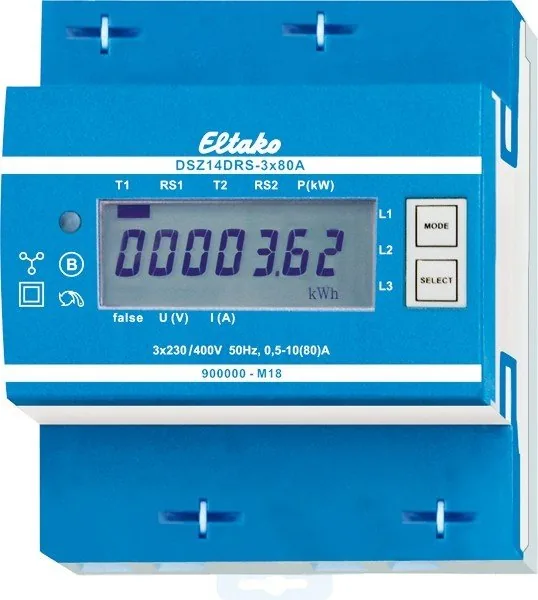
2 Pages

2 Pages
2 Pages

1 Pages
1 Pages

1 Pages
1 Pages
2 Pages
2 Pages
2 Pages

2 Pages
2 Pages

10 Pages
1 Pages

1 Pages

1 Pages
Categories

Introduction to Free Eltako Manuals
Accessing technical documentation is essential for anyone working with electrical automation systems. The Eltako brand has established itself as a leader in the field of radio-controlled and KNX-based building automation solutions. Whether you are an electrician, an installer, or a system integrator, having immediate access to accurate and comprehensive manuals is crucial for successful project implementation. This guide provides a streamlined path to finding free Eltako manuals, allowing users to read, download, and print the necessary documentation without cost.
The complexity of modern building control systems requires precise instructions. Eltako devices, ranging from simple switches to complex gateway units, come with detailed specifications that ensure safety and efficiency. By utilizing online resources dedicated to these documents, professionals can save valuable time during installation and troubleshooting phases. The availability of digital formats means that information is portable and easily searchable, enhancing the overall workflow on any job site.
Why Access Official Documentation Matters
Using official Eltako manuals ensures that all installations comply with current safety standards and manufacturer guidelines. These documents contain critical information regarding voltage ratings, wiring diagrams, and programming sequences. Relying on unofficial or outdated sources can lead to errors that compromise system performance or create safety hazards. The free resources mentioned here link directly to verified content, guaranteeing accuracy.
For those new to the industry, these manuals serve as educational tools. They explain the fundamental concepts of radio frequency communication in home automation and detail how specific modules interact within a larger network. Understanding the nuances of protocol handling, such as the difference between 433 MHz and 868 MHz signals, is vital for avoiding interference issues. Comprehensive guides cover everything from basic setup procedures to advanced configuration settings involving KNX interfaces.
Printed copies remain relevant for many field technicians who prefer physical reference materials while working at heights or in environments where digital screens are impractical. The ability to download and print these documents allows for customization based on individual needs. Users can select specific chapters relevant to their current task, creating a tailored handbook that fits into a tool belt or clipboard. This flexibility supports efficient problem-solving and reduces downtime during maintenance operations.
Navigating the Resource Hub
Finding the correct manual for a specific device can sometimes be challenging due to the vast array of products offered by the manufacturer. A well-organized resource hub simplifies this process by categorizing items logically. Categories often include product families such as relay modules, dimmers, motor controllers, and sensors. Each category contains links to datasheets, user guides, and software utilities associated with those products.
Search functionality plays a pivotal role in quick navigation. Users can enter model numbers like FUD10 or ELSO20 to locate exact matches instantly. The search engine is designed to handle partial inputs, suggesting relevant results even if the full model number is not known. Filters allow users to sort by document type, language, or release date, ensuring they find the most up-to-date version available. This attention to detail prevents confusion caused by legacy documentation that may no longer apply to newer hardware revisions.
Language support is another key feature of these repositories. While English is widely used, Eltako products are distributed globally. Many manuals are available in German, French, Italian, Spanish, and other major languages. This multilingual approach ensures that local installers can work comfortably in their native tongue, reducing the risk of misinterpretation. Translated versions undergo rigorous review to maintain technical precision across different linguistic contexts.
Detailed Content Overview
Each manual typically begins with an introduction to the device, outlining its primary functions and intended applications. Technical specifications follow, providing data on input voltages, load capacities, and environmental operating ranges. These figures are presented in clear tables for easy reference during component selection. Safety warnings are prominently displayed to highlight potential risks associated with high-voltage connections or improper handling.
Installation sections offer step-by-step visual aids. Wiring diagrams illustrate terminal connections using standardized symbols, making it easier to identify which wire goes where. Instructions often include tips for mounting the device onto standard DIN rails, a common practice in European electrical cabinets. Photographs show the physical appearance of the unit, helping users confirm they have the correct item before proceeding with the setup.
Programming guides are perhaps the most valuable part of the documentation for advanced users. They explain how to configure parameters using dip switches, rotary dials, or software interfaces. For radio-controlled devices, details on pairing transmitters with receivers are included. This process involves entering a specific code or pressing a button sequence to establish a secure link. Clear explanations prevent frustration and ensure reliable operation once the system is live.
Troubleshooting chapters address common issues encountered during deployment. Problems such as unresponsive buttons, intermittent signal loss, or incorrect lighting behavior are analyzed with logical diagnostic steps. Users are guided through checking power supply stability, verifying antenna placement, and resetting the device to factory defaults. These solutions empower technicians to resolve minor faults independently without needing external assistance.
Downloading and Printing Options
The convenience of digital access extends to file formats. Most manuals are provided in PDF format, which preserves layout integrity across different devices and operating systems. This consistency ensures that diagrams and text appear exactly as intended, regardless of whether the file is viewed on a desktop computer, tablet, or smartphone. PDF files are also optimized for printing, maintaining high resolution for crisp line drawings and legible text.
Download speeds are generally fast, allowing users to retrieve large files containing multiple pages without significant delay. Files are hosted on secure servers to protect against corruption or unauthorized modification. Users can save these documents to local storage for offline access, which is beneficial when working in areas with limited internet connectivity. Once saved, the files can be organized into folders for future reference or shared with team members.
Printing capabilities are straightforward. Standard print dialogues allow users to select specific page ranges, adjust scaling options, and choose paper sizes. Double-sided printing is supported to conserve resources, while black-and-white modes ensure clarity for monochrome printers. Margins can be adjusted to fit custom binders or ring folders. The ease of printing encourages the creation of permanent records for each installation, aiding in future maintenance and auditing processes.
Keeping Up with Updates
Technology evolves rapidly, and manufacturers frequently release firmware updates or new product variants. Staying informed about these changes is essential for maintaining optimal system performance. The resource hub regularly updates its library to reflect the latest releases. Notifications or changelogs often accompany new uploads, highlighting improvements or corrections made since the previous version.
Version control is managed carefully to avoid confusion. Older manuals are retained but clearly marked as deprecated or superseded. This approach allows users to reference historical data if needed while prioritizing current best practices. Checking the publication date on every downloaded document is a recommended habit to ensure compliance with the latest standards. If a discrepancy is found between the manual and the actual device behavior, consulting the most recent update is the first step in resolving the issue.
Community forums and support channels complement the written documentation. While this guide focuses on reading and downloading manuals, engaging with the broader user base can provide additional insights. Real-world experiences shared by other installers often reveal practical tips not explicitly stated in the official texts. However, the primary source of truth remains the manufacturer's official documentation.
Conclusion
Free Eltako manuals represent an invaluable asset for professionals in the building automation sector. They provide the knowledge necessary to design, install, and maintain sophisticated control systems with confidence. By leveraging the features of online repositories, users can access accurate, comprehensive, and up-to-date information instantly. The ability to read, download, and print these documents ensures that help is always at hand, regardless of location or connectivity status. Embracing these resources leads to more efficient projects, higher quality installations, and greater satisfaction for both technicians and end-users. As the industry continues to grow, the importance of accessible technical literature will only increase, making these free resources a cornerstone of modern electrical practice.
Search for 67,706 Manuals online


Type-in Brand or Model