
Eltako FDT55EB Manual
PDF manual · 1 Pages
English


Quick check
Incorrect answer, please try again.
Chat with your Eltako FDT55EB manual using AI
Get instant AI answers from your Eltako FDT55EB manual
Ask anything about the Eltako FDT55EB. Answers come from this manual, with the pages they are based on.
Ask a Question
Do you recommend FDT55EB?
Yes NoFrequently Asked Questions
The internal 3V CR1632 button cells provide power for two to eight years of operation.
Is this answer helpful?
Yes, you can select three steps using a jumper, including options for one, ten, or twenty percent dimming.
Is this answer helpful?
Remove the rotary knob and front panel, then press and hold the mini pushbutton while briefly pressing the spindle.
Is this answer helpful?
It is a feature where lighting switches on gradually to prevent harsh glare during initial activation.
Is this answer helpful?
The device operates at 868.3 MHz with a maximum transmit power of 10 mW for wireless communication.
Is this answer helpful?
The unit supports various actuators including FSR61, FL62, FSLA, and FD62 for flexible lighting designs.
Is this answer helpful?
Advantages and Disadvantages
Advantages

- Wireless rotary control with intuitive dimming functions for smart homes.
- Long battery life providing up to eight years of operation with two CR1632 cells.
- Adjustable minimum brightness steps allowing customization of lowest light levels.
- Soft-On function ensures lighting switches on gradually to prevent glare.
- Versatile E-Design55 installation options for different mounting scenarios.
Disadvantages

- Potential brightness jumps may occur if multiple switches control one actuator circuit.
- Teaching in the switch requires removing the knob and front panel for access.
- Specific screw size is required for wall mounting which limits general use.
- Limited wireless frequency options available for regional compatibility requirements.
- Battery removal requires taking off the front panel which adds maintenance steps.
Product Specification
Type
Sensor
Standard
Radio Bus
Function
Push Button
Topology
Star
Dimensions
3.15x3.15x0.98in
Product Description
Exploring Wireless Home Control
Enhance Your Lighting Setup
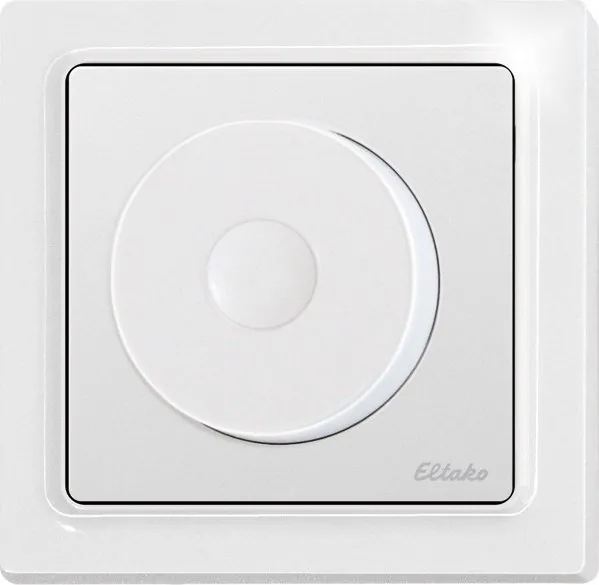
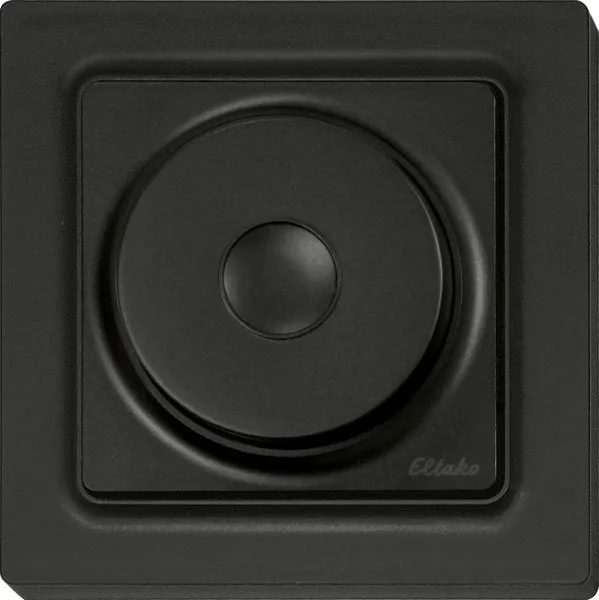
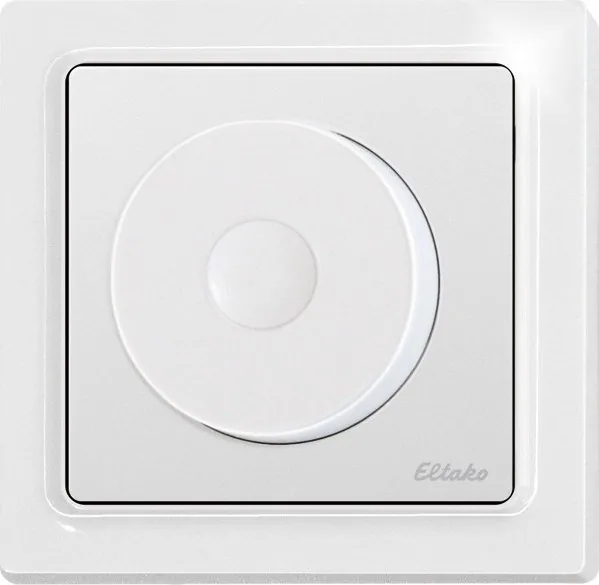
Modern intelligent living spaces rely heavily on seamless integration and user-friendly interfaces. The Eltako FDT55EB Manual outlines specific operational parameters for a 1-way wireless rotary switch designed for single mounting. This compact device measures 80 x 80 x 25 mm and fits over a flush box or integrates into the E-Design55 switching system. It features a rotary knob that allows for intuitive dimming control and switching functions. The scope of supply includes a mounting base with snapped-on electronics, a frame, and a cover panel with a knob.
Power Longevity
One of the standout features is the battery life. The unit operates using two internal 3 V CR1632 button cells. These provide power for several years, typically ranging from two to eight depending on usage. Replacing the batteries is straightforward as you simply remove the front panel and the rotary knob. The switch sends dimming values to the actuator and remembers the last brightness setting when switching off.
Installation Flexibility
Mounting can be done on a flat surface using screws or the enclosed adhesive foil. Stainless-steel countersunk screws of size 2.9x25 mm are recommended for secure connections. The package includes the mounting base, frame, and cover panel. It is crucial to set the minimum brightness correctly. This setting uses a jumper to select between three steps. The lowest dimming value of 10 percent is the default state. Users can adjust this to 1 percent or 20 percent by moving the jumper pins.
Advanced Functionality
The device features a Soft-On function which ensures lighting switches on gradually. This prevents glare and is ideal for bedroom applications. The rotary switch allows turning to dim up or down. The speed of turning dictates the speed of brightness change. Quick twitches trigger rapid dimming effects similar to a double-click function on pushbuttons. Teaching in the switch involves removing the knob and pressing a mini pushbutton near the spindle. To clear the switch from an actuator, users plug jumpers and press the spindle three times.
Radio Frequency
Communication occurs at 868.3 MHz with a maximum transmit power of 10 mW. The system complies with EU Directive 2014/53/EU. The unit supports various actuators including FSR61, FL62, FSLA, and FD62. Compatibility ensures flexible lighting designs. Environmental limits allow operation between minus 20 degrees Celsius and plus 50 degrees Celsius. Relative humidity stays below 75 percent annually. This robustness supports reliable performance in standard household environments where conditions may fluctuate.
Many enthusiasts refer to the Eltako FDT55EB Manual when configuring complex systems. This ensures optimal performance with wireless sensors. The scope of supply includes all necessary components for a quick setup without needing extra parts from third-party suppliers. Proper disposal of batteries is required to protect the environment. The crossed-out waste container symbol indicates batteries may not be disposed with other household waste. This attention to detail ensures safety and environmental responsibility.
Safety and Compliance
Safety is paramount. Attention must be paid to not replace batteries with improper types to avoid explosion risks. The device must be compatible with the dimming actuators to prevent brightness jumps when multiple switches control one circuit. Confirming telegrams are sent automatically if taught in FL62 or FD62 models. This locks the mode automatically. The frequency transmission is stable and reliable for daily home automation tasks.
Search for 67,706 Manuals online


Type-in Brand or Model