
Eltako InWall-10 Manual
PDF manual · 10 Pages
English



Quick check
Incorrect answer, please try again.
Chat with your Eltako InWall-10 manual using AI
Get instant AI answers from your Eltako InWall-10 manual
Ask anything about the Eltako InWall-10. Answers come from this manual, with the pages they are based on.
Ask a Question
Do you recommend InWall-10?
Yes NoFrequently Asked Questions
It is designed for permanently mounted Apple iPad 10.2-inch or 10.5-inch devices equipped with a Lightning connector.
Is this answer helpful?
No, all connection and installation work must be conducted by certified electricians to comply with safety rules.
Is this answer helpful?
No, do not mount or use the InWall-10 in wet or moist environments as it is intended for indoor use only.
Is this answer helpful?
Use the included suction pad to gently lift the iPad off the magnetic cover after releasing the rubber band clips.
Is this answer helpful?
No, the security kit secures the device but does not provide full protection against unauthorized or forceful removal.
Is this answer helpful?
Advantages and Disadvantages
Advantages

- Supports both vertical and horizontal mounting orientations
- Charges Lightning connector iPads directly while docked
- High-quality construction using glass and aluminum materials
- Includes multiple mounting options for brick or cavity walls
- Compact dimensions fit standard wall recesses easily
Disadvantages

- Requires certified electrician for proper electrical installation
- Does not include the iPad tablet itself in the package
- Security kit does not fully prevent forced theft attempts
- Surface is prone to scratches if handled without care
- USB-C support requires purchasing a separate replacement kit
Product Specification
Type
Charging station
Function
Charging function, power supply
Dimensions
8.9x12.4x3.1 inches
Note
compatible with Apple iPad 10.2", iPad 10.5"
Product Description
Elevate Your Digital Display with the Eltako InWall-10 Dockingstation mit Ladefunktion
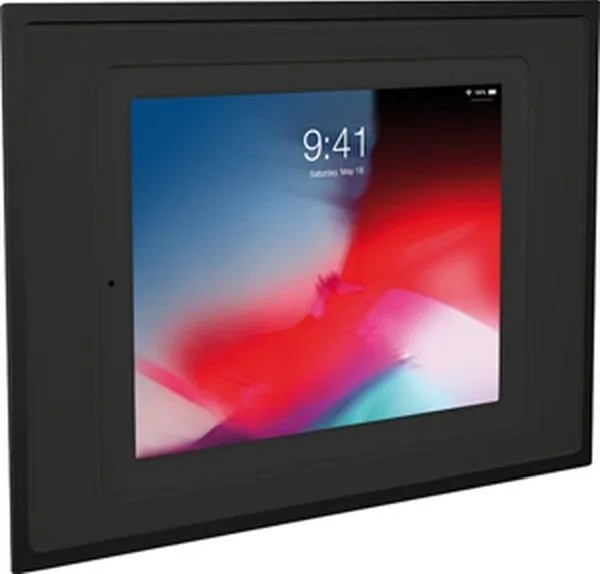
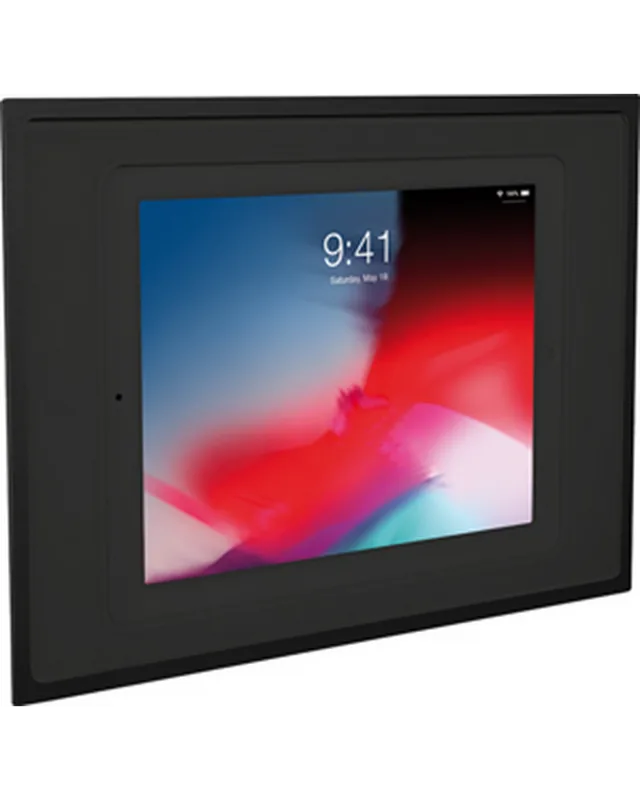
The Eltako InWall-10 Dockingstation mit Ladefunktion represents a pinnacle of modern in-wall technology designed specifically for Apple iPads. This sleek device integrates seamlessly into your interior design, offering a flush-mounted solution that houses both 10.2-inch and 10.5-inch iPad models securely. Whether you prefer portrait or landscape orientation, this docking station adapts to your needs while providing essential charging capabilities through its built-in USB power supply.
Constructed from high-quality glass and durable aluminum, the unit features a smooth, shiny surface that adds a touch of elegance to any commercial or residential space. The installation process is straightforward yet requires professional attention to ensure safety and optimal performance. Certified electricians should handle all wiring, connecting the device to either standard high-voltage AC lines or optional PoE adapters. The system includes rubber band clips to hold the tablet firmly in place and a suction cup for safe removal when necessary.
Beyond its aesthetic appeal, the InWall-10 prioritizes functionality. It ensures reliable Wi-Fi connectivity by recommending placement in areas with strong signal reception. The unit operates within a temperature range of 0 to 35 degrees Celsius and supports humidity levels up to 90 percent. Regular cleaning with a soft cloth and screen cleaner keeps the glass pristine without risking scratches. While the included security kit offers some protection via a wire rope, users should be aware that it does not guarantee theft prevention against forceful removal.
This docking station is an excellent choice for digital signage, information kiosks, or smart home control centers. Its robust build quality and thoughtful design make it a long-lasting investment for managing tablet devices in a fixed location.
Search for 67,706 Manuals online


Type-in Brand or Model