

Free Alphacool Manuals – Read, Download & Print
95 Manuals
Manuals
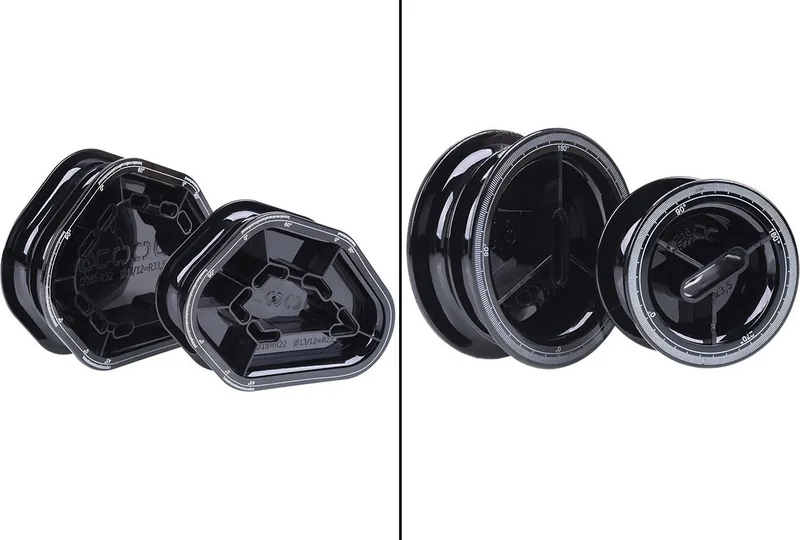
40 Pages
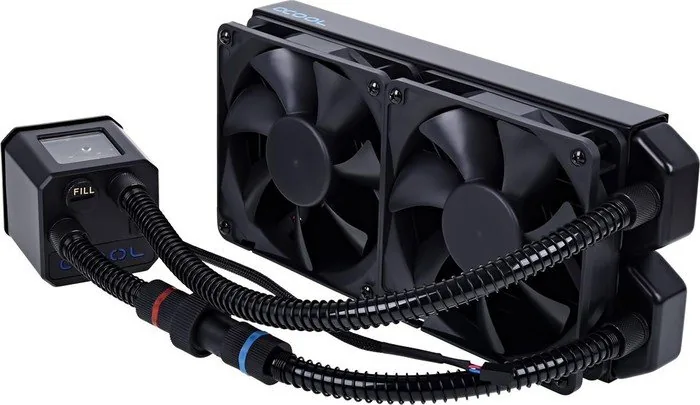
92 Pages
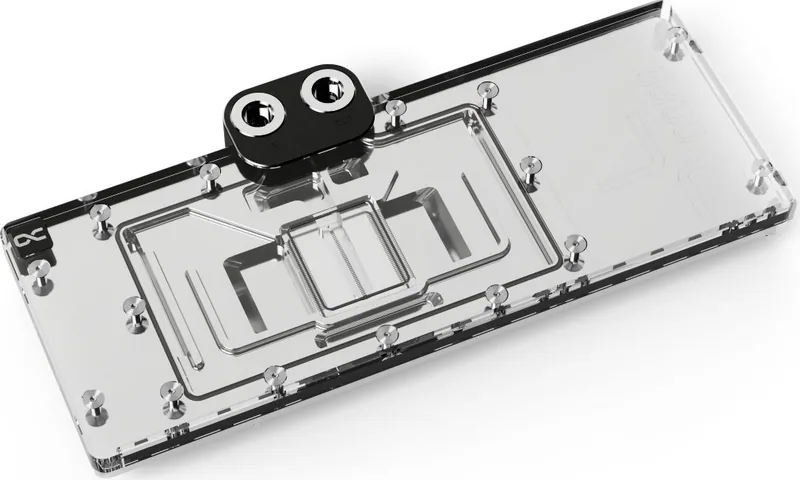
4 Pages
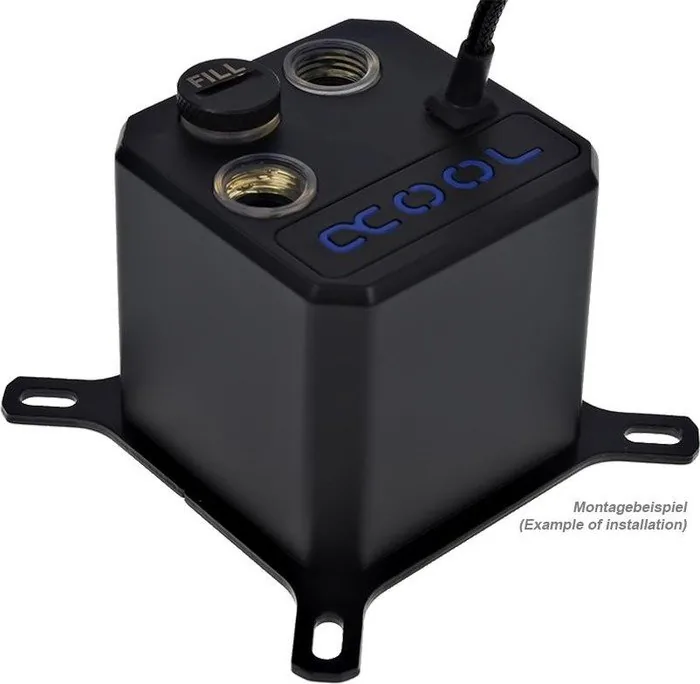
20 Pages
13 Pages

9 Pages
4 Pages
4 Pages
4 Pages
2 Pages

1 Pages
4 Pages
4 Pages
4 Pages
4 Pages

12 Pages

28 Pages
4 Pages
72 Pages
20 Pages
2 Pages

2 Pages

4 Pages
5 Pages
4 Pages
5 Pages
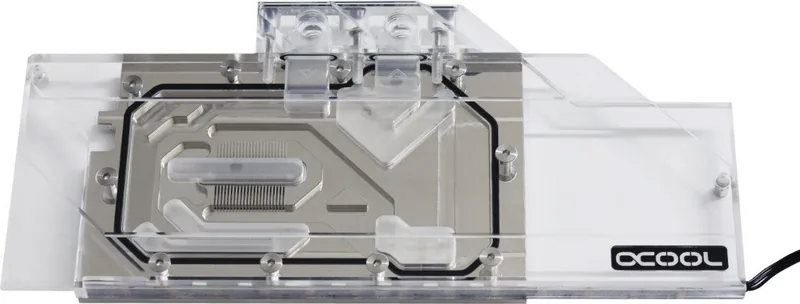
4 Pages
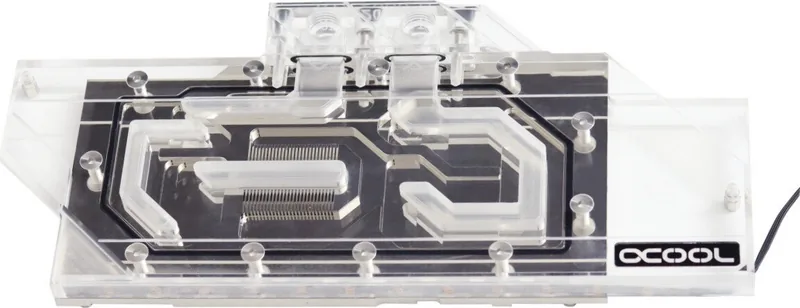
4 Pages
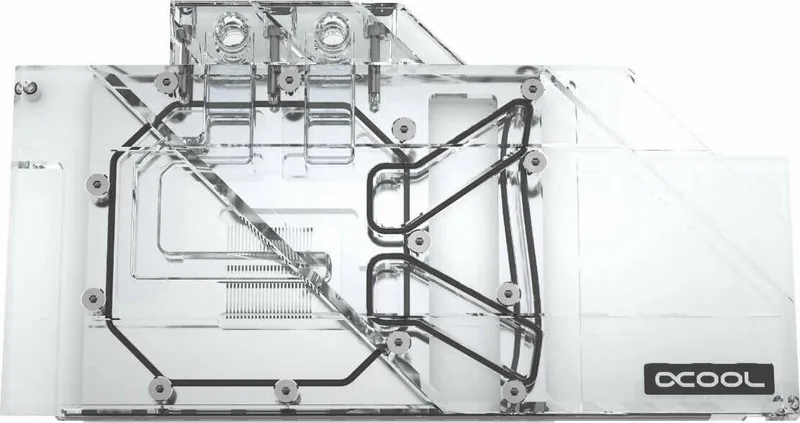
4 Pages
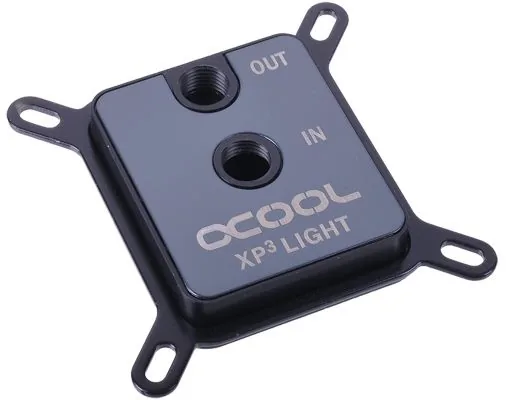
52 Pages
24 Pages
4 Pages
4 Pages
2 Pages
12 Pages
4 Pages
4 Pages
4 Pages
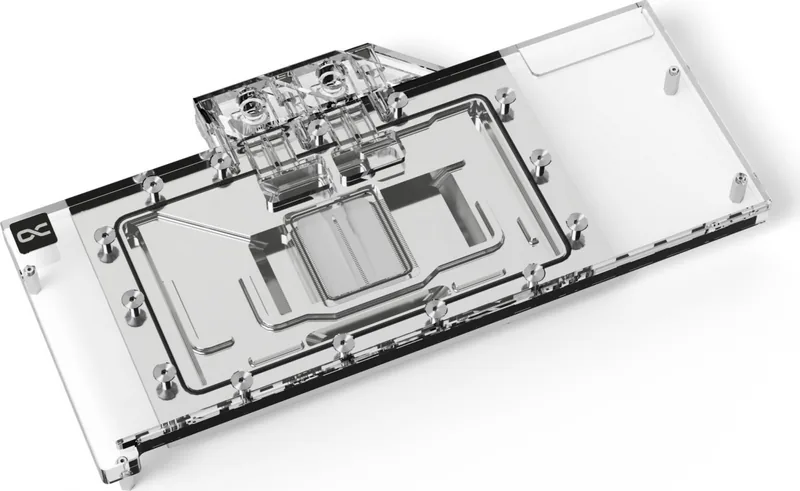
4 Pages
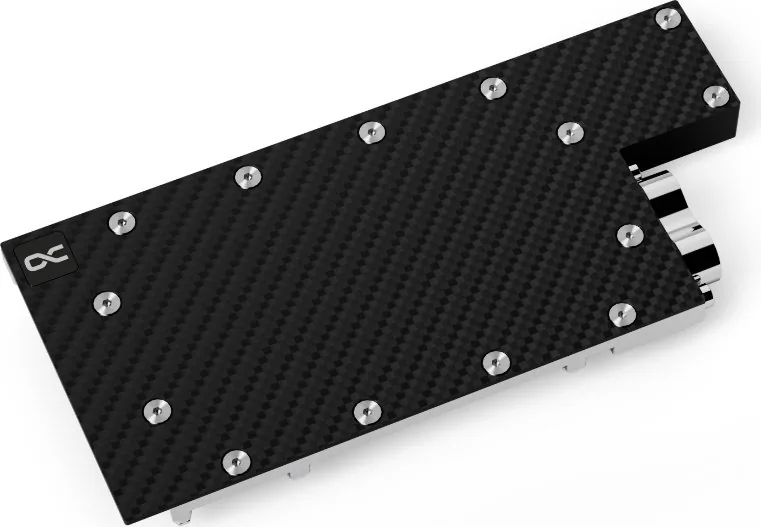
4 Pages
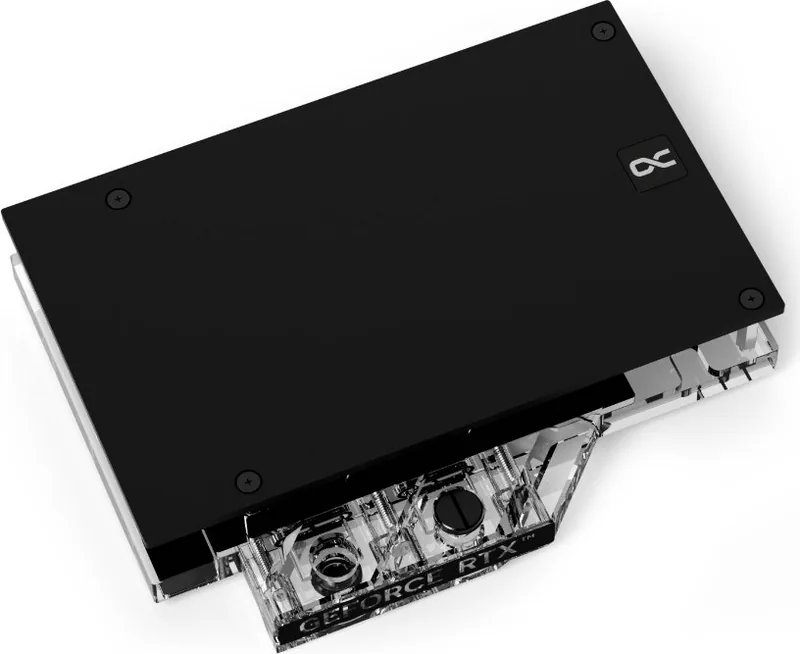
4 Pages
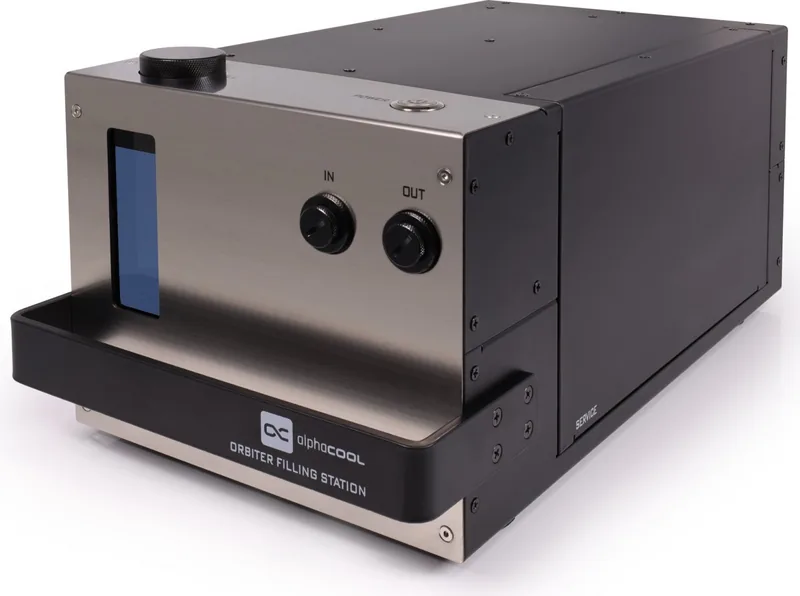
12 Pages
4 Pages
30 Pages
22 Pages
16 Pages
2 Pages
6 Pages
2 Pages

2 Pages
Categories

Free Alphacool Manuals - Read, Download & Print
Find free Alphacool manuals for cooling components, water-cooling accessories, pumps, radiators, fittings, fans, controllers, and related PC hardware. This collection is designed to help users quickly locate product documentation for installation, setup, maintenance, safety, and troubleshooting. Whether you are building a custom liquid-cooling loop, replacing a component, or checking technical specifications before upgrading your system, a clear manual can make the process easier.
Alphacool products are commonly used in desktop PC cooling projects, including custom loops for processors, graphics cards, memory, storage devices, and compact systems. Because every build can involve different hardware, tubing routes, fittings, and mounting points, consulting the correct documentation before installation is important. Manuals can provide useful details about compatibility, mounting hardware, electrical connections, coolant recommendations, cleaning procedures, and warranty-related care.
Read Alphacool Manuals Online
Reading an Alphacool manual online is a convenient way to access product information without saving a file to your device. Online documentation can be especially useful when you need to check a measurement, identify a connector, verify the orientation of a part, or review an installation step while working on a computer build.
Product manuals may include diagrams, labeled components, technical drawings, dimensions, supported sockets, port sizes, power requirements, and assembly instructions. Depending on the product type, documentation may also contain warnings about pressure testing, coolant handling, pump operation, fan connection limits, or the correct use of thermal pads and thermal paste.
Useful Information Found in Manuals
An Alphacool manual can help answer common questions before and during installation. For example, a water block guide may explain which graphics card PCB layouts are supported and where to place included thermal pads. A radiator guide may list screw lengths and warn against using screws that are long enough to damage the internal cooling channels. A pump or reservoir guide may describe mounting positions, inlet and outlet ports, filling procedures, and cable connections.
Other useful details may include:
- Product dimensions and mounting measurements
- Included accessories and replacement parts
- Supported CPU sockets or graphics card models
- Thread standards for fittings and plugs
- Fan and pump electrical connection information
- Recommended cleaning and maintenance practices
- Leak-testing and system-startup guidance
- Safety notices and handling precautions
Reviewing these details before beginning work can reduce the risk of damaged parts, incorrect assembly, leaks, or compatibility problems.
Download Alphacool Manuals for Offline Use
Downloading a manual allows you to keep a local copy for future reference. This is useful if you are working in an area with limited internet access, organizing documents for a long-term PC project, or maintaining multiple systems. A saved manual can also be printed, shared with a technician, or stored alongside invoices and warranty information.
When downloading documentation, choose the manual that matches the exact product name, model number, revision, or product family whenever possible. Alphacool hardware may be available in several versions with different mounting systems, port configurations, dimensions, or included accessories. Even products that look similar can require different installation hardware or use different compatibility lists.
Tips for Choosing the Correct Manual
Start by checking the product label, packaging, purchase confirmation, or manufacturer part number. Compare this information with the manual title and any listed specifications. If a component belongs to a larger kit, look for documentation that covers the complete kit as well as individual parts. A kit manual may include setup steps that do not appear in a separate pump, radiator, or water block guide.
Pay particular attention to revision information. Updated versions of a product may have revised mounting brackets, different cables, adjusted hole spacing, or new compatibility notes. Using the most relevant manual helps ensure that instructions match the hardware in your hands.
Print Manuals for Hands-On Installation
Printing an Alphacool manual can be practical when building, upgrading, or servicing a liquid-cooled computer. A printed copy is easy to keep beside a workbench and can be marked with notes, measurements, or completed steps. It also avoids repeatedly handling a phone or keyboard while working with coolant, tools, thermal materials, or small screws.
For best results, print pages that contain installation diagrams, fitting layouts, socket brackets, screw charts, and safety warnings. If the manual includes a compatibility table, printing that section can help you confirm supported hardware without switching between screens. Color printing may be helpful for diagrams that use colored labels, thermal pad placement maps, or connector illustrations, though black-and-white printing is usually sufficient for most text instructions.
What to Check Before Printing
Before printing, verify that the document is complete and readable. Make sure diagrams are not cropped, labels remain visible, and page scaling does not alter important measurements. If a manual contains full-size templates or dimensional drawings, use the print settings recommended within the document and avoid automatic resizing unless instructed otherwise.
Keep printed manuals away from open coolant containers, cutting tools, and areas where screws or fittings could be lost. After installation, store the manual with your system records so it is available for future maintenance, upgrades, or resale.
Alphacool Water-Cooling Documentation
Alphacool manuals can be valuable for both first-time builders and experienced enthusiasts. Custom water cooling involves several connected components, and each one can affect system performance and reliability. Documentation helps users understand how parts fit together and how to prepare a loop safely.
CPU and GPU Water Blocks
CPU and GPU water block instructions commonly cover mounting preparation, cleaning contact surfaces, applying thermal paste, placing thermal pads, installing backplates, and tightening screws in the correct sequence. For graphics card blocks, compatibility is especially important because cards with the same GPU name may use different PCB designs.
Always compare the water block documentation with the exact graphics card model before removing the stock cooler. Follow torque and screw-tightening guidance carefully. Excessive force can damage threads, circuit boards, or mounting hardware, while uneven pressure can lead to poor thermal contact.
Radiators, Fans, and Fittings
Radiator manuals may explain fan orientation, mounting patterns, port locations, airflow options, and safe screw depths. Use only screws approved for the radiator and fan configuration. Incorrect screws can penetrate too far and damage the radiator core.
Fitting and tubing documentation can help identify thread types, tubing sizes, sealing methods, and installation practices. Ensure fittings are compatible with the selected tubing and that all plugs, adapters, and caps are properly sealed. Avoid overtightening fittings, as excessive force can damage threads or O-rings.
Pumps, Reservoirs, and Controllers
Pump and reservoir guides may include information about mounting, filling, bleeding air from the loop, cable routing, speed control, and safe operation. Pumps should generally not be allowed to run dry because this can cause noise, reduced performance, or damage. A reservoir is often positioned to make filling and bleeding easier, but the correct arrangement depends on the specific components and case layout.
Controllers, fan hubs, and lighting accessories may have separate instructions for power connections, signal cables, software support, and maximum electrical loads. Check all connector types before connecting hardware to a motherboard, power supply, or controller.
Maintenance and Troubleshooting Guidance
Manuals can also support routine care of an Alphacool cooling system. Periodic inspection helps identify loose fittings, discoloration, buildup, unusual pump noise, reduced flow, or fan problems before they become more serious. Follow product-specific recommendations for coolant selection, cleaning intervals, and disassembly.
If you need to troubleshoot a problem, begin with basic checks. Confirm that power cables are connected, fans are spinning, the pump is receiving power, and all valves or plugs are correctly positioned. Inspect the loop for leaks before powering sensitive computer hardware. If a leak test is recommended, complete it according to the instructions supplied with the relevant components.
Do not mix cleaning agents, coolants, or metals without checking compatibility guidance. Using unsuitable fluids or materials may lead to corrosion, residue, damaged seals, or reduced cooling performance. When in doubt, consult the documentation for each component in the loop, not just one manual for the overall system.
Find the Right Alphacool Manual
Use free Alphacool manuals to prepare for installation, verify specifications, maintain your equipment, and solve common setup issues. Reading online offers fast access, downloading provides an offline reference, and printing gives you a practical guide for hands-on work. Select documentation that matches your exact product, review all safety information, and keep the manual available throughout the life of your cooling system.
Accurate instructions are an important part of a successful PC cooling project. With the right Alphacool manual, you can approach assembly, upgrades, maintenance, and troubleshooting with greater confidence and a clearer understanding of your hardware.
Search for 67,706 Manuals online


Type-in Brand or Model