
Alphacool Eisbaer Solo Manual
PDF manual · 20 Pages
English



Quick check
Incorrect answer, please try again.
Chat with your Alphacool Eisbaer Solo manual using AI
Get instant AI answers from your Alphacool Eisbaer Solo manual
Ask anything about the Alphacool Eisbaer Solo. Answers come from this manual, with the pages they are based on.
Ask a Question
Do you recommend Eisbaer Solo?
Yes NoFrequently Asked Questions
The Eisbaer [Solo] supports Intel LGA 115x, 1200, 1700 and 2066 sockets as well as AMD AM4 and AM5, with included brackets, screws, springs and a backplate for each platform.
Is this answer helpful?
Yes. The unit includes a fill port and a G1/4 screwplug; the fill port can be used for topping up the loop. Alphacool provides a tool for tightening the screw cap and the design allows integration into larger loops if desired.
Is this answer helpful?
The cooler has an illuminated logo and a Digital RGB adapter. To control lighting, connect the adapter to a compatible 3-pin Digital RGB controller (such as Alphacool Aurora Eiscontrol). Additional Digital RGB LEDs can be daisy-chained to the unit.
Is this answer helpful?
Clean old thermal paste thoroughly, apply a pea-sized amount of new thermal paste and spread into a thin layer (<0.5 mm). Use the correct bracket for your socket and only hand-tighten fasteners; do not use tools for final tightening to avoid over-torquing.
Is this answer helpful?
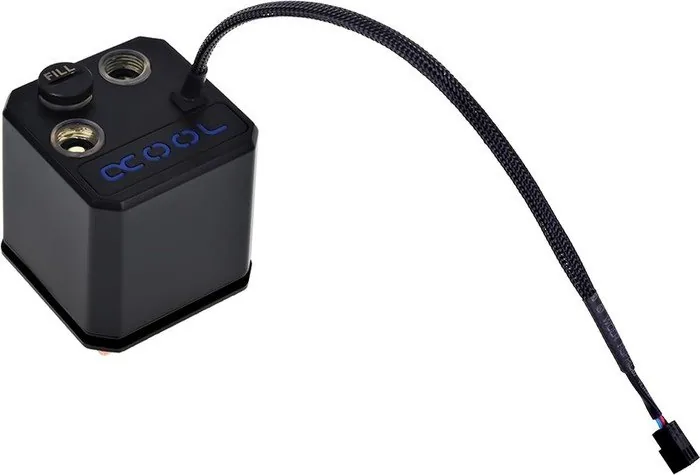
Plug the included 3-pin connector into a free fan header on your motherboard; this powers the pump and the illuminated logo. Note that a 3-pin connection provides basic power but limited software control compared with PWM.
Is this answer helpful?
The package includes mounting brackets for supported sockets, a backplate, various screws, springs and washers, thermal paste, a G1/4 screwplug, a small tool for the screw cap and a Digital RGB adapter when applicable.
Is this answer helpful?
Yes. The cooler’s Digital RGB adapter exposes a 3-pin male connector that allows you to connect additional Digital RGB LEDs, provided you use a compatible digital RGB controller to manage the lighting.
Is this answer helpful?
Advantages and Disadvantages
Advantages

- Serviceable design with refillable fill port and G1/4 screwplug for maintenance or loop integration.
- Broad socket compatibility covering LGA 115x/1200/1700/2066 and AMD AM4/AM5.
- Includes comprehensive mounting kit: brackets, backplate, screws, springs, washers and thermal paste.
- Digital RGB support with adapter enables synchronized lighting and additional LED daisy-chaining.
- Pre-filled AIO convenience combined with expandability for enthusiasts.
Disadvantages

- Requires manual hand-tightening; improper torque may risk uneven pressure or mounting issues.
- 3-pin pump connector limits software control compared with PWM or voltage-regulated pumps.
- Digital RGB controller sold separately for full lighting customization.
- Tube/fitting compatibility limited to connectors up to 18 mm diameter.
- Refilling or integration into custom loops may void typical AIO convenience expectations for some users.
Product Specification
Type
CPU
Material
Copper, Plastic
Compatibility
775, 1150, 1151, 1155, 1156, 1200, 1700, 2011-0, 2011-1, 2011-3, 2066, AM2, AM2+, AM3, AM3+, AM4, AM5, FM1, FM2, FM2+, TR4, sTRX4, sWRX8, SP3
Connections
G1/4"
Dimensions (LxWxH)
2.48x2.48x2.68in
Weight
1.20 lb
Special features
incl. pump
Product Description
Alphacool Eisbaer [Solo] — Compact, Customizable CPU Cooling
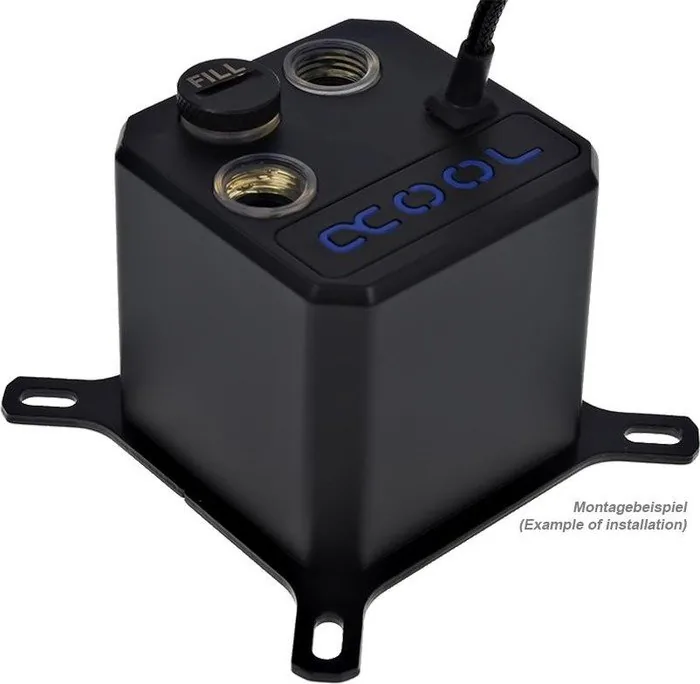
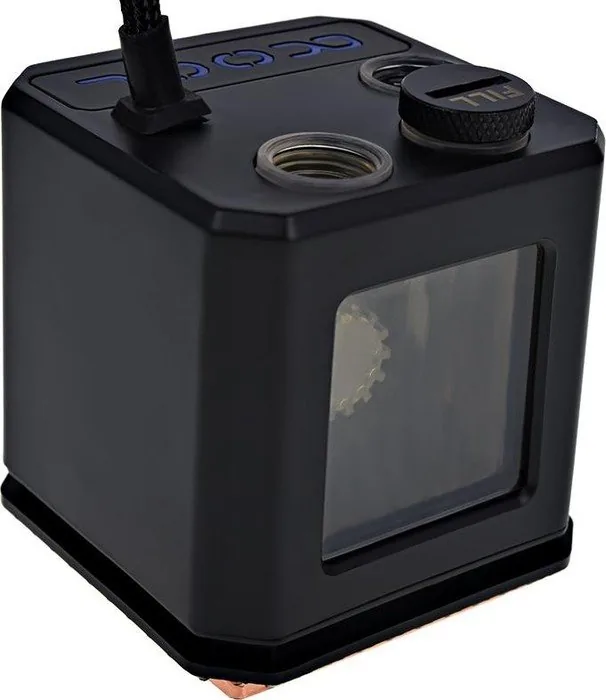
The Alphacool Eisbaer [Solo] is a compact all-in-one liquid CPU cooler designed for enthusiasts who want reliable thermal performance with modular expansion options. Featuring a prefilled loop and a serviceable refill port, the Eisbaer [Solo] blends ease of use with long-term maintainability. Its pump unit includes an illuminated logo and a three-pin connector for power, while a Digital RGB adapter allows integration with external RGB controllers for synchronized lighting.
Installation is straightforward and supports a wide range of modern sockets including LGA 115x, 1200, 1700, 2066 and AMD AM4/AM5. The package includes multiple brackets, screws, springs, washers, a backplate, thermal paste and a simple tool for the G1/4 screwplug. Alphacool’s instructions emphasize hand-tightening fasteners and careful CPU surface preparation: clean old paste, apply a pea-sized amount of new thermal compound and spread to a thin even layer for best contact.
Mechanically, the Eisbaer [Solo] uses pressure springs, washers and dedicated holders to secure the pump-block assembly across different sockets. The radiator and tubing accept connections with up to 18 mm diameter fittings and the fill port makes top-up maintenance possible. For RGB control, connect the supplied adapter to a compatible 3-pin digital RGB controller (e.g., Alphacool Aurora Eiscontrol) and daisy-chain additional Digital RGB LEDs if desired.
Beyond basic cooling duties, the Eisbaer [Solo] is positioned as a flexible platform: it ships ready to run but encourages user maintenance and expansion. The inclusion of a removable fill port and G1/4 screwplug means users can integrate the unit into larger custom loops or refill the sealed loop if needed. The documentation stresses safety, step-by-step mounting instructions for each socket type, and simple electrical hookups — plug the 3-pin pump connector into a free fan header to power the pump and lighting.
Notes:
- Supports LGA 115x/1200/1700/2066 and AM4/AM5 sockets.
- Includes mounting hardware, backplate, thermal paste and a G1/4 screwplug.
- Hand-tighten mounting screws; do not use tools for final tightening.
- Fill port available for refilling; use supplied tool to tighten the screw cap.
- Digital RGB requires a compatible controller for full lighting control.
Search for 67,706 Manuals online


Type-in Brand or Model
maria_k
10 months ago
Is the pump quiet in real use, and will it still cool a CPU/GPU loop if I run it at 7V with a 360mm radiator?
Manual.ly
10 months ago
Based on user reports, the pump is very quiet even in typical gaming/workloads, to the point that it is barely noticeable in cases like the Corsair 600C. One reviewer also runs the pump at 7V and reports stable temperatures (CPU staying cool under load) while pushing water through a 360mm radiator. If you want similar results, make sure your loop is properly filled and bled of air, radiator fans are set up correctly, and coolant flow is not restricted by incompatible fittings or tubing. For best stability, confirm your pump voltage range and match the power control (PWM/DC) to your setup.