
Alphacool Eisblock XPX CPU Modding Kit Manual
PDF manual · 28 Pages
English



Quick check
Incorrect answer, please try again.
Chat with your Alphacool Eisblock XPX CPU Modding Kit manual using AI
Get instant AI answers from your Alphacool Eisblock XPX CPU Modding Kit manual
Ask anything about the Alphacool Eisblock XPX CPU Modding Kit. Answers come from this manual, with the pages they are based on.
Ask a Question
Do you recommend Eisblock XPX CPU Modding Kit?
Yes NoFrequently Asked Questions
It is used to mount and customize the Alphacool Eisblock XPX CPU water block. The blue modding elements add a themed look while supporting stable CPU cooling on compatible Intel and AMD platforms.
Is this answer helpful?
The kit covers several Intel and AMD socket types, including common Intel layouts and multiple AMD mounting standards. Exact compatibility depends on the included brackets, backplate, and screws.
Is this answer helpful?
It includes the main mounting parts such as brackets, screws, washers, springs, caps, a backplate, and thermal grease. In some cases, additional loop components like hoses and coolant are needed separately.
Is this answer helpful?
Clean the CPU surface carefully, remove old paste with alcohol, then apply a small pea-sized amount of thermal grease. Spread it into a thin, even layer if needed for better coverage.
Is this answer helpful?
Yes, a 3-pin connector is used for the illuminated logo. The connection is only needed for the lighting feature, not for the cooling performance itself.
Is this answer helpful?
Yes, the design supports extra modding options. Separate kits can add matching caps, brackets, screw covers, and different logo inserts, letting you adjust the look after installation.
Is this answer helpful?
Advantages and Disadvantages
Advantages

- Supports a wide range of Intel and AMD sockets for flexible builds.
- Blue modding accents help create a clean, customized look.
- Includes mounting hardware and thermal paste for a complete setup.
- Can be expanded with optional color-matched modding accessories.
Disadvantages

- Installation requires careful handling and attention to screw tension.
- Some visual customization parts are sold separately.
- Users must follow CPU preparation steps closely for best results.
- Overtightening fittings may damage seals or affect loop integrity.
Product Specification
Type
Mount
Material
Aluminum, POM
Color
blue (matte)
Product Description
Alphacool Eisblock XPX CPU Modding Kit, Blue: Custom Cooling with Style
The Alphacool Eisblock XPX CPU Modding Kit, blue Manual presents more than simple installation steps—it highlights a cooler designed for users who want performance, clean aesthetics, and personalization in one package. At its core, the Eisblock XPX is a CPU water block built for modern Intel and AMD platforms, but what makes it stand out is the blue modding theme that lets builders give their system a sharper, more coordinated look.
The kit includes the essentials needed to mount the cooler securely, from brackets and backplates to screws, springs, washers, thermal grease, and protective caps. The installation approach is practical and flexible, covering multiple Intel sockets as well as AMD layouts, including systems that use a backplate and those that do not. That wide compatibility makes it a useful choice for enthusiasts who frequently upgrade or rebuild their rigs.
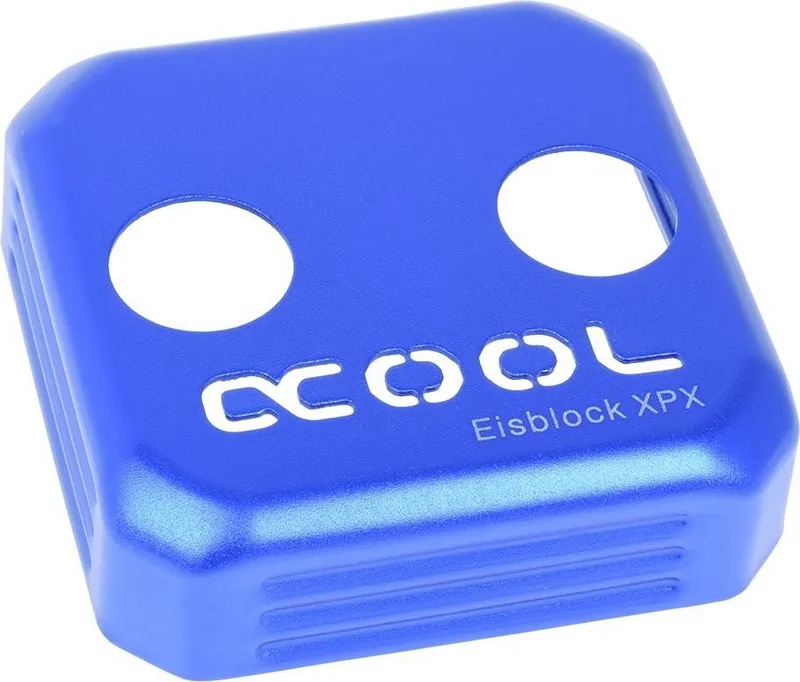
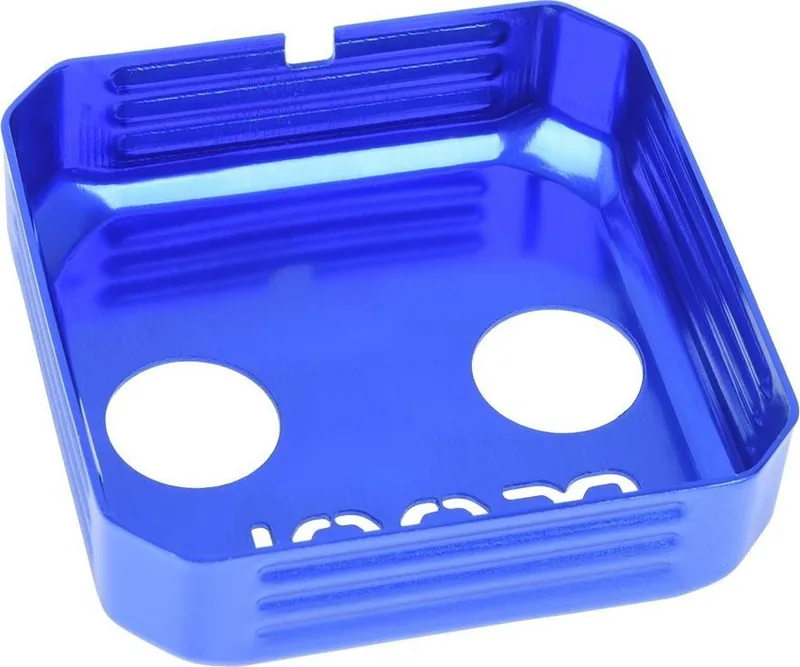
Beyond compatibility, the product focuses on thoughtful design. The internal structure is laid out to guide coolant flow efficiently across the copper base, while the top section and logo area add visual character. The blue modding elements are especially appealing for themed builds, allowing the cooler to blend with matching components or become a standout accent inside a windowed case. For many users, this balance of function and presentation is exactly what makes custom cooling rewarding.
The included instructions also emphasize careful preparation. Cleaning the CPU surface, applying thermal paste correctly, and tightening screws crosswise are all small but important details that help achieve reliable contact and safe operation. The manual repeatedly reminds users not to overtighten fittings or mounting hardware, which is a helpful touch for anyone assembling a loop for the first time.
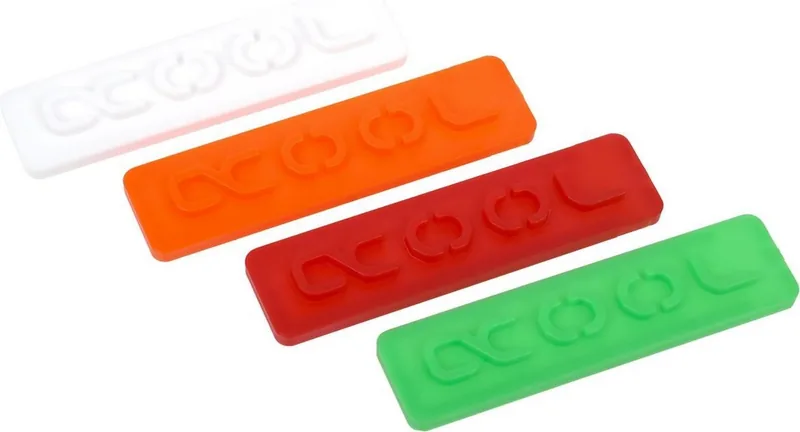
Another strong point is the modular nature of the design. The cooler can be customized further with separately available modding kits, including color-matched caps, brackets, screw covers, and logo inserts. That makes the Eisblock XPX less like a fixed product and more like a platform for personal expression. If you enjoy tuning the look of your PC as much as the temperatures, this cooler offers a satisfying amount of room to experiment.
Notes
- Check socket compatibility before starting the build.
- Apply thermal paste sparingly for the best contact.
- Tighten fittings carefully to avoid damaging seals.
- The illuminated logo connection is only needed for lighting.
- Modding accessories can expand the visual theme even further.
Search for 67,706 Manuals online


Type-in Brand or Model