
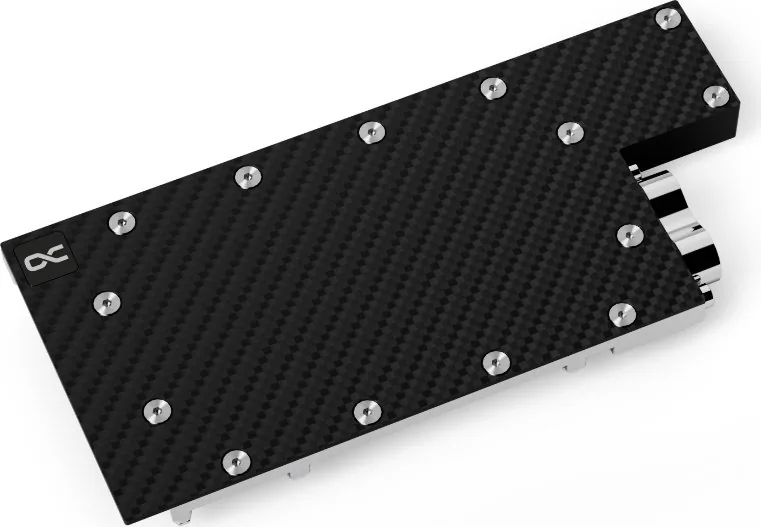
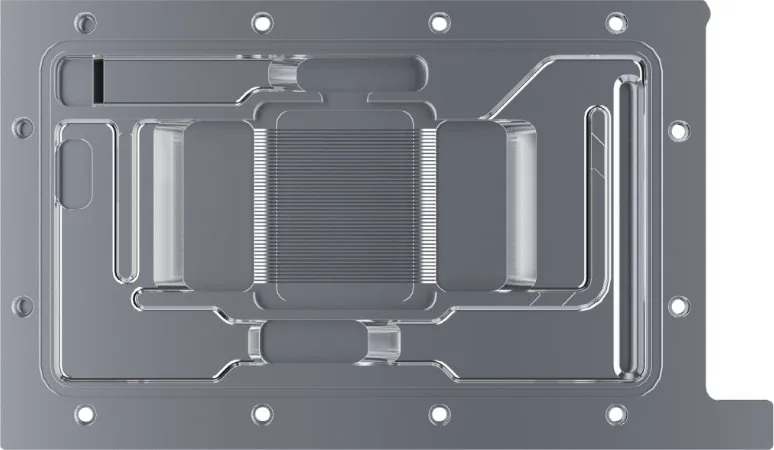
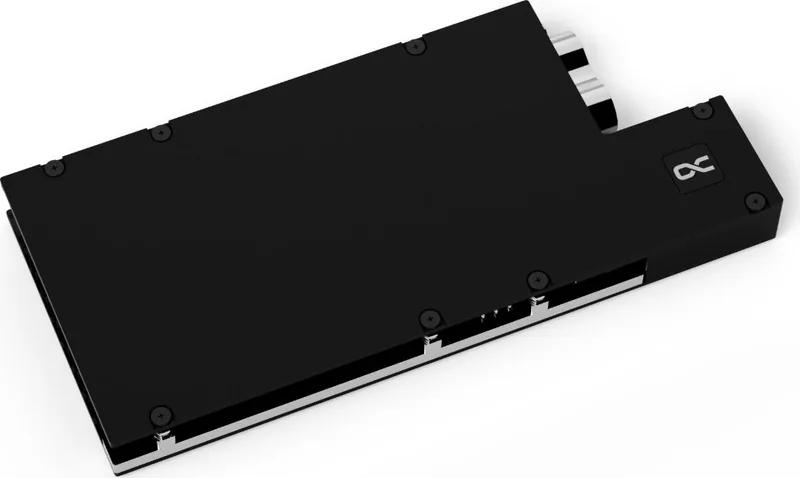
Alphacool ES RTX A4000 Manual
PDF manual · 4 Pages
English



Quick check
Incorrect answer, please try again.
Chat with your Alphacool ES RTX A4000 manual using AI
Get instant AI answers from your Alphacool ES RTX A4000 manual
Ask anything about the Alphacool ES RTX A4000. Answers come from this manual, with the pages they are based on.
Ask a Question
Do you recommend ES RTX A4000?
Yes NoFrequently Asked Questions
Yes, checking compatibility is critical. Manufacturers revise card designs, so the cooler might not fit later models. You must verify the PCB number against the configurator.
Is this answer helpful?
You need a putty tool, screwdriver, and isopropyl alcohol. The kit includes M2 screws and thermal greases needed for the process.
Is this answer helpful?
Use a solvent like isopropyl alcohol to remove old thermal paste or pad residues. Ensure the surface is clean for maximum efficiency.
Is this answer helpful?
Stop immediately and do not force it. Check the compatibility list on the official site again. Compare the PCB number.
Is this answer helpful?
No. Forcing parts can damage the motherboard or void the warranty. Check for clearance obstacles or incompatible PCB layouts first.
Is this answer helpful?
Alphacool International GmbH provides support. They are located in Germany with email and phone contact options available for users.
Is this answer helpful?
Yes. The guide emphasizes using original screws and GPU brackets to maintain structural integrity and proper fitment.
Is this answer helpful?
Advantages and Disadvantages
Advantages

- Comprehensive thermal pad kit included in the box
- Detailed guide ensures step-by-step installation success
- Backplate adds structural integrity to the card
- Antistatic warnings help protect sensitive components
- Uses original screws for better mounting stability
Disadvantages

- Strict compatibility check required due to PCB revisions
- Thermal glue removal poses risk of component damage
- Specific pad layout requires precise placement
- Higher card parts require extra clearance space
- Liability excluded for negligence during assembly
Product Specification
Type
GPU
Material
Copper (chrome-plated), Aluminum, Carbon
Compatibility
PNY RTX A4000
Connectors
G1/4"
Dimensions (LxWxH)
8.44x3.88x0.85in
Features
Voltage regulator cooled (GPU), inc. Backplate
Product Description
Enhancing your workstation with the Alphacool Enterprise ES RTX A4000
Upgrading graphics hardware in professional workstations requires precision and care for optimal performance. The Alphacool Enterprise ES RTX A4000 with Backplate stands out as a premium solution for cooling high-performance cards in demanding environments. Owners of this specific hardware benefit from a comprehensive Alphacool Enterprise ES RTX A4000 with Backplate Manual which guides every single step of the installation process. This extensive guide ensures that users avoid common pitfalls and errors associated with aftermarket cooling modifications completely.
Ensuring Compatibility
Before assembly begins, verifying compatibility is absolutely critical for success. The cooler was designed for a specific PCB layout to ensure maximum stability. Manufacturers occasionally revise their card designs slightly, which might render the cooler incompatible with later models. The manual advises checking the hardware model against the provider configurator at the designated website URL. It is vital to compare the PCB number for definitive identification before purchasing. During assembly, taller parts must have enough clearance, ensuring the cooler does not damage components on the card surface or surrounding areas.
Preparing the Graphics Card
Preparation involves placing hardware on a proper antistatic mat before starting work. Dismantle the original cooler carefully to avoid accidental damage. If thermal glue was used on the factory heatsink, extreme caution is required to prevent part detachment or board damage. Once removed, clean the hardware thoroughly of thermal paste or pad residues using a solvent like isopropyl alcohol. This step ensures maximum thermal transfer efficiency when applying new interfaces.
Installation and Safety
The kit includes specific thermal pads labeled alphabetically, along with a putty tool and multiple screws. Proper application of thermal grease and pads is essential for optimal performance and cooling capacity. The installation guide emphasizes using original screws and GPU brackets from the graphics card to maintain structural integrity. Safety is paramount when handling sensitive electronics. The manual starts with safety warnings to prevent accidental injury or equipment failure. Always handle the PCB gently and avoid static discharge. If the cooler does not fit, do not force it. Check the compatibility list on the official resource site again.
Support and Warranty
Alphacool International GmbH reserves no liability for negligence during assembly or wrong choices. However, they provide robust support contact details including email and phone lines for their German headquarters. Users should follow the instructions strictly to maintain warranty conditions and ensure system longevity. Proper manual adherence guarantees a successful upgrade path for professional rigs requiring sustained thermal performance under heavy load.
Search for 67,706 Manuals online


Type-in Brand or Model