
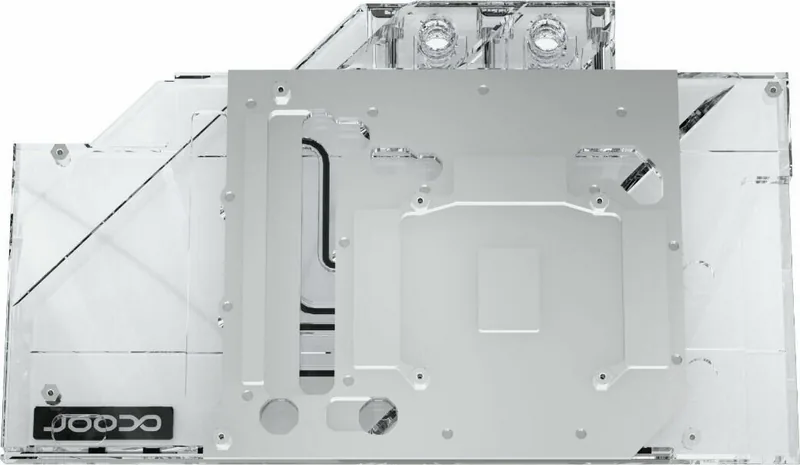
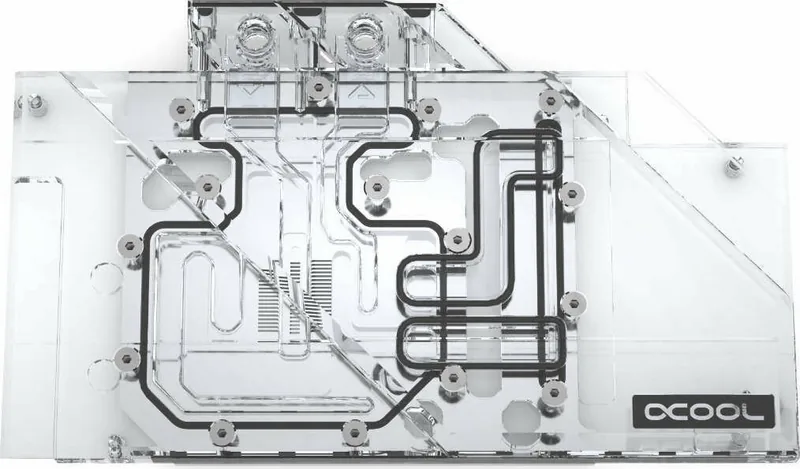
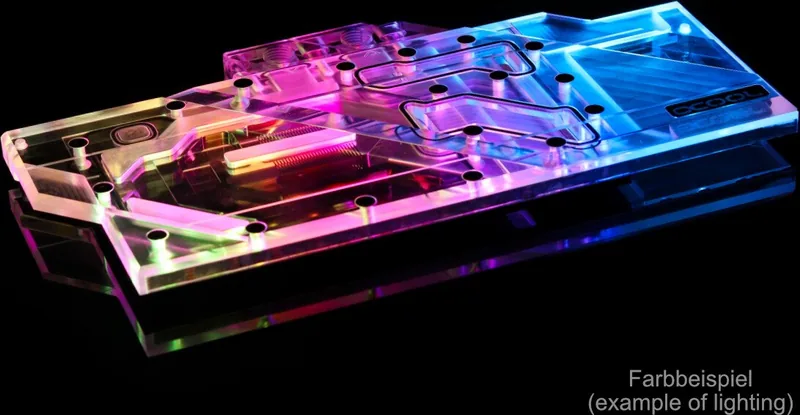
Alphacool Eisblock Aurora Acrylic GPX-A RX 5700/5700XT PowerColor Red Devil Manual
PDF manual · 5 Pages
English



Quick check
Incorrect answer, please try again.
Chat with your Alphacool Eisblock Aurora Acrylic GPX-A RX 5700/5700XT PowerColor Red Devil manual using AI
Get instant AI answers from your Alphacool Eisblock Aurora Acrylic GPX-A RX 5700/5700XT PowerColor Red Devil manual
Ask anything about the Alphacool Eisblock Aurora Acrylic GPX-A RX 5700/5700XT PowerColor Red Devil. Answers come from this manual, with the pages they are based on.
Ask a Question
Do you recommend Eisblock Aurora Acrylic GPX-A RX 5700/5700XT PowerColor Red Devil?
Yes NoFrequently Asked Questions
It is designed for AMD Radeon RX 5700 and RX 5700XT models using the PowerColor Red Devil layout. The block depends on the specific component arrangement, so compatibility can be affected by later PCB revisions.
Is this answer helpful?
The kit uses thermal pads placed on the copper block for surrounding components and a thin layer of thermal grease spread over the GPU. Cleaning with alcohol or a similar solvent helps ensure the surfaces are contaminant-free.
Is this answer helpful?
Apply a very thin, even layer, staying under about 1 mm. A thicker application may contaminate nearby components and reduce the cleanliness and effectiveness of the thermal interface.
Is this answer helpful?
Yes. After roughly 12 hours of GPU use, recheck and retighten the mounting screws crosswise in small increments. This helps maintain consistent pressure as components settle.
Is this answer helpful?
Use the included digital RGB adapter to connect to a 3-pin female connector and then to a compatible digital RGB controller (for example, an Alphacool Aurora Eiscontrol, not included). You can also connect additional digital RGB LEDs to the remaining 3-pin male header.
Is this answer helpful?
Use distilled water or ALPHACOOL CAPE KELVIN CATCHER in the loop. For a pressure-based leak test, keep water pressure at a maximum of 0.8 bar, and avoid tools on connectors where warned.
Is this answer helpful?
Never run the cooler without coolant flow. Dry operation can overheat the system and damage hardware. Also use sealed o-ring compatible connectors, avoid over-tightening plastic-linked threads with tools, and verify pump function when powering on.
Is this answer helpful?
Advantages and Disadvantages
Advantages

- Made specifically for AMD RX 5700/5700XT PowerColor Red Devil layouts, improving mounting accuracy.
- Clear acrylic Aurora design paired with a copper block for strong GPU thermal contact.
- Includes thermal pads, grease, 10x M2x5 screws, screw plugs, and a digital RGB adapter.
- Supports digital RGB control through a 3-pin adapter and optional additional LED connections.
- Emphasizes correct thermal interface by cleaning surfaces and placing pads as shown.
Disadvantages

- Requires careful alignment and clearance checks; minor card revisions can prevent proper fitment.
- Thermal paste and pad placement must be done correctly; paste thicker than about 1 mm can spread.
- Screw pressure must be managed (hand-tightening and a retighten after about 12 hours).
- Run-time safety is strict: never operate without confirmed coolant flow to avoid overheating.
- Leak-tightness testing and correct coolant type are required; improper fluids or sealing can cause issues.
Product Specification
Type
GPU
Material
Copper (nickel-plated), PMMA
Compatibility
AMD Radeon RX 5700, AMD Radeon RX 5700XT, PowerColor Radeon RX 5700 XT Red Devil Limited Edition, PowerColor Radeon RX 5700 XT Red Devil, PowerColor Radeon RX 5700 XT Red Dragon, PowerColor Radeon RX 5700 Red Devil
Connections
G1/4"
Lighting
LED (RGB)
Dimensions (LxWxH)
10.51x4.72x0.98in
Weight
2.62lb
Features
Voltage regulators cooled (GPU)
Product Description
Alphacool Ice Block Aurora Acrylic GPX-A AMD Radeon RX 5700/5700XT PowerColor Red Devil
The Alphacool Ice Block Aurora Acrylic GPX-A AMD Radeon RX 5700/5700XT PowerColor Red Devil Manual is a purpose-built water block designed to cool the AMD Radeon RX 5700 and 5700XT equipped with the PowerColor Red Devil layout. With its clear acrylic top, it is made for builders who want strong GPU cooling performance while also adding an eye-catching look to a custom loop.
Installation is guided by a component layout match, and the block is intended to fit the specific arrangement found on compatible Red Devil cards. That matters, because even minor PCB or accessory revisions from the graphics-card manufacturer can affect fitment. The block is also designed for a clean thermal interface: the mounting process uses thermal pads on the copper base for surrounding components and a thin thermal paste layer over the GPU itself.
Included accessories support a neat build. The kit provides multiple thermal pads in different sizes, thermal grease, 10x M2x5 screws for securing the card, screw plugs for unused ports, and a digital RGB adapter to integrate with an external controller. If you want lighting control, the digital-ARBG adapter connects to a 3-pin female header and can be paired with a compatible digital RGB controller, while additional LEDs can be attached to the remaining 3-pin male connector.
For dependable results, the thermal contact surfaces should be cleaned thoroughly, typically with alcohol, and pads must be placed after removing their protective foils. The thermal paste application should be thin, staying under a millimeter so you do not contaminate nearby areas. After mounting, screws should be tightened carefully, and then rechecked after roughly 12 hours of GPU use to maintain even pressure.
Key results (what you get)
- Direct-fit cooling for compatible RX 5700/5700XT PowerColor Red Devil layouts, reducing fitment guesswork.
- A copper base with pad and paste mapping to create a reliable thermal interface across GPU and surrounding parts.
- Digital RGB integration via included adapter for controllable lighting in supported setups.
- Accessories for closing unused ports to keep tubing planning tidy.
Key outcomes (what you must do)
- Avoid running the loop without coolant flow; dry operation can overheat and damage components.
- Use distilled water (or ALPHACOOL CAPE KELVIN CATCHER) and perform a leak-tightness test (loop pressure up to 0.8 bar maximum).
- Keep connectors sealed correctly with o-rings and prefer hand-tightening over tools unless explicitly required.
- Ensure tall components have clearance so the block does not interfere with the GPU PCB.
Notes
- Work on an antistatic surface and take care when removing the original cooler, especially if adhesive is involved.
- If the cooler is incompatible with your specific card revision, it may not mount correctly and can risk hardware damage.
Search for 67,706 Manuals online


Type-in Brand or Model
Lukas Richter
8 months ago
Will this graphics card cooler fit my GPU correctly, and is it noticeably quiet under load? Also, is overclocking (OC) possible?
Manual.ly
8 months ago
Yes. Customers report a perfect fit on their graphics cards and a solid, well-made installation. Under load, it is described as very quiet, maintaining low noise levels even during demanding use. As for performance tuning, reviews indicate overclocking (OC) is achievable. For best results, ensure your GPU model and cooler/bracket compatibility are correct before mounting, and follow the installation steps carefully (proper seating of the cooler and secure fastening). If you want to push OC further, start with conservative settings and test stability and temperatures under your typical workload.