
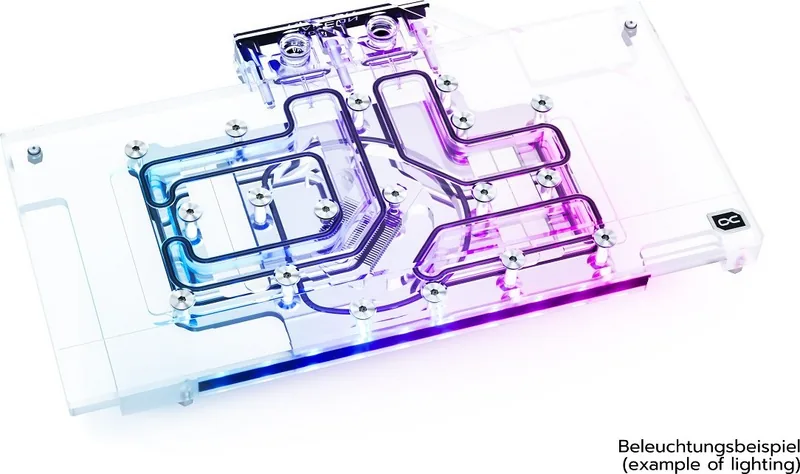
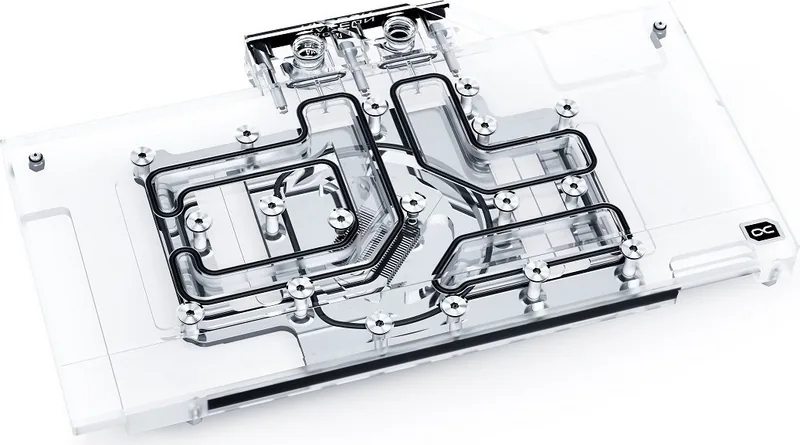
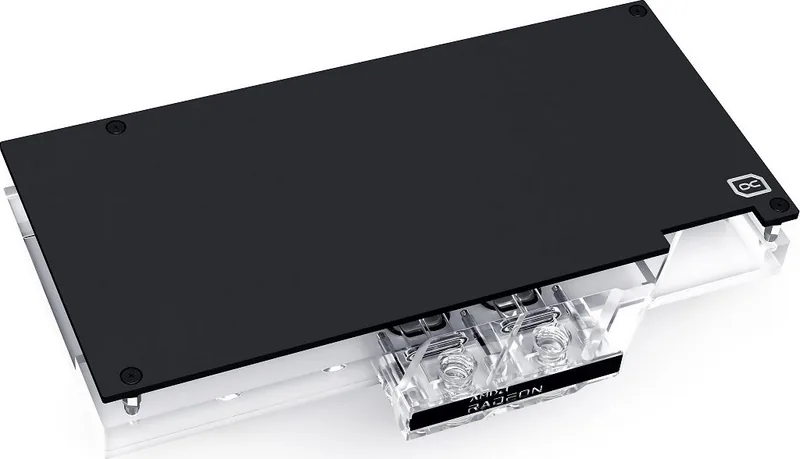
Alphacool Eisblock Aurora GPX-A RX 6000 Manual
PDF manual · 4 Pages
English



Quick check
Incorrect answer, please try again.
Chat with your Alphacool Eisblock Aurora GPX-A RX 6000 manual using AI
Get instant AI answers from your Alphacool Eisblock Aurora GPX-A RX 6000 manual
Ask anything about the Alphacool Eisblock Aurora GPX-A RX 6000. Answers come from this manual, with the pages they are based on.
Ask a Question
Do you recommend Eisblock Aurora GPX-A RX 6000?
Yes NoFrequently Asked Questions
No, you must check the specific PCB layout against the online configurator at hwconfig.com. Manufacturers sometimes change designs, which can make the cooler incompatible with newer revisions.
Is this answer helpful?
You will need screwdrivers for removing the stock cooler, isopropanol for cleaning, and the included plug tool. A plastic strip helps spread thermal paste evenly.
Is this answer helpful?
The box contains a digital-RGB adapter but not the main controller. You must purchase a separate controller like the Alphacool Aurora Eiscontrol to manage the lighting effects.
Is this answer helpful?
Remove the old cooler carefully, clean all residue with alcohol, and ensure the surface is dry. Apply a thin layer of thermal paste under one millimeter thick to avoid contaminating nearby parts.
Is this answer helpful?
Yes, the block has multiple inlet and outlet ports. Simply close any unused ports with the provided screw plugs to prevent leaks and connect your preferred tubing size.
Is this answer helpful?
Advantages and Disadvantages
Advantages

- Significantly reduces GPU temperatures compared to stock air coolers
- Compatible with Alphacool Aurora RGB ecosystem for unified lighting
- Includes comprehensive hardware kit with backplate and necessary screws
- High-efficiency copper base maximizes heat dissipation
- Allows for quiet operation by enabling large radiator setups
Disadvantages

- Requires complex installation involving full cooler removal
- Higher cost compared to standard air cooling solutions
- Compatibility issues may arise if PCB revision does not match
- Digital-RGB controller is not included in the package
- Risk of component damage if thermal paste or pads are applied incorrectly
Product Specification
Type
GPU
Connections
G1/4"
Features
Voltage converter with integrated cooling (GPU), including backplate
Product Description
Alphacool Eisblock Aurora GPX-A AMD Radeon RX 6000: The Ultimate Cooling Upgrade
The Alphacool Eisblock Aurora GPX-A is a premium water cooling solution designed specifically for AMD Radeon RX 6000 series graphics cards. This all-in-one block replaces the stock air cooler to deliver significantly lower temperatures and reduced noise levels, making it ideal for overclocking enthusiasts and silent PC builders. The unit features a high-quality copper base that ensures efficient heat transfer from the GPU and VRAM components.
Installation requires careful preparation of your graphics card. Users must remove the original cooler, clean off old thermal paste using isopropanol, and apply new pads and grease precisely. The kit includes a backplate, various screws, washers, and digital-RGB adapters for seamless integration into an Aurora lighting ecosystem. Before assembly, it is crucial to verify compatibility using the online configurator, as PCB revisions can affect fitment. Once installed, the block offers multiple inlet and outlet ports for flexible tubing connections, allowing for custom loop designs.
Key Features
The design prioritizes both performance and aesthetics. The digital-RGB lighting can be controlled via a dedicated controller (sold separately) to match your system theme. The included accessories cover all mounting needs, ensuring a secure fit without damaging sensitive components. Proper installation involves spreading a thin layer of thermal paste on the GPU and placing pre-cut thermal pads on memory chips.
Important Installation Notes
Always work on an antistatic mat to prevent static discharge damage. Handle glued coolers with extreme care to avoid tearing components. Ensure tall capacitors have clearance before finalizing the mount. Close unused inlets with provided plugs to maintain loop integrity.
Search for 67,706 Manuals online


Type-in Brand or Model