
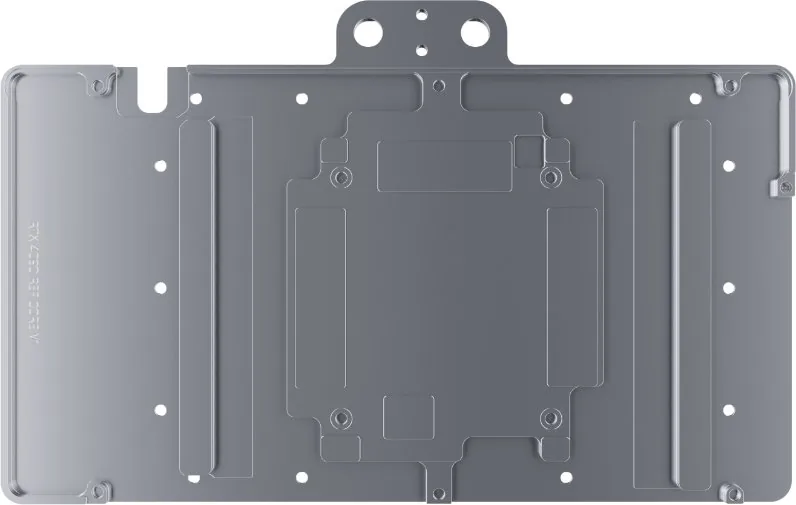
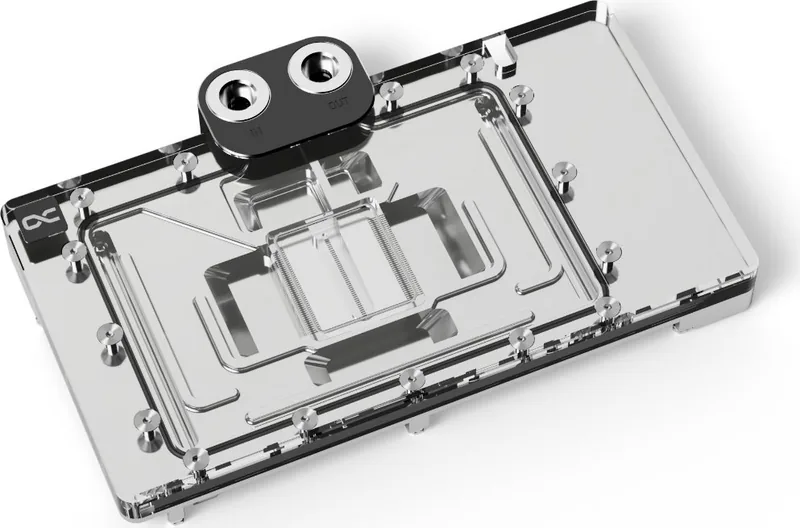
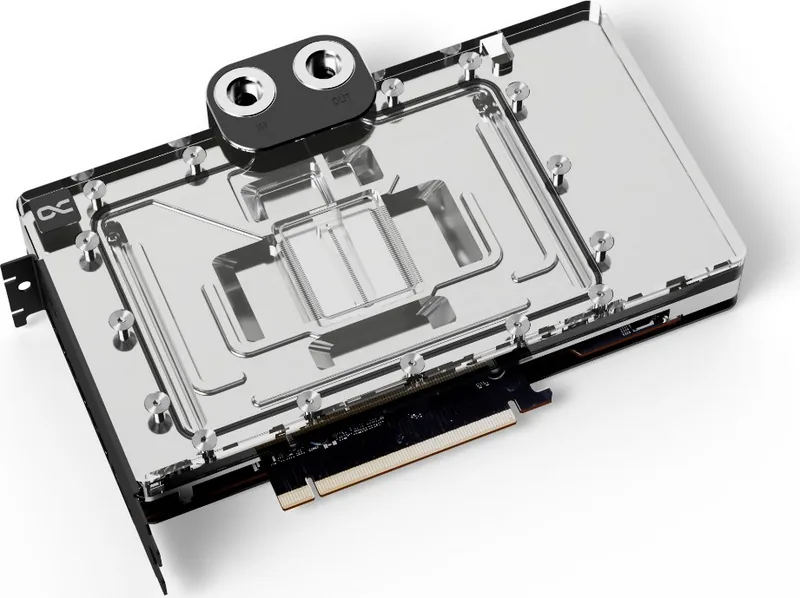
Alphacool Core NVIDIA GeForce RTX 4000 Series Manual
PDF manual · 4 Pages
English



Quick check
Incorrect answer, please try again.
Chat with your Alphacool Core NVIDIA GeForce RTX 4000 Series manual using AI
Get instant AI answers from your Alphacool Core NVIDIA GeForce RTX 4000 Series manual
Ask anything about the Alphacool Core NVIDIA GeForce RTX 4000 Series. Answers come from this manual, with the pages they are based on.
Ask a Question
Do you recommend Core NVIDIA GeForce RTX 4000 Series?
Yes NoFrequently Asked Questions
Compare your card with pictures in the online configurator or check the PCB number.
Is this answer helpful?
Work extremely carefully as you can easily damage parts when removing glued coolers.
Is this answer helpful?
You must remove thermal paste residues with a solvent like isopropanol alcohol for proper contact.
Is this answer helpful?
The kit contains various thermal pads, screws, putty tool, and ARGB adaptor.
Is this answer helpful?
Alphacool International GmbH is not liable for negligence during selection or assembly.
Is this answer helpful?
Yes, it includes G1/4 plugs compatible with standard plumbing in liquid loops.
Is this answer helpful?
Yes, the PCI bracket and backplate should be mounted to secure the unit.
Is this answer helpful?
Advantages and Disadvantages
Advantages

- Comprehensive thermal pad kit with many sizes for precise coverage
- Includes G1/4 plugs for easy liquid cooling loop integration
- ARGB adaptor allows for synchronized lighting effects
Disadvantages

- Compatibility depends on specific PCB revisions and layout
- Assembly requires careful removal of original stock cooler
- Manufacturer not liable for assembly errors or negligence
Product Specification
Type
GPU
Material
Copper (chrome-plated), PMMA
Connectors
G1/4"
Lighting
LED (RGB)
Features
Voltage regulator cooled (GPU), incl. Backplate
Product Description
Alphacool Core NVIDIA GeForce RTX 4000 Series Overview
Maintaining peak performance in high-end gaming systems relies heavily on effective thermal management strategies. The Alphacool Core NVIDIA GeForce RTX 4000 Series Manual serves as a critical resource for users undertaking complex hardware modifications. Compatibility is a major factor when considering this upgrade. You must compare your specific card against the provided pictures in the official online configurator available at the manufacturer website. Searching for your graphics card model or cooler type is the first step toward a successful project. Occasionally, manufacturers revise their PCB layouts, which might cause the cooler not to fit on later models perfectly. It is crucial to identify the PCB number for definitive identification during the selection process.
Once compatibility is confirmed, the assembly begins on an antistatic mat. Removing the original cooler requires patience. Depending on the structure, you must remove fan screws and unhook connectors carefully. If the original unit uses thermal glue, extra caution is needed to avoid ripping parts off the board. All small items should be picked up carefully to prevent loss or damage. Next, the hardware needs cleaning of thermal paste or pad residues using a solvent like isopropanol alcohol. This preparation step ensures a clean surface for new contact materials.
Placing the thermal pads on the cooling block and PCB backside is a precise task. Each pad type has specific dimensions and thicknesses tailored for different components. There are pads ranging from small 8x8mm to larger 15x15mm options. The kit includes screws, washers, and an adapter for ARGB lighting. Connecting the RGB feature allows synchronization with other system components. Mounting the PCI bracket and backplate secures the unit structurally. Security plugs are screwed in with a tool. If you need assistance, customer support is available via email or phone for technical inquiries.
Additional details within the instructions highlight the importance of checking component clearance. Taller parts on the board need sufficient space around them to avoid contact with the cooler block. During assembly, please ensure the cooler does not damage your graphics card in any way. The included accessories cover a wide range of needs. You get different sizes of thermal pads from A to O. There are also M2 screws of varying lengths for secure attachment. A 2x51x15x1mm pad is specified along with others. Precision engineering ensures the block aligns correctly with the GPU die. This alignment is vital for transferring heat away from the processor.
The guide warns that the manufacturer is not liable for errors due to negligence. Proper installation leads to better longevity and performance. It is a significant upgrade over stock cooling mechanisms found in many retail cards.
Search for 67,706 Manuals online


Type-in Brand or Model