
Alphacool Eisblock XPX Pro 1U Manual
PDF manual · 20 Pages
English



Quick check
Incorrect answer, please try again.
Chat with your Alphacool Eisblock XPX Pro 1U manual using AI
Get instant AI answers from your Alphacool Eisblock XPX Pro 1U manual
Ask anything about the Alphacool Eisblock XPX Pro 1U. Answers come from this manual, with the pages they are based on.
Ask a Question
Do you recommend Eisblock XPX Pro 1U?
Yes NoFrequently Asked Questions
It is a CPU water block for liquid cooling systems. Its compact 1U design makes it especially suitable for dense builds, server-style setups, and other projects where space is limited but cooling still matters.
Is this answer helpful?
The block supports a broad list of Intel and AMD platforms, including LGA 115x, 1200, 1700, 2066, 3647, 4189, AM4, AM5, TR4, sTRX4, sWRX8, and SP3, depending on the included mounting parts.
Is this answer helpful?
Yes. The inlet and outlet options can be combined in different ways, which helps with tube routing. The only stated limit is that compatible fittings must have a maximum diameter of 18 mm.
Is this answer helpful?
Yes, it includes a digital RGB adapter. To control the lighting, you need a compatible digital RGB controller, which is not included. Additional digital RGB LEDs can also be connected through the remaining connector.
Is this answer helpful?
No special tightening tools are recommended. The manual repeatedly says to tighten everything by hand only. That helps avoid over-tightening and keeps pressure on the CPU mount consistent.
Is this answer helpful?
Remove the protective film from the cooler base, clean old thermal paste from the CPU, and apply a small pea-sized amount of paste. Spread it into a thin, even layer before attaching the cooler.
Is this answer helpful?
Advantages and Disadvantages
Advantages

- Supports a wide range of Intel and AMD sockets for versatile builds.
- Compact 1U-friendly design suits space-limited systems.
- Flexible inlet and outlet layout helps with loop planning.
- Includes mounting hardware and a digital RGB adapter.
- Black finish gives the block a clean, professional appearance.
Disadvantages

- Installation requires careful hand-tightening only, with no tools.
- Connection fittings are limited to a maximum diameter of 18 mm.
- RGB control needs a separate compatible controller.
- Setup includes several steps, such as film removal and paste prep.
Product Specification
Type
CPU
Material
Copper (nickel-plated), Aluminum, POM
Compatibility
2011-0, 2011-1, 2011-3, 2066, 1700, 3647-Narrow-ILM, 4189, AM4, AM5, TR4, sTRX4, sWRX8, SP3
Connections
G1/4"
Dimensions (LxWxH)
3.11x2.52x1.02in
Weight
0.45lb
Special features
1U compatible
Product Description
Alphacool Eisblock XPX Pro 1U, Black: Compact Cooling for Demanding Builds
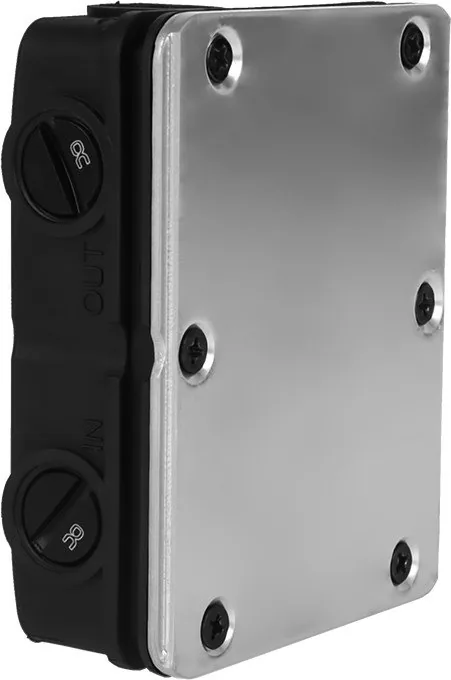
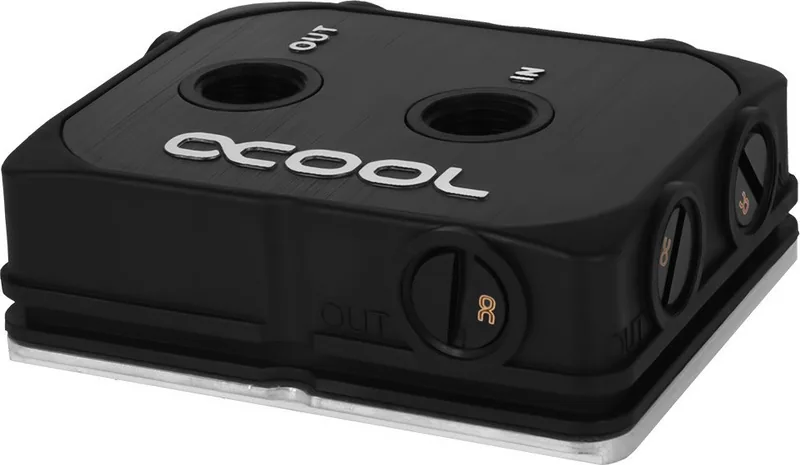
The Alphacool Eisblock XPX Pro 1U in black is a purpose-built CPU water block made for systems where every millimeter matters. Its low-profile form factor is especially relevant for compact server and workstation environments, while the black finish gives it a clean, understated look that fits into professional builds just as easily as a custom loop showcase. This is a cooler designed to do the practical work well: bring efficient water cooling to a wide range of modern platforms without unnecessary bulk.
What stands out most is how flexible the mounting support is. The package covers a broad mix of Intel and AMD sockets, including popular desktop and high-end workstation options. That makes the block attractive for users who build across different platforms or want one cooling solution that can adapt to future hardware changes. The installation approach is also thoughtfully organized, with dedicated brackets, screws, springs, nuts, washers, and a backplate depending on the socket type.
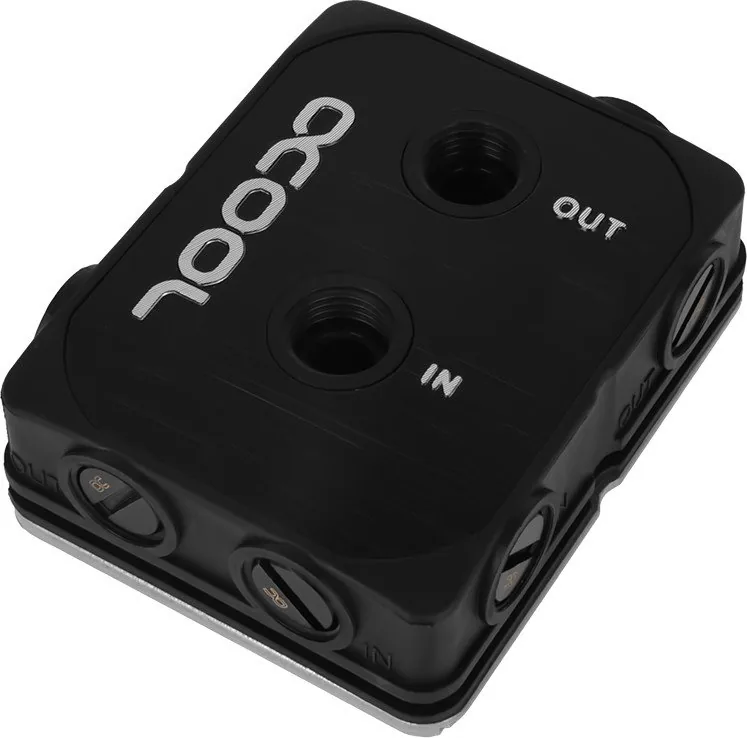
The manual also shows that Alphacool paid attention to real-world plumbing. The inlet and outlet layout can be combined in multiple ways, and the connection options support fittings up to 18 mm in diameter. That extra freedom helps simplify loop planning, especially in cramped chassis where tube routing is often the hardest part of the build. For users who want lighting, the included digital RGB adapter adds another layer of customization without forcing it on the design.
Thermal preparation is straightforward, but it rewards careful work. The instructions emphasize removing the protective film, cleaning the processor surface properly, and applying thermal paste in a thin, even layer. Mounting should be done by hand only, which reinforces the idea that precise pressure matters more than aggressive tightening. In other words, this cooler is built for people who appreciate controlled installation and dependable contact quality.
Why it stands out
The Eisblock XPX Pro 1U feels like a strong match for compact systems that still need serious cooling potential. It combines broad socket coverage, practical mounting hardware, and thoughtful connectivity in a design that stays compact and professional. For builders looking for a reliable black CPU block with a server-friendly footprint, it offers a balanced mix of performance-oriented engineering and installation convenience.
Notes
- Read the safety instructions before installation.
- Use only hand-tightening during mounting.
- Remove the protective film from the cooler base before use.
- Keep thermal paste application thin and even.
- Compatible fittings are limited to a maximum diameter of 18 mm.
Search for 67,706 Manuals online


Type-in Brand or Model
marine85
7 months ago
Does the included thermal paste seem usable, and will I get enough of it? Mine looks like it was already used and the tube is almost empty.
Manual.ly
7 months ago
The paste quality can vary by batch, but you should always check the tube seal and consistency before applying. If the paste looks like it has been used, is too dry, or the tube is nearly empty, we recommend using your own trusted thermal paste instead. For installation: clean the CPU and cooler base with isopropyl alcohol, let them dry, apply a small pea-sized amount (or a thin, even spread if your paste calls for it), then mount the cooler and tighten screws evenly. This will ensure good thermal contact regardless of what came in the box.