
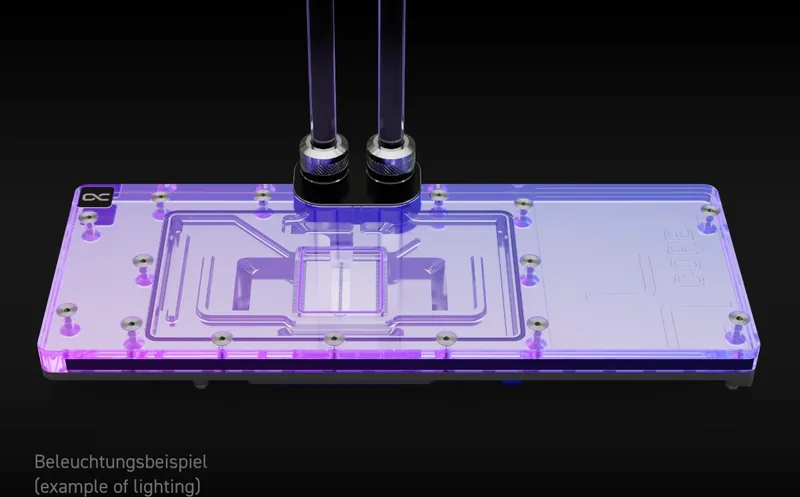
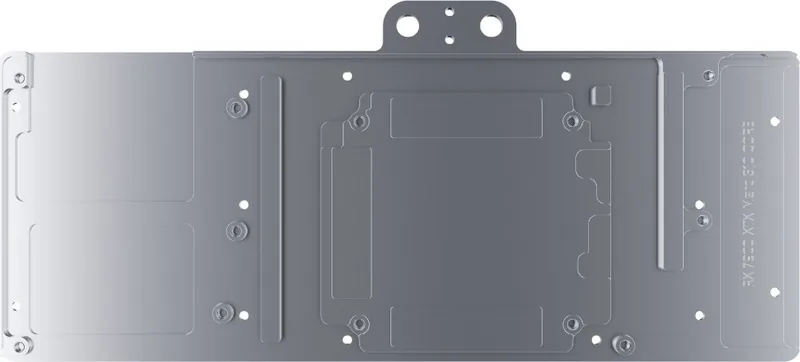
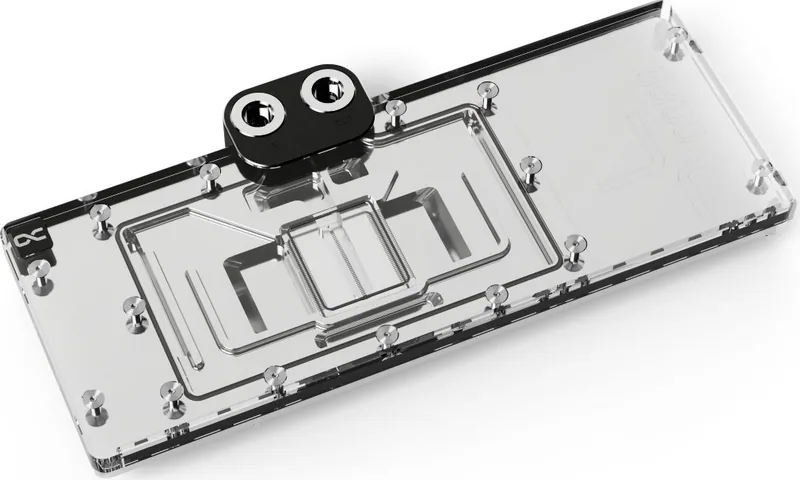
Alphacool Core AMD RX 7000 Series Manual
PDF manual · 4 Pages
English



Quick check
Incorrect answer, please try again.
Chat with your Alphacool Core AMD RX 7000 Series manual using AI
Get instant AI answers from your Alphacool Core AMD RX 7000 Series manual
Ask anything about the Alphacool Core AMD RX 7000 Series. Answers come from this manual, with the pages they are based on.
Ask a Question
Do you recommend Core AMD RX 7000 Series?
Yes NoVideo Manual
Cheap vs. Expensive thermal paste #shorts
Frequently Asked Questions
Check your PCB number on the configurator website before purchase. This ensures the cooler fits the specific card revision. Failure to do so may result in fitment issues.
Is this answer helpful?
No, you must clean it off with alcohol and apply new pads. Cleaning is essential for maximum thermal conductivity.
Is this answer helpful?
Yes, an adapter connects the cooler to your RGB headers. This allows synchronized lighting effects with the rest of your system.
Is this answer helpful?
Screwdriver, putty tool, plug tool, and thermal grease are provided. These simplify the installation process and ensure security.
Is this answer helpful?
Ensure clearance around the card to prevent damage during assembly. Taller parts must not touch the cooler block.
Is this answer helpful?
Manufacturer excludes liability for installation negligence. Select compatible parts to maintain safety and eligibility for support.
Is this answer helpful?
New M2 screws are provided with the kit for secure mounting. Re-use is not recommended for optimal performance.
Is this answer helpful?
Advantages and Disadvantages
Advantages

- Comprehensive mounting kit with specialized tools included.
- Designed for specific PCB layouts ensuring optimal fit.
- Includes ARGB adapter for synchronized lighting effects.
- Backplate included for structural support and aesthetics.
- Detailed instruction guide reduces installation errors.
Disadvantages

- Complex installation process requires technical knowledge.
- Risk of incompatibility with revised PCB layouts.
- Original glue residue can damage components if removed carelessly.
- Liability excludes issues from user negligence or errors.
- Requires specific cleaning solvent for paste removal.
Product Specification
Type
GPU
Material
Copper (chromed), PMMA
Connectors
G1/4"
Lighting
LED (RGB)
Features
Voltage regulator (GPU cooled), incl. Backplate
Product Description
Alphacool Core AMD RX 7000 Series Manual Overview
Achieving optimal thermal performance requires precise hardware selection and careful assembly. The Alphacool Core AMD RX 7000 Series Manual guides enthusiasts through a transformative cooling experience. This solution targets high-performance graphics cards capable of generating significant heat during gaming or rendering tasks. Optimizing heat dissipation is vital for overclocking enthusiasts seeking better benchmarks. Managing this thermal load ensures longevity and sustained performance levels. Users benefit from a dedicated system designed for specific board layouts found in modern hardware. The kit provides everything needed for a successful upgrade without relying on stock cooling solutions.
Proper preparation is critical before beginning any physical work. Always verify compatibility by checking the PCB number against official configurators. It is important to identify the PCB number accurately for definitive identification. Manufacturers sometimes change internal layouts, causing fitment issues with cooler blocks. Safety instructions emphasize avoiding damage to taller parts. Work on an antistatic mat to protect sensitive electronic components. Remove original cooling assemblies with extreme caution. Many modern cards use thermal glue which can damage underlying components if forced. Clean all old paste residues thoroughly using isopropanol alcohol. This step ensures maximum thermal conductivity when applying fresh materials.
The included hardware kit streamlines the entire process significantly. A specialized screwdriver and putty tool are provided for disassembly and application. Tools like plug tools simplify the connection process for users. Thermal pads of various sizes cater to different VRAM and chip configurations specifically. The EVA washers ensure proper spacing between the hardware and the cooler. A backplate adds structural rigidity and improves airflow dynamics across the board. An ARGB adapter allows synchronization with existing system lighting setups for visual appeal. Ensure taller components have sufficient clearance around the cooler block to prevent physical interference and damage during the process. Secure all connections tightly to ensure stability during operation and heavy loads. The screw plugs provide a polished look while protecting screw threads from dust.
User liability remains a key consideration during installation choices and preparation. Contact Alphacool support if technical issues occur during setup. The manufacturer does not accept responsibility for errors arising from negligence or incompatible model selections based on hardware availability. Selecting the correct variant based on your specific card model prevents frustration and potential damage to expensive components. Always inspect parts before final placement to ensure quality standards are met. This comprehensive approach guarantees a safe environment for your investment in modern technology. Following these protocols leads to a reliable and silent cooling environment for your rig.
Notes: Check hardware carefully. Verify PCB revisions first.
Search for 67,706 Manuals online


Type-in Brand or Model